
3Q Video vs. Flipgrid
| Product | Rating | Most Used By | Product Summary | Starting Price |
|---|---|---|---|---|
 3Q Video | N/A | Enterprise companies (1,001+ employees) | 3Q Video is a European enterprise video platform operated by 3Q GmbH in Munich. It is built for organisations that need to control where their video data is stored and processed: media companies and broadcasters, corporate communications teams, education and public-sector bodies, and event and OTT providers in compliance-driven markets. European data sovereignty Unlike vendors that rent capacity from US hyperscalers, 3Q owns its full video… | N/A |
 Flipgrid | Score1 out of 10 | N/A | Flipgrid is a video learning platform, acquired by Microsoft in 2018. | N/A |
| 3Q Video | Flipgrid | |||||||||||||||
|---|---|---|---|---|---|---|---|---|---|---|---|---|---|---|---|---|
| Editions & Modules |
| No answers on this topic | ||||||||||||||
| Offerings |
| |||||||||||||||
| Entry-level Setup Fee | Optional | No setup fee | ||||||||||||||
| Additional Details | 3Q is priced in euros on a modular, pay-as-you-go basis with no base fee: customers pay for the capacity they use and add modules as needed. A 7-day free trial is available with access to all core modules. Enterprise is quoted on request, with tailored packages and terms, volume pricing, and enterprise features such as SSO/SAML, premium network and eCDN, SLA-backed support, and professional services. For larger or more complex projects, Enterprise Fast Track is a direct line to 3Q's business team. Current pricing is published at 3q.video/en/pricing/packages. | — | ||||||||||||||
| More Pricing Information | ||||||||||||||||
| 3Q Video | Flipgrid | |||||||||||||||||||
|---|---|---|---|---|---|---|---|---|---|---|---|---|---|---|---|---|---|---|---|---|
| Video Marketing |
| |||||||||||||||||||
| Video Platform Integrations |
| |||||||||||||||||||
| Video Security |
| |||||||||||||||||||
| Video Player |
| |||||||||||||||||||
| Video Analytics |
| |||||||||||||||||||
| Video Hosting, Management & Storage |
| |||||||||||||||||||
| Video Engagement |
| |||||||||||||||||||
| 3Q Video | Flipgrid | |
|---|---|---|
| Small Businesses |  Vidyard Score8.2 out of 10 | Vidyard Score8.2 out of 10 |
| Medium-sized Companies | Vidyard Score8.2 out of 10 | Vidyard Score8.2 out of 10 |
| Enterprises |  Panopto Score7.5 out of 10 | Panopto Score7.5 out of 10 |
| All Alternatives | View all alternatives | View all alternatives |
| 3Q Video | Flipgrid | |
|---|---|---|
| Likelihood to Recommend | - | 9.0 |
| Usability | - | 10.0 |
| Availability | - | 10.0 |
| Performance | - | 10.0 |
| Support Rating | - | 10.0 |
| Product Scalability | - | 10.0 |
| 3Q Video | Flipgrid | |
|---|---|---|
| Likelihood to Recommend | No answers on this topic |
|
| Pros | No answers on this topic |
|
| Cons | No answers on this topic |
|
| Usability | No answers on this topic |
|
| Reliability and Availability | No answers on this topic |
|
| Performance | No answers on this topic |
|
| Support Rating | No answers on this topic |
|
| Alternatives Considered | No answers on this topic |
|
| Scalability | No answers on this topic |
|
| Return on Investment | No answers on this topic |
|
| ScreenShots | 3Q Video Screenshots 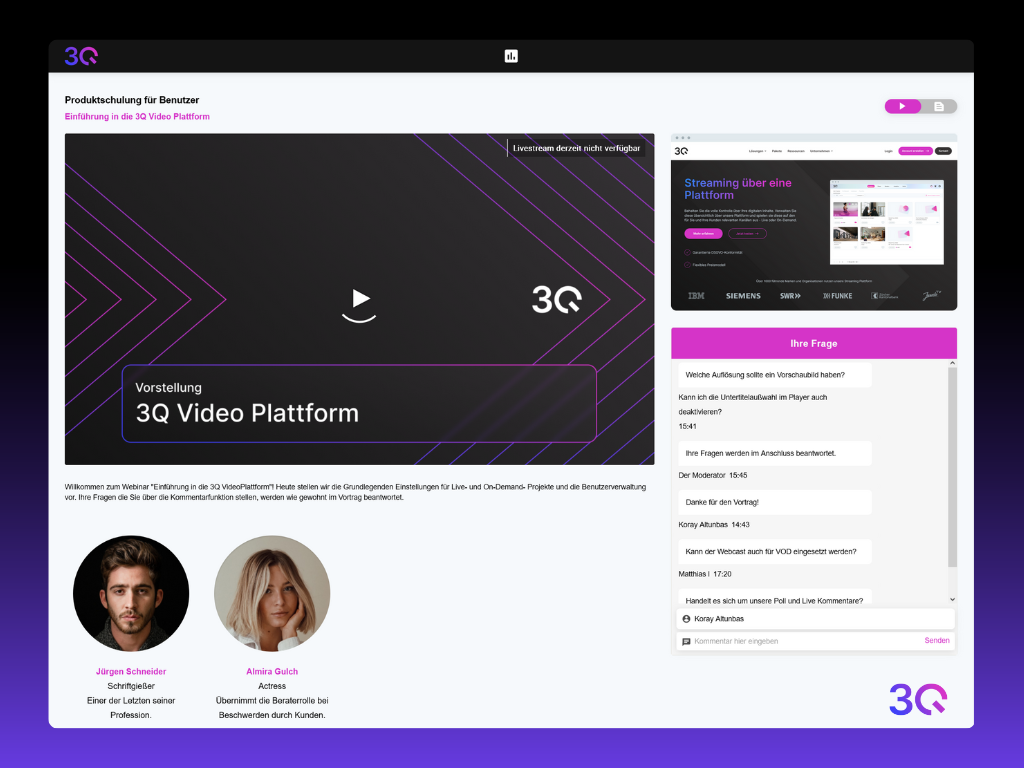 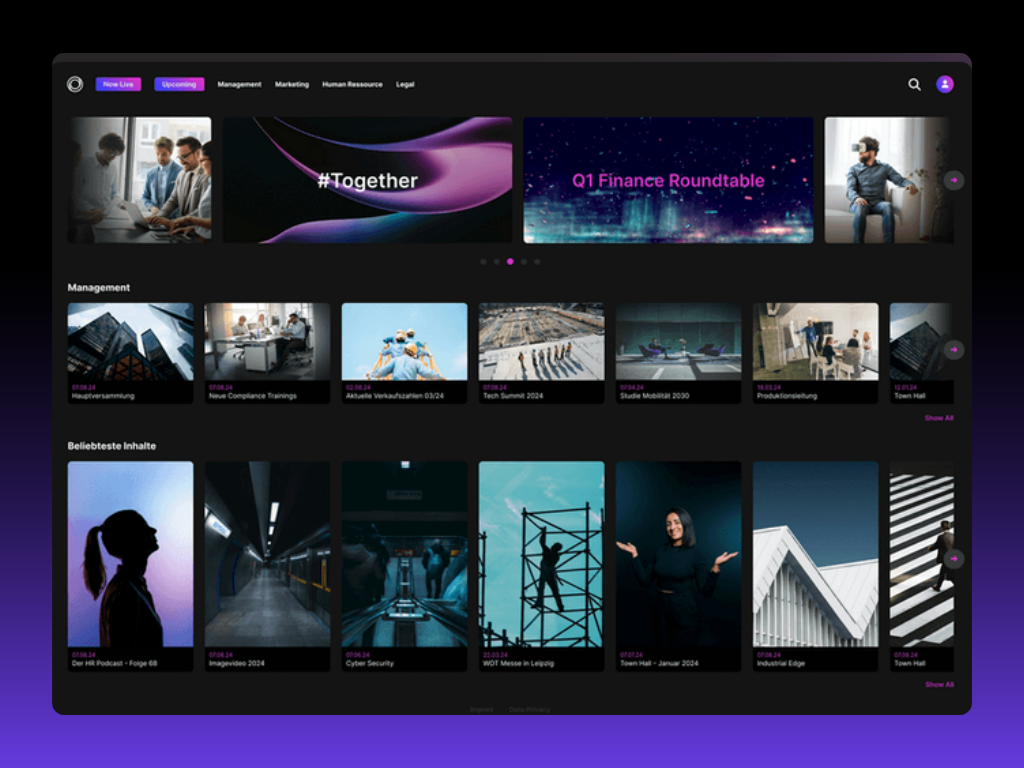  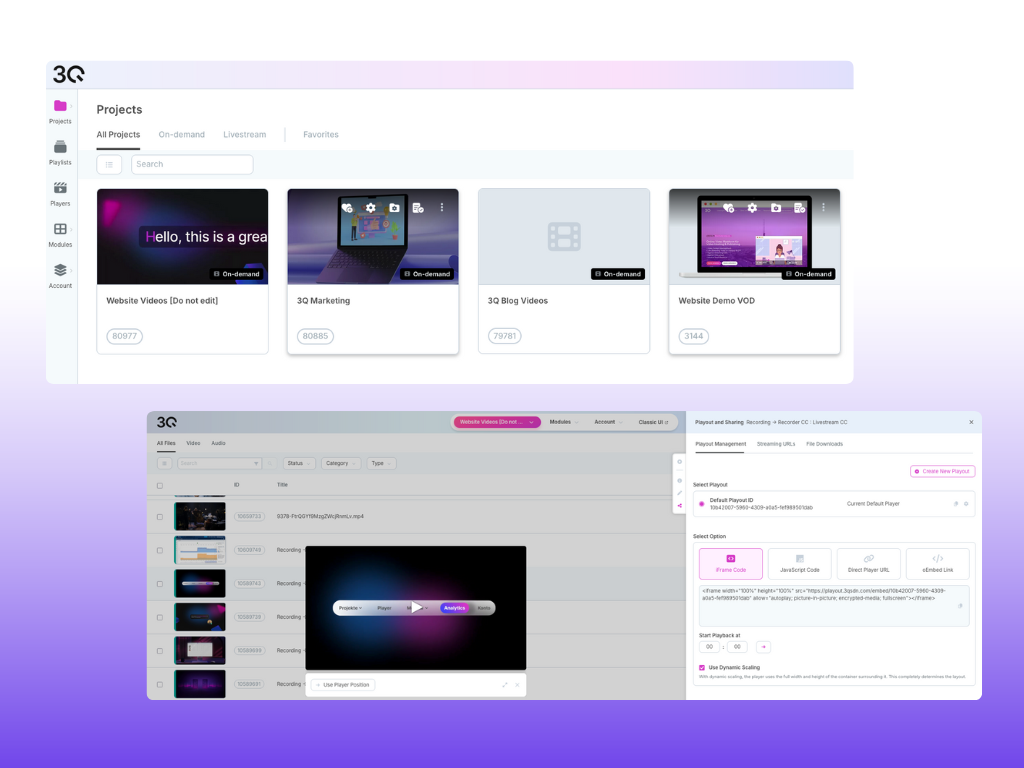  |
