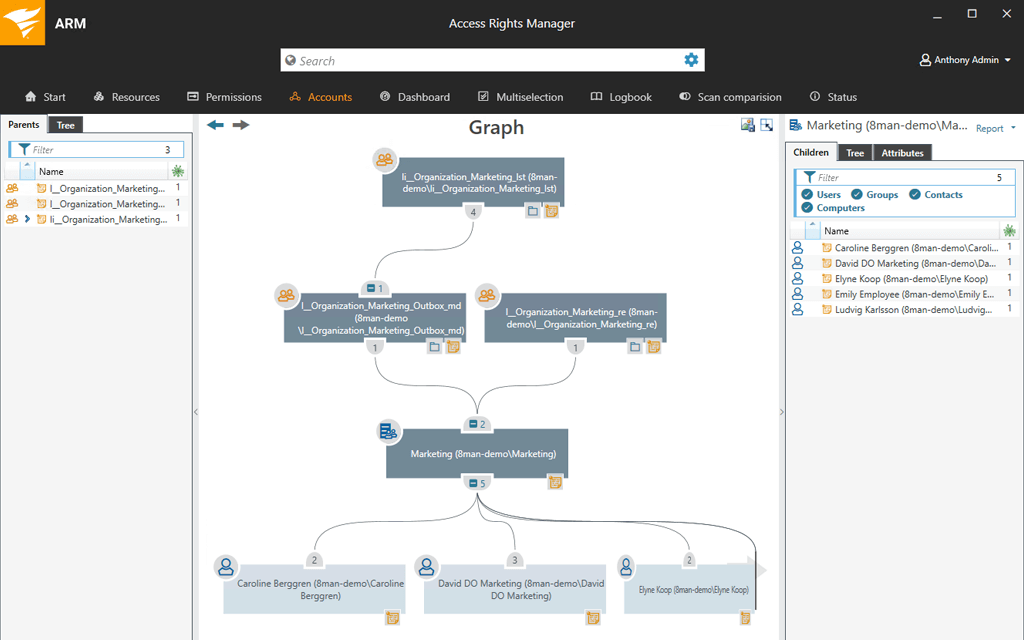
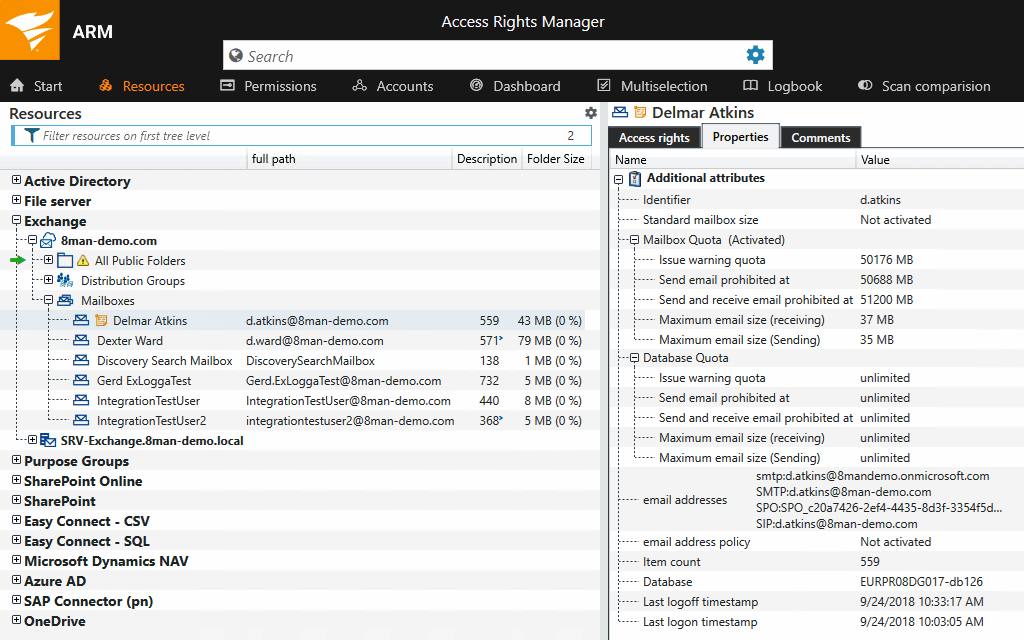
SolarWinds Access Rights Manager (ARM) is designed to assist IT and security admins to quickly and easily provision, deprovision, manage and audit user access rights to systems, data, and files. By analyzing user authorizations and access permission you get visualization of who has access to what and when they accessed it. Demonstrate compliance with most regulatory requirements with customized reports. Provision and deprovision users using…
N/A
ThreatLocker
Score 9.4 out of 10
N/A
ThreatLocker Inc. is a security platform used to stop misuse and vulnerable software as well as control application elevation, storage and network traffic.
N/A
Pricing
SolarWinds Access Rights Manager (ARM)
ThreatLocker
Editions & Modules
No answers on this topic
No answers on this topic
Offerings
Pricing Offerings
SolarWinds Access Rights Manager (ARM)
ThreatLocker
Free Trial
Yes
Yes
Free/Freemium Version
No
No
Premium Consulting/Integration Services
No
No
Entry-level Setup Fee
No setup fee
No setup fee
Additional Details
—
Contact vendor for pricing information.
More Pricing Information
Community Pulse
SolarWinds Access Rights Manager (ARM)
ThreatLocker
Features
SolarWinds Access Rights Manager (ARM)
ThreatLocker
Endpoint Security
Comparison of Endpoint Security features of Product A and Product B
It [SolarWinds Access Rights Manager (ARM)] is well suited for small to medium sized companies who want to enhance and ease up their daily work. As well as it is suited for organized structures, it has its problems with very complex environments. For example, if you are working with direct and multiple permissions instead of having more granular group based permissions.
Threatlocker does exactly as it advertises. I would recommend it to anyone seeking a comprehensive solution for managing software approvals. It is also very easy to use with an online support team, or Cyberheros, as they call it, that is very quick and responsive. The preset programs are also a nice touch, making deployment easy.
Licensing model when we changed over to SolarWinds was [I feel] a nightmare. It needs to be more streamlined and SolarWinds needs to understand what their customers require. When we changed over to SolarWinds we found it very hard to get answers to what modules we were still licensed for.
Our current system is not functioning. We can't login to the application with the accounts we created that were working. The error that appears doesn't help to resolve it. So at present we just renewed licenses for this year and we can't use the system.
When running the Unified Audit, I like to use certain filters. I wish there as a way to save those filters, so I don't have to select them every time I do a Unified Audit.
ThreaLocker has done its job and has prevented malware from executing. It has stopped an encryption process once already. It has kept a user from going to a bad website. He tried twice and was wondering why he was getting an error message from ThreatLocker and ESET both.
SolarWinds ARM improved the data access for the organization and it saved time and money by providing accurate data for access rights when it expired to avoid unauthrized access. The solution helped the staff to grant access to users and manage them propely by using the great and friendly interface
Technician and Analyst alike will love this tool as long as they learn to use it. They have fantastic study material that breaks everything down on it where to find settings and how to best manage the tool. End users are the only complaints we get only because they sometimes don't understand that installing a PDF convertor that is labeled as Free on the internet isn't always in their best interest.
You can email, call or do online chat with tech support. I love their online chat. They are quick and friendly. Also, if you need to show them something, you can give the chat technician permission from your Chat box to allow the tech access to your computer. They also can pull out your admin console on their side. They can look at your "Unified Audit" log and see the same thing that you can. They have a good KnowledgeBase that you can look for answers. They have what is called "ThreatLocker University" where you can go through tutorials and take tests.
The owners and co-founders work with you through Zoom Meetings. They walk you through how to use and setup ThreatLocker. They also have webinars. You also can go through ThreatLocker University online training.
Using ThreatLocker University online training is very easy and informative. You take online tests to see how well you learned the material. It is great!
It was my first exposure to this type of product and I wasn’t given the time to figure out how best to implement it. I would say get a plan together of what you are tying to accomplish first
ThreatLocker is a family ran business. The owners, co-founders work with you to ensure you are up and running as quickly as possible. They went to ensure your success with ThreatLocker.
I found the installation and configuration to be much easier and more straightforward. What also assisted in the decision to go with Access Rights Manager, was the fact we already made use of Solarwinds products. Knowing from previous experiences with their support staff, meant we knew how great their after-hours support was whenever we had any technical issues with the platform. We felt it would be better to keep it all under one roof so to speak
Prior to buying ThreatLocker, we evaluated Tanium's whitelisting module. We felt that ThreatLocker's method of baselining existing applications and comparing them to known IoC's made for an easier implementation. To be fair, this was solely based on demonstrations by each vendor and not by actual PoC's. The implementation for ThreatLocker went smoothly and we have very few issues with the product that require support intervention. When support is needed, it is readily available via chat.
ThreatLocker is very easy to add new ThreatLocker agents on computers and servers. It is very easy to do. You can install an agent on a computer or server in about 2 minutes or less.