Adobe XD is a prototyping and UX/UI option for website and mobile application design, featuring a range of UI tools and and templates, a versatile artboard and contextual layer panels, and deep integration with Adobe's creative suite of products for fast import of objects from these applications.
$33.99
per month per license
ConceptDraw MINDMAP
Score 4.1 out of 10
N/A
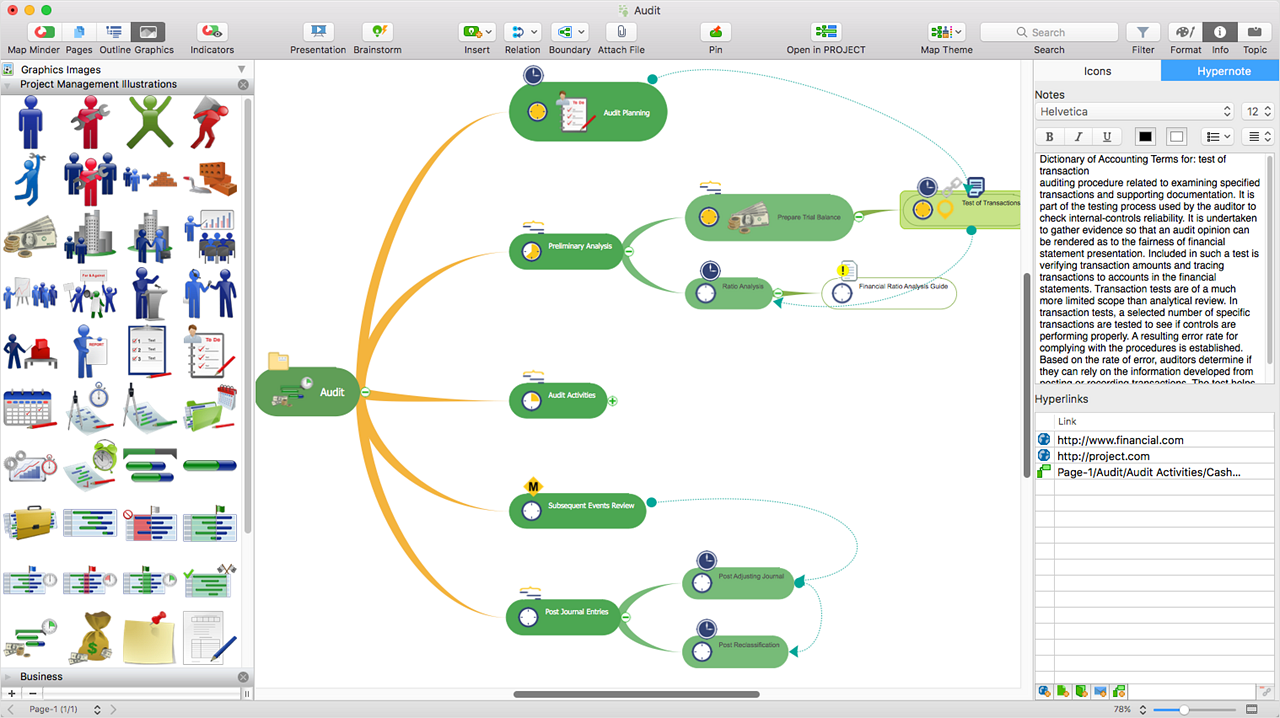
ConceptDraw MINDMAP is l mind mapping software application that can also resolve tasks for project management. According to the vendor, multiple shortcuts help users create new topics, re-arrange
them and highlight important points, and export to various
file formats. Enrich your mind map with in-built visual…
N/A
Pricing
Adobe XD
ConceptDraw MINDMAP
Editions & Modules
Individual
$9.99 ($119.88)
per month (annual, prepaid)
Students & Teachers - All Apps
$19.99 ($239.88)
per month, annual plan (for the year)
Business - Single App
$33.99
per month per license
Business - All Apps
$79.99
per month per license
Schools & Universities - Institution Wide
Contact Sales
No answers on this topic
Offerings
Pricing Offerings
Adobe XD
ConceptDraw MINDMAP
Free Trial
No
Yes
Free/Freemium Version
No
No
Premium Consulting/Integration Services
No
No
Entry-level Setup Fee
No setup fee
$199 per seat
Additional Details
—
Price varies for Individual, Commercial, Academic, Nonprofit and Government
If its already part of your organization, and they have a license for Creative Cloud, its worth learning. It doesnt take long to get started, but compared to other software in the same field, its lacking in many ways, from quality of life features to just simply not having the option for Darkmode. Even for website design, UX/UI, and mocking up proof-of-concepts, there are much better tools like Figma.
Organising results of brainstorming session for threat and error management solutions is how we mostly use ConceptDraw MINDMAP. Another common use is for dynamic note taking while attending conferences or classes. It can also be used to prepare notes when giving classes. We also used it sometimes for accident investigation analysis, building diagrams of probable causes leading to the event.
We utilize many of the applications in the Adobe CC suite and our usage of this application came about simply because it was the one that was already paid for. Bearing that in mind we will definitely be renewing the software upon the expiration of the licensing. I am not sure if this is the solution we would go with were it not already included, we would have to evaluate all other options
Adobe XD is basically on life-support now, there are much better software out there that do everything XD can do, and a few that you don't even have to pay a monthly subscription fee on. While Adobe XD is great as shortcuts that are used in other CC software works, and its integration with CC is great. But it still lacks compared to its closest competitor.
I have not had a need to connect with the Adobe XD support team as of yet, but from past experience when dealing with the other products, the support has been very very good, and I would have no reason to think that this product would be any different. There are a good number of training videos on the Adobe site for this product as well as on other social media sites so a quick search should let you find the answers in several different ways.
Support team is one of the best in ConceptDraw MINDMAP, the response was quick and solution for the problem is clear with best ticketing management. The right customer approach gives you hassle free interaction with support team.
Before XD came to the company, screens were designed in Illustrator or Photoshop and a PDF presentation was generated, which was extremely time-consuming. XD saved us a lot of time (and money) by generating interactive prototypes, which are much more tangible for the client than a PDF. The "fight" with Figma is frequent. Both have features in which they are better than their competition. And, while I still choose Adobe XD, don't rule out moving to Figma with its multiple updates.
As we were already using PROJECT, it became obvious that ConceptDraw MINDMAP was the product to use. The integration between those two products is very convenient and useful. The fact that ConceptDraw MINDMAP solutions was usable on Mac OS was also a pre requisite for us. We did not use any other Mind Map software.
Ease of use means we are up and running in no time.
Integrates and is a part of the Adobe CC platform (which we already subscribe to) so there was no additional cost.
Online proofing and developer handoff links are the icing on the cake. Keeps everything in one place.
Handles all our assets (mostly created in Illustrator) like a dream. Even imports native Photoshop docs, too, so that saves us so much time round tripping.