Affinity Photo is a software solution for photography and creative professionals, a fully-loaded photo editor integrated across macOS, Windows and iOS, from Serif Ltd.
$21.99
one-time fee
Genially
Score 7.6 out of 10
N/A
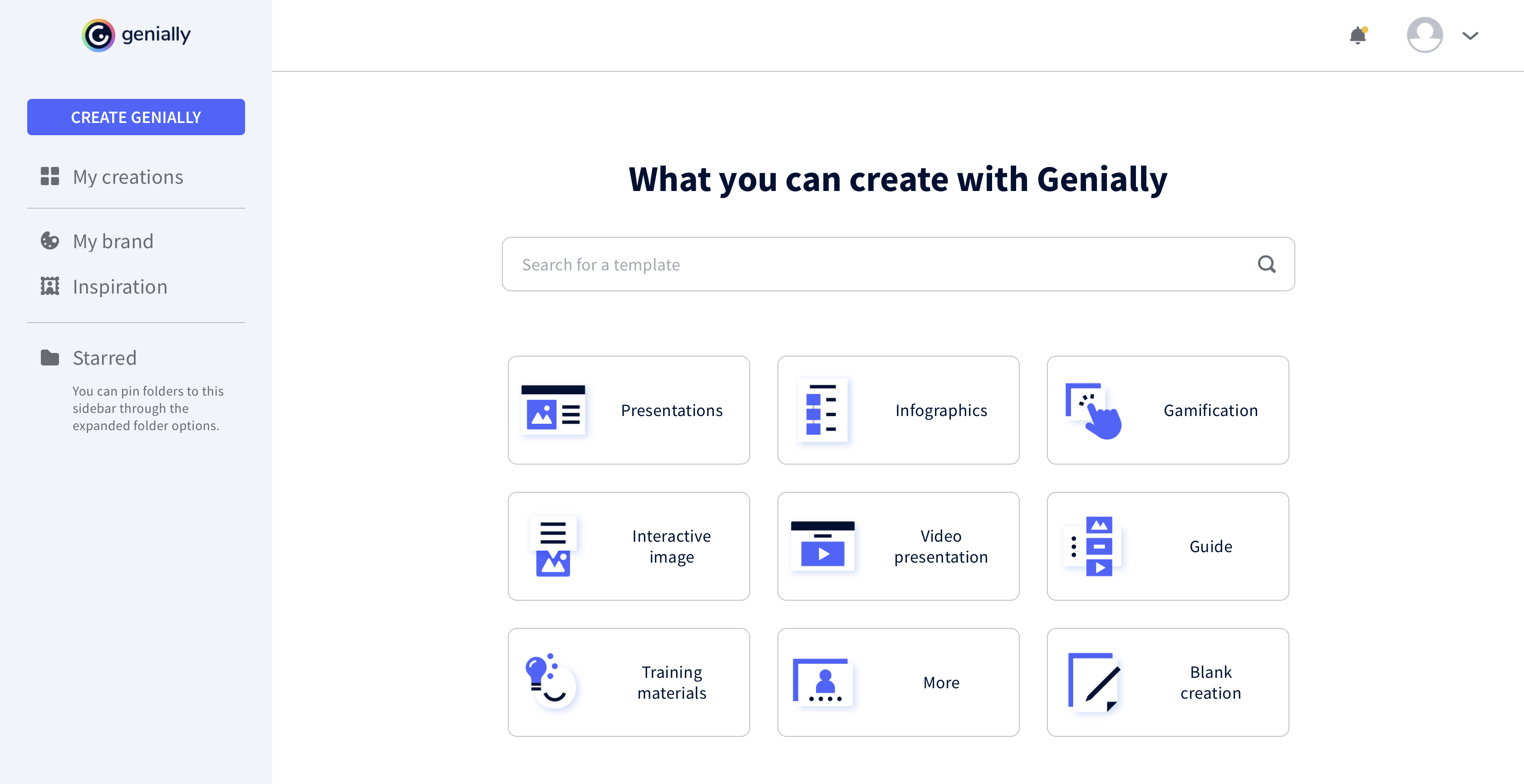
Genially is a provider of interactive visual communication and an online tool to create presentations, interactive images, infographics, dossiers, quizzes, resumes, etc. and enrich them with interactivity and animation effects. Without needing a team of designers and programmers, Genially is designed to allow enterprises to make an impact with striking, visual communication in a flash. It includes interactive and animated effects to distribute…
$7.49
per month (billed annually)
Pricing
Affinity Photo
Genially
Editions & Modules
iPad Edition
$21.99
one-time fee
Mac Edition
$54.99
one-time fee
Windows Edition
$54.99
one-time fee
Pro
$7.49
per month (billed annually)
Master
$20.82
per month (billed annually) 5 members
Team
$70.79
per month (billed annually)
Offerings
Pricing Offerings
Affinity Photo
Genially
Free Trial
Yes
No
Free/Freemium Version
No
Yes
Premium Consulting/Integration Services
No
No
Entry-level Setup Fee
No setup fee
No setup fee
Additional Details
—
—
More Pricing Information
Community Pulse
Affinity Photo
Genially
Considered Both Products
Affinity Photo
Verified User
Anonymous
Chose Affinity Photo
I think Affinity Photo is on par with Adobe Photoshop. They are very similar products with both bringing many features users need. The main reason I picked Affinity Photo was its pricing of it. I didn't require Adobe products all the time. And felt they weren't offering me as …
Adobe is the most established in the industry, but Affinity is the young, scrappy alternative, that is more cost-effective ta boot. If you have even a small bit of flexibility, or are new, try this instead of Adobe's products - you'll be glad you did. We also used a (mostly) …
The price is the number one difference. Genially is not expensive and the licence has no limitations regarding the number of learners. The ease of use: the interface of Genially is intuitive and does not require a tedious learning. The integration of multiple media is smooth, …
I prefer Genially if I need to make it interactive but use Canva when I'm more in a rush and need a nice design. Also, if I know I need to use different images I usually prefer to use Canva because you can save them there and it has more templates for me to choose from. Having …
This web tool is designed to be broad and wide-reaching because it can be used in several ways such as attracting customers, circulating news, and teaching skills. You don't have to be a programmer to create stunning digital projects that are both unique and stunning.
For small, fast-changing design/photo editing teams, it's a no brainer. More seats for less cost and an almost unnoticeable difference in the feature set. For older, more established or antiquated teams, you almost have to stick with Adobe. I know which side we're on. Innovation, a.k.a. Affinity. If you or your clients require specific formats like .psd, .ai, or .eps, Affinity can give you an alternative or more robust options to manipulate those files.
I think it's very well suited for creating collateral for internal team enablement, as well as conceptual external customer education. I also often turn to Genially (rather than Canva) to create quick graphics on the fly. This is not a stand-in for more complex e-learning needs that would require a tool like Articulate.
If you're a long time Adobe user of Photoshop or Illustrator, there is a learning curve, but it's not too major. This learning curve was well worth the cost of admissions for our organization.
I'd like to see them use the same names for certain features as Adobe's products, but feel like licensing/copyright concerns as the reasoning behind this. Overall, the transition has been smooth from Adobe to Affinity.
They just recently released their Publisher program for print designs, similar to InDesign. They're a little late to the game in this arena, but I'm very interested in a low-cost alternative to Adobe. I wonder how they'll compare to other competitors like Canva in the space?
For a regular user of Photoshop, Affinity is a very easy transition. It has all the same features and once you adapt to it, and it provides a quick return on investment.
It took a minute for me to understand how to use the product. Normally, I can just click around and figure things out. I had more questions on if the interactive element was accessible or not.
I don't have direct experience with a member of Affinity's support, but their forum and YouTube videos that other users have made make it relatively easy to find similar features in Affinity that are available in Photoshop or Illustrator. The differences are negligible for our small, yet experienced team.
I think Affinity Photo is on par with Adobe PhotoShop. They are very similar products with both bringing many features users need. The main reason I picked Affinity Photo was its pricing of it. I didn't require Adobe products all the time. And felt they weren't offering me as much value.
The price is the number one difference. Genially is not expensive and the licence has no limitations regarding the number of learners. The ease of use: the interface of Genially is intuitive and does not require a tedious learning. The integration of multiple media is smooth, except for PDFs. The compatibility with various LMS.