Amplenote vs. TimeCamp

Overview
ProductRatingMost Used ByProduct SummaryStarting Price
Amplenote
Score 0.0 out of 10
N/A
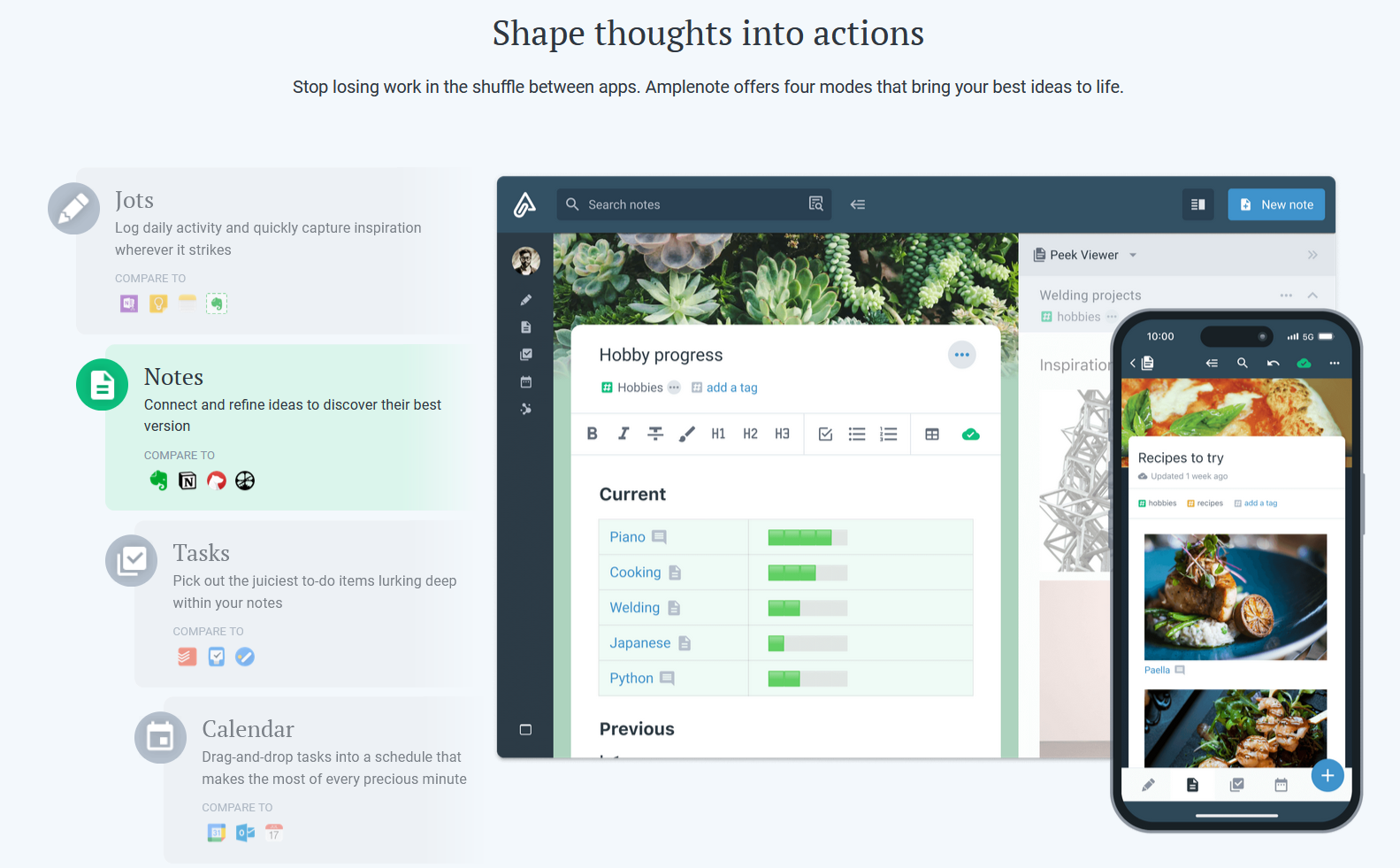
Amplenote is a productivity app combining note-taking, task management, and calendar planning. It is used to capture ideas, organize them with tags and folders, and turn them into actionable plans using its "Task Score" system to prioritize tasks by importance.
$70.08
per year per user
TimeCamp
Score 7.0 out of 10
Small Businesses (1-50 employees)
TimeCamp is cloud based, multi-platform (Windows, Mac, Linux, iOS, Android) time tracking and invoicing software.
$2.99
per month per user
Pricing
AmplenoteTimeCamp
Editions & Modules
Pro
$5.84
per month, billed annually per user
Unlimited
$10
per month, billed annually per user
Founder
$20
per month, billed annually per user
Free
$0
For unlimited users
Starter
$2.99
per month per user
Premium
$4.99
per month per user
Ultimate
$7.99
per month per user
Enterprise
Custom
Offerings
Pricing Offerings
AmplenoteTimeCamp
Free Trial
YesYes
Free/Freemium Version
YesYes
Premium Consulting/Integration Services
NoYes
Entry-level Setup FeeNo setup feeNo setup fee
Additional DetailsFree plan includes: unlimited users, unlimited rojects & tasks, project templates, bulk edit, desktop & mobile app, one integration, tags, PDF export
More Pricing Information
Community Pulse
AmplenoteTimeCamp
Best Alternatives
AmplenoteTimeCamp
Small Businesses
7shifts
7shifts
Score 9.9 out of 10
Traqq
Traqq
Score 9.1 out of 10
Medium-sized Companies
Todoist
Todoist
Score 9.2 out of 10
TimeClock Plus
TimeClock Plus
Score 9.5 out of 10
Enterprises
TimeCamp
TimeCamp
Score 7.0 out of 10
Zoho People
Zoho People
Score 8.9 out of 10
All AlternativesView all alternativesView all alternatives
User Ratings
AmplenoteTimeCamp
Likelihood to Recommend
-
(0 ratings)
8.6
(19 ratings)
Support Rating
-
(0 ratings)
8.0
(1 ratings)
User Testimonials
AmplenoteTimeCamp
Likelihood to Recommend
Amplenote
No answers on this topic
TimeCamp
TimeCamp is comparable to all other time tracking apps. It predominantly depends on your specific use case and if the UX works for you if TimeCamp will be a good fit. Personally, I found the software not super intuitive and I think that was a big turn off.
Read full review
Pros
Amplenote
No answers on this topic
TimeCamp
  • TimeCamp does what it is made to do and it does it very well. It allows multiple levels of billing rates and does a great job tracking.
  • TImeCamp does take a little bit of time to set up, but that is no different than any other tool. The interface is easily understandable so the configuration goes pretty quickly.
Read full review
Cons
Amplenote
No answers on this topic
TimeCamp
  • TimeCamp is a little bit expensive. It needs overall improvement in all tools. Moreover, the mobile version is not as useful as the web version of TimeCamp.
  • Other than that, customer service needs more attention and requires more improvement.
  • Also, I feel like that if there are more features of TimeCamp then it would be better.
Read full review
Support Rating
Amplenote
No answers on this topic
TimeCamp
I am giving support a rating of 8 but that is quite arbitrary. Honestly, we have never had the need to contact support for any reason. There has not been a situation where we became stuck and could not figure out how to work through it. Sign up was easy and billing is like clockwork so there has been no need to contact billing support. I think this is a testament to the ease of use of TimeCamp.
Read full review
Alternatives Considered
Amplenote
No answers on this topic
TimeCamp
TimeCamp
is distinctive and virtuous because it provides a flexible payment system with
a free plan to make it even more attractive, it simply provides the essential
alternatives in our work processes, and the customer service team executes its
work very effectively and with a positive attitude positive.
Read full review
Return on Investment
Amplenote
No answers on this topic
TimeCamp
  • TimeCamp sheets help teams be agile and efficient by avoiding administrative overhead.
  • TimeCamp makes it easy to forecast project budgets and track how much time is spent on various activities.
  • TimeCamp improves overall productivity by allocating resources to relevant activities.
  • We use TimeCamp to work more efficiently on all elements of a project.
  • TimeCamp can be used to track staff attendance and manage absences.
  • TimeCamp's billing approach is simple and comprehensive for our clients.
Read full review
ScreenShots

Amplenote Screenshots

Screenshot of Jots Mode, a tool to capture ideas. Jots mode can be used for daily notes and capture ideas into a centralized, distraction-free place.Screenshot of Notes Mode, consolidates ideas. Notes can be shared for collaboration or published to the web in under 3 clicks.Screenshot of Tasks Mode turns ideas into actions. The task scoring algorithm suggests what to work on next. The task widget visualizes these tasks.Screenshot of the calendar mode, with task details.Screenshot of the graph view. This visualize linked notes and their relationships with one another.Screenshot of Notes Mode, where the user can categorize notes using hierarchical tagging.

TimeCamp Screenshots

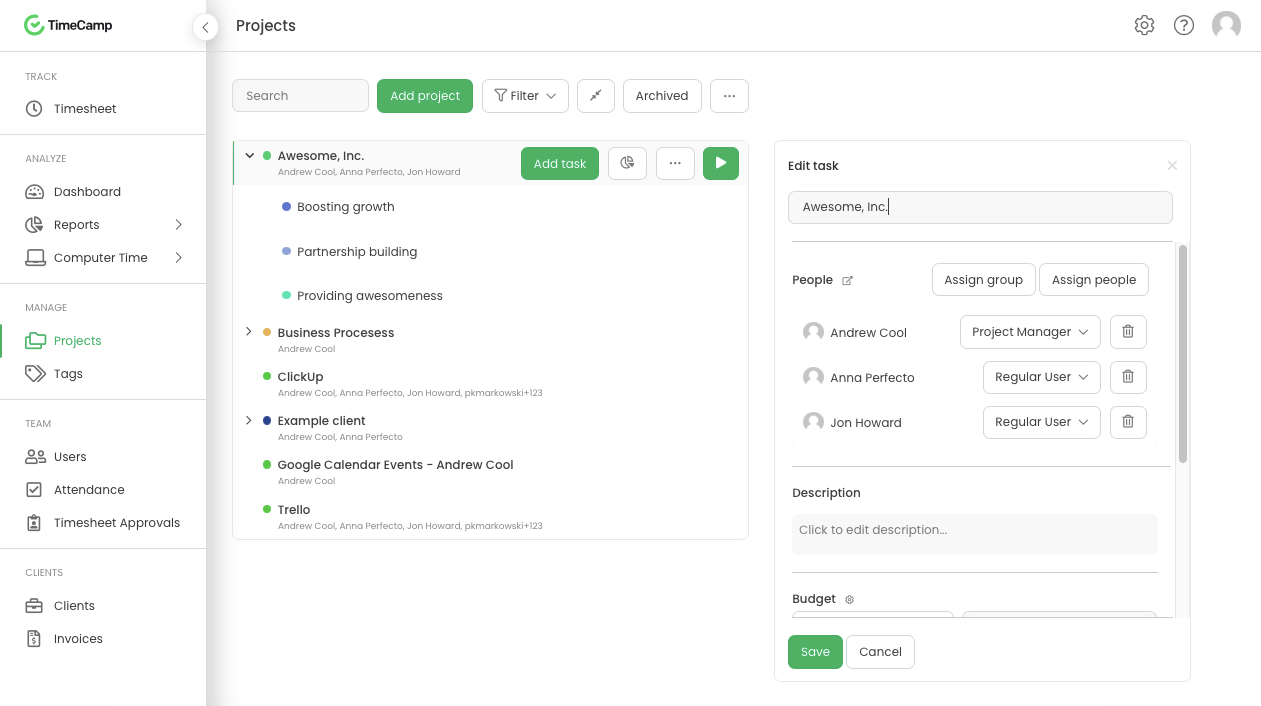
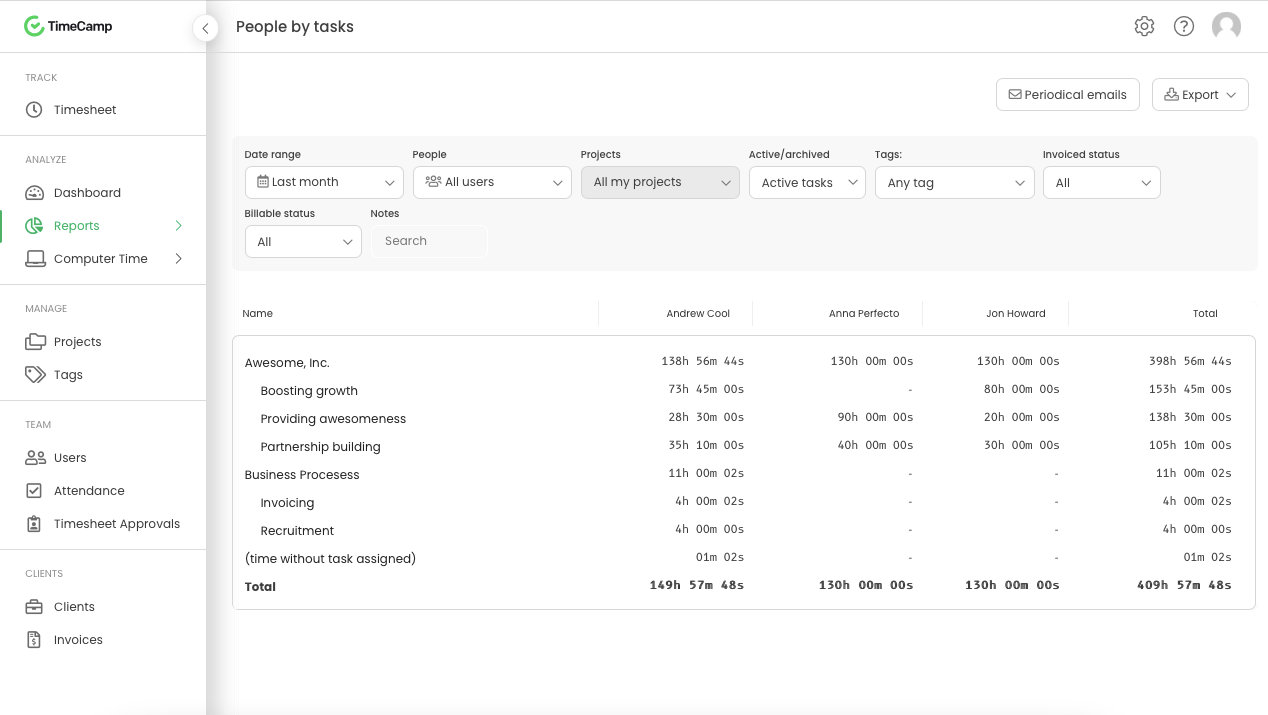
Screenshot of Daily timesheet viewScreenshot of Weekly timesheet viewScreenshot of ProjectsScreenshot of People by task reportScreenshot of Attendance