Android Studio is an official Android development integrated development environment (IDE) for mobile application development in the Android operating system developed by Google. Android Studio is based on Jetbrains'
N/A
Judo
Score 0.0 out of 10
N/A
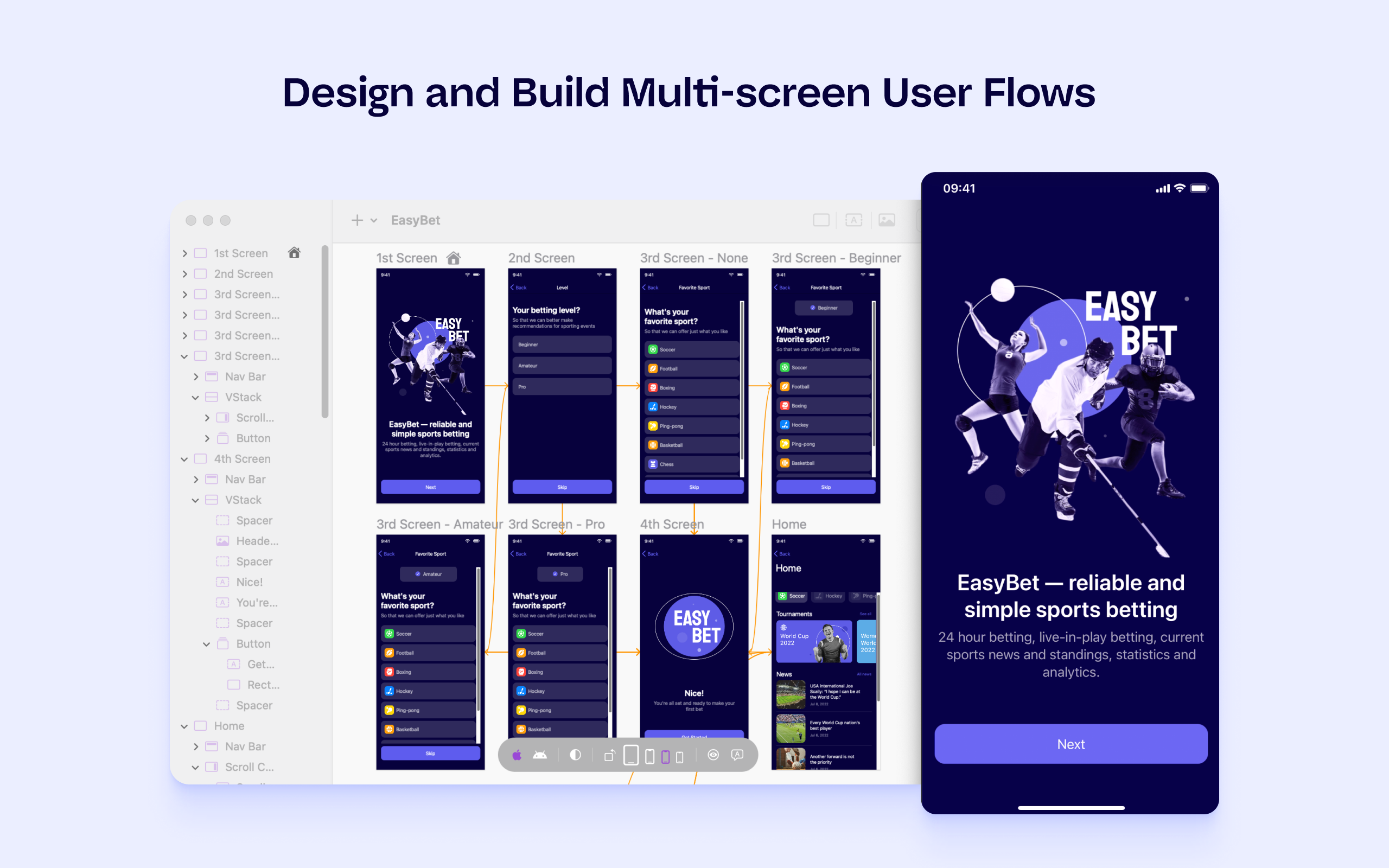
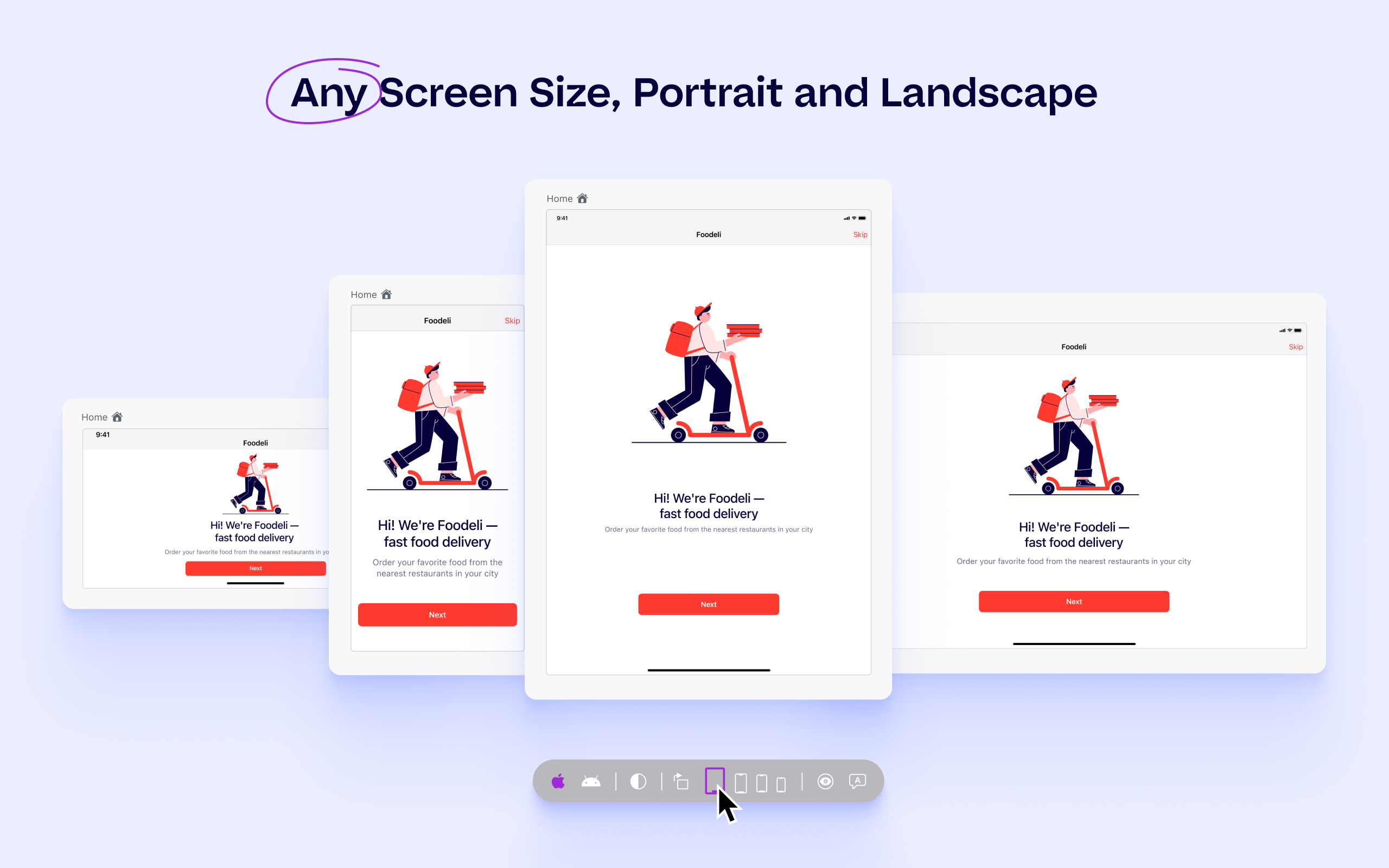
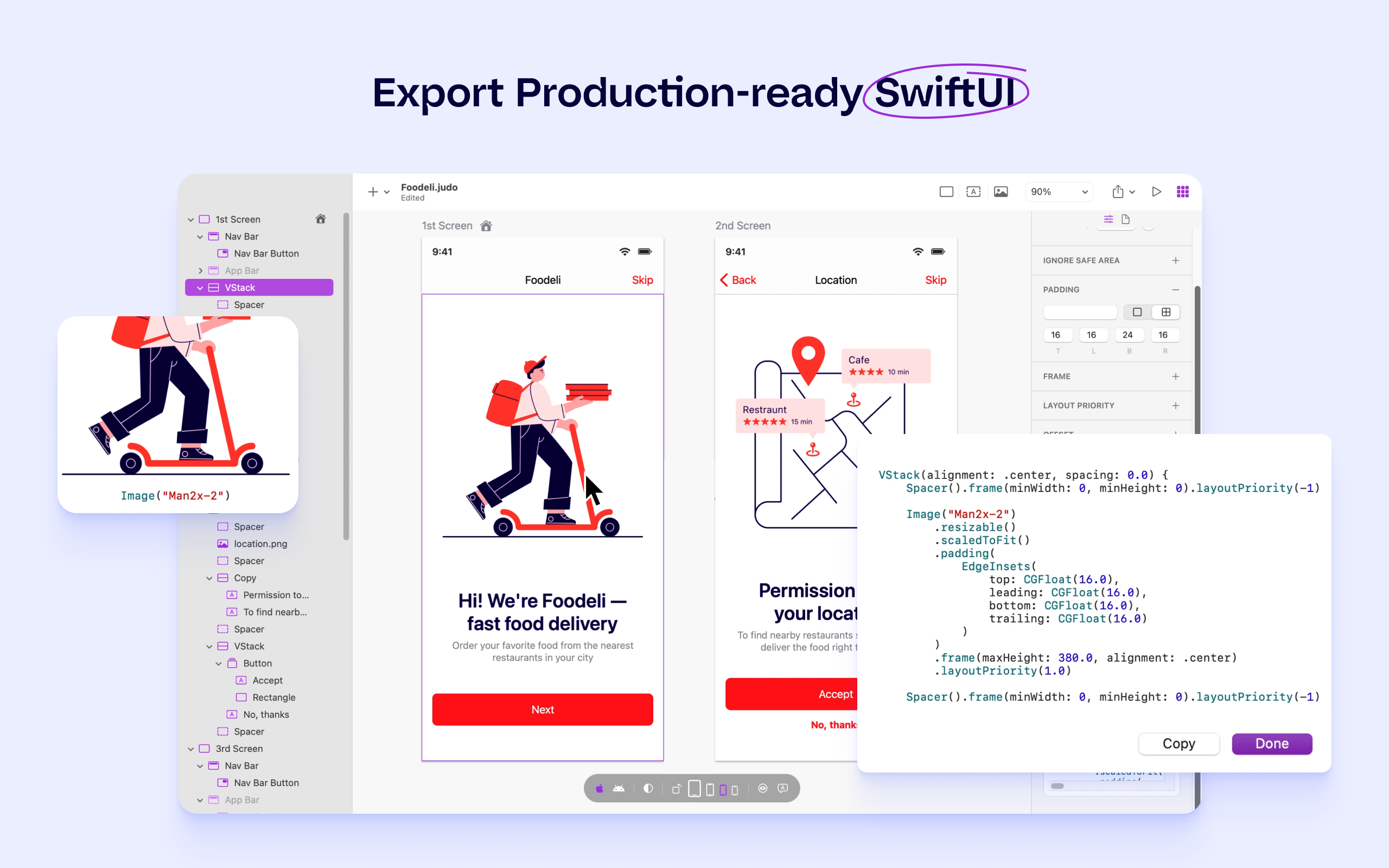
Judo is a design and build tool for SwiftUI apps that helps product teams ship faster and more efficiently. Users can build interfaces while designing in Judo's infinite canvas, avoiding unnecessary back-and-forth between design and development. Judo helps to enhance the user's workflow, reduce friction in design handoff and test fully-functioning prototypes and UI quickly, as well as make data-driven product decisions in real time and publish them instantly.
Visual Studio supports androud development through DOT NET only. Eclipse is very slow in case of large project, and also lack in supprots. IntelliJ IDEA supports Android development with JAVA as well as Kotlin, but it also supports the development of other languages, so it's …
Although there are alternatives on the market that propose creating ANDROID and IOS APPs in a single interface at the same time, in our case the experience was not positive since we had to access very specific functionalities. There was no other solution than to develop the …
I initially did code in Eclipse to develop an android app that is generally used for web apps and then I moved into Android Studio. That's the biggest thing I ever did I think. Android Studio has lots more functionalities and plugins than any other product. Now I am completely …
I am primarily a Java developer so many of the IDEs I have used are specifically made for Java development. I have used IntelliJ IDEA, Eclipse, and Netbeans for Java development but Android Studio is far better for Android development specifically and it also has support for …
Android Studio is as good for Android development, as Visual Studio has been for Windows development. It is my first choice for Android development because it includes an excellent suite of tools and support for Android. Its built in refactoring and code fixes are much more …
Android Studio is the best possible offering to make android based apps. It's a product by Google and the official integrated development environment for android app development. That's why it is able to offer the easiest to learn and simplest coding environment to developers. …
We personally did not try too many others because the staff who we hired to take on mobile development were already familiar with it and were able to get going quickly with it. They and all their peers had already worked through others and we were content to trust their …
Android application development can also be done using the IntelliJ IDE. It is a very good IDE but it is paid for professional and commercial product development. However, IntelliJ IDE is available with a student license for limited application development features. Thus …
Eclipse used to be the official IDE for Android. Since Android Studio is now the official IDE, and since Eclipse is no longer supported for Android, I have no choice but to use Android Studio. Of course, Android Studio has more features than Eclipse had because (1) Android is …
Basically Eclipse is a tool where you have to do all on your own from start to end.
Android Studio is using its Artificial Intelligence techniques to enhance our coding experience and offer better , suggestions to create methods, variables, classes, etc.
Android Studio is the only platform you should consider for Android development. I have found that nothing else comes close in terms of documentation or support. There is always the temptation to develop for Android using a cross platform toolkit, such as Xamarin, but unless your app is incredibly simple, you will find your self wrestling with the toolkit more than actually creating your product. If you have any Android projects still in Eclipse, you should upgrade these to Android Studio - the backwards compatibility for older versions of Android is very good, with issues only occurring with debugging on older (Lollipop or below) devices. The only scenario Android Studio is not suitable for is cross-platform development. There is no way to share code between iOS, macOS, or Windows projects with Android Studio, unless you are developing a game in C++. If you wish to develop cross platform mobile apps, I suggest Microsoft Visual Studio.
It offers advanced code completion, and static analysis which speeds up coding and reduces errors.
Gradle integration helps to easily generate different app versions from a single project without the need of coding for a separate project, for example, if I am supposed to create a two different versions, one meant for free users and other for paid users, Android Studio allows me to do so from a single project, which saves a lot of time.
It provides real time information of CPU, mempry and network usage, which accordingly allows me to easily optimize the app.
Powerful emulator with almost all the device stimulation for testing.
Android Studio is very useful for developers to write the code of Android apps. It provides auto implementation, suggestions, and removes boilerplate codes, which helps developers write clear and optimized code. Number of third party and Jetbrains plugins available to improve the speed of development and help the developer.
Overall support for Android Studio is quite good. As the project is maintained by Google itself, frequent updates are usually made to Android Studio to keep the IDE update and bug-free. Many community forums are also available to help developers across the world if they face any issue.
I am primarily a Java developer so many of the IDEs I have used are specifically made for Java development. I have used IntelliJ IDEA, Eclipse, and NetBeans for Java development but Android Studio is far better for Android development specifically and it also has support for things like Flutter development. VS Code is quickly becoming popular across languages but Android Studio is still at the top in my opinion.