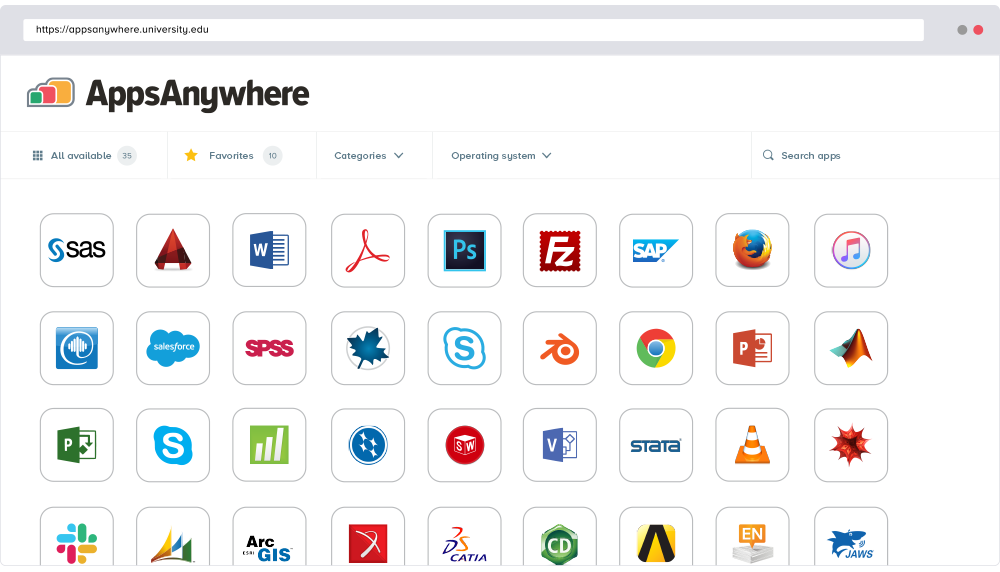
AppsAnywhere
is a software delivery platform that gives students and staff access to
the software they need to get their work done wherever they are, both on and
off campus.
Boasting more than 2 million students at over 200 universities
and colleges worldwide, the vendor states AppsAnywhere improves student outcomes by making
software available on any device, including BYOD, thanks to their unique approach
to virtualization. Used by higher ed
institutions, including University…
N/A
PDQ Deploy & Inventory
Score 9.0 out of 10
N/A
PDQ.com headquartered in Salt Lake City offers PDQ Deploy, a software deployment tool used to keep Windows PCs up-to-date without bothering end users.
$1,575
per year per user
Pricing
AppsAnywhere
PDQ Deploy & Inventory
Editions & Modules
No answers on this topic
No answers on this topic
Offerings
Pricing Offerings
AppsAnywhere
PDQ Deploy & Inventory
Free Trial
Yes
Yes
Free/Freemium Version
No
No
Premium Consulting/Integration Services
Yes
No
Entry-level Setup Fee
Required
No setup fee
Additional Details
—
PDQ was built by entrepreneurs & educators. Small businesses (<50 employees), nonprofits, and schools enjoy a 15% discount.
More Pricing Information
Community Pulse
AppsAnywhere
PDQ Deploy & Inventory
Features
AppsAnywhere
PDQ Deploy & Inventory
Application Virtualization
Comparison of Application Virtualization features of Product A and Product B
I have been monitoring the use of this app for the past year now and it has been incredibly useful in providing my team with easy access to the applications they need. It is well suited to organizations with a large variety of applications and users that need to access them from multiple devices. It has been very easy to deploy, manage and maintain, and I love the fact that users can easily find what they need without having to navigate complex menus. (search can still be abit better). Still a really good pick :)
PDQ Inventory is great if you have a local network of computers on or off a domain. As long as you have a way to log into them with common credentials. Great for large organizations, particularly ones interconnected with VPNs. PDQ Inventory isn't so great for PCs that aren't connected to the same LAN the server is on. (i.e. non-vpn remote users) They used to have a remote agent you could install, but it was removed after numerous issues.
Almost everyone you tell to use it to access a specialist application can find the software they need and install it. However, surprisingly many have difficulties finding AppsAnywhere under the start menu or on the task bar - it is not a icon or name they recognise, and they really want to lunch the target specialist software (Zbrush or whatever). Once you find it, many people ignore the search function which is probably the fastest method, and browse the long list alphabetically, because the standard filters do not help much. Favouriting is rarely used as it is too burdensome and not an issue for users when they are looking for the applicationt hey need.
Logical - If I want to do something with the software, it is quite clear on how I need to go about that. There isn't some weird process that is proprietary to just that vendor and is counterintuitive. What I want to see is displayed with just a couple clicks.
The built-in help menus and general ease of use render whatever systems support there might be almost irrelevant. There is stability in the system's simplicity; if you're in the position to use such a product, you're your own best friend. Simple web searches more often than not turn up the solution to any little niggles, such as what silent install switches specific applications require (a remarkably wide choice of options exist). System updates are timely and unobtrusive, installing in no time at all. Maybe I've just been lucky; if so, long may it continue!
The AppsAnywhere team is very quick in setting up things and also having everything in a single place. The bundle of the apps can be easily configured as the documentation is also very straightforward while setting up things and also having the team to work accordingly customize as per the needs
This software was referred to us by an IT professional. Previously, we were installing the software with the help of remote desktop applications but it was very time consuming; it was wasting the user's time since he could not use his computer. After testing PDQ Deploy, we just never looked back.