Ashore vs. GoProof

Overview
ProductRatingMost Used ByProduct SummaryStarting Price
Ashore
Score 0.0 out of 10
N/A
N/A
$45
per month
GoProof
Score 9.0 out of 10
N/A
GoProof brings creative media collaboration into one central place, with collaboration tools for document and video creative work, managed in a single proof dashboard. GoProof features deep Adobe Creative Cloud integrations so that approving creative work is easier, and it allows creatives to share work for review through the GoProof extension and then receive all collaborator comments, @mentions and change requests right back into their Creative Cloud app. GoProof creates one…
$159
per month
Pricing
AshoreGoProof
Editions & Modules
Basic
$45
per month
Connect
$159
per month up to 2 free users
Pro
$329
per month up to 5 free users
Enterprise
Contact Sales
Offerings
Pricing Offerings
AshoreGoProof
Free Trial
YesYes
Free/Freemium Version
NoNo
Premium Consulting/Integration Services
NoYes
Entry-level Setup FeeNo setup feeNo setup fee
Additional DetailsSingle and multi-user licensing available. Chargeable licences are based on the number of creative proof senders required. All collaborators are unlimited. Number of proofs is also unlimited. Discount available for annual pricing.
More Pricing Information
Community Pulse
AshoreGoProof
Best Alternatives
AshoreGoProof
Small Businesses
Frame.io
Frame.io
Score 9.1 out of 10
Frame.io
Frame.io
Score 9.1 out of 10
Medium-sized Companies
Asana
Asana
Score 8.5 out of 10
Asana
Asana
Score 8.5 out of 10
Enterprises
Wrike
Wrike
Score 8.5 out of 10
Wrike
Wrike
Score 8.5 out of 10
All AlternativesView all alternativesView all alternatives
User Ratings
AshoreGoProof
Likelihood to Recommend
-
(0 ratings)
9.0
(1 ratings)
User Testimonials
AshoreGoProof
Likelihood to Recommend
Ashore
No answers on this topic
Oppolis Software Limited
In our small membership-based organization, we have many stakeholders both internally and externally. GoProof doesn't require accounts and is extremely user friendly. I find even the most technology-hesitant person is comfortable using GoProof. Many within my company take advantage of a flexible schedule, but that means reviewing marketing projects under deadlines can be tricky. GoProof can be easily accessed and proofs quickly reviewed. The system then notifies all stakeholders of updates so fewer emails need to be sent. It's much more efficient and I find work is completed much faster.
Read full review
Pros
Ashore
No answers on this topic
Oppolis Software Limited
  • Reviewing design proofs
  • Easy for new users to understand
  • Commenting history
  • Integration with Adobe CC
Read full review
Cons
Ashore
No answers on this topic
Oppolis Software Limited
  • Reviewing design and function of email and web pages
  • Adobe CC extension occasionally won't load
  • More agile foldering/organizing system
Read full review
Alternatives Considered
Ashore
No answers on this topic
Oppolis Software Limited
I prefer GoProof over PageProof. GoProof has a more user-friendly layout and workflow. PageProof has many functions hidden on the screen so it's not as simple to understand. One of the features, in particular, adding other reviewers, is too complicated with PageProof and I am never sure if I am doing it correctly. GoProof allows proofs to be removed by an administrator no matter the status of the creator. With PageProof, I have proofs sitting in my inbox for months that were unfinished for a reason but I can't remove them. PageProof does allow emails and webpage to be sent through the system to review function and design. It's a really great feature that I wish GoProof had.
Read full review
Return on Investment
Ashore
No answers on this topic
Oppolis Software Limited
  • Went completely paperless and sold two large printers
  • Flexible employee schedules no longer hinders project flow
  • Work from home is possible and very easy
Read full review
ScreenShots

GoProof Screenshots

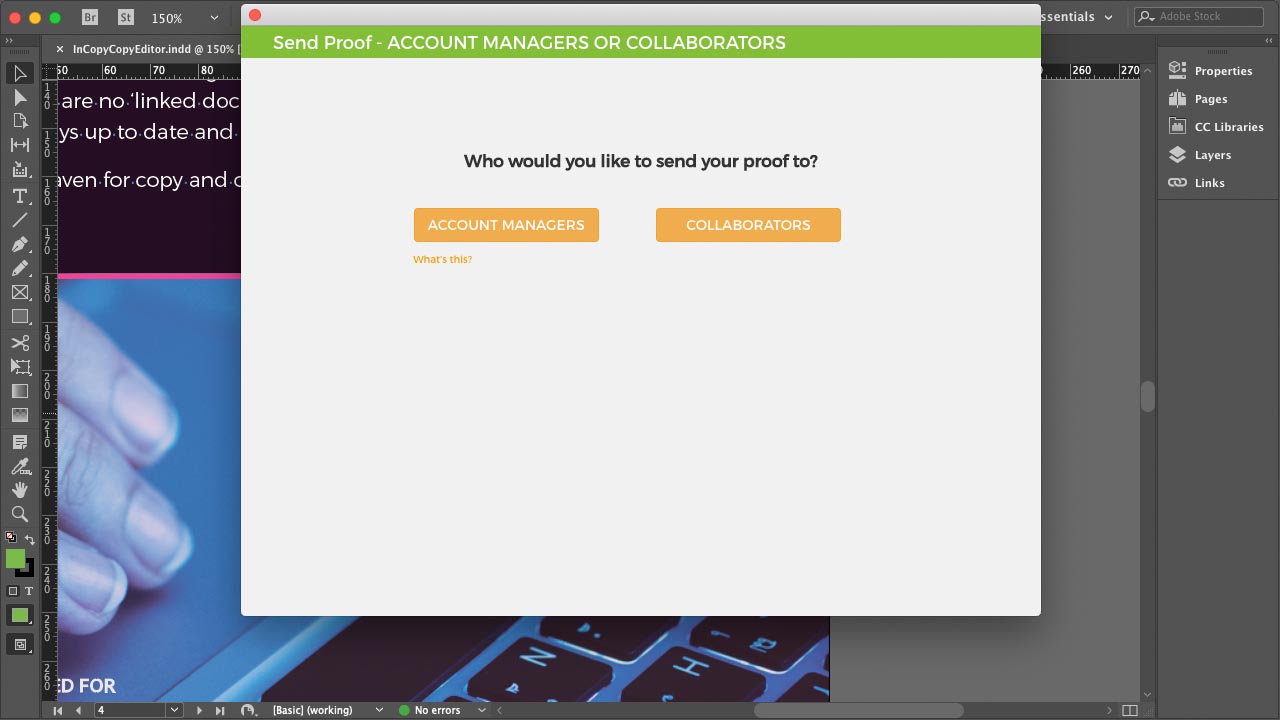
Screenshot of the application, opened from within InDesign, Photoshop, Illustrator, Premiere Pro or InCopyScreenshot of the interface to send proof versions, share files, add collaborators, and create teamsScreenshot of where users have to option to send proofs for internal review firstScreenshot of the proofing zone, designed to inspire freedom of expression for usersScreenshot of some of the 11 proofing tools available to add a commentScreenshot of where requested changes land right back into an Adobe CC app