
AutoCAD LT vs. Dock Designer
| Product | Rating | Most Used By | Product Summary | Starting Price |
|---|---|---|---|---|
 AutoCAD LT | Score7.9 out of 10 | N/A | AutoCAD LT computer-aided design (CAD) software that architects, engineers, construction professionals, and designers rely on to produce solely 2D drawings, drafts, and documentation. AutoCAD LT is a CAD software used for 2D drawing, drafting, and documentation whereas AutoCAD is a CAD software used to create 2D drawings and 3D models. While AutoDesk's AutoCAD includes industry-specific toolsets that can provide productivity gains, both AutoCAD and AutoCAD LT include the AutoCAD web and… | $58 per month |
 Dock Designer | Score8 out of 10 | N/A | Dock Designer integrates product data, engineering rules, and pricing into a Browser-Based Interface accessible to internal teams, dealers, and customers: the solution enables 2D Design, 3D Visualization, and the generation of an accurate Bill of Materials (BOM), Quote, and Installation Guide. The vendor states that users have reduced Quoting Latency through automated Configuration Constraints that identify invalid configurations prior to production. | N/A |
| AutoCAD LT | Dock Designer | |||||||||||||||
|---|---|---|---|---|---|---|---|---|---|---|---|---|---|---|---|---|
| Editions & Modules |
| No answers on this topic | ||||||||||||||
| Offerings |
| |||||||||||||||
| Entry-level Setup Fee | No setup fee | Required | ||||||||||||||
| Additional Details | — | Implementation cost depends on customer needs and varies. | ||||||||||||||
| More Pricing Information | ||||||||||||||||
| AutoCAD LT | Dock Designer | |
|---|---|---|
| Considered Both Products | No answer on this topic | No answer on this topic |
| Key User Insights | ||
| Would buy again | ||
100% Would buy again 6 Answers | No answers on this topic | |
| Delivers good value for the price | ||
100% Delivers good value for the price 6 Answers | No answers on this topic | |
| Happy with the feature set | ||
100% Happy with the feature set 6 Answers | No answers on this topic | |
| Lived up to sales and marketing promises | ||
No answers on this topic | No answers on this topic | |
| Implementation went as expected | ||
100% Implementation went as expected 5 Answers | No answers on this topic | |
| AutoCAD LT | Dock Designer | ||||||||||||||||||||||||||||
|---|---|---|---|---|---|---|---|---|---|---|---|---|---|---|---|---|---|---|---|---|---|---|---|---|---|---|---|---|---|
| Computer-Aided Design Software |
| ||||||||||||||||||||||||||||
| AutoCAD LT | Dock Designer | |
|---|---|---|
| Small Businesses |  Onshape Score6.4 out of 10 | Onshape Score6.4 out of 10 |
| Medium-sized Companies | Onshape Score6.4 out of 10 | Onshape Score6.4 out of 10 |
| Enterprises |  PTC Creo Score7.6 out of 10 | PTC Creo Score7.6 out of 10 |
| All Alternatives | View all alternatives | View all alternatives |
| AutoCAD LT | Dock Designer | |
|---|---|---|
| Likelihood to Recommend | 8.6 | - |
| Usability | 8.6 | - |
| AutoCAD LT | Dock Designer | |
|---|---|---|
| Likelihood to Recommend |
| No answers on this topic |
| Pros |
| No answers on this topic |
| Cons |
| No answers on this topic |
| Usability |
| No answers on this topic |
| Alternatives Considered |
| No answers on this topic |
| Return on Investment |
| No answers on this topic |
| ScreenShots | Dock Designer Screenshots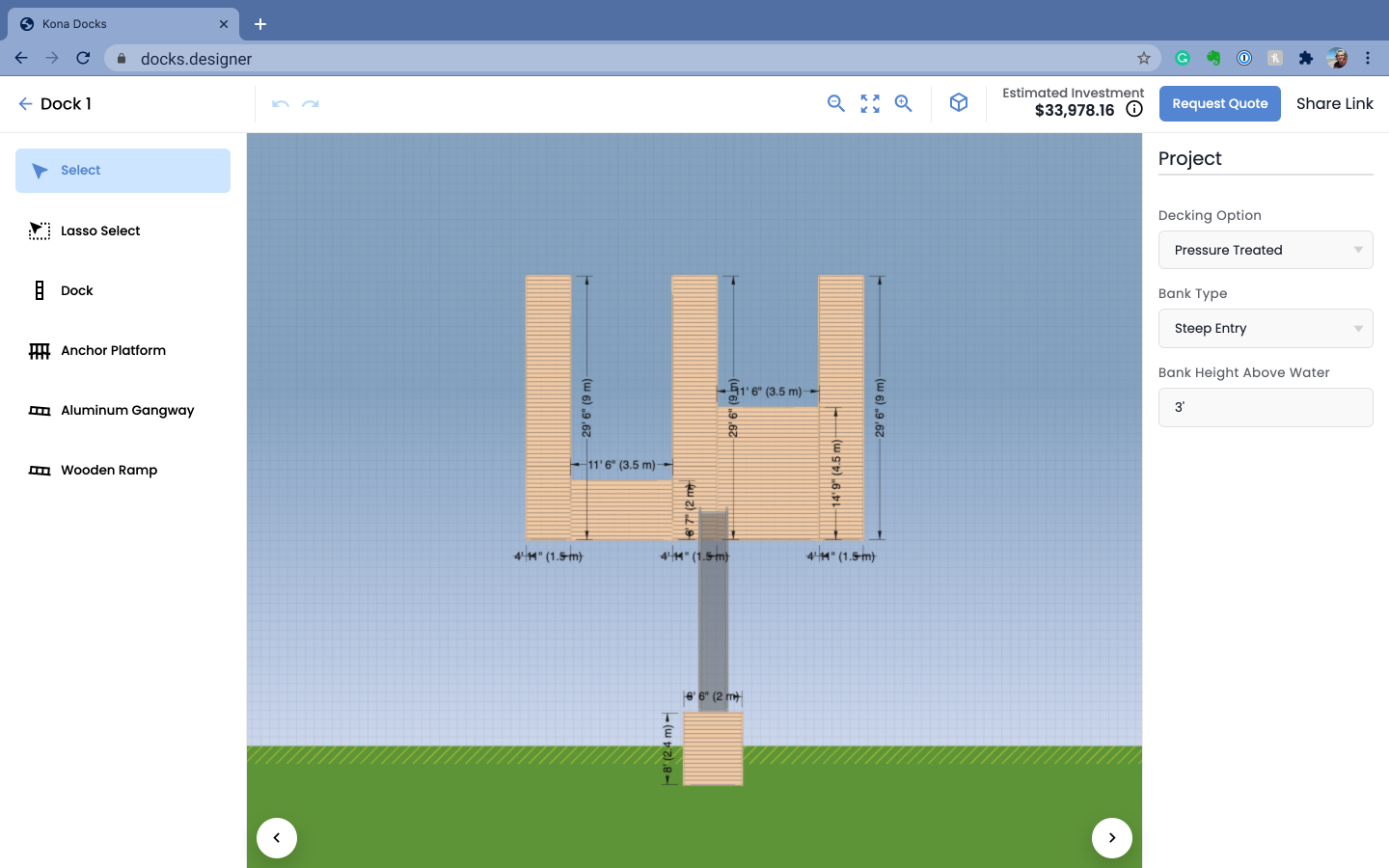  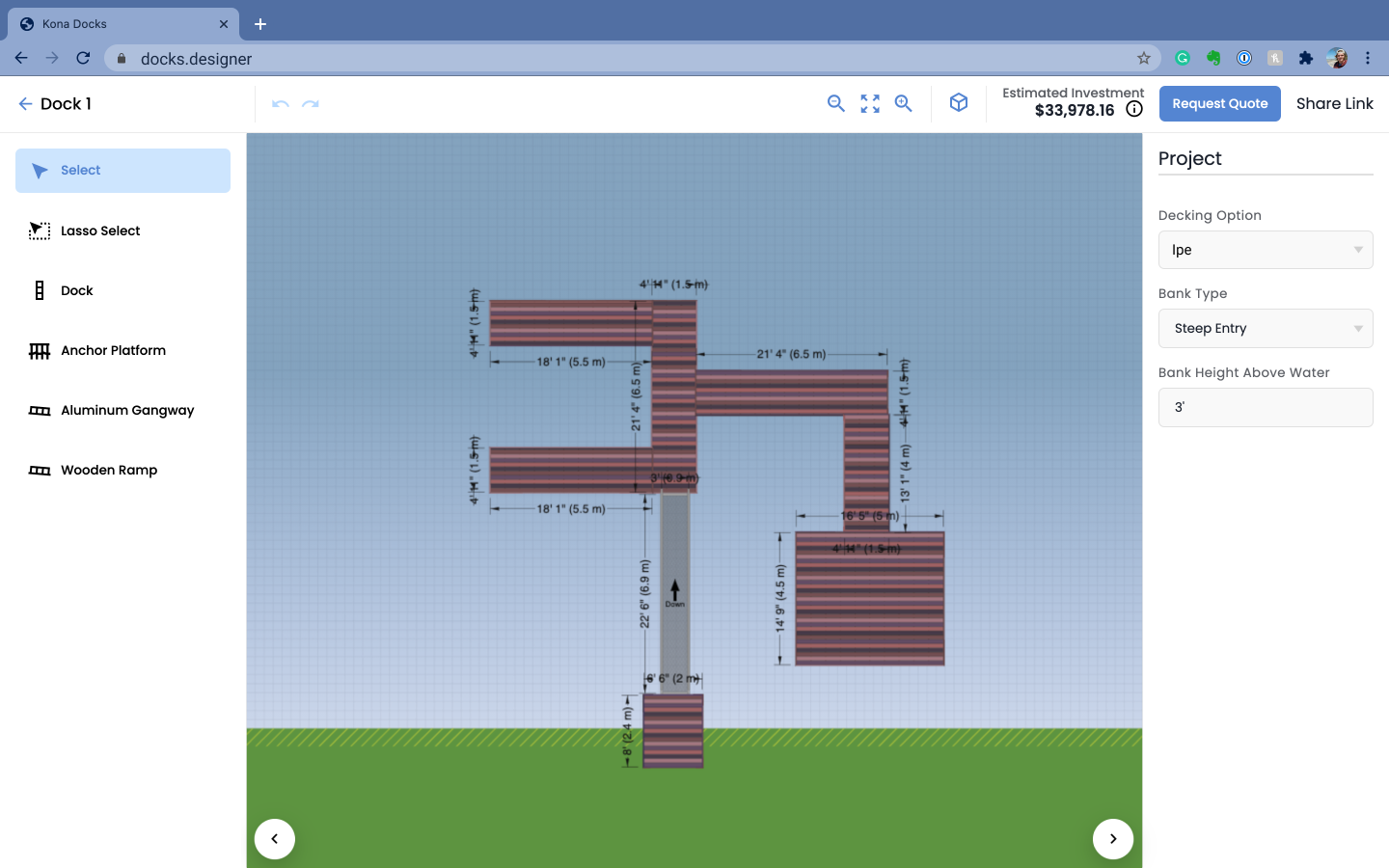 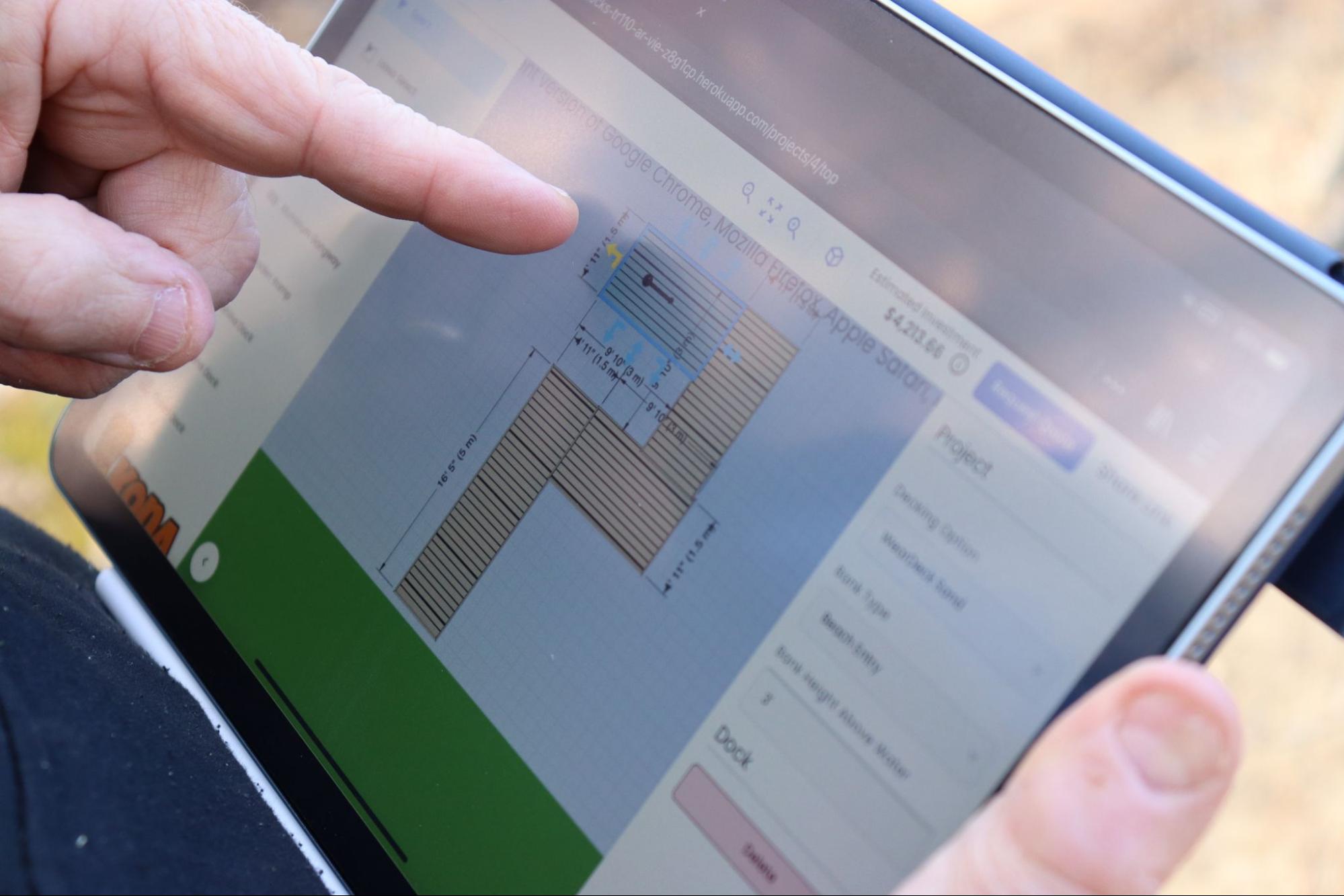 |

