Azure Application Gateway vs. F5 Distributed Cloud DNS

Overview
ProductRatingMost Used ByProduct SummaryStarting Price
Azure Application Gateway
Score 8.3 out of 10
N/A
Microsoft's Azure Application Gateway is a platform-managed, scalable, and highly available application delivery controller as a service with integrated web application firewall.N/A
F5 Distributed Cloud DNS
Score 8.1 out of 10
N/A
More than 75% of enterprises today operate in multiple clouds, according to the 2022 F5 State of Application Strategy Report. But a much smaller percentage are known to have implemented a cloud-based DNS (Domain Name System), which offers considerable speed and performance benefits for publishing applications. Why? It is because extending traditional DNS to all their applications across different environments, especially those running in the cloud, can be time-consuming and…N/A
Pricing
Azure Application GatewayF5 Distributed Cloud DNS
Editions & Modules
No answers on this topic
Offerings
Pricing Offerings
Azure Application GatewayF5 Distributed Cloud DNS
Free Trial
NoYes
Free/Freemium Version
NoYes
Premium Consulting/Integration Services
NoNo
Entry-level Setup FeeNo setup feeOptional
Additional Details
More Pricing Information
Community Pulse
Azure Application GatewayF5 Distributed Cloud DNS
Best Alternatives
Azure Application GatewayF5 Distributed Cloud DNS
Small Businesses
Cloudflare
Cloudflare
Score 8.9 out of 10
Cloudflare
Cloudflare
Score 8.9 out of 10
Medium-sized Companies
Cloudflare
Cloudflare
Score 8.9 out of 10
Cloudflare
Cloudflare
Score 8.9 out of 10
Enterprises
NGINX
NGINX
Score 9.8 out of 10
NGINX
NGINX
Score 9.8 out of 10
All AlternativesView all alternativesView all alternatives
User Ratings
Azure Application GatewayF5 Distributed Cloud DNS
Likelihood to Recommend
9.0
(8 ratings)
8.2
(1 ratings)
Usability
9.0
(1 ratings)
9.1
(1 ratings)
Support Rating
10.0
(1 ratings)
-
(0 ratings)
User Testimonials
Azure Application GatewayF5 Distributed Cloud DNS
Likelihood to Recommend
Microsoft
For building scalable and highly available applications, Azure Application Gateway does most of the job on behalf of you; automatically load-balancing traffic from a number of users to a number of back-end servers. This ensure scalability and availability. The in-built security is great as can be expected from Microsoft, and user has a variety of tools for monitoring the health of the load-balancing function as well as the health of back end servers behind it.
Read full review
F5
Probably less appropriate for smaller, very small IT departments, but more suited like when you're doing migrations to the cloud. If it is going to be doing setups for DNS within the cloud, this will let you help you set it up so there's no loss of communication between the two.
Read full review
Pros
Microsoft
  • Easy integration with Load Balancer and Azure Scale Set to provide a full solution for traffic management.
  • With rich routing rule, we could use one Application Gateway as the central point for all internal applications to expose to the external network.
Read full review
F5
  • I think probably the UI, it's very easily you could scan through and select what you're going to do, and it's kind of similar of the functionality when you compare it to say the Oracle Cloud. So you can go side by side with the windows and then just go through these level when you're going to sell like a new DNS or a new opening on that.
Read full review
Cons
Microsoft
  • More cost-effective pricing plans are welcome for the future, especially for WAF
  • Ability to automate the TLS certificate renewal procedure
  • Ability to manage non-HTTP traffic
Read full review
F5
  • Probably more like AI suggested customizations, like when you do something and then have something like in the background of the AI. When you start doing something, it'll show you what you previously have done and then you could select, you wouldn't have to go through the whole steps over again. It'll say this is what you've done before, do you want to do a copy? And then just modify a couple of things so you don't have to go through the whole process.
Read full review
Usability
Microsoft
Most of the Application Gateway's features and services can be managed and re-configured via either the Azure Portal GUI or via the Azure Cloud Shell, thus allowing both CLI modes, i.e. Azure CLI (Bash) and Azure Powershell. The v2 version of Application Gateway has significantly improved performance during initial configuration or during re-configuration changes, thus making it much more usable for IT admins, as compared to v1.
Read full review
F5
Very user friendly.
Read full review
Support Rating
Microsoft
I don’t like that it's part of the Microsoft brand. In general, I am not a fan of Microsoft products but Azure gets it right.
Read full review
F5
No answers on this topic
Alternatives Considered
Microsoft
Other load balancing tools in Azure (Azure LB and Azure Traffic Manager) are limited in their functionality in comparison with the Azure Application Gateway, and also, they don't provide security features. Azure Firewall, although it has security features, is more expensive, and most importantly, it's not a load balancer at all.
Read full review
F5
No answers on this topic
Return on Investment
Microsoft
  • Positive : Improved performance and scalability
  • Positive : Better and enhanced Security
  • Positive : Efficiency
  • Negative: Cost
  • Negative: More resources to manage.
Read full review
F5
  • I guess positive because we know when we're going to open up, say a DNS or anything, or we're going to have to set something up. We can do it quick and fast instead of having to wait longer for the different steps of how we used to do it before.
Read full review
ScreenShots

F5 Distributed Cloud DNS Screenshots
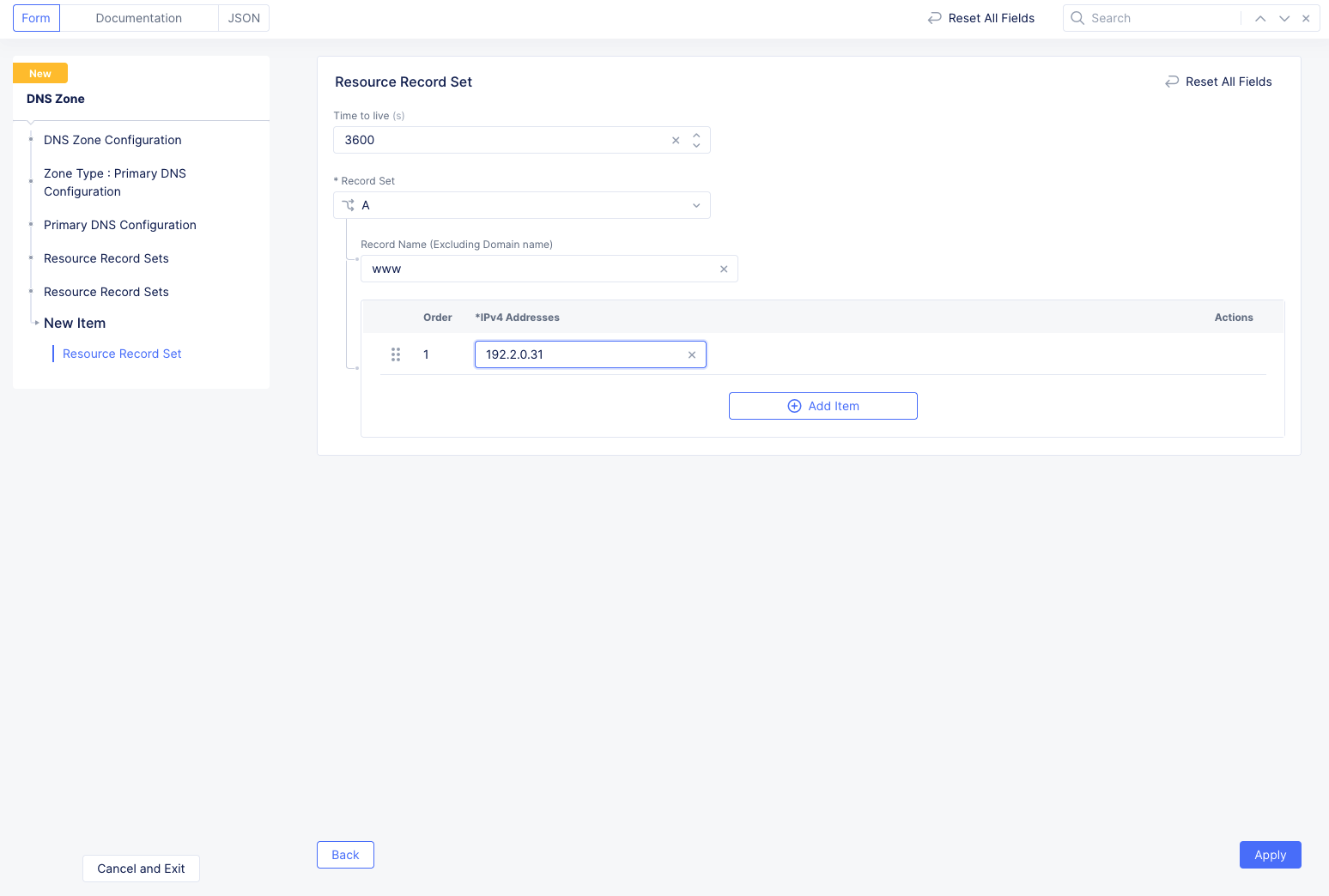
Screenshot of Screenshot of Screenshot of Screenshot of