Azure DevOps Server vs. Choreo by WSO2

Overview
ProductRatingMost Used ByProduct SummaryStarting Price
Azure DevOps Server
Score 8.4 out of 10
N/A
Azure DevOps Server (formerly Team Foundation Server, or TFS) is the on-premise version of Azure DevOps. To license Azure DevOps Server an Azure DevOps license and a Windows operating system license (e.g. Windows Server) for each machine running Azure DevOps Server.N/A
WSO2 Choreo
Score 8.7 out of 10
N/A
Since WSO2's June 2021 acquisition of Platformer, the company now offers and supports Choreo, the former Platform IPaaS and low-code cloud native engineering for API Developers.
$0
1 project, up to 5 components
Pricing
Azure DevOps ServerChoreo by WSO2
Editions & Modules
No answers on this topic
Free
$0
1 project, up to 5 components. $100 in Choreo infrastructure credits per month.
Pay-As-You-Go
$150
per month Up to 10 projects and 30 components. $150 per component per month. Pass-through infrastructure costs.
Enterprise
Custom Quote
per year Unlimited projects and components. Discounts based on annual commitments available. Pass-through infrastructure costs, or use a data plane.
Offerings
Pricing Offerings
Azure DevOps ServerWSO2 Choreo
Free Trial
NoNo
Free/Freemium Version
YesYes
Premium Consulting/Integration Services
NoYes
Entry-level Setup FeeNo setup feeNo setup fee
Additional Details1 step is a maximum of 500ms of compute time. An incoming event, message, or outgoing API call is a minimum of 1 step.
More Pricing Information
Community Pulse
Azure DevOps ServerChoreo by WSO2
Features
Azure DevOps ServerChoreo by WSO2
Platform-as-a-Service
Comparison of Platform-as-a-Service features of Product A and Product B
Azure DevOps Server
-
Ratings
Choreo by WSO2
8.1
1 Ratings
4% above category average
Ease of building user interfaces00 Ratings7.01 Ratings
Scalability00 Ratings9.01 Ratings
Platform management overhead00 Ratings8.01 Ratings
Workflow engine capability00 Ratings6.01 Ratings
Platform access control00 Ratings9.01 Ratings
Services-enabled integration00 Ratings9.01 Ratings
Development environment creation00 Ratings8.01 Ratings
Development environment replication00 Ratings8.01 Ratings
Issue monitoring and notification00 Ratings8.01 Ratings
Issue recovery00 Ratings8.01 Ratings
Upgrades and platform fixes00 Ratings9.01 Ratings
Best Alternatives
Azure DevOps ServerChoreo by WSO2
Small Businesses
GitHub
GitHub
Score 9.1 out of 10
AWS Lambda
AWS Lambda
Score 8.3 out of 10
Medium-sized Companies
GitHub
GitHub
Score 9.1 out of 10
Red Hat OpenShift
Red Hat OpenShift
Score 9.2 out of 10
Enterprises
Perforce P4
Perforce P4
Score 7.1 out of 10
Red Hat OpenShift
Red Hat OpenShift
Score 9.2 out of 10
All AlternativesView all alternativesView all alternatives
User Ratings
Azure DevOps ServerChoreo by WSO2
Likelihood to Recommend
9.0
(48 ratings)
9.0
(1 ratings)
Likelihood to Renew
10.0
(1 ratings)
-
(0 ratings)
Usability
6.0
(4 ratings)
-
(0 ratings)
Support Rating
8.4
(10 ratings)
-
(0 ratings)
Implementation Rating
8.0
(1 ratings)
-
(0 ratings)
Ease of integration
9.0
(2 ratings)
-
(0 ratings)
User Testimonials
Azure DevOps ServerChoreo by WSO2
Likelihood to Recommend
Microsoft
Azure DevOps is good to use if you are all-in on the Microsoft Azure stack. It's fully integrated across Azure so it is a point-and-click for most of what you will need to achieve. If you are new to Azure make sure you get some outside experience to help you otherwise it is very easy to overcomplicate things and go down the wrong track, or for you to manually create things that come out of the box.
Read full review
WSO2
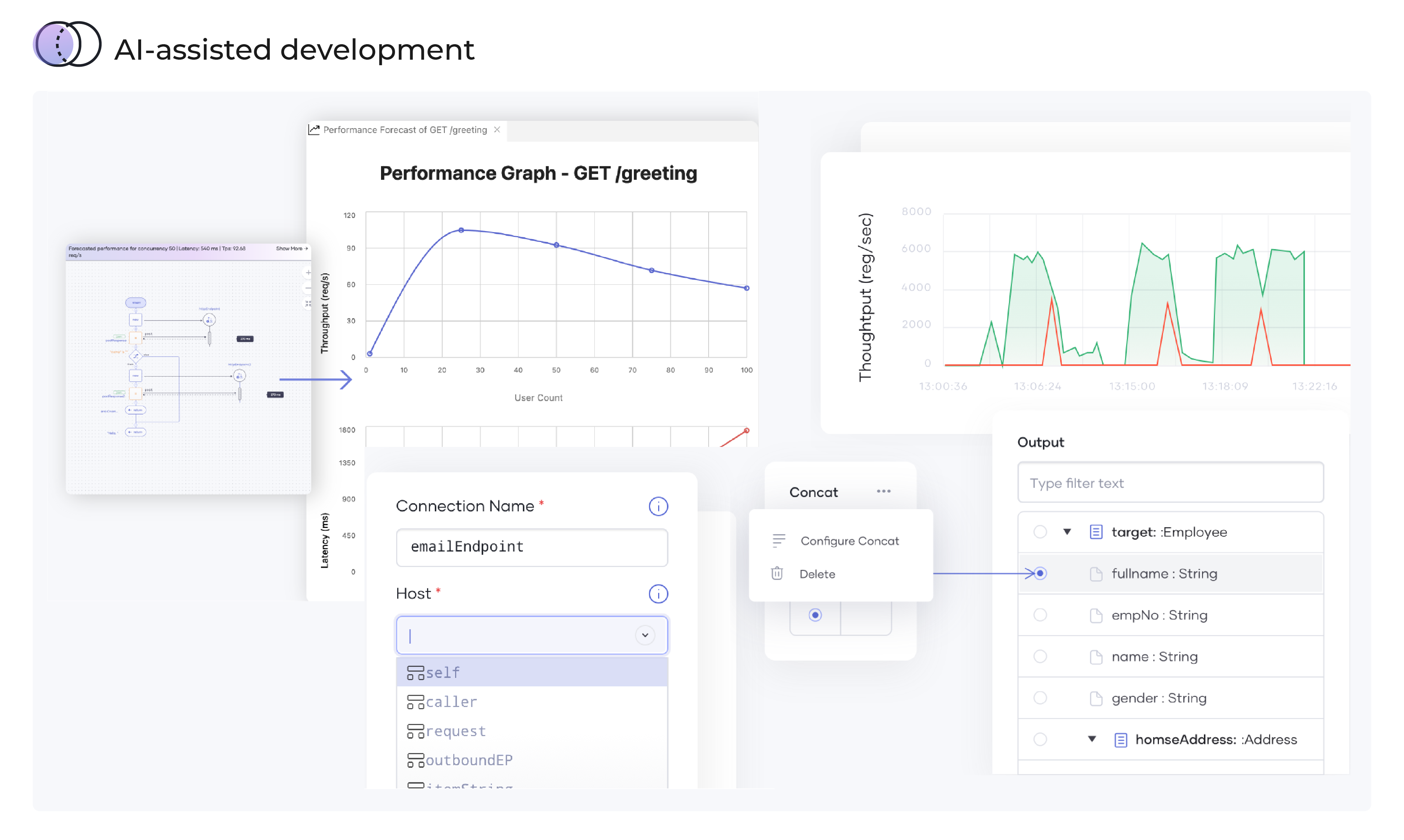
While you are developing your code, my case is codes for bots, you'll have more power and if you have an API ally that shows forecasts of latencies and throughputs: Choreo by WS02 is that friend. It is very ideal in giving insights on intelligent data mapping, code anomalies as you develop the codes or applications.
Read full review
Pros
Microsoft
  • Reporting Integration- Azure boards provides Kanban and other dashboard, their templates for easy management of project.
  • Project Pipeline- easy integration and development of CI/CD pipelines, helped in testing, releasing project artifacts.
  • Version Control- Integration with Git and code IDE made it easy to share, review our code, fix bugs and do testing.
Read full review
WSO2
  • Provides feedback in real time which sorts most of the API performance challenges.
  • Displays the estimated application performance as you compose your code.
Read full review
Cons
Microsoft
  • Can add more build templates for specific technology requirements
  • Can have more features in dashboards which can help dev teams stream line their tasks and priorities
  • Can have raise alarm feature in case of any sort of failure in devops pipeline execution
Read full review
WSO2
  • Latency curves may be inaccurate sometimes or provide over/under estimates
Read full review
Likelihood to Renew
Microsoft
Because we are a Microsoft Gold Partner we utilize most of their software and we have so much invested in Team Foundation Server now it would take a catastrophic amount of time and resources to switch to a different product.
Read full review
WSO2
No answers on this topic
Usability
Microsoft
For standard users the interface is friendly. but if you are a manager some tools are a little confusing to use, like the query system that you always need to create from scratch. Templates should be more helpful for queries and for standard procedures that you need to duplicate PBIs over time. The search history of Work Items is a little painful to use.
Read full review
WSO2
No answers on this topic
Support Rating
Microsoft
I have not had to use the support for Azure DevOps Server. There have never been any issues where I was not able to figure it out or quickly resolve. Our Scrum Master has used support before though, and the service has always been prompt and clear with a customer-focus
Read full review
WSO2
No answers on this topic
Implementation Rating
Microsoft
Do research beforehand and, if possible, do a trial run before implementing into production environment.
Read full review
WSO2
No answers on this topic
Alternatives Considered
Microsoft
In my opinion, DevOps covers the development process end to end way better than Jira or GitHub. Both competitors are nice in their specific fields but DevOps provides a more comprehensive package in my opinion. It is still crazy to see that the whole suite can be used for free. The productivity increase we realized with DevOps is worth real money!
Read full review
WSO2
No answers on this topic
Return on Investment
Microsoft
  • It has streamlined the pipeline and project management for our agile effort.
  • It has helped our agile team get organized since that is a new methodology being leveraged within the Enterprise.
  • The calendar has improved visibility into different OOOs across the project team since we all come from different departments across the larger organization.
Read full review
WSO2
  • over 90 percent accuracy in performance prediction of bots under development
  • It's possible to trace on faulty codes, down to the machine-level details.
Read full review
ScreenShots

WSO2 Choreo Screenshots

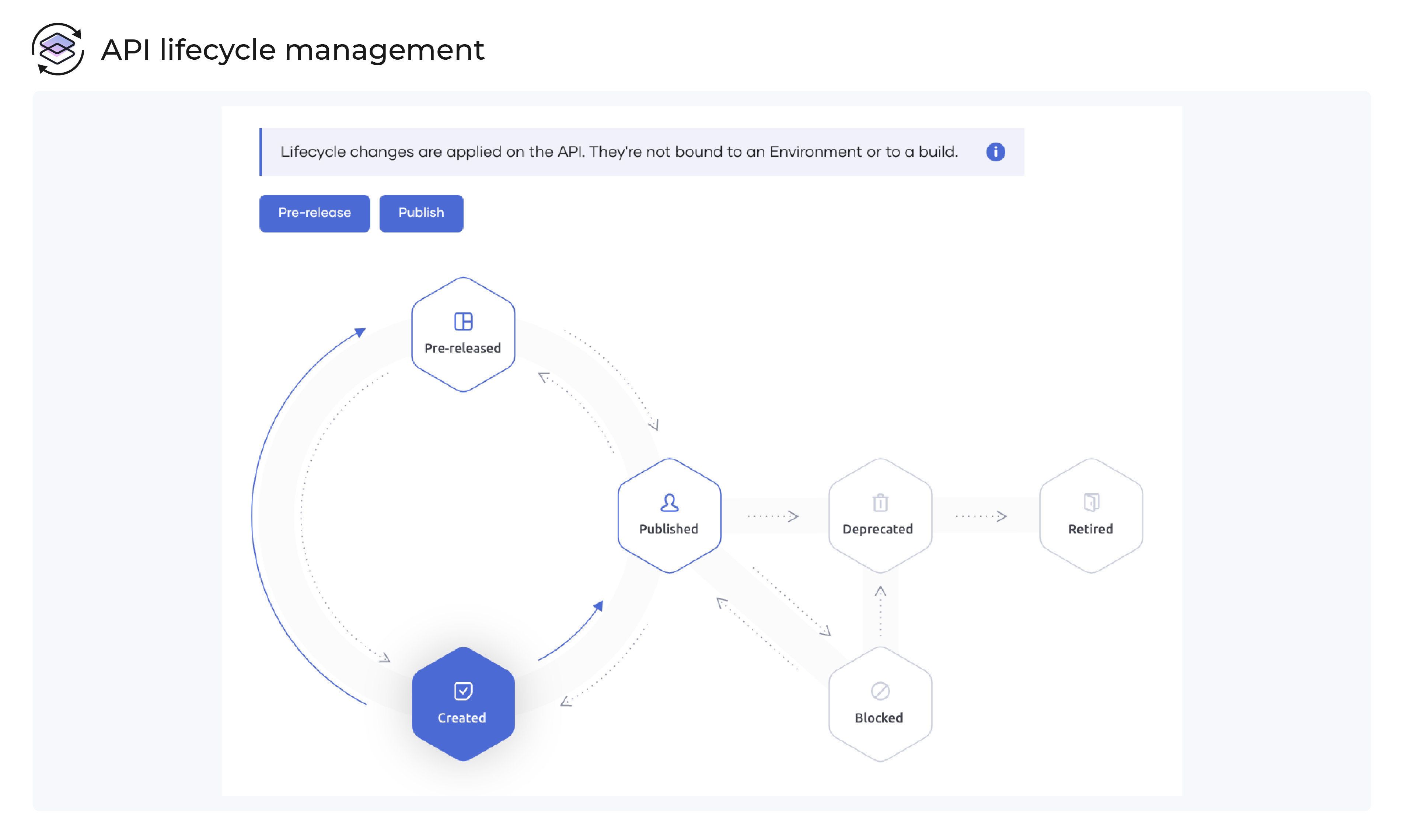
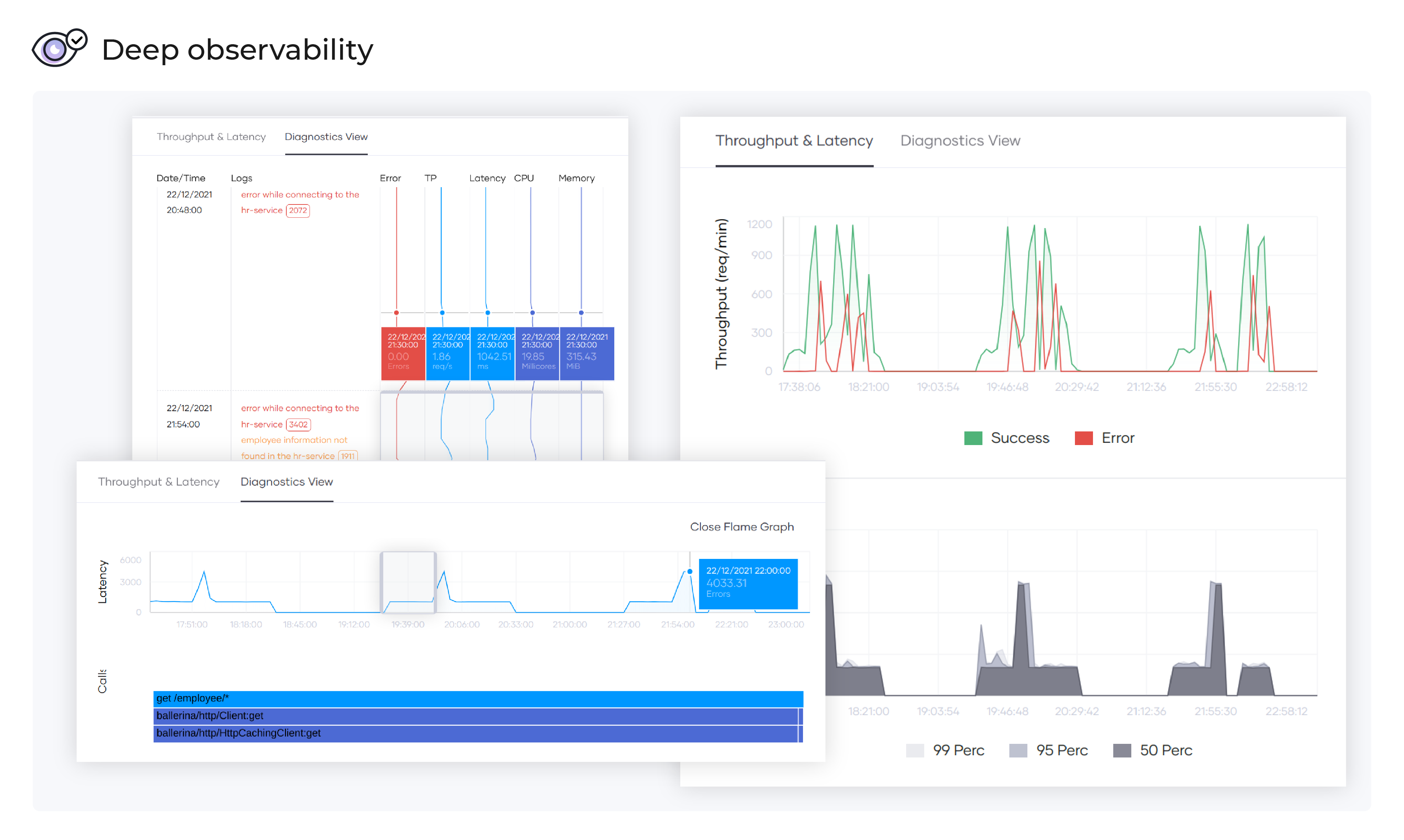
Screenshot of Simultaneous graphical view and code viewScreenshot of API lifecycle managementScreenshot of Automated deploymentScreenshot of API marketplaceScreenshot of Deep observabilityScreenshot of AI-assisted development