Bit Form vs. Formstack for Salesforce

Overview
ProductRatingMost Used ByProduct SummaryStarting Price
Bit Form
Score 0.0 out of 10
N/A
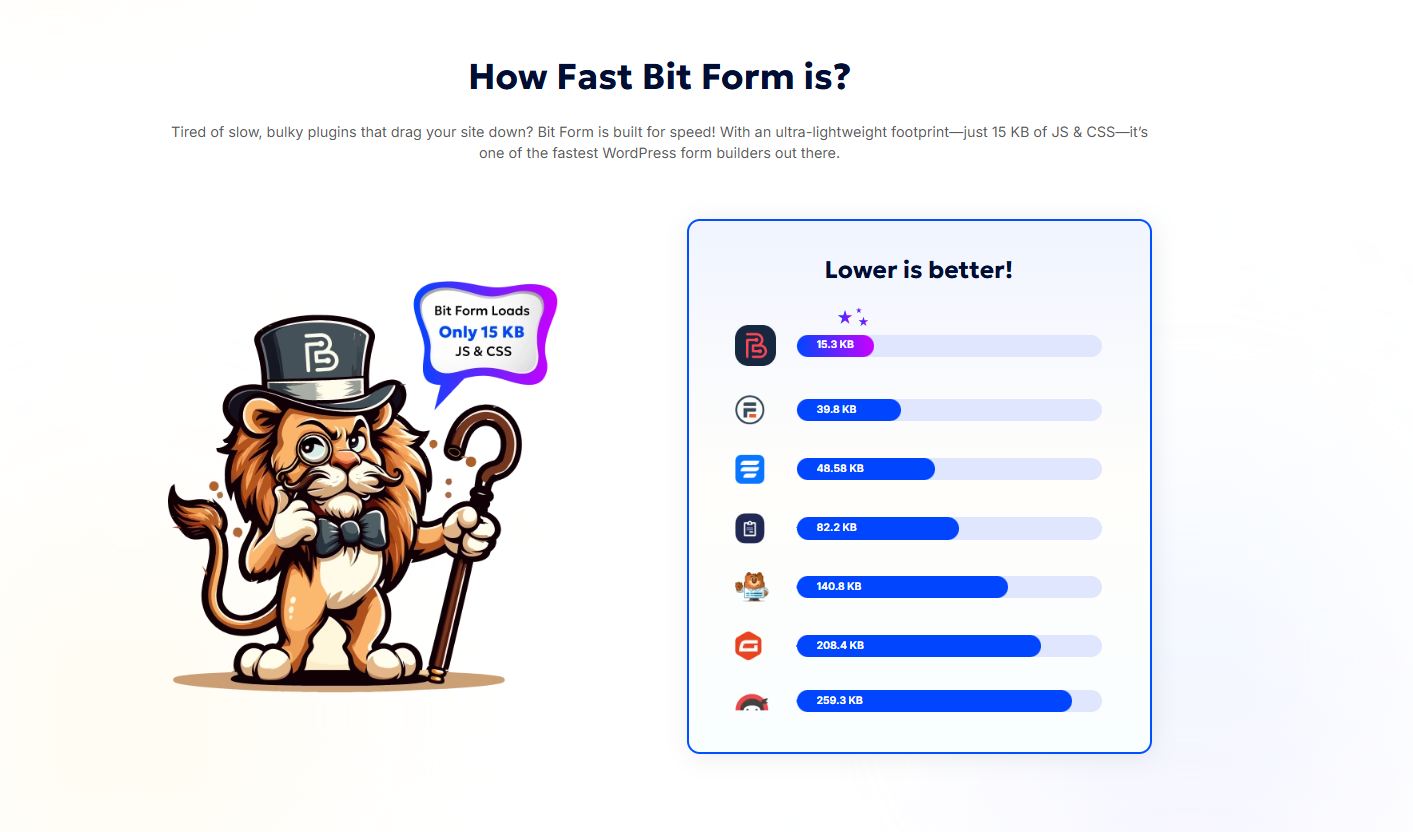
Bit Form is a WordPress form builder designed for speed, flexibility, and ease of use. The form builder boasts a resource load of just 15.3 KB for JS and CSS, and a set of features for advanced form building. Key Features 45+ Form Fields including Signature, Payments, Repeater, File Upload, and Conditional Fields Multi-Step & Conversational Forms for improved UX and higher conversion…
$29
per year
Formstack for Salesforce
Score 6.9 out of 10
N/A
Formstack for Salesforce helps users create dynamically prefilled forms, automating document generation and streamlining digital signature collection without leaving Salesforce. In this way, the solution helps companies ensure customers never fill the the same information twice, with no manual data entry and uploads required.N/A
Pricing
Bit FormFormstack for Salesforce
Editions & Modules
Starter (Annual)
$29
per year
Starter (Lifetime)
$78
one-time fee
Agency (Annual)
$99
per year
Agency (Lifetime)
$191
one-time fee
No answers on this topic
Offerings
Pricing Offerings
Bit FormFormstack for Salesforce
Free Trial
NoNo
Free/Freemium Version
YesNo
Premium Consulting/Integration Services
NoNo
Entry-level Setup FeeNo setup feeNo setup fee
Additional Details
More Pricing Information
Best Alternatives
Bit FormFormstack for Salesforce
Small Businesses
Square 9 Softworks
Square 9 Softworks
Score 9.7 out of 10
airSlate WorkFlow
airSlate WorkFlow
Score 9.9 out of 10
Medium-sized Companies
Qualaroo
Qualaroo
Score 7.0 out of 10
Foxit PDF Editor
Foxit PDF Editor
Score 8.6 out of 10
Enterprises
Verint Voice of the Customer
Score 9.3 out of 10
Conga Composer
Conga Composer
Score 8.1 out of 10
All AlternativesView all alternativesView all alternatives
User Ratings
Bit FormFormstack for Salesforce
Likelihood to Recommend
-
(0 ratings)
8.7
(4 ratings)
User Testimonials
Bit FormFormstack for Salesforce
Likelihood to Recommend
Bit Apps
No answers on this topic
Formstack
- Formstack for Salesforce excels in scenarios where organizations need to capture leads seamlessly. The platform's ability to create customized and branded lead generation forms, coupled with its direct integration with Salesforce, facilitates the smooth transfer of lead data into the CRM system. This is particularly beneficial for marketing teams running campaigns and events.- In scenarios where the primary goal is to collect basic contact information without the need for complex workflows or integrations, the comprehensive features of Formstack may be more than what is required. Simpler tools or solutions might be more appropriate for straightforward contact form needs.
Read full review
Pros
Bit Apps
No answers on this topic
Formstack
  • Collecting customer data and keeping it clean and organized
  • I can send forms to the candidates so that they can easily review the documents
  • The forms are easily embedded in websites, allowing us to utilize formstack for our various seasonal programs.
Read full review
Cons
Bit Apps
No answers on this topic
Formstack
  • mastering the more advanced features of Formstack, especially those related to complex form configurations and workflow automation, can be challenging.
  • we need a broader range of pre-built templates within Formstack
  • Improvements in the mobile app experience, such as a more intuitive design and additional features comparable to the web version, would enhance the usability of Formstack
Read full review
Alternatives Considered
Bit Apps
No answers on this topic
Formstack
Formstack has a lot of work to do to get up to Jotform standards. Jotform has more payment integration options which is a HUGE selling factor for us as far as which program to choose. They also offer more discounts for non-profits which we work with often. Formstack has some pros but Jotform is more elaborate
Read full review
Return on Investment
Bit Apps
No answers on this topic
Formstack
  • This can lead to time savings, allowing employees to focus on more strategic tasks rather than manual data handling.
  • By automating the transfer of data from forms to Salesforce, the platform contributes to improved data accuracy.
  • The automation and customization capabilities of Formstack can streamline various processes, from lead generation to internal approvals.
Read full review
ScreenShots

Bit Form Screenshots

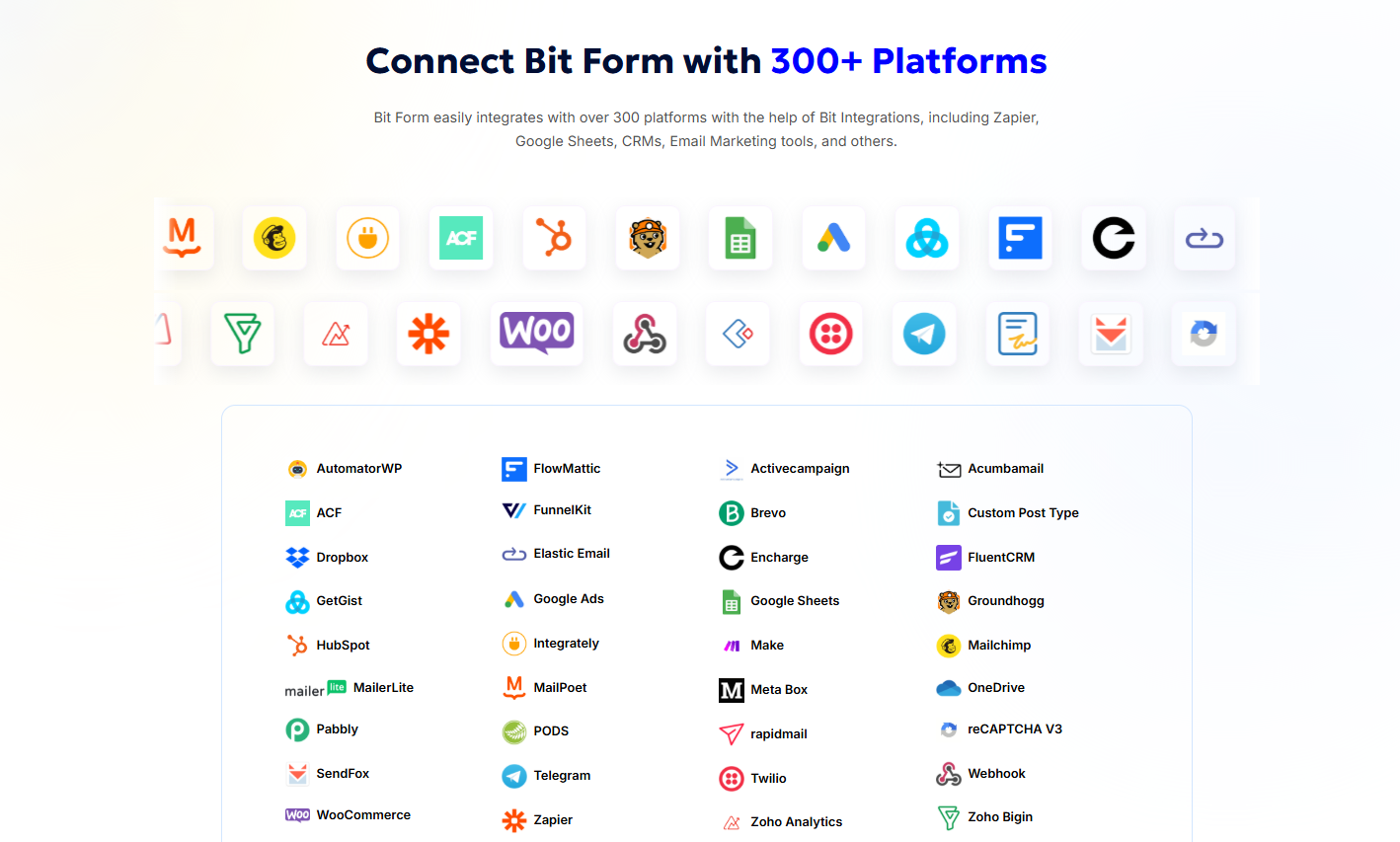
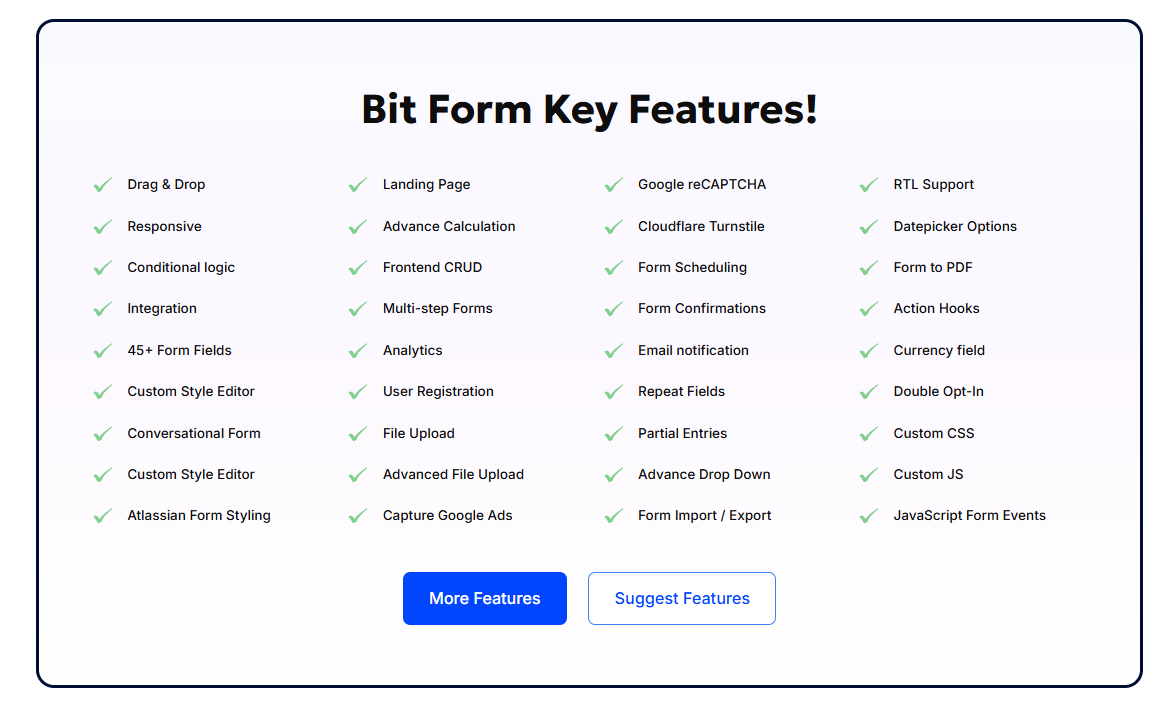
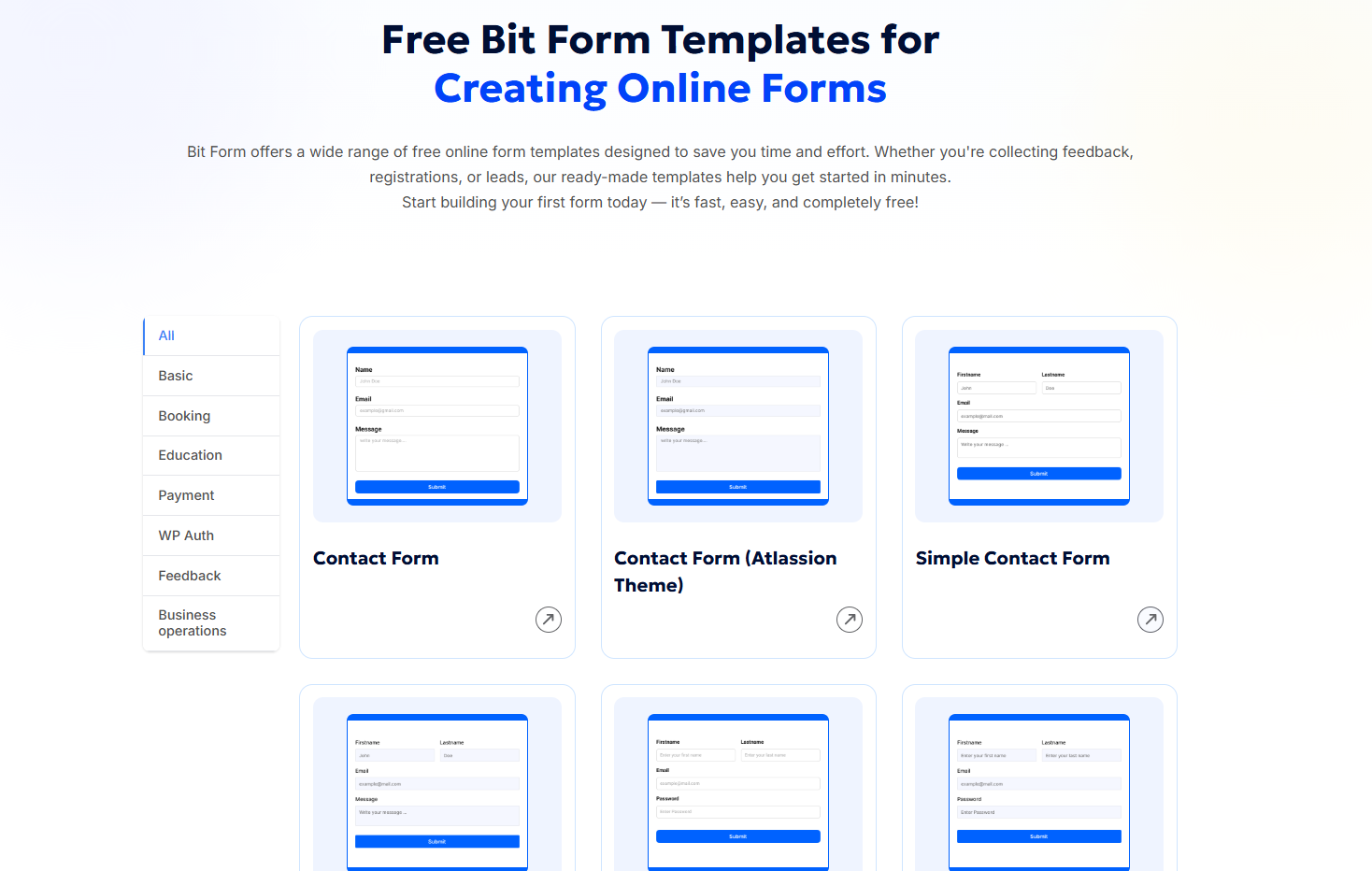
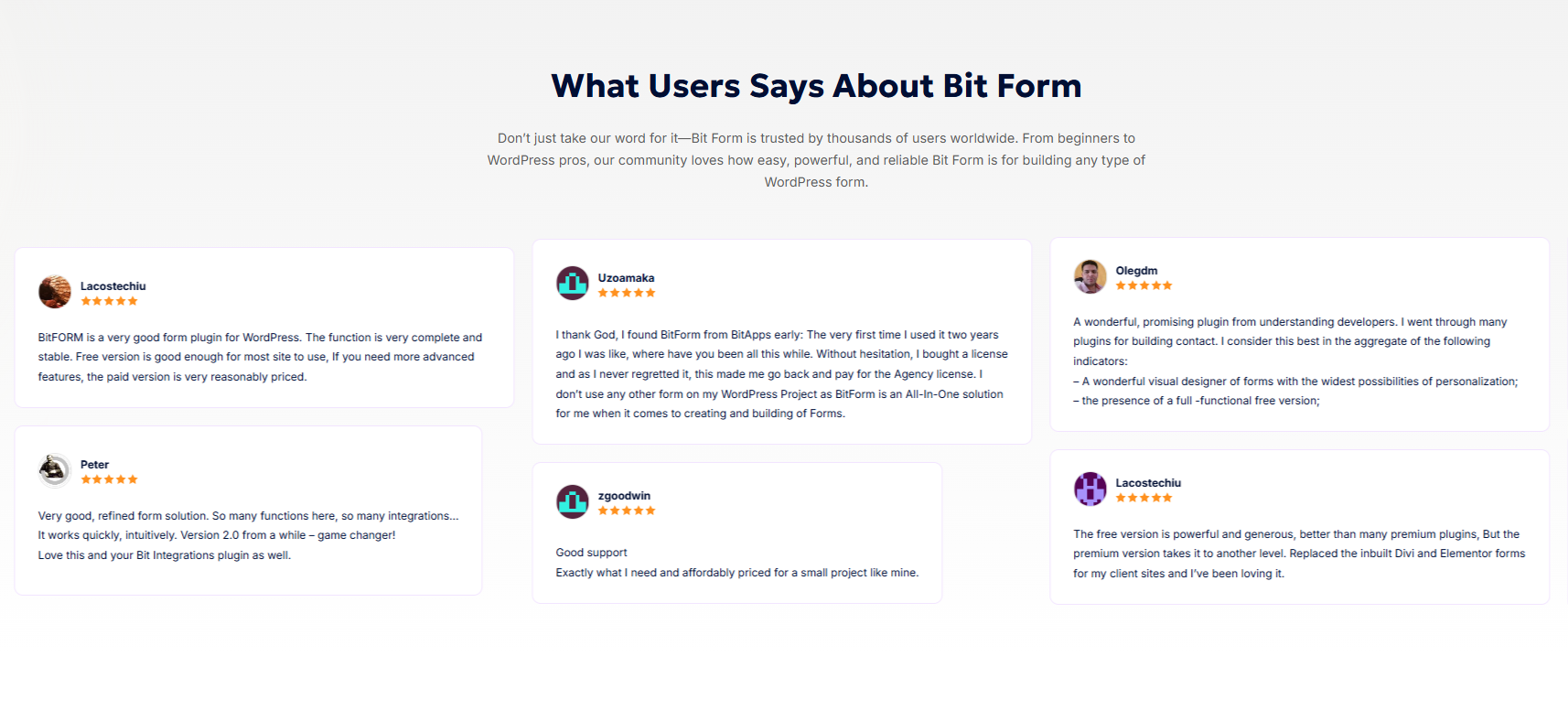
Screenshot of some of Bit Form's 300 platform connections available via Bit Integrations, including top tools like Google Sheets, Mailchimp, HubSpot, WooCommerce, Zapier, and FluentCRM. These automate workflows between CRMs, email marketing platforms, form submissions, and cloud storage—without any coding. Ideal for businesses seeking powerful WordPress form automation.Screenshot of Bit Form's 45+ features for advanced WordPress form building, including drag & drop builder, conditional logic, multi-step forms, user registration, file uploads, payment fields, Google reCAPTCHA, analytics, and form scheduling. It supports custom CSS/JS, Cloudflare Turnstile, action hooks, RTL, and form-to-PDF export.Screenshot of Bit Form's range of free online form templates for WordPress, including contact forms, booking forms, feedback forms, and payment forms. These ready-to-use templates are fully customizable, mobile-responsive, and built to help users collect data quickly.Screenshot of some user statementsScreenshot of a Bit Form page loading test result.Screenshot of