The BlazeMeter Continuous Testing Platform is a unified, end-to-end, next-generation software test automation platform built for both Agile and COE teams, from Perforce. BlazeMeter includes complete continuous testing capabilities deeply integrated into a single, intuitive workflow.
$199
per month
WebLOAD
Score10 out of 10
N/A
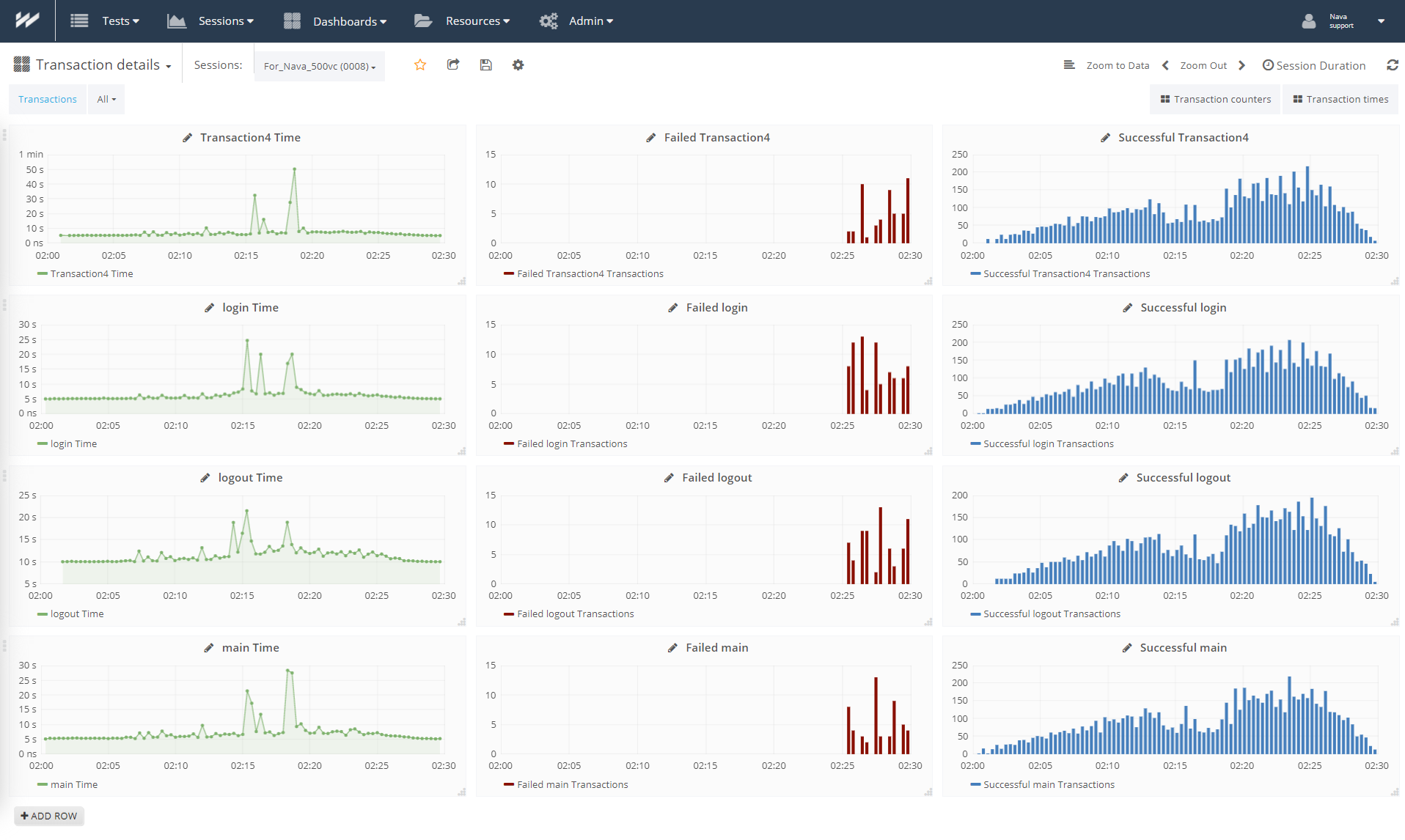
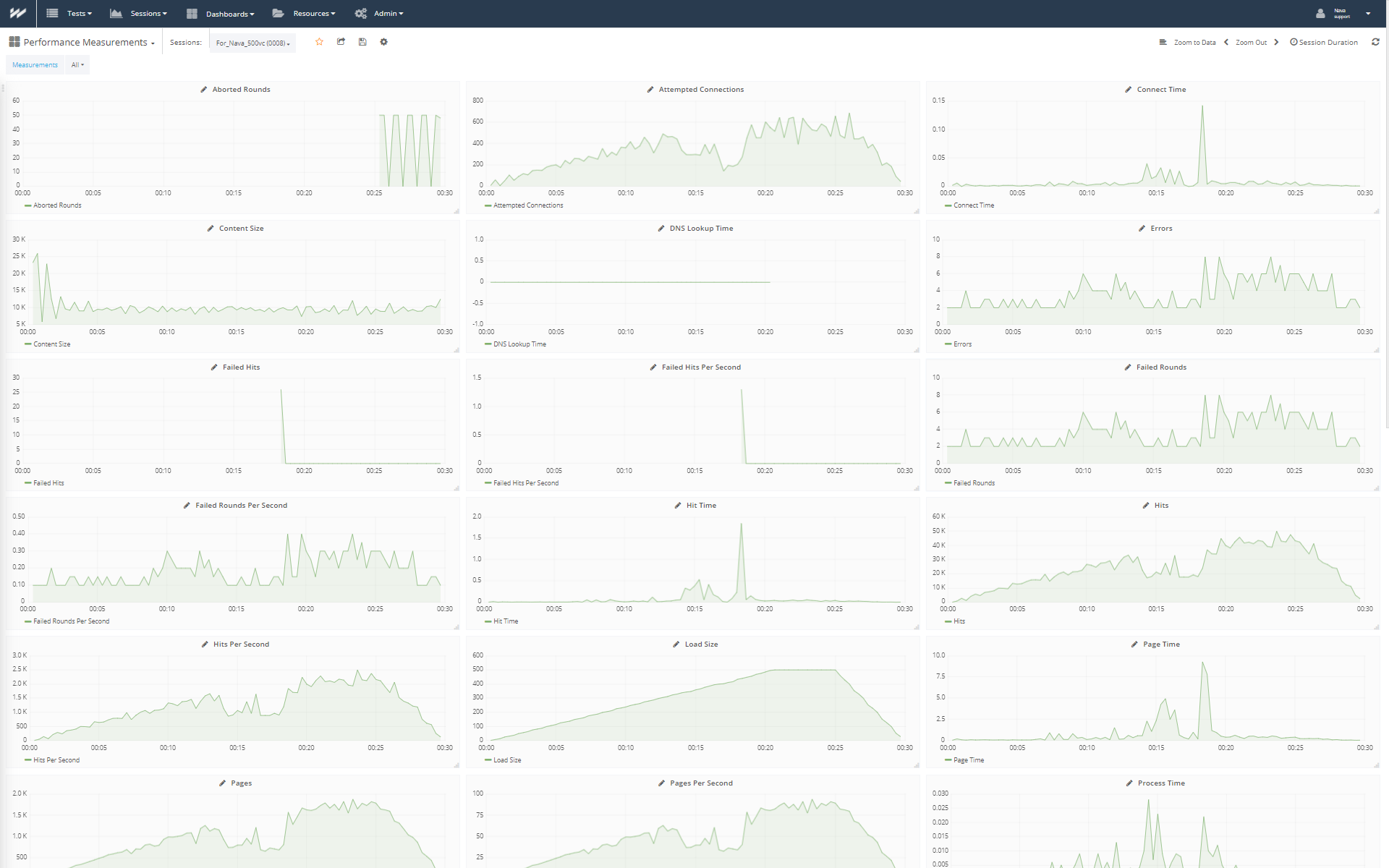
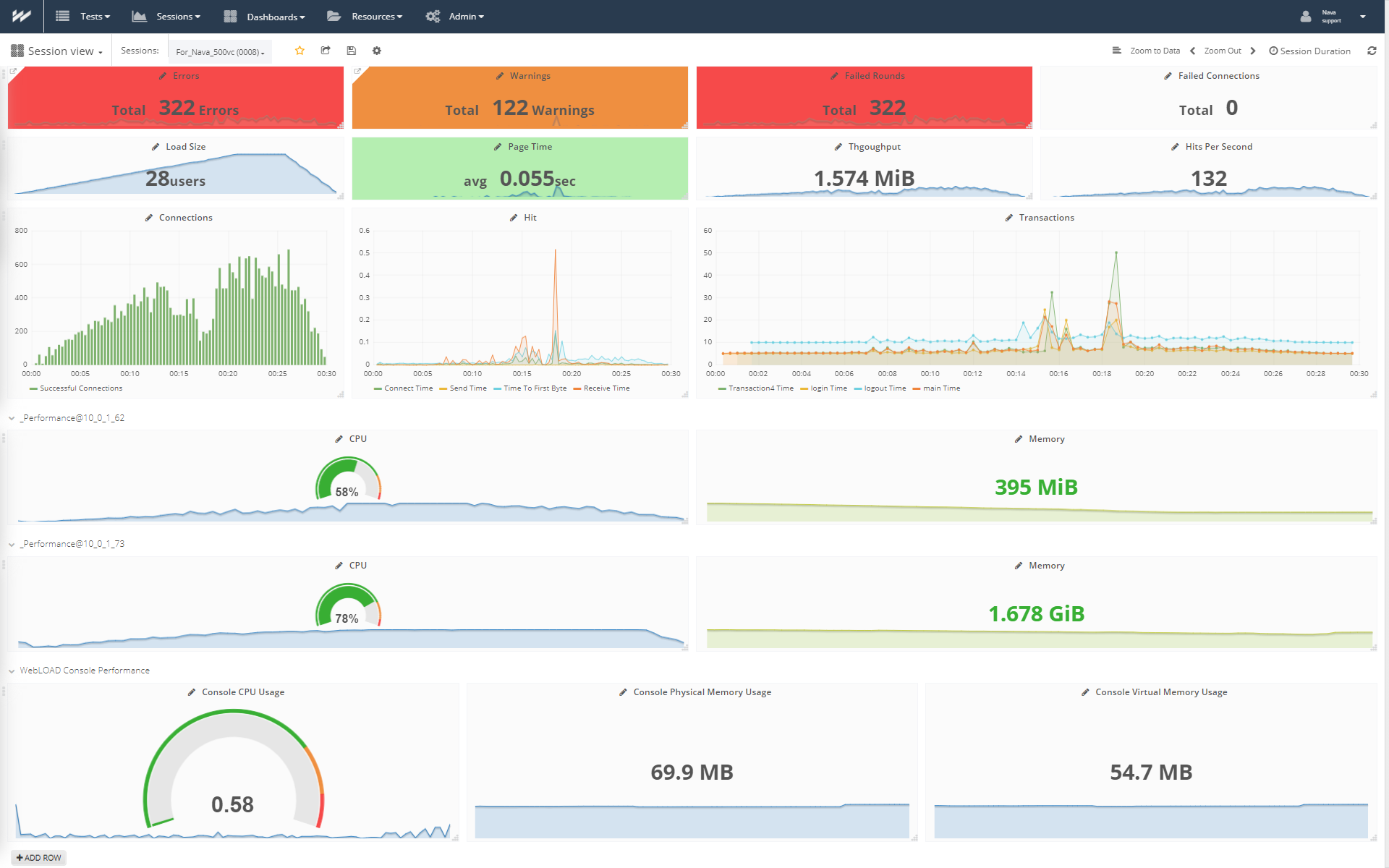
WebLOAD from global, Israel-headquartered RadView Software, is an enterprise class load and performance testing tool.
$0.15
per virtual user hour (Up to 500 Concurrent VU)
Pricing
BlazeMeter
WebLOAD
Editions & Modules
Basic
$149.00
per month
Pro
$649.00
per month
On demand (Pay as you go)
$0.15
per Virtual User Hour Up to 500 Concurrent VU
Monthly Subscription
$499
per month Up to 500 Concurrent VU
Professional
Custom Quote
Enterprise
Custom Quote
Offerings
Pricing Offerings
BlazeMeter
WebLOAD
Free Trial
No
Yes
Free/Freemium Version
Yes
No
Premium Consulting/Integration Services
No
Yes
Entry-level Setup Fee
No setup fee
No setup fee
Additional Details
—
—
More Pricing Information
Features
BlazeMeter
WebLOAD
Automation Testing
Comparison of Automation Testing features of BlazeMeter and WebLOAD
Feature
BlazeMeter
9.0
1 Ratings
6% above category average
WebLOAD
-
Ratings
CI/CD Tool Integration
9.01 Ratings
00 Ratings
Integrated Version Control
9.01 Ratings
00 Ratings
Data-Driven Testing
9.01 Ratings
00 Ratings
Testing Collaboration
9.01 Ratings
00 Ratings
Testing Reports & Analytics
9.01 Ratings
00 Ratings
Load Testing
Comparison of Load Testing features of BlazeMeter and WebLOAD
It is well suited for applications that are mission-critical or applications that can receive high traffic/transactions at unscheduled time periods. Using the load testing feature of BlazeMeter, we can test and ascertain the capacity of the application without the drawbacks of the usual Apache JMeter load testing which depends heavily on the host system from where the load testing is performed.
A de minimis incentive was given to thank the reviewer for their time. The incentive was not used to bias or drive a particular response, nor was the incentive contingent on a positive endorsement. More Info
WebLOAD is an imperative tool for our web manager and developers team. We rely heavily on this in our daily activities, mainly to run script testing (in record time) of new code prior to our build releases. This product helps us identify potential gaps and issues with the user flow and allows us to make adjustments and fix problems before they make it into the live production site. Our team also depends on this software to run multiple load testing of each server in preparation for heavy timeframes of the year, such as Cyber Monday, Black Friday, etc. Our team members brought up that they would love to see more scripting examples of how to use WebLOAD, which would make their job easier.
A de minimis incentive was given to thank the reviewer for their time. The incentive was not used to bias or drive a particular response, nor was the incentive contingent on a positive endorsement. More Info
A de minimis incentive was given to thank the reviewer for their time. The incentive was not used to bias or drive a particular response, nor was the incentive contingent on a positive endorsement. More Info
A de minimis incentive was given to thank the reviewer for their time. The incentive was not used to bias or drive a particular response, nor was the incentive contingent on a positive endorsement. More Info
Blazemeter reporting is very basic and shallow. There is no way to drill down or correlate. I can get better reports by using JMeter for free.
Blazemeter is very costly. Testing with volumes of more than 1K cu is expensive, and can be done for much cheaper if a company/team is willing to invest a bit of time to figure out how to use cloud instances and jmeter slaves, and to write a basic script to collect resulting xml output.
A de minimis incentive was given to thank the reviewer for their time. The incentive was not used to bias or drive a particular response, nor was the incentive contingent on a positive endorsement. More Info
A de minimis incentive was given to thank the reviewer for their time. The incentive was not used to bias or drive a particular response, nor was the incentive contingent on a positive endorsement. More Info
A de minimis incentive was given to thank the reviewer for their time. The incentive was not used to bias or drive a particular response, nor was the incentive contingent on a positive endorsement. More Info
In comparison with Blazemeter the closes competitor is JMeter but it has disadvantages like it is not a tool that can be use as a collaborative tool and works locally in a computer, Blazemeter is in the web so different people can access and run tests or collaborate do add, edit or delete the existent scripts.
A de minimis incentive was given to thank the reviewer for their time. The incentive was not used to bias or drive a particular response, nor was the incentive contingent on a positive endorsement. More Info
There are many similar comparable products on the market, but with WebLOAD, the price point was reasonable. Their sales and engineering teams and very friendly and helpful and make our implementation a breeze. I would definitely renew our contract and recommend this to anyone out there looking for the best load-testing tool!
A de minimis incentive was given to thank the reviewer for their time. The incentive was not used to bias or drive a particular response, nor was the incentive contingent on a positive endorsement. More Info
A de minimis incentive was given to thank the reviewer for their time. The incentive was not used to bias or drive a particular response, nor was the incentive contingent on a positive endorsement. More Info
A de minimis incentive was given to thank the reviewer for their time. The incentive was not used to bias or drive a particular response, nor was the incentive contingent on a positive endorsement. More Info