A technical illustration and Graphic Design software platform, Canvas X Draw for Windows delivers an array of functionality in a single application developed to sit at the heart of illustration and documentation workflows.
$199
per year per user
SlideModel
Score 8.0 out of 10
Small Businesses (1-50 employees)
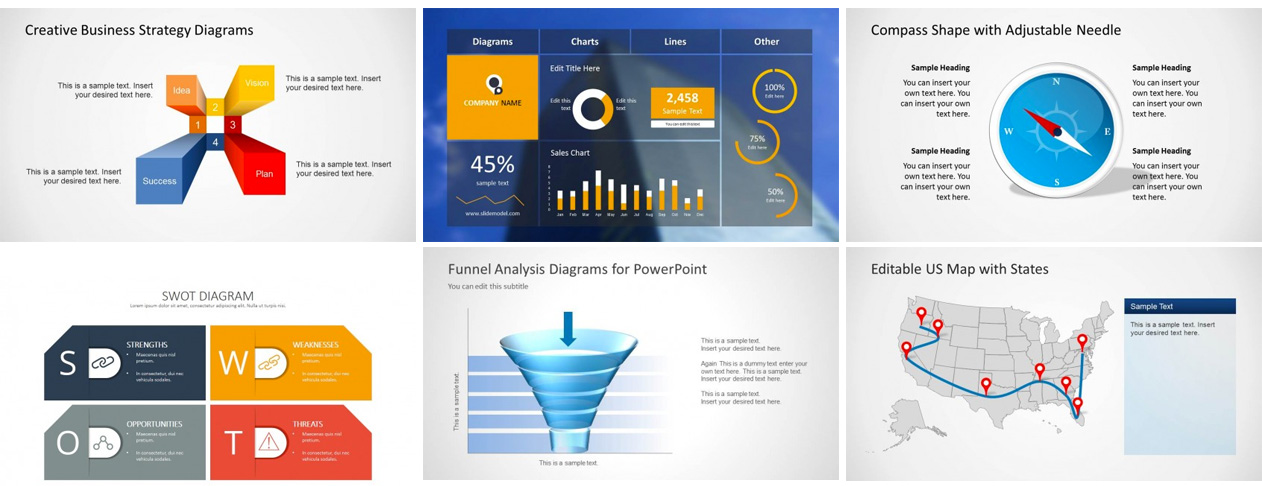
SlideModel is a provider of presentation templates. The vendor has a catalog of designs that includes diagrams, layouts, charts and popular business models that are provided as presentation templates so they can be easily edited to prepare a final presentation.
The presentation templates are compatible with Microsoft PowerPoint, Keynote, Google Slides and OpenOffice. According to the vendor, the content catalog of templates combines the highest quality in the…
$199.90
Pricing
Canvas X Draw (Windows)
SlideModel
Editions & Modules
Canvas X Draw (Windows) - 1 year Subscription
$199
per year per user
Canvas X Draw (Windows) - 3 Year Subscription
$499.00
per 3 years per user
Canvas X Draw (Windows) - Perpetual License
$599
one-time fee per user
Annual Unlimited Plan
$199.90
Offerings
Pricing Offerings
Canvas X Draw (Windows)
SlideModel
Free Trial
Yes
No
Free/Freemium Version
No
No
Premium Consulting/Integration Services
No
No
Entry-level Setup Fee
No setup fee
No setup fee
Additional Details
—
—
More Pricing Information
Community Pulse
Canvas X Draw (Windows)
SlideModel
Considered Both Products
Canvas X Draw (Windows)
Verified User
Anonymous
Chose Canvas X Draw (Windows)
Canvas x Draw is more cost-effective compared to Adobe Illustrator. Customer service of Canvas X Draw is best. It provides a non-subscription version which is not there in other tools. Canvas X Draw is easier to use and understand than Photoshop and Adobe Illustrator. The …
Best of Canvas X Draw : I recommend Canvas X Draw to students who are pursuing engineering. They provide great customer service. They do offer a non-subscription service which is great for students. The all-in-one graphic design and illustration technically for multi framework Where Canvas X Draw can do better: They have fewer fill options. The offset path function option is not there.
Canvas x Draw is more cost-effective compared to Adobe Illustrator. Customer service of Canvas X Draw is best. It provides a non-subscription version which is not there in other tools. Canvas X Draw is easier to use and understand than Photoshop and Adobe Illustrator. The layering feature is the best for Canvas X Draw