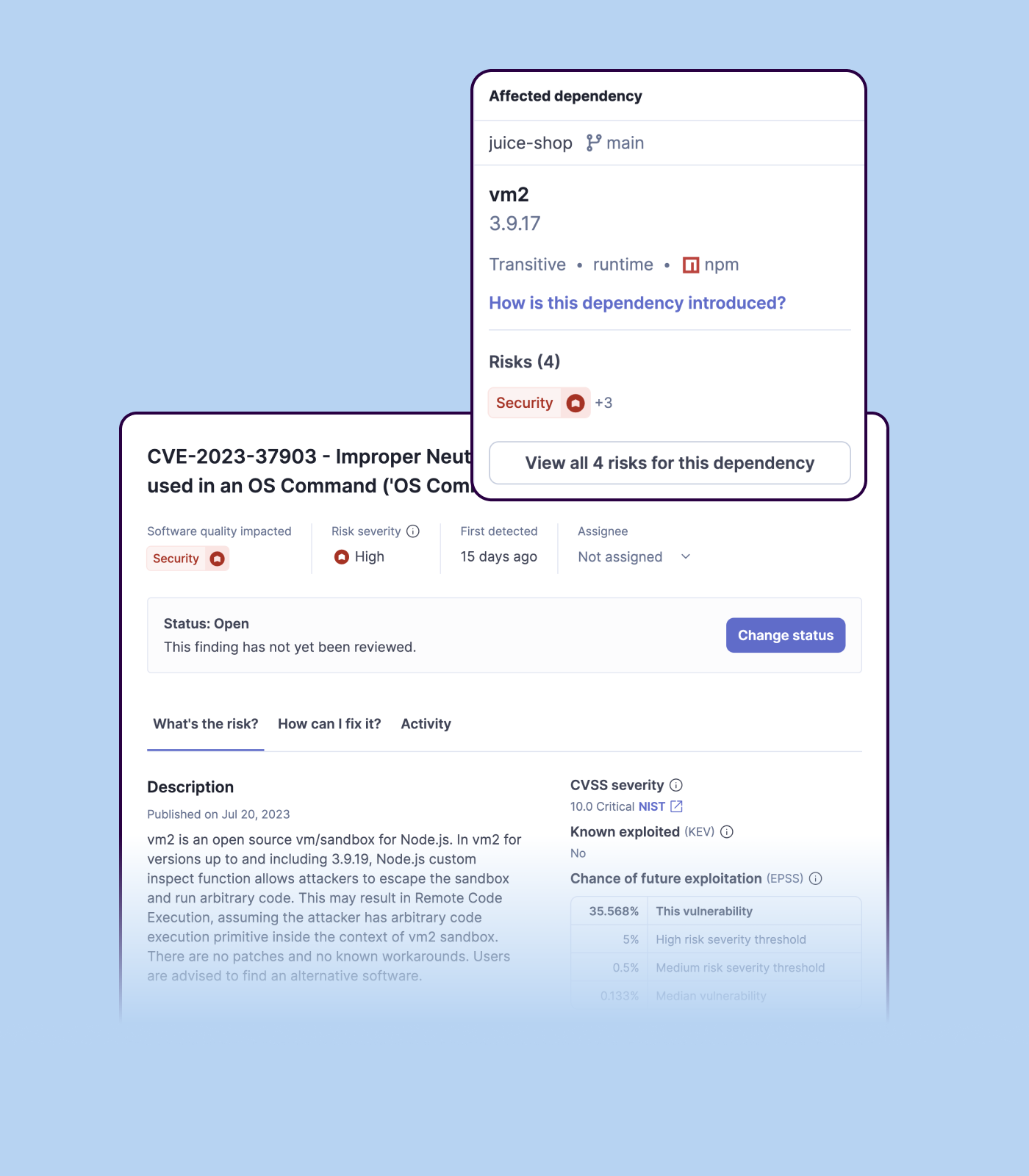
Checkmarx, an Israeli headquartered company with US offices, provides a suite of application security software delivered via the Checkmarx Software Security Platform. Individual modules and capabilities include Checkmarx Static Application Security Testing, Checkmarx Software Composition Analysis, Checkmarx Interactive Application Security Testing (CxIAST)
N/A
IntelliJ IDEA
Score9.2 out of 10
N/A
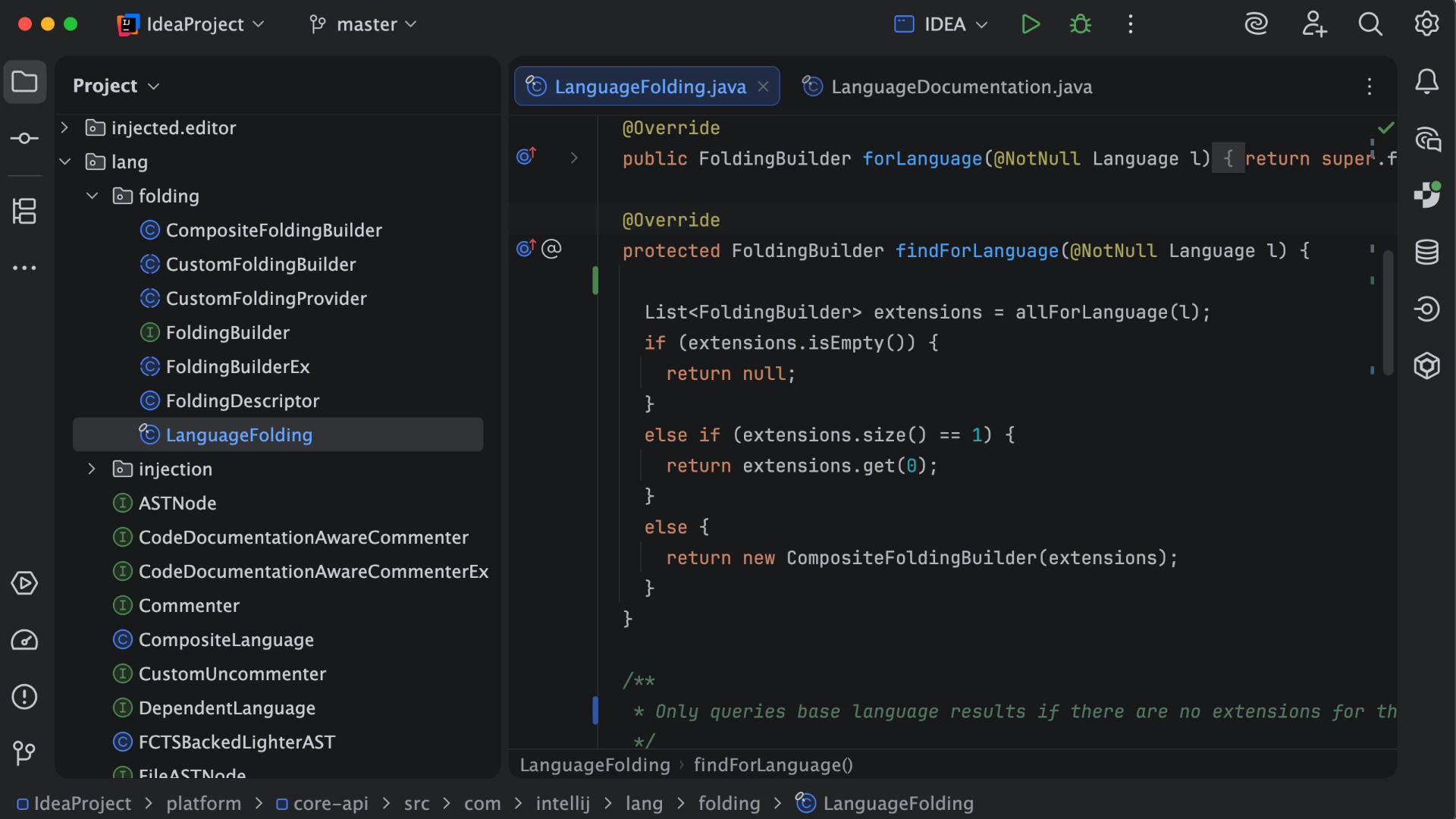
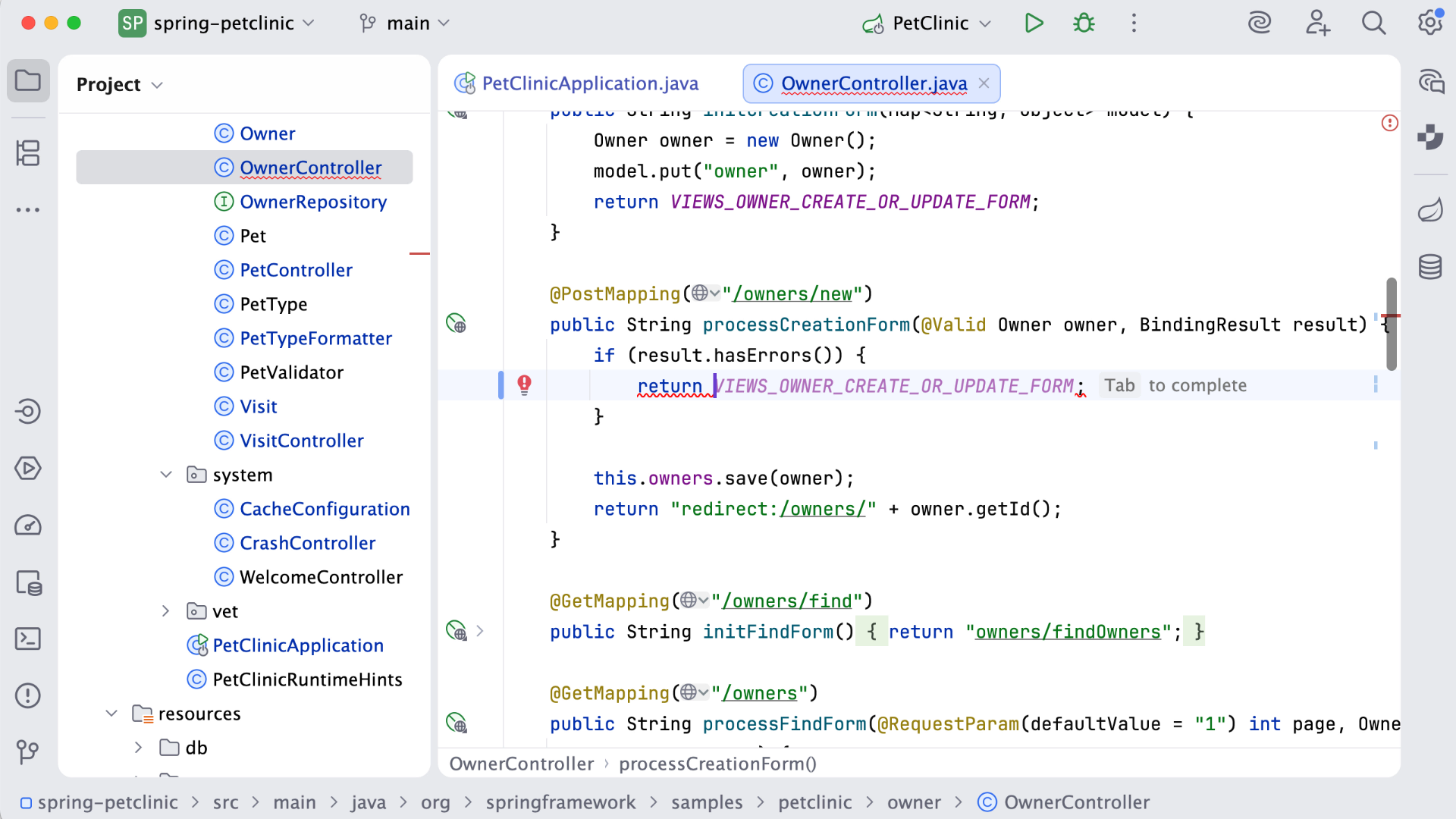
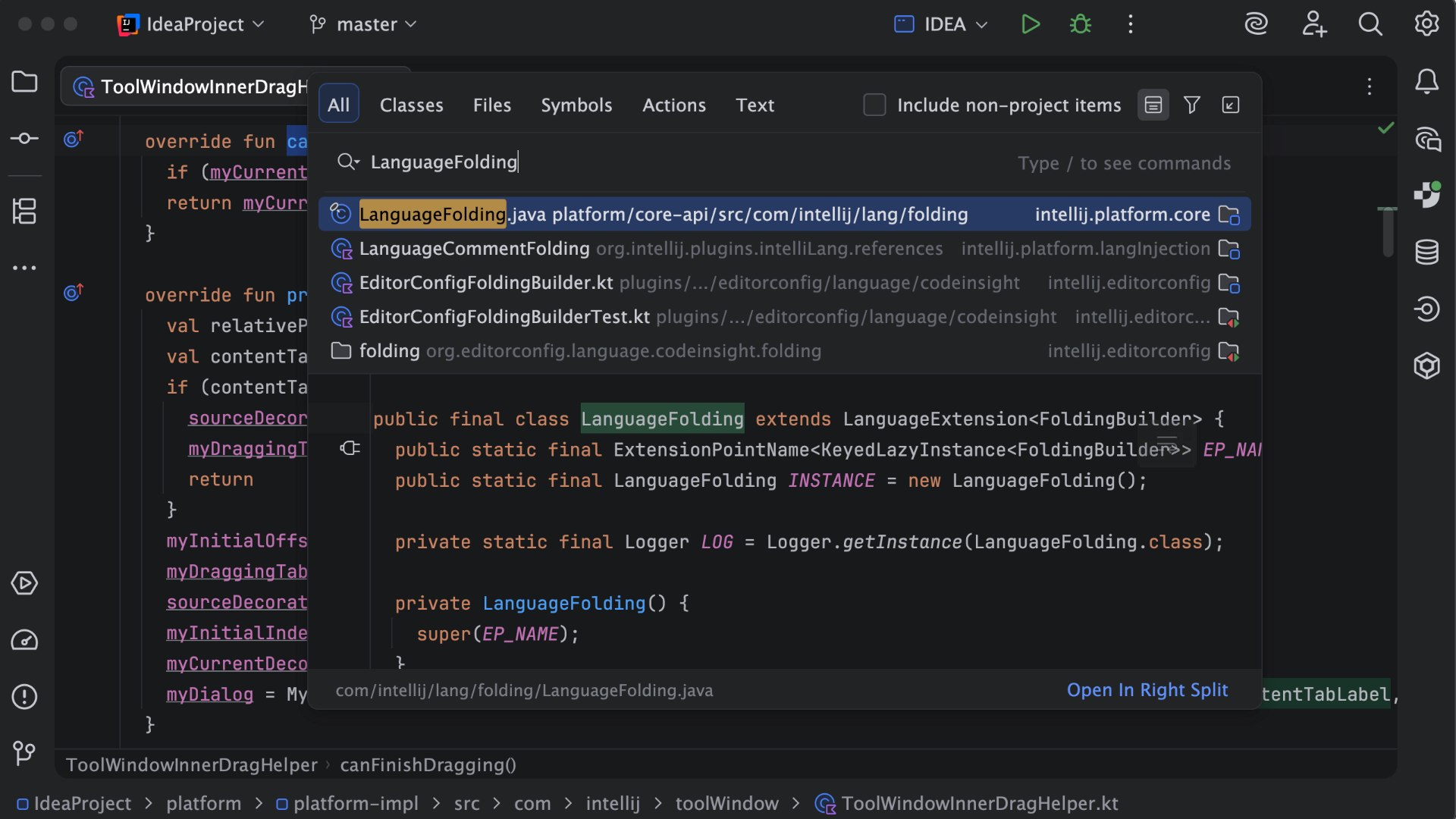
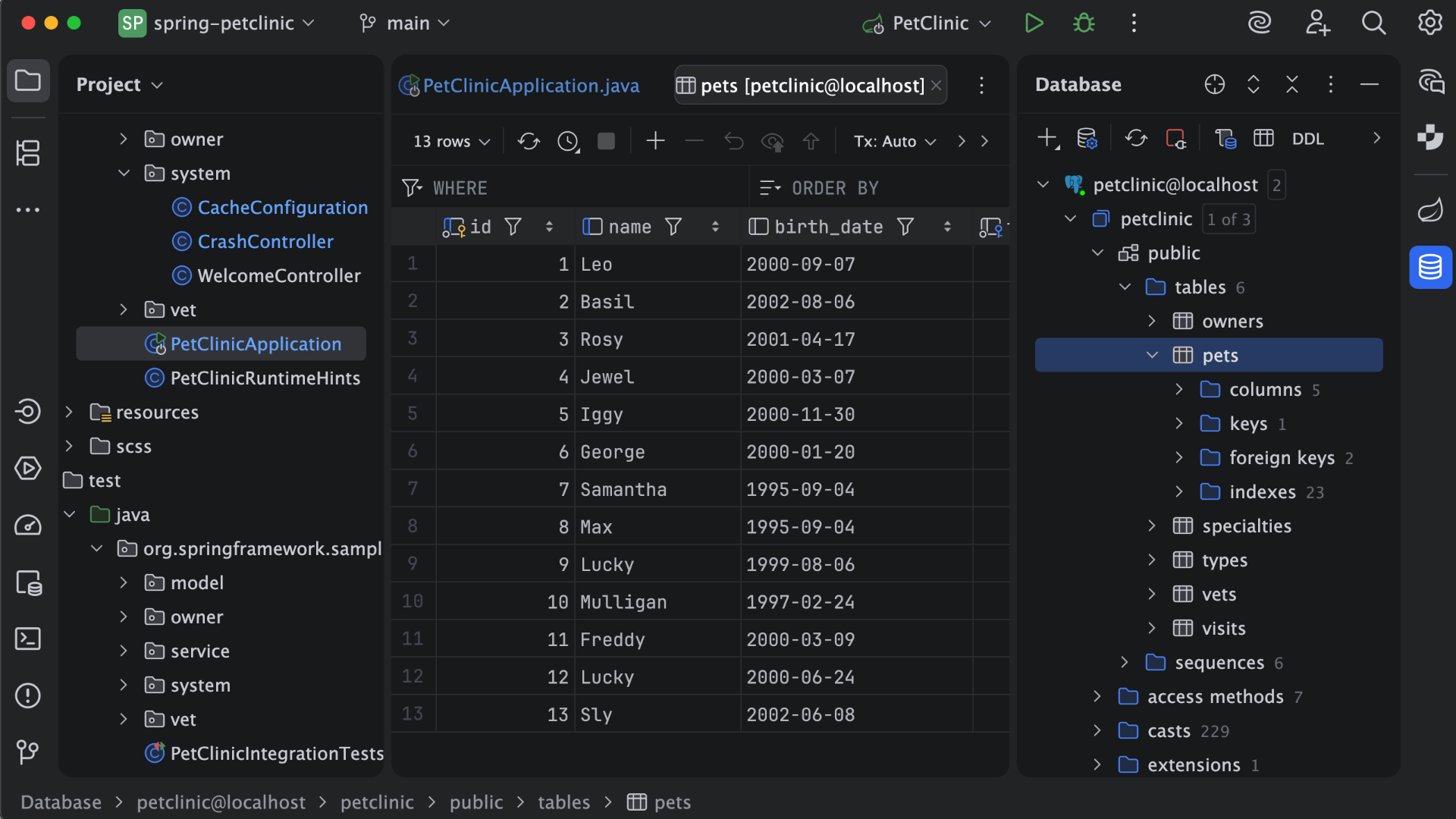
IntelliJ IDEA is an IDE that aims to give Java and Kotlin developers everything they need out of the box, including a smart code editor, built-in developer tools, framework support, database support, web development support, and much more.
$19.90
per month
SonarQube
Score8.7 out of 10
N/A
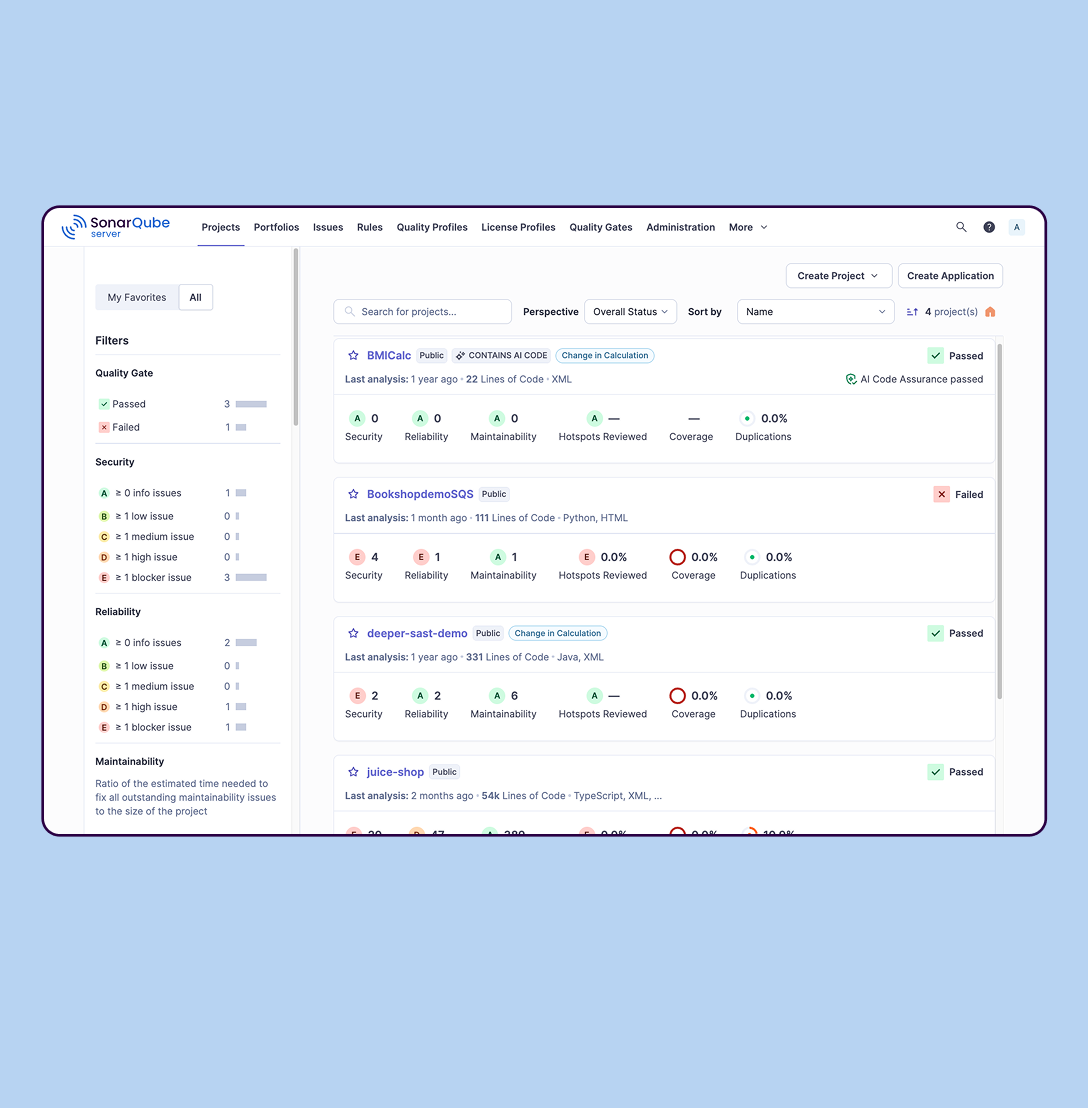
SonarQube is an automated code review solution, serving as the verification layer for code quality and SDLC security. SonarQube is used to ensure that code is secure, reliable, and maintainable. It is available through SaaS or self-managed deployment.
$34
per month Recommended for teams <50 developers
Pricing
Checkmarx
IntelliJ IDEA
SonarQube
Editions & Modules
No answers on this topic
For Individual Use (Monthly billing)
$19.90
per month
For Organizations (Monthly billing)
$71.90
per month
For Individual Use (Yearly billing)
$199
per year
For Organizations (Yearly billing)
$719
per year
SonarQube Community Build
$0
(open source)
Self-managed: Developer
Starting at $720 annually
per year per installation
Self-managed: Enterprise
Contact sales for pricing
per year per installation
Cloud-based: Enterprise
Contact sales for pricing
per year per installation
Cloud-based: Teams
Starting at $34 per month
per month per installation
Self-managed: Data Center
Contact sales for pricing
per year per installation
Offerings
Pricing Offerings
Checkmarx
IntelliJ IDEA
SonarQube
Free Trial
No
Yes
Yes
Free/Freemium Version
No
Yes
Yes
Premium Consulting/Integration Services
No
No
No
Entry-level Setup Fee
No setup fee
No setup fee
No setup fee
Additional Details
—
All Products Pack (For Individual Use) – $299 /1st year, $ 239 /2nd year and $ 179 /3d year onwards
All Products Pack (For Organizations) – $979 / year
—
More Pricing Information
Community Pulse
Checkmarx
IntelliJ IDEA
SonarQube
Considered Multiple Products
Checkmarx
No answer on this topic
JetBrains
No answer on this topic
SonarSource Sarl
Verified User
Chose SonarQube
SonarQube identifies significant more thing compared to the built-in suggestions in IntelliJ IDEA. The suggestions how to correct issues are also a lot better with SonarQube. IntelliJ IDEA provides great refactoring support to make it easy to refactor the code to solve issues. …
A de minimis incentive was given to thank the reviewer for their time. The incentive was not used to bias or drive a particular response, nor was the incentive contingent on a positive endorsement. More Info
Verified User
Chose SonarQube
Getting SonarQube instead of the other tools we tested was an easy choice. Snyk was way too much limited to only Docker images and dependency analysis at that time. And Checkmarx was very hard to adapt to our needs : configuring custom quality gates was way too much of a …
A de minimis incentive was given to thank the reviewer for their time. The incentive was not used to bias or drive a particular response, nor was the incentive contingent on a positive endorsement. More Info
Verified User
Chose SonarQube
Some are still under consideration. Pricing is a big component. Some FOSS products have been considered is at par (at least for our needs) or catching up. Although the amazing support in the community weighs hard on the value. So, if it went away...so would some arguments …
A de minimis incentive was given to thank the reviewer for their time. The incentive was not used to bias or drive a particular response, nor was the incentive contingent on a positive endorsement. More Info
A de minimis incentive was given to thank the reviewer for their time. The incentive was not used to bias or drive a particular response, nor was the incentive contingent on a positive endorsement. More Info
Product Design/Development Engineer in Engineering at Transferwise (Financial Services, 1001-5000 employees)
Chose SonarQube
I personally evaluated klocwork in a previous company and it worked well for Static Code Analysis for C++ applications but the Java support was not as good as SonarQube.
Also the overall tooling and integrations provided by SonarQube is stellar and very other competitors can …
A de minimis incentive was given to thank the reviewer for their time. The incentive was not used to bias or drive a particular response, nor was the incentive contingent on a positive endorsement. More Info
A de minimis incentive was given to thank the reviewer for their time. The incentive was not used to bias or drive a particular response, nor was the incentive contingent on a positive endorsement. More Info
If you are going with SAST process or want to improve overall security posture then go for it like integrating it with post deployment steps. If you are more concerned about proactive controls better choose other options such as pee-commit hooks and CI security. Also choose other tools for DAST and API scans.
A de minimis incentive was given to thank the reviewer for their time. The incentive was not used to bias or drive a particular response, nor was the incentive contingent on a positive endorsement. More Info
This is a superb tool if your project involves a lot of backend development, especially in Java/Spring Boot and Kotlin. The support for the front end is great as well, but some developers may prefer to use the GitHub copilot add-on. I especially love using the GitHub copilot add-on. It may be less appropriate if your project requires heavy use of HotSwaps for backend debugging, as sometimes the support for that can be limited.
A de minimis incentive was given to thank the reviewer for their time. The incentive was not used to bias or drive a particular response, nor was the incentive contingent on a positive endorsement. More Info
SonarQube is excellent if you start using it at the beginning when developing a new system, in this situation you will be able to fix things before they become spread and expensive to correct. It’s a bit less suitable to use on existing code with bad design as it’s usually too expensive to fix everything and only allows you to ensure the situation doesn’t get worse.
A de minimis incentive was given to thank the reviewer for their time. The incentive was not used to bias or drive a particular response, nor was the incentive contingent on a positive endorsement. More Info
A de minimis incentive was given to thank the reviewer for their time. The incentive was not used to bias or drive a particular response, nor was the incentive contingent on a positive endorsement. More Info
Unit testing: Fully integrated into IntelliJ IDEA. Your unit tests will run smoothly and efficiently, with excellent debugging tools for when things get tricky.
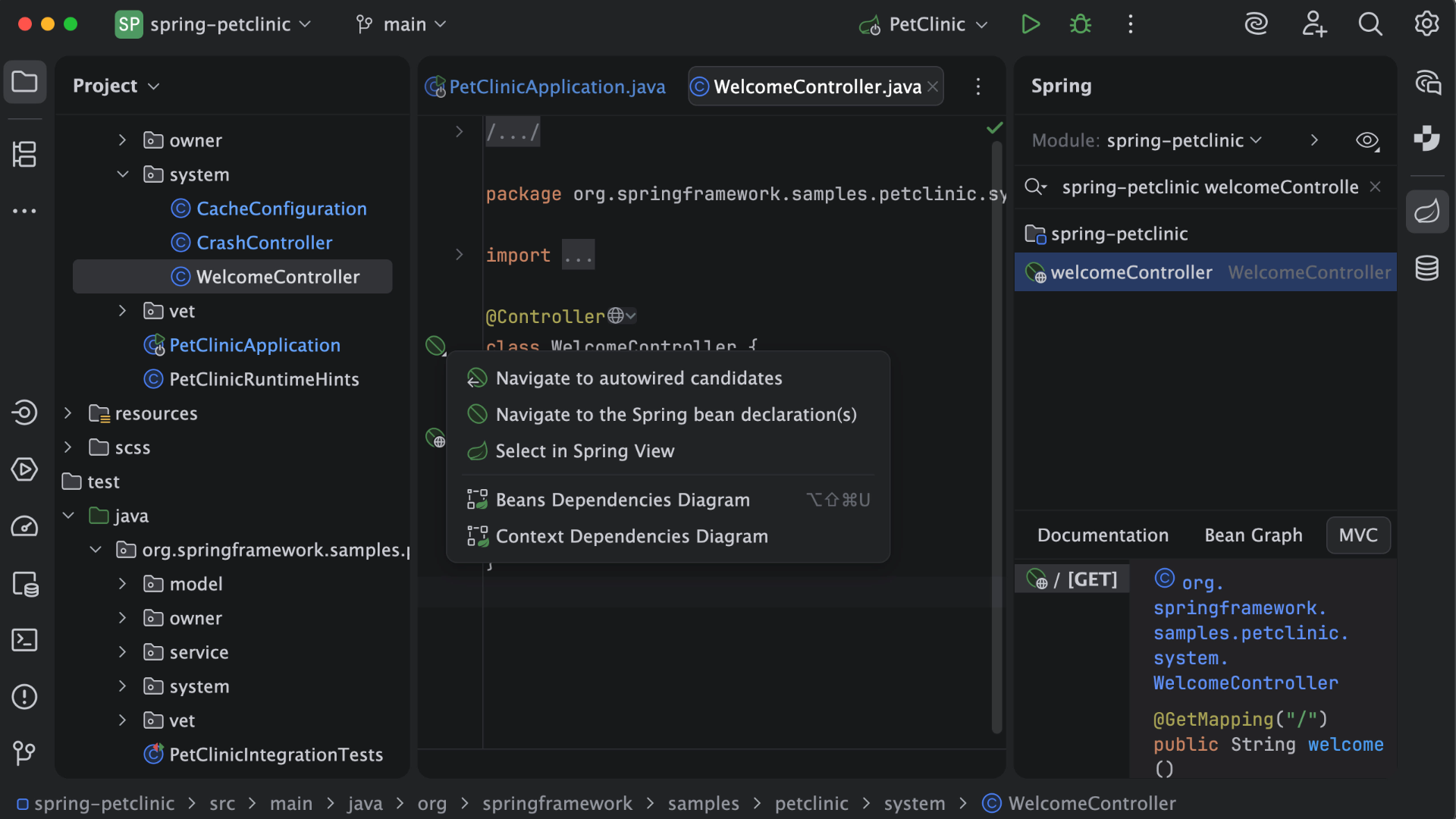
Spring integration: Our Spring project using Maven works flawlessly in IntelliJ IDEA. I know firsthand that Apache is also easily and readily supported too. The integration is seamless and very easy to set up using IntelliJ IDEA's set up wizard when importing new projects.
Customization: IntelliJ IDEA comes out of the box with a bunch of handy shortcuts, as well as text prediction, syntax error detection, and other tools to help keep your code clean. But even better is that it allows for total customization of shortcuts you can easily create to suit your needs.
A de minimis incentive was given to thank the reviewer for their time. The incentive was not used to bias or drive a particular response, nor was the incentive contingent on a positive endorsement. More Info
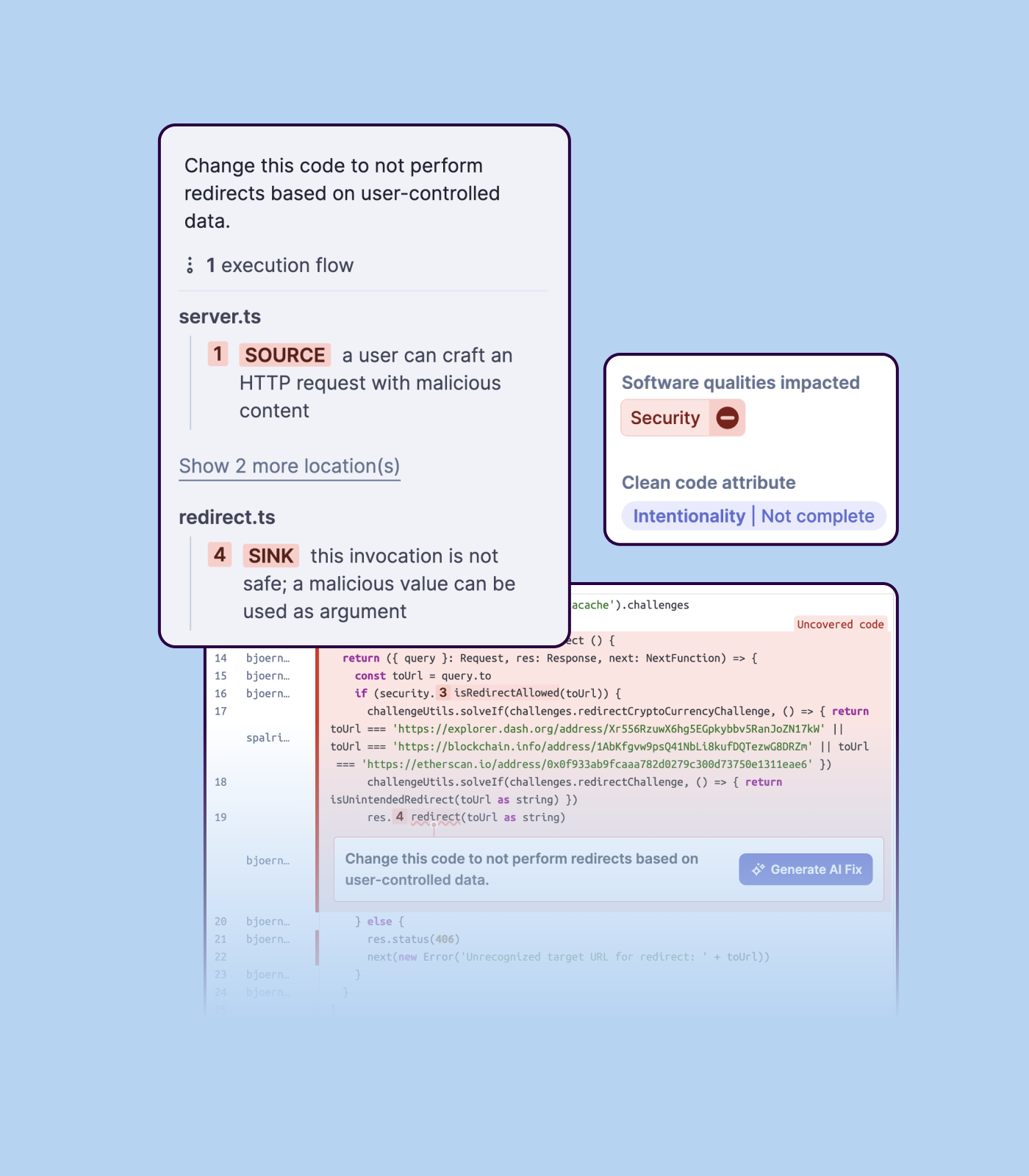
Detecting bugs and vulnerabilities: SonarQube can identify a wide range of bugs and vulnerabilities in code, such as null pointer exceptions, SQL injection, and cross-site scripting (XSS) attacks. It uses static analysis to analyze the code and identify potential issues, and it can also integrate with dynamic analysis tools to provide even more detailed analysis.
Measuring code quality: SonarQube can measure a wide range of code quality metrics, such as cyclomatic complexity, duplicated code, and code coverage. This can help teams understand the quality of their code and identify areas that need improvement.
Providing actionable insights: SonarQube provides detailed information about issues in the code, including the file and line number where the issue occurs and the severity of the issue. This makes it easy for developers to understand and address issues in the code.
Integrating with other tools: SonarQube can be integrated with a wide range of development tools and programming languages, such as Git, Maven, and Java. This allows teams to use SonarQube in their existing development workflow and take advantage of its powerful code analysis capabilities.
Managing technical debt: SonarQube provides metrics and insights on the technical debt on the codebase, enabling teams to better prioritize issues to improve the quality of the code.
Compliance with coding standards: SonarQube can check the code against industry standards like OWASP, CWE and more, making sure the code is compliant with security and coding standards.
A de minimis incentive was given to thank the reviewer for their time. The incentive was not used to bias or drive a particular response, nor was the incentive contingent on a positive endorsement. More Info
A de minimis incentive was given to thank the reviewer for their time. The incentive was not used to bias or drive a particular response, nor was the incentive contingent on a positive endorsement. More Info
A de minimis incentive was given to thank the reviewer for their time. The incentive was not used to bias or drive a particular response, nor was the incentive contingent on a positive endorsement. More Info
Importing a new custom quality profile on SonarQube is a bit tricky, it can be made easier
Every second time when we want to rerun the server, we have to restart the whole system, otherwise, the server stops and closes automatically
When we generate a new report a second time and try to access the report, it shows details of the old report only and takes a lot of time to get updated with the details of the new and fresh report generated
A de minimis incentive was given to thank the reviewer for their time. The incentive was not used to bias or drive a particular response, nor was the incentive contingent on a positive endorsement. More Info
VS Code is maturing and has a Scala plugin now. The overall experience with VS Code - for web development at least - is very snappy/fast. IntelliJ feels a bit sluggish in comparison. If that Scala plugin for VS Code is deemed mature enough - we may not bother renewing and resort to the Community Edition if we need it.
A de minimis incentive was given to thank the reviewer for their time. The incentive was not used to bias or drive a particular response, nor was the incentive contingent on a positive endorsement. More Info
Their API based customizations which I leveraged to create an ASPM package, which is developer friendly and can extend above the dashboard features, other ones are UI which is great and feels clutter free. Menu and navigation is also good so as support. Only drawback is sometimes scan takes longer which I feel so can be reduced
A de minimis incentive was given to thank the reviewer for their time. The incentive was not used to bias or drive a particular response, nor was the incentive contingent on a positive endorsement. More Info
There is always room for improvement, but I haven't met any IDE that I liked more so far. Even if it did not fit a use case right out of the box, there is always a way to configure how it works to do just that.
A de minimis incentive was given to thank the reviewer for their time. The incentive was not used to bias or drive a particular response, nor was the incentive contingent on a positive endorsement. More Info
A de minimis incentive was given to thank the reviewer for their time. The incentive was not used to bias or drive a particular response, nor was the incentive contingent on a positive endorsement. More Info
Customer support is really good in the case of IntelliJ. If you are paying for this product then, the company makes sure that you will get all the services adequately. Regular update patches are provided to improve the IDE. An online bug report makes it easier for the developers to find the solution as fast as possible. The large online community also helps to find the various solutions to the issues.
A de minimis incentive was given to thank the reviewer for their time. The incentive was not used to bias or drive a particular response, nor was the incentive contingent on a positive endorsement. More Info
We we easily able to integrate the SonarQube steps into our TFS process via the Microsoft Marektplace, we didn't have the need to call SonarQube support. We've used their online documentation and community forum if we ran into any issues.
A de minimis incentive was given to thank the reviewer for their time. The incentive was not used to bias or drive a particular response, nor was the incentive contingent on a positive endorsement. More Info
This installs just like any other application - its pretty straight forward. Perhaps licensing could be more challenging - but if you use the cloud licensing they offer its as simple as having engineers login to the application and it just works.
A de minimis incentive was given to thank the reviewer for their time. The incentive was not used to bias or drive a particular response, nor was the incentive contingent on a positive endorsement. More Info
Checkmarx is easier to integrate with development tools and gives quick feedback during coding, which is helpful for developers. Veracode is more focused on scanning and reporting for compliance, but it’s more complex to set up. We chose Checkmarx because it fits better into our development process, offering faster scans and more useful suggestions for fixing problems
A de minimis incentive was given to thank the reviewer for their time. The incentive was not used to bias or drive a particular response, nor was the incentive contingent on a positive endorsement. More Info
Eclipse is just so old, like a dinosaur, compared to IntelliJ. There are still formats that Eclipse supports better, especially old and/or propriety ones. Still, most of the modern software development needs can be done on IntelliJ, & in a much better way, some of them are not even supported on Eclipse.
A de minimis incentive was given to thank the reviewer for their time. The incentive was not used to bias or drive a particular response, nor was the incentive contingent on a positive endorsement. More Info
SonarQube is an open-source. It's a scalable product. The costs for this application, for the kind of job it does, are pretty descent. Pipeline scan is more secured in SonarQube. Its a very good tool and its support multiple languages. Its main core competency is of static code analysis and that is why SonarQube exists and it does it exceedingly well. The quality of scan on code convention, best practices, coding standards, unit test coverage etc makes them one of the best competent tool in the market
A de minimis incentive was given to thank the reviewer for their time. The incentive was not used to bias or drive a particular response, nor was the incentive contingent on a positive endorsement. More Info
A de minimis incentive was given to thank the reviewer for their time. The incentive was not used to bias or drive a particular response, nor was the incentive contingent on a positive endorsement. More Info
A de minimis incentive was given to thank the reviewer for their time. The incentive was not used to bias or drive a particular response, nor was the incentive contingent on a positive endorsement. More Info
Positive ROI from the standpoint of flagging several issues that would have otherwise likely been unaddressed and caused more time to be spent closer to launch
Slightly positive ROI from time-saving perspective (it's an automated check which is nice, but depending on the issues it finds, can take developers time to investigate and resolve)