
Cisco Secure Endpoint for iOS (Security Connector) vs. Kandji
| Product | Rating | Most Used By | Product Summary | Starting Price |
|---|---|---|---|---|
 Cisco Secure Endpoint for iOS (Security Connector) | Score9 out of 10 | N/A | From partnership with Apple, Cisco now offers mobile device security through Cisco Secure Endpoint for iOS (formerly Security Connector), an application to provide visibility and control for iOS, and to accelerate and advance the mobile workforce. With it, businesses can gain visibility into network traffic on iOS devices and block connections to malicious sites, wherever users go. | N/A |
 Kandji | Score8.9 out of 10 | Mid-Size Companies (51-1,000 employees) | Kandji is an Apple device management software solution for macOS, iOS, iPadOS, and tvOS, from the company of the same name in San Diego. | N/A |
| Cisco Secure Endpoint for iOS (Security Connector) | Kandji | |||||||||||||||
|---|---|---|---|---|---|---|---|---|---|---|---|---|---|---|---|---|
| Editions & Modules | No answers on this topic | No answers on this topic | ||||||||||||||
| Offerings |
| |||||||||||||||
| Entry-level Setup Fee | No setup fee | No setup fee | ||||||||||||||
| Additional Details | — | All plans billed annually. | ||||||||||||||
| More Pricing Information | ||||||||||||||||
| Cisco Secure Endpoint for iOS (Security Connector) | Kandji | |
|---|---|---|
| Small Businesses |  Apple Business Essentials Score8.2 out of 10 | Apple Business Essentials Score8.2 out of 10 |
| Medium-sized Companies |  Cisco Meraki SM Score9.6 out of 10 | Cisco Meraki SM Score9.6 out of 10 |
| Enterprises |  Jamf Pro Score8.7 out of 10 | Jamf Pro Score8.7 out of 10 |
| All Alternatives | View all alternatives | View all alternatives |
| Cisco Secure Endpoint for iOS (Security Connector) | Kandji | |
|---|---|---|
| Likelihood to Recommend | - | 8.0 |
| Usability | - | 7.6 |
| Cisco Secure Endpoint for iOS (Security Connector) | Kandji | |
|---|---|---|
| Likelihood to Recommend | No answers on this topic |
|
| Pros | No answers on this topic |
|
| Cons | No answers on this topic |
|
| Usability | No answers on this topic |
|
| Alternatives Considered | No answers on this topic |
|
| Return on Investment | No answers on this topic |
|
| ScreenShots | Kandji Screenshots   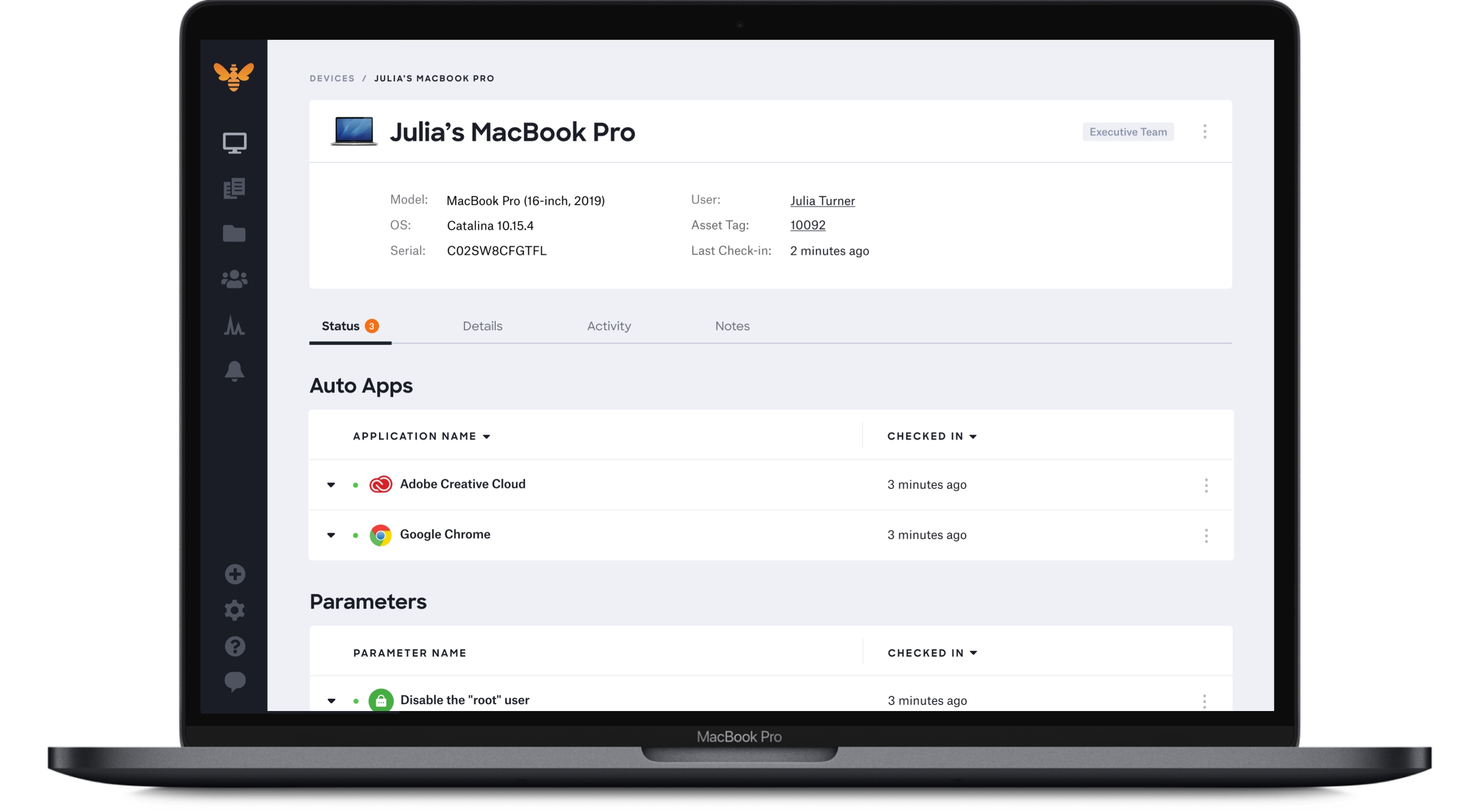 |