Celsys headquartered in Shinjuku City, Tokyo supports creators to create artistic content with digital technology. They provide solutions for content creation, distribution, and browsing, including support of creative activities through our illustration, manga and animation production app “Clip Studio Paint” and web service “Clip Studio”, as well as our e-book solution, “Clip Studio Reader”.
$49.99
one-time fee
Markup Hero
Score9 out of 10
Small Businesses (1-50 employees)
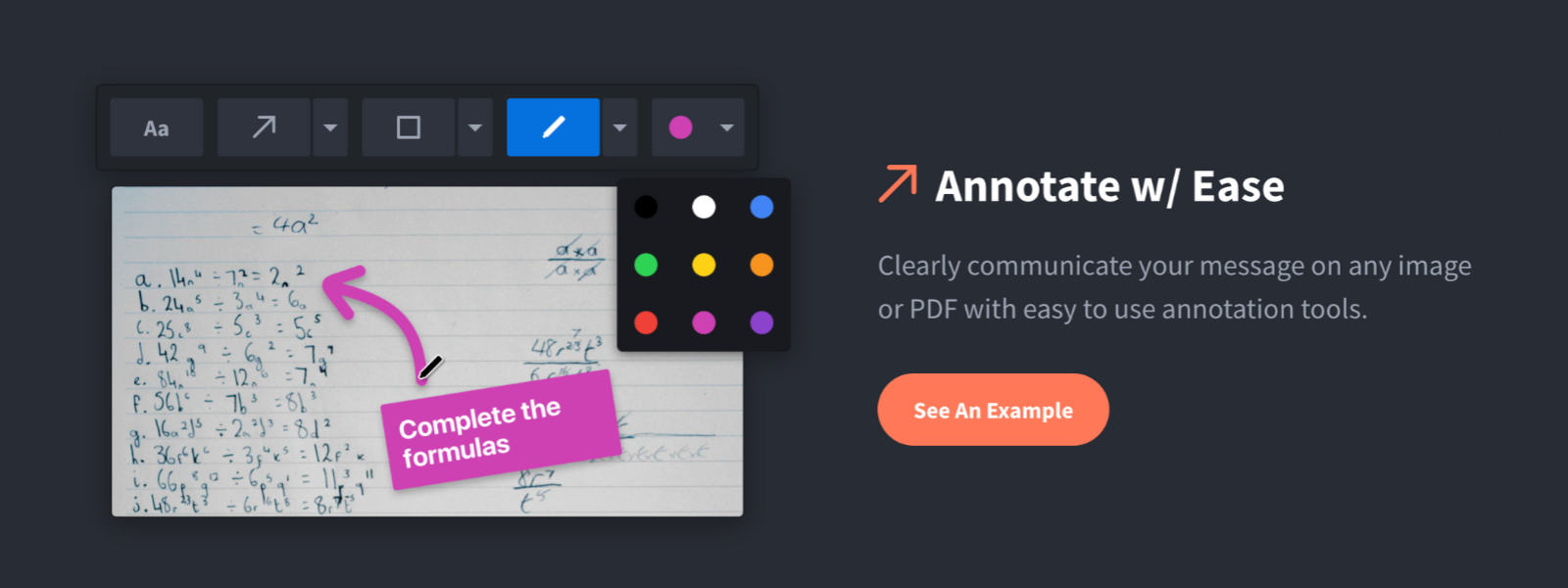
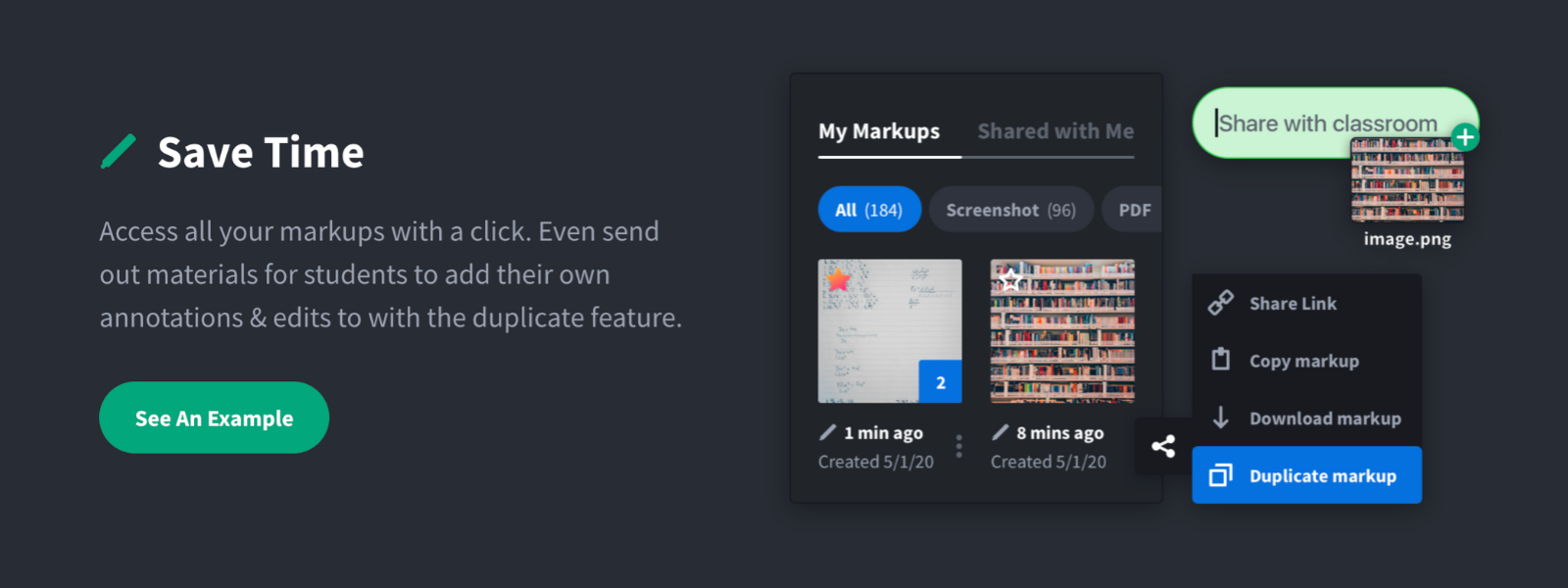
Screenshot, Annotate & Share Markup Hero is an annotation and screenshot tool designed to allow users to capture ideas, communicate clearly, and save time. Features Include: Screenshots Desktop app for Mac, Windows & Linux Works on any device including mobile Chrome extension Annotate screenshots, PDF's, images and URL's Always editable - annotations do not flatten permanently Arrow, text, rectangle, oval,…
$5
all features, unlimited markups, unlimited storage, unlimited bandwidth
Pricing
Clip Studio Paint
Markup Hero
Editions & Modules
Clip Studio Paint Pro
$49.99
one-time fee
Clip Studio Paint Ex
$219.99
one-time fee
Superhero
$5/month
all features, unlimited markups, unlimited storage, unlimited bandwidth
I cannot really imagine a situation other than creating custom 3D models in which Clip Studio Paint would ever be inappropriate; it offers tools for art such as: 2D, pixel/voxel work, vectors, painting/drawing, comics, animations and more. The only place that Clip Studio Paint does not shine is in the creation of 3D models, but I think that that is fair given that it's competitor, Photoshop, also cannot do this; this was never a tool meant for 3D model design or creation, but the fact that you can import models and that there is a library of free and paid posable models native to the app is rather impressive.
For us, it's sending real estate setup sheets with multiple properties and lots of comments and feedback. It's great for quick feedback and shares. If I need to make a custom graphic tho its not quite powerful enough as Photoshop or other tools. The former is about 90% of my use cases, the latter only 10% so it's still worth it. But I can see they are adding more and more design oriented features so I suspect I won't need Photoshop much longer.
I think that once one gets the hang of how to navigate and use Clip Studio Paint, they will find that it has so much more to offer than one might expect when looking at it for the first time. There are hidden gems all throughout this program, and they are all there to make your creative experience all the more streamlined and natural.
I have used a handful of other free art programs, including MediBang Paint, and while they are all good, and I'm sure perfect in the hands of the right artist, I feel as though they simply do not offer the number of options necessary for my needs. They feel very limited and stale; customization is limited and their UI's are outdated. Clip Studio Paint is modern and sleek, highly customizable, and offers far more tools than the other options around it.
Markup Hero stands out because it is truly web based and supports PDFs (among a host of other file types). The annotation tools are significantly smoother and always editable. I don't know of any other products that provide a web experience that allows for edits at anytime. Plus the team is clearly working hard to iterate the product and regularly delivering new features.
I think that the initial price was incredibly steep, but I managed to get it on discount. As a starting artist, this was a hard blow to take at the start, especially before these subscription options existed.
After years of use I have more than paid off the cost I sunk into Clip Studio Paint EX.
I see myself making marked profits by continuing to use the program, even with the new subscription service rather than a perpetual lisence.