Cofense Vision vs. Microsoft Security Copilot

Overview
ProductRatingMost Used ByProduct SummaryStarting Price
Cofense Vision
Score 9.2 out of 10
Enterprise companies (1,001+ employees)
Cofense Vision stores emails offline and provides threat hunting analytics. Cofense Vision allows the user to search and quarantine emails in minutes — across an entire organization, and is designed to provide threat hunting at speed.N/A
Microsoft Security Copilot
Score 7.9 out of 10
N/A
Microsoft Security Copilot helps security and IT teams to protect organizations at the speed and scale of AI. It is available in a standalone experience or embedded into other Microsoft Security products.N/A
Pricing
Cofense VisionMicrosoft Security Copilot
Editions & Modules
No answers on this topic
Offerings
Pricing Offerings
Cofense VisionMicrosoft Security Copilot
Free Trial
NoNo
Free/Freemium Version
NoNo
Premium Consulting/Integration Services
NoNo
Entry-level Setup FeeNo setup feeNo setup fee
Additional Details
More Pricing Information
Community Pulse
Cofense VisionMicrosoft Security Copilot
Best Alternatives
Cofense VisionMicrosoft Security Copilot
Small Businesses

No answers on this topic

No answers on this topic

Medium-sized Companies
Sumo Logic
Sumo Logic
Score 9.3 out of 10
Sumo Logic
Sumo Logic
Score 9.3 out of 10
Enterprises
Sumo Logic
Sumo Logic
Score 9.3 out of 10
Sumo Logic
Sumo Logic
Score 9.3 out of 10
All AlternativesView all alternativesView all alternatives
User Ratings
Cofense VisionMicrosoft Security Copilot
Likelihood to Recommend
8.9
(9 ratings)
7.9
(13 ratings)
Usability
-
(0 ratings)
7.6
(13 ratings)
User Testimonials
Cofense VisionMicrosoft Security Copilot
Likelihood to Recommend
Cofense
It is well suited in environments where there is a high mail traffic to handle. [Cofense] Vision basically journals the exchange server and keeps a copy of the mail received in the environment. Really beneficial to revoke and quarantine the mail reported by one user, but footprint is there in other mailboxes as well. Less appropriate in the cases where there is no proper segregation of duties within the organization. As it is possible to see contents of the mail. Only authorized personnel should be able to use it.
Read full review
Microsoft
Microsoft Security Copilot is well-suited for environments where security teams face high alert volumes and need rapid triage. It is effective during active threat response, helping us establish timelines and suggest remediation steps quickly. Copilot also excels in executive reporting, generating clear summaries for leadership without much effort. Security Copilot is less effective outside of Microsoft's ecosystem because it doesn't integrate well with other products.
Read full review
Pros
Cofense
  • AutoQuaratine prevents in advance and eliminates possible malicious emails from users' inboxes.
  • [Cofense Vision] optimizes protection against any phishing attack.
  • It is simple, friendly and easy to use.
  • [Cofense Vision provides] super detailed analysis reports.
Read full review
Microsoft
  • Quickly analyze alerts by doings simple analysis or from different inbuilt security tools.
  • Smart threat investigation use AI for analyzing user behavior, activity and network logs.
  • Automated generate reports and gives the steps to fix the threats.
Read full review
Cons
Cofense
  • Its cost can be somewhat high when it comes to a small business, so it is perfectly suited to medium or large companies.
  • It can throw problems when it comes to migrating said tool in the different versions of an email.
  • Its configuration is simple, but it is important to fully understand its operation to give adequate responses to possible threats.
  • It would be ideal if it could be integrated with your platform.
Read full review
Microsoft
  • It is super expensive, which can be a turn off for many small businesses looking to leverage its capabilities
  • It can be very complex to set up, with many prerequisite steps that need to happen prior to being able to use it
  • With all AI-based solutions, it can sometimes hallucinate, but that is to be expected at some level
Read full review
Usability
Cofense
No answers on this topic
Microsoft
Anyone can use it. Easy to prompt, also capabilities to become advance with custom agents. It can become custom to your workflow. Many people will have their unique experiences to share and results are generally positive. This is a growth in the product from the effect of community and adoption/usage.
Read full review
Alternatives Considered
Cofense
Apple of Discord is the pricing as we were looking for an email security tool in reasonable pricing and Barracuda was undoubtedly efficient in action and was compatible with our business but it was highly expensive and then we made up our mind for another tool and Cofense Vision was offering almost the same as Barracuda but cheaper.
Read full review
Microsoft
My usage of other products is based on SIEM tools. So far, Microsoft Security Copilot is the only product I've seen that works across multiple technologies/products to provide full visibility into security tooling using AI. I know other vendors are working towards this, but Microsoft has definitely taken a lead.
Read full review
Return on Investment
Cofense
  • Many Phishing attacks are identified and prevented in an instant.
  • Classification of activity helps analysts search and find which emails pose a larger threat.
  • User interface and learning is simple and easy to use.
Read full review
Microsoft
  • Helps reduce time spent creating a baseline script.
  • Some errors get corrected but then get reintroduced while adding functionality.
  • I noticed that when using this for PowerShell it will sometimes have you install the module in the script without verifying if it is already installed. You must read the script before executing.
Read full review
ScreenShots

Microsoft Security Copilot Screenshots
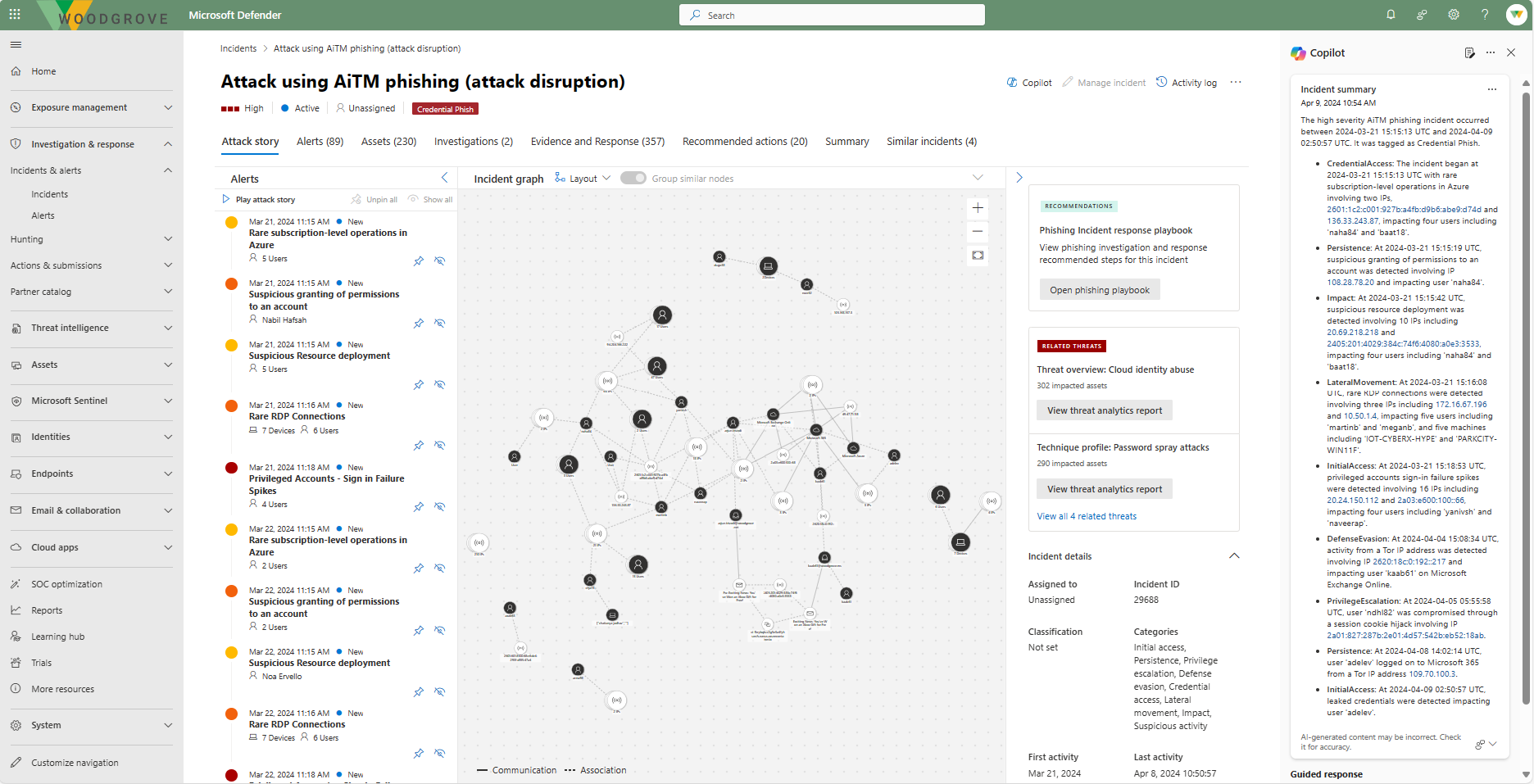
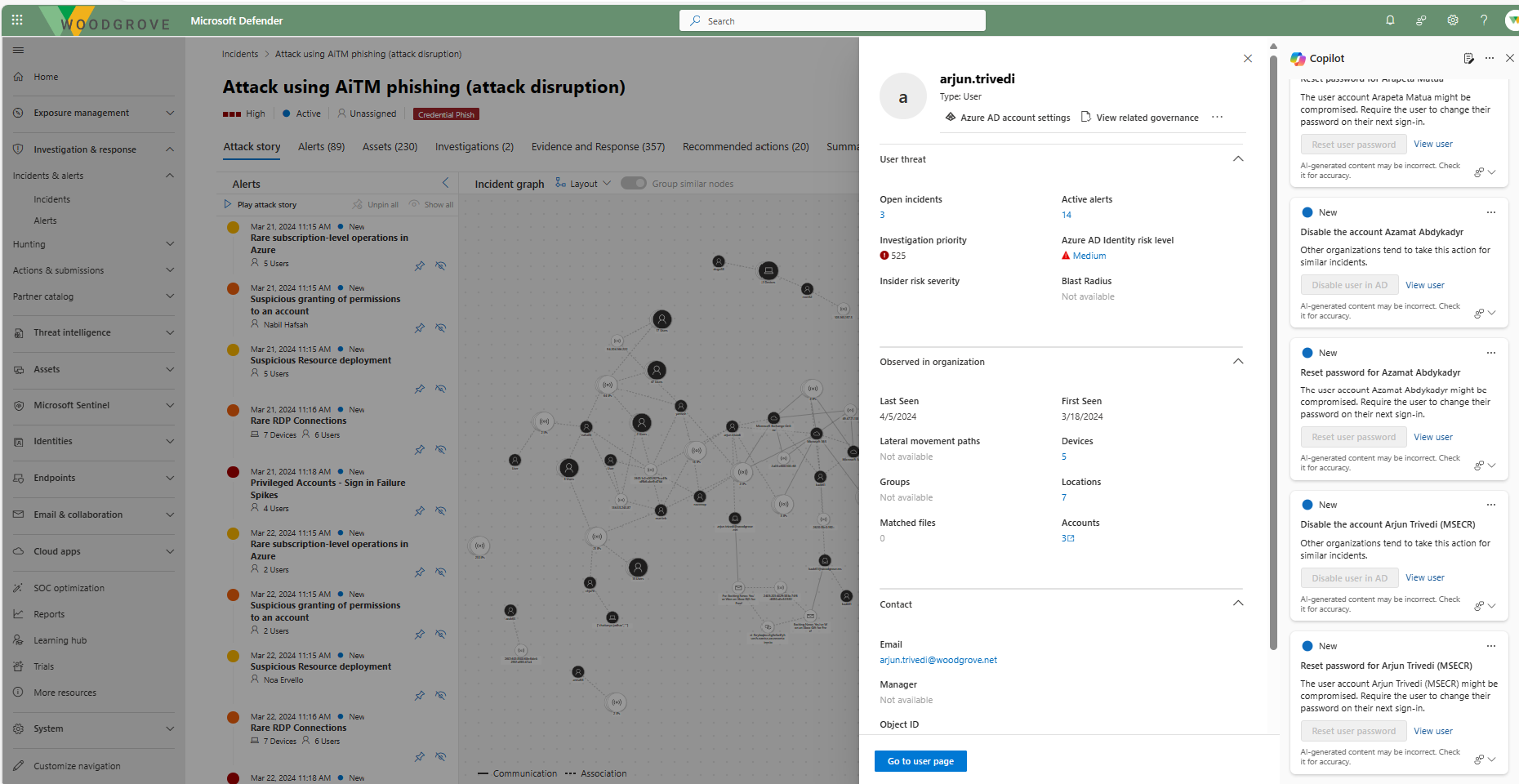
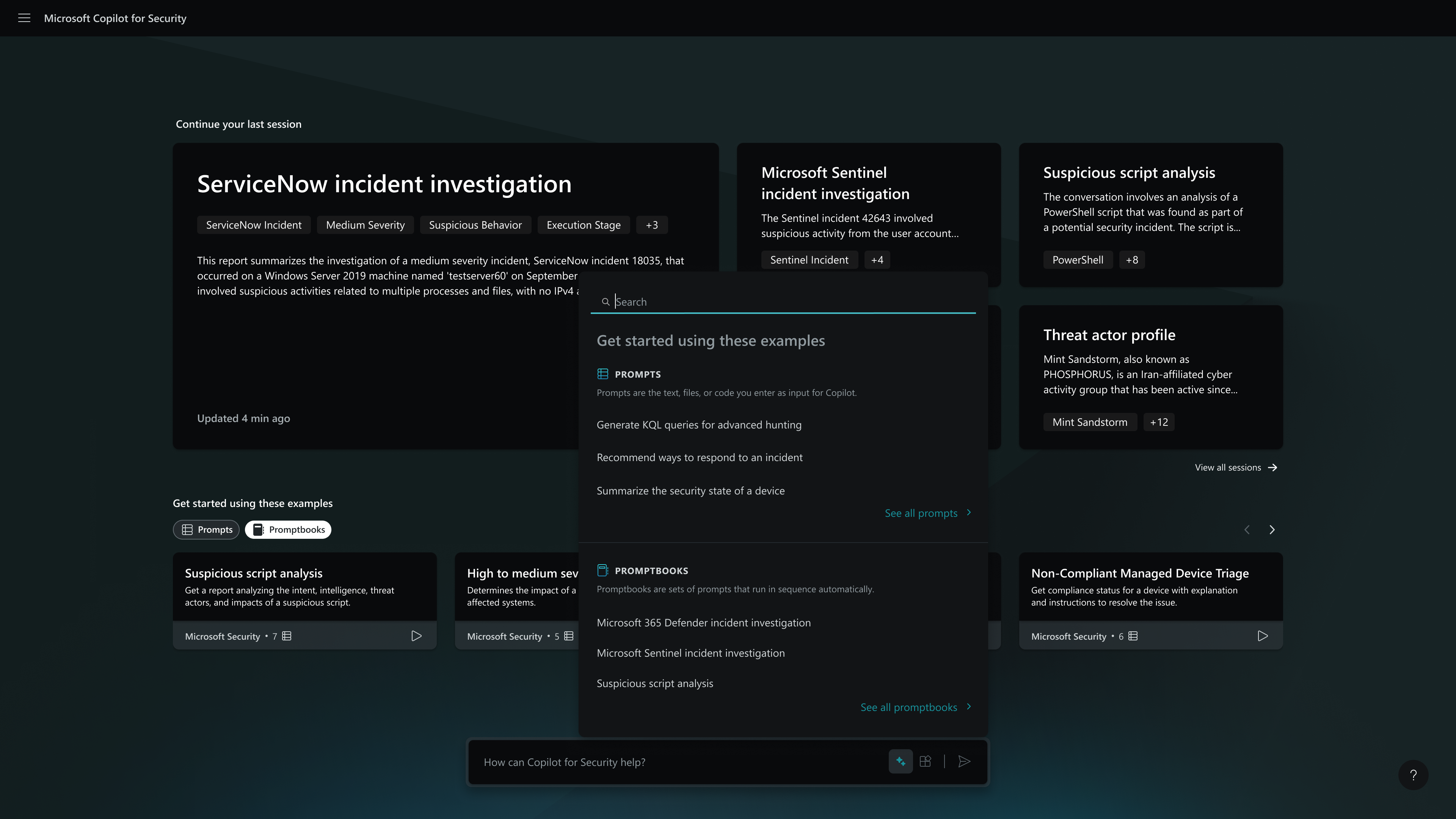
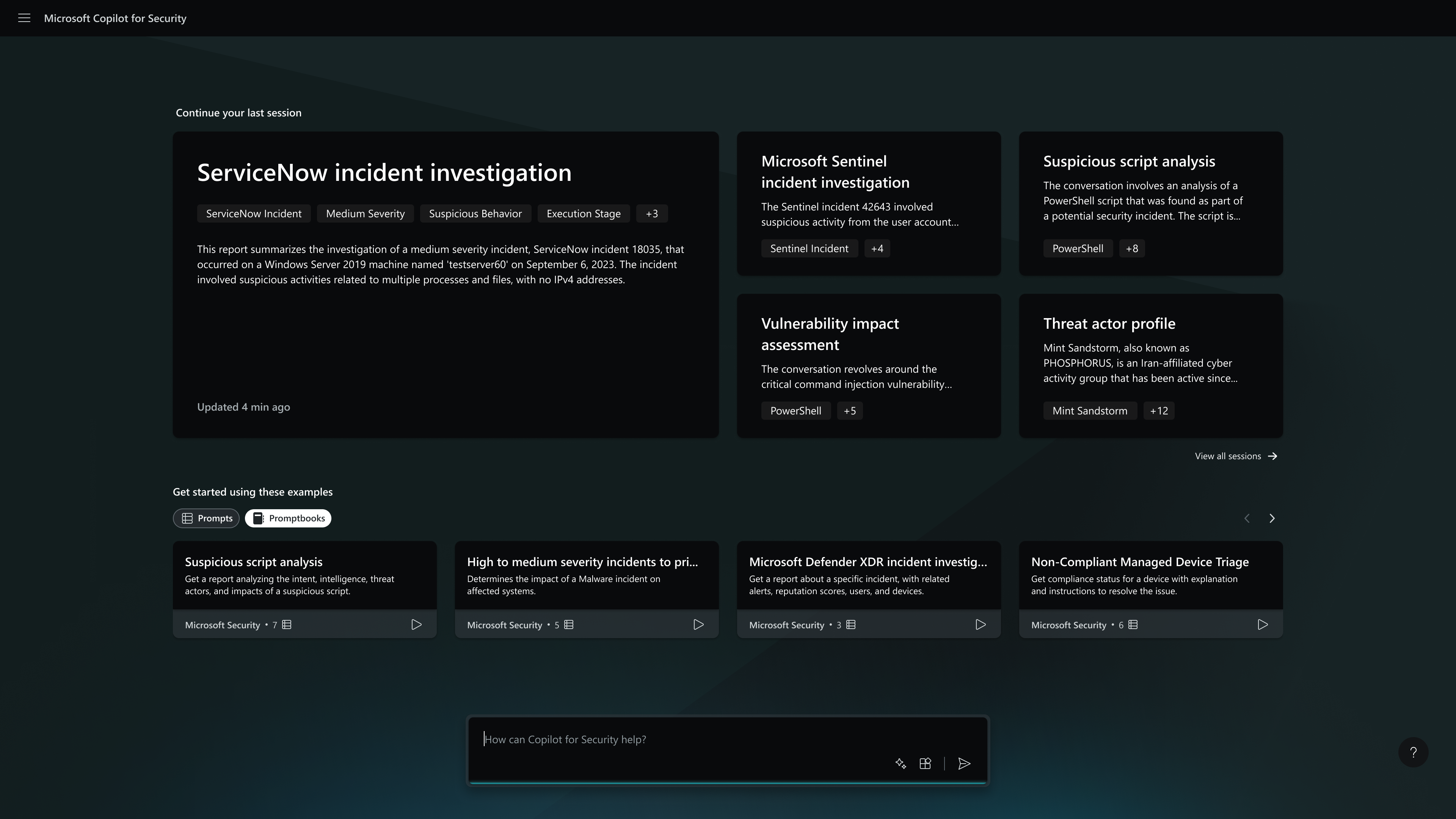
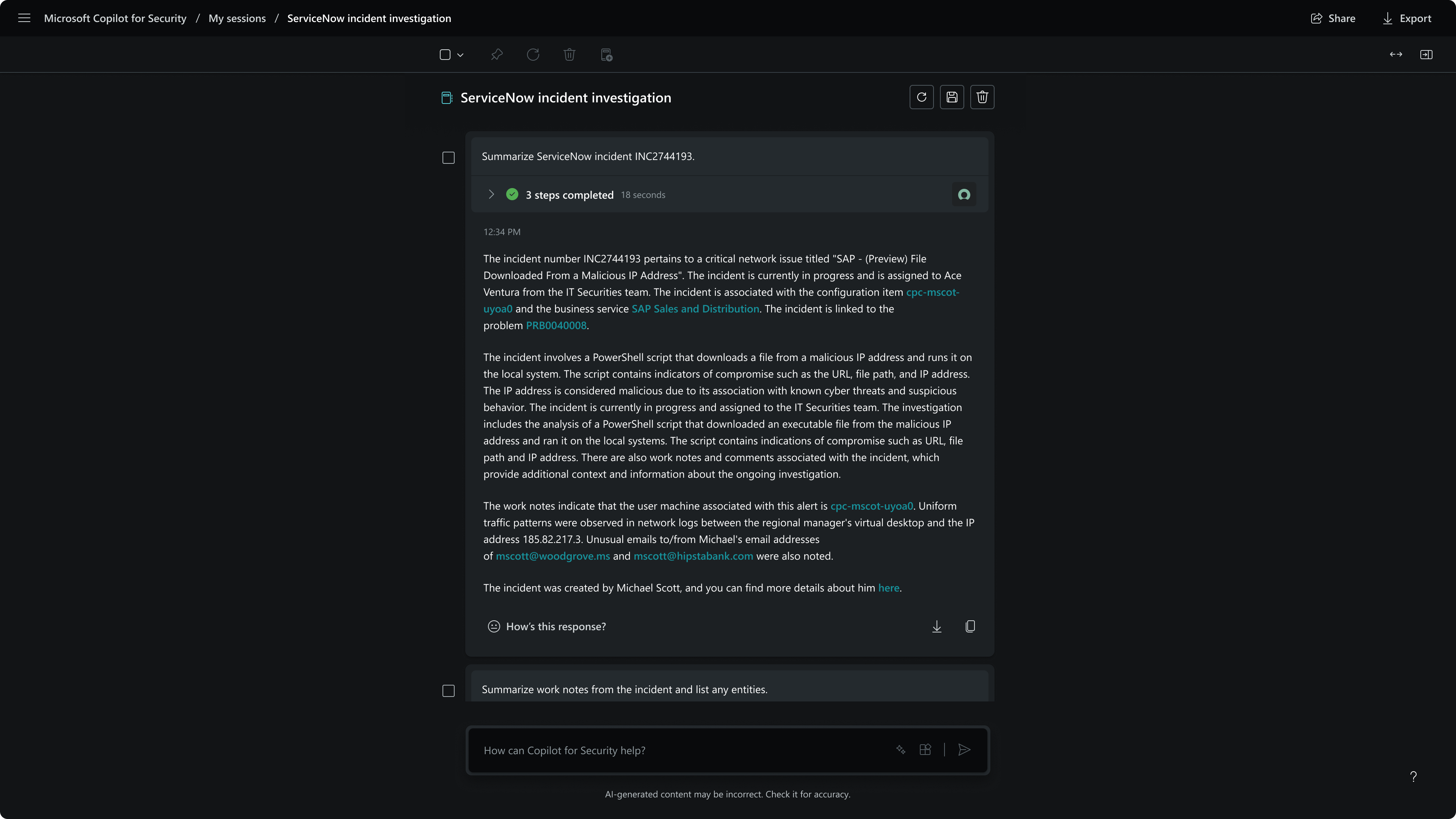
Screenshot of Defender USX guided responseScreenshot of Defender USX incident summaryScreenshot of the homepage - capabilities menuScreenshot of the homepageScreenshot of MDTI threat intelScreenshot of session - incident summary