ConceptDraw MINDMAP vs. Creately

Overview
ProductRatingMost Used ByProduct SummaryStarting Price
ConceptDraw MINDMAP
Score 4.1 out of 10
N/A
ConceptDraw MINDMAP is l mind mapping software application that can also resolve tasks for project management. According to the vendor, multiple shortcuts help users create new topics, re-arrange them and highlight important points, and export to various file formats. Enrich your mind map with in-built visual…N/A
Creately
Score 6.6 out of 10
Small Businesses (1-50 employees)
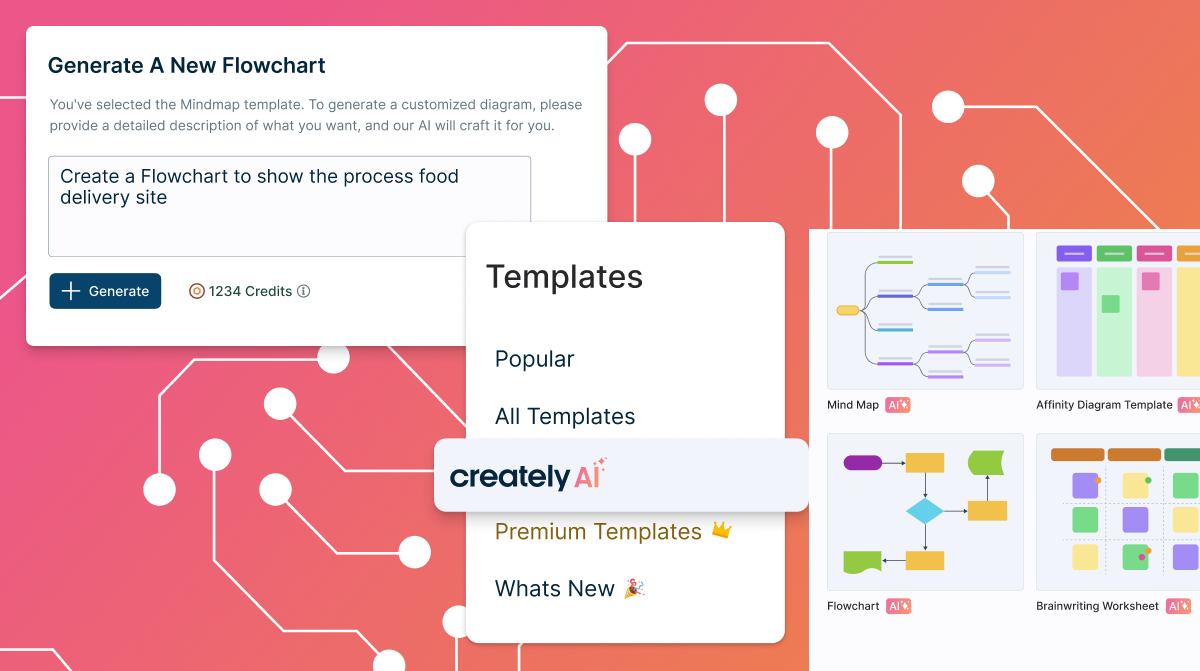
Creately is a visual collaboration platform that supports genograms, flowcharts, org charts, mind maps, and UML diagrams. Featuring template-based AI diagram generation, Creately boasts speed and accuracy in visual planning.
$8
per month (single user)
Pricing
ConceptDraw MINDMAPCreately
Editions & Modules
No answers on this topic
Creately Personal
$8
per month
Creately Team
$8
per month per user
Creately Team
$60
per year per user
Creately Personal
$60
per year
Creately Business
$149
per month Unlimited Users
Creately Business
$1,068
per year Unlimited Users
Offerings
Pricing Offerings
ConceptDraw MINDMAPCreately
Free Trial
YesYes
Free/Freemium Version
NoYes
Premium Consulting/Integration Services
NoYes
Entry-level Setup Fee$199 per seatNo setup fee
Additional DetailsPrice varies for Individual, Commercial, Academic, Nonprofit and GovernmentDiscounted prices for non profits, educational institutes, and charities.
More Pricing Information
Community Pulse
ConceptDraw MINDMAPCreately
Best Alternatives
ConceptDraw MINDMAPCreately
Small Businesses
OmniGraffle
OmniGraffle
Score 9.7 out of 10
OmniGraffle
OmniGraffle
Score 9.7 out of 10
Medium-sized Companies
Cvent Event Diagramming
Score 9.3 out of 10
Cvent Event Diagramming
Score 9.3 out of 10
Enterprises
Cvent Event Diagramming
Score 9.3 out of 10
Cvent Event Diagramming
Score 9.3 out of 10
All AlternativesView all alternativesView all alternatives
User Ratings
ConceptDraw MINDMAPCreately
Likelihood to Recommend
8.7
(4 ratings)
8.5
(5 ratings)
Support Rating
8.6
(2 ratings)
6.0
(1 ratings)
User Testimonials
ConceptDraw MINDMAPCreately
Likelihood to Recommend
CS Odessa LLC
Organising results of brainstorming session for threat and error management solutions is how we mostly use ConceptDraw MINDMAP. Another common use is for dynamic note taking while attending conferences or classes. It can also be used to prepare notes when giving classes. We also used it sometimes for accident investigation analysis, building diagrams of probable causes leading to the event.
Read full review
Cinergix
The software offers simple, intuitive features for diagramming and collaboration. It has an easy-to-learn design and very responsive customer support. Availability of real-time editing features and seamless integration with other systems. Creately software does not have offline use. It depends heavily on a strong internet connection, which is expensive and sometimes unavailable.
Read full review
Pros
CS Odessa LLC
  • Brainstorming
  • Documenting hierarchies
Read full review
Cinergix
  • I like that it supports remote work and that it makes real-time collaboration easy.
  • AI-powered diagramming works well and has been very helpful in explaining complex ideas.
  • It supports data driven workflows.
  • It makes project management easy.
  • It effortlessly boosts team productivity thanks to easy alignment with strategies.
Read full review
Cons
CS Odessa LLC
  • Limited drawing tools with the free version
  • initially seemed a bit fiddly to navigate
  • the interface was a bit 'busy'
Read full review
Cinergix
  • It's a bit complicated for a novice to make something that looks professional with no templates.
  • Public no premium workspaces.
  • Performance is not the best when you have a lot of elements.
Read full review
Usability
CS Odessa LLC
No answers on this topic
Cinergix
Creately requires a very small investment to get started. Using the software does not require expensive training or experience. The software has reliable interactive tools for both collaboration and creative writing. Creately supports many languages, which makes it diverse and adaptable.
Read full review
Support Rating
CS Odessa LLC
Support team is one of the best in ConceptDraw MINDMAP, the response was quick and solution for the problem is clear with best ticketing management. The right customer approach gives you hassle free interaction with support team.
Read full review
Cinergix
It definitely could be better, but it may also depend on the type of license you are subscribing to.
Read full review
Alternatives Considered
CS Odessa LLC
As we were already using PROJECT, it became obvious that ConceptDraw MINDMAP was the product to use. The integration between those two products is very convenient and useful. The fact that ConceptDraw MINDMAP solutions was usable on Mac OS was also a pre requisite for us. We did not use any other Mind Map software.
Read full review
Cinergix
Creately's folder system is a novel feature that beats its competitors. It helps keep everything organized. In addition, there are many more customization possibilities, especially in the shapes and in the library of templates and drawings. It has an intelligent drawing capability superior to all the competition, allowing more customization and detail.
Read full review
Return on Investment
CS Odessa LLC
  • More efficient brainstorming
Read full review
Cinergix
  • Helped the team work collaboratively by sharing on the ideas on Canvas
  • Boosted the client engagement whenever this tool is used
  • Made the work easier by providing the predesigned templates
Read full review
ScreenShots

ConceptDraw MINDMAP Screenshots

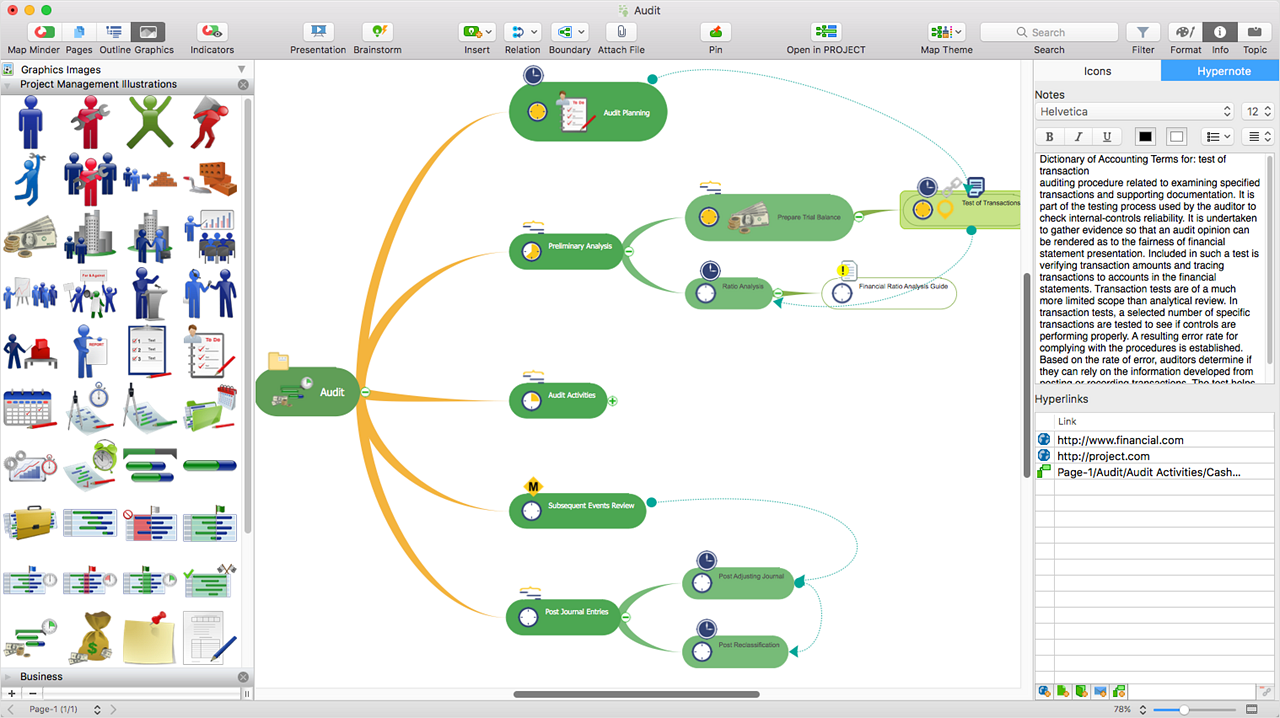
Screenshot of ConceptDraw MIDMAP v10 is perfect for brainstorming, project planning, meeting management, note taking, and much more.Screenshot of Data ExchangeScreenshot of Presentation ModeScreenshot of ConceptDraw OFFICE IntegrationScreenshot of In-built GraphicsScreenshot of Hypernotes

Creately Screenshots

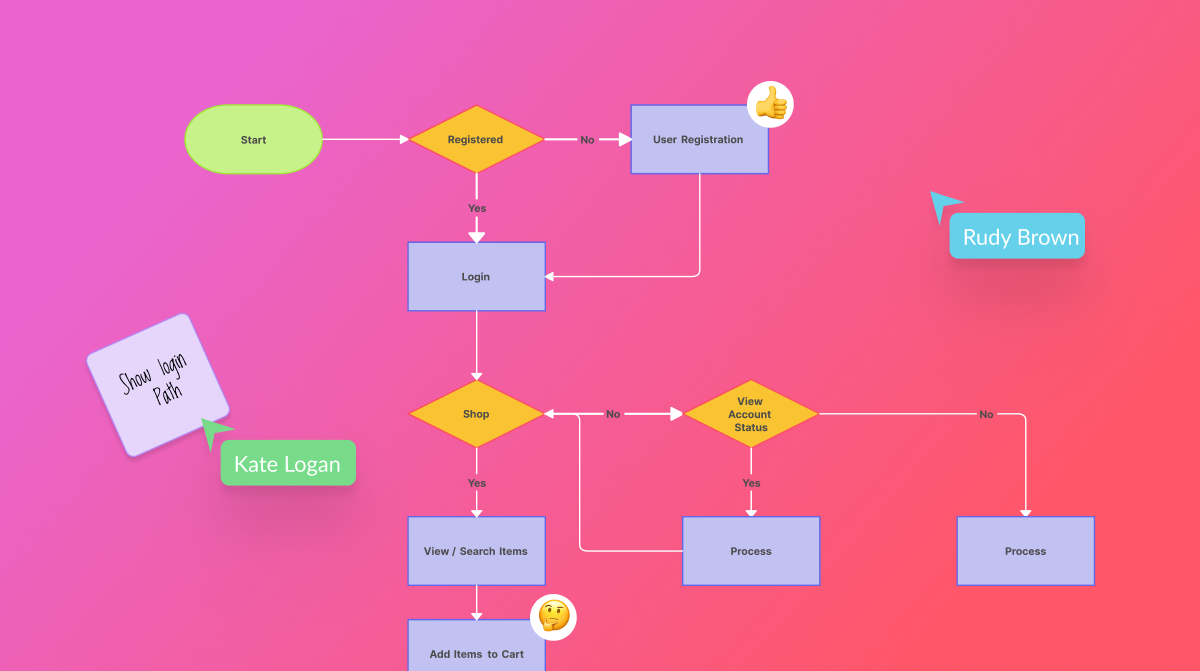
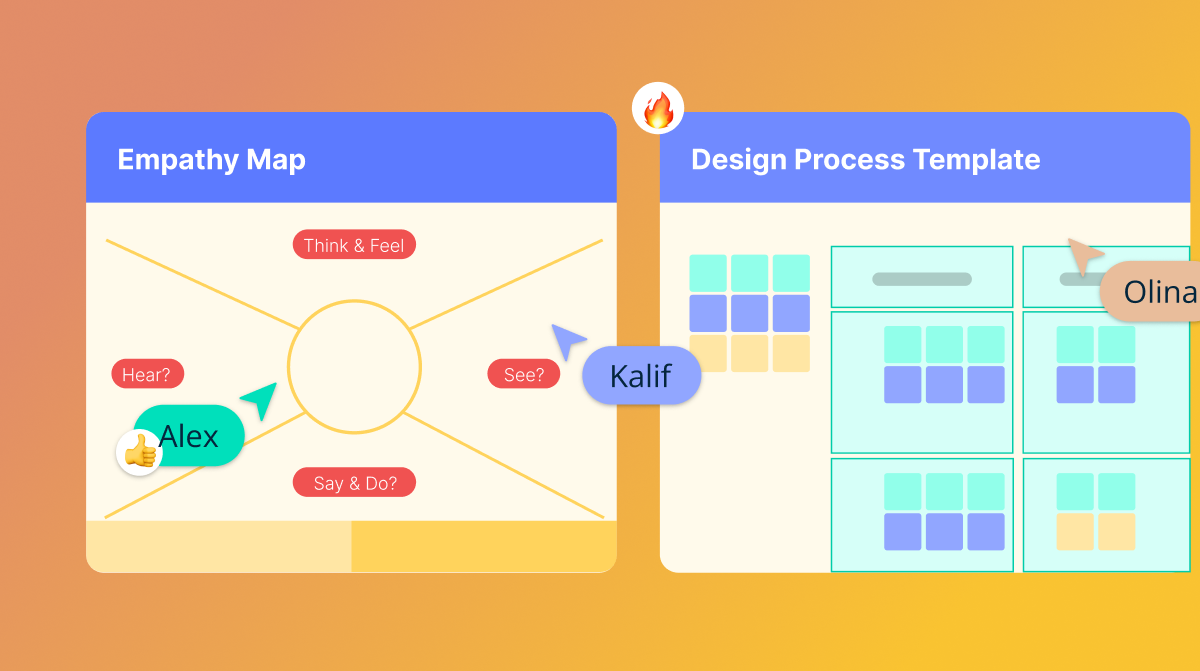
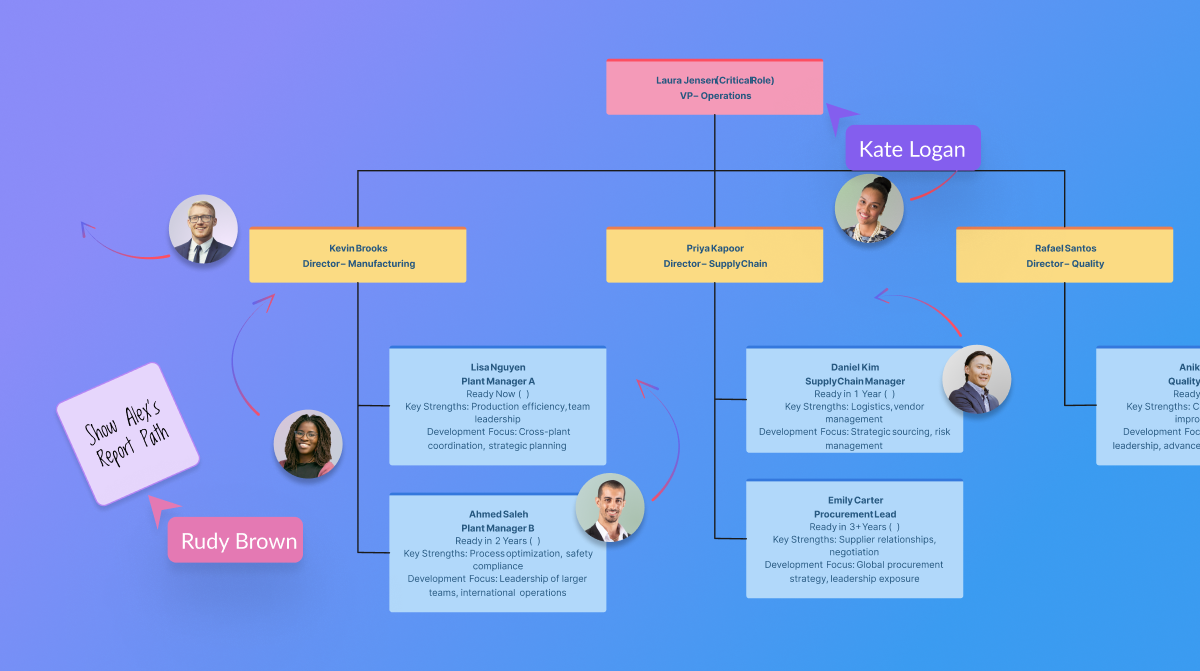
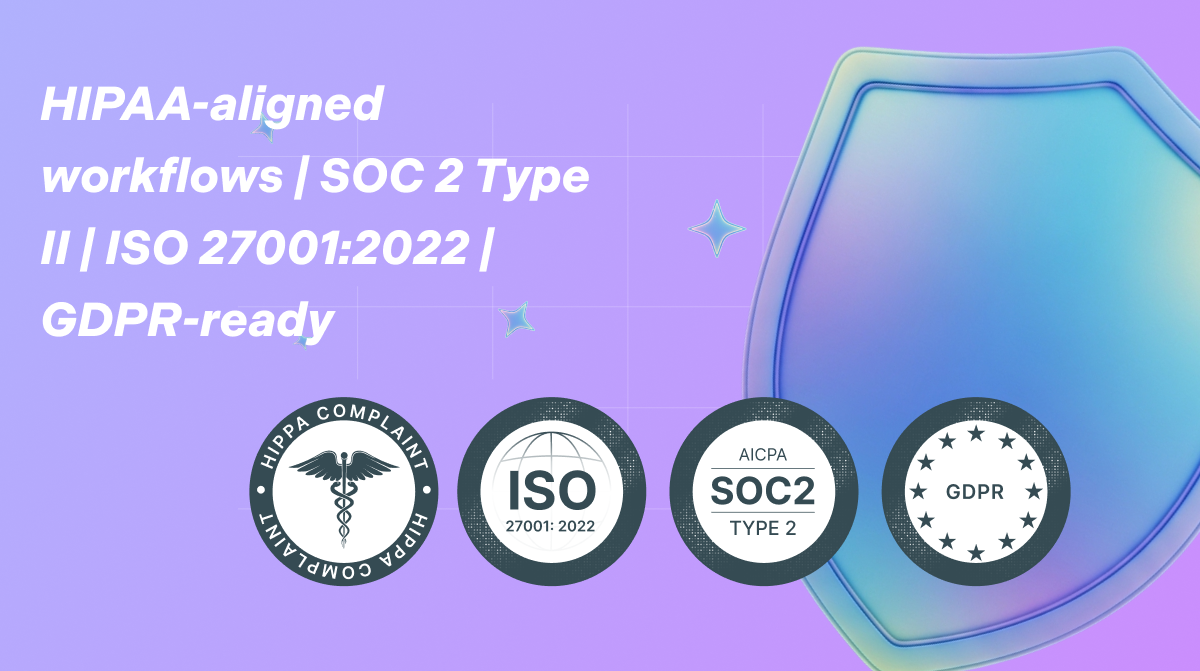
Screenshot of templated instructions for Creately AIScreenshot of the AI base templates and text promptsScreenshot of real-time collaborationScreenshot of the AI org chart toolScreenshot of certifications