Painter is a digital art and painting application, from Corel Corporation.
N/A
Markup Hero
Score9 out of 10
Small Businesses (1-50 employees)
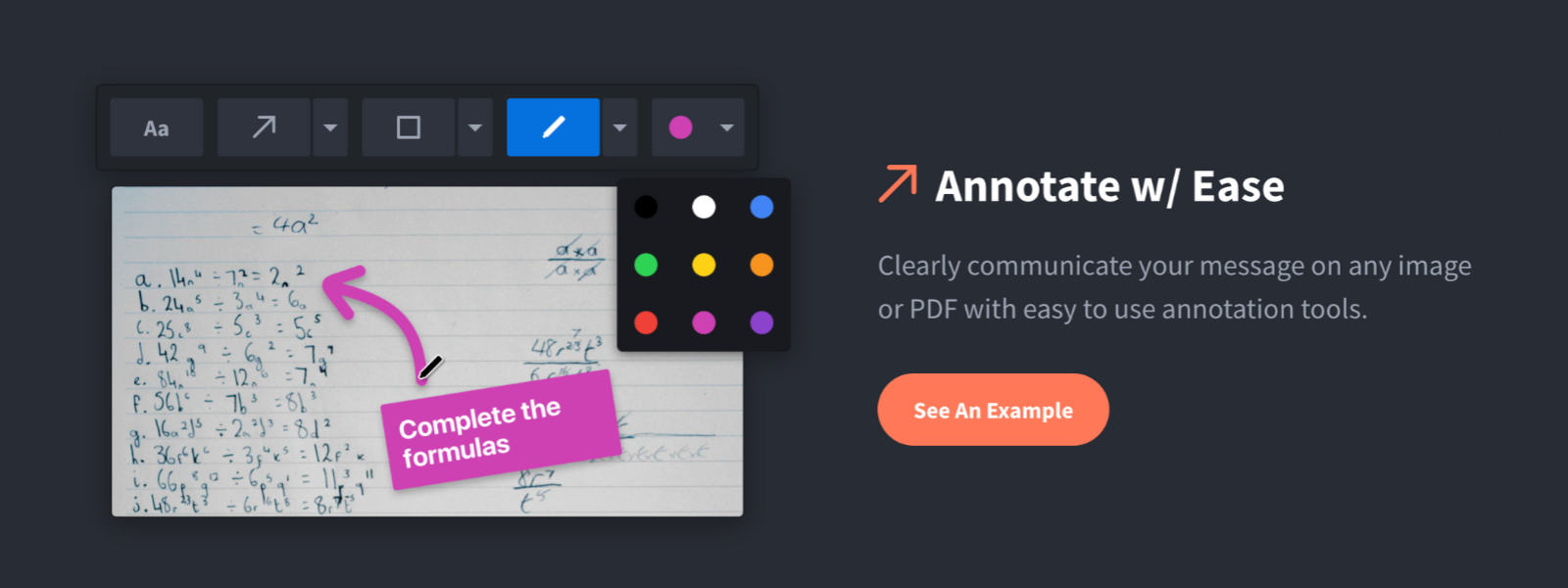
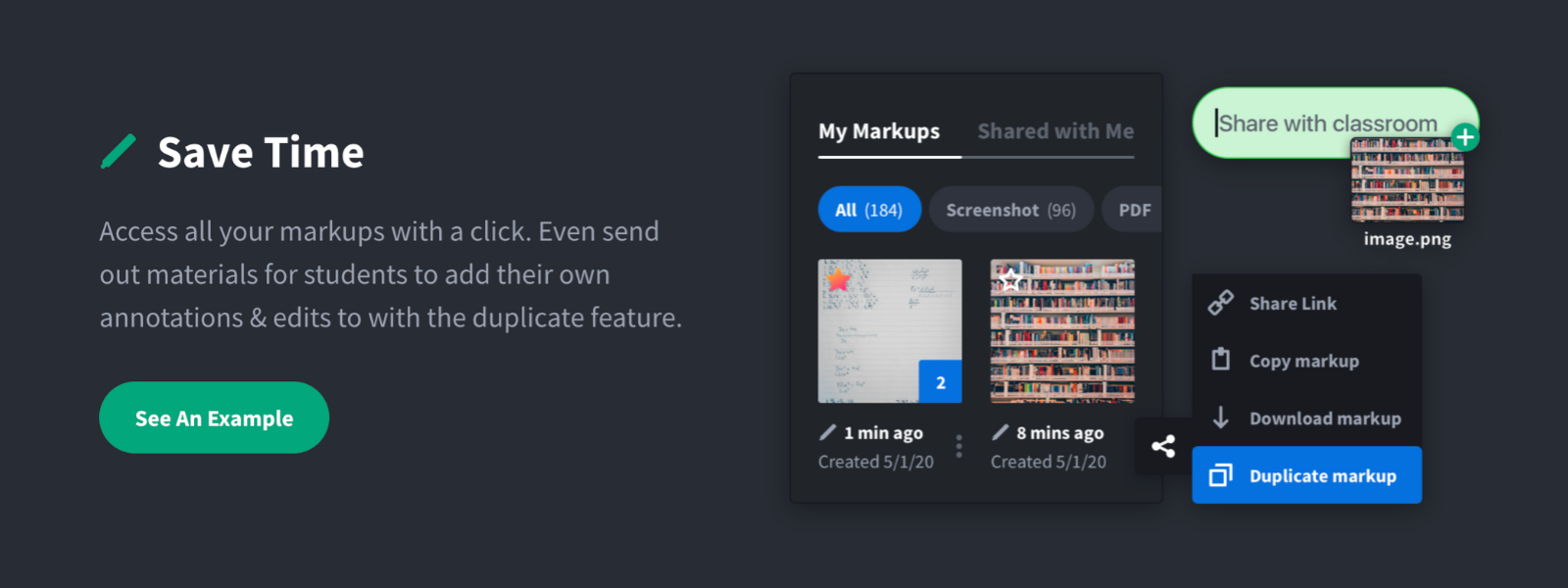
Screenshot, Annotate & Share Markup Hero is an annotation and screenshot tool designed to allow users to capture ideas, communicate clearly, and save time. Features Include: Screenshots Desktop app for Mac, Windows & Linux Works on any device including mobile Chrome extension Annotate screenshots, PDF's, images and URL's Always editable - annotations do not flatten permanently Arrow, text, rectangle, oval,…
$5
all features, unlimited markups, unlimited storage, unlimited bandwidth
Pricing
Painter
Markup Hero
Editions & Modules
No answers on this topic
Superhero
$5/month
all features, unlimited markups, unlimited storage, unlimited bandwidth
Corel Painter does have a lot of great brushes, and they do emulate real art supplies very well. Especially the thick paint is well done. But unfortunately there are so many functional and UX bugs that overall it is just horrible to work with. When contacting customer support about it, they really seem clueless about the seriousness of the situation, and clueless about what proper UX is in general. They have tried to make it work a bit like Photoshop, which is a good move but then some things are absolutely not intuitive at all and they are definitely missing the mark horribly with so many issues. I would highly recommend using Photoshop instead, though you'll have to download them separately; it also offers a lot of great brushes nowadays and works much much smoother without all those aggravating bugs of Painter. The price of Corel Painter is just not at all worth all these horrible bugs.
For us, it's sending real estate setup sheets with multiple properties and lots of comments and feedback. It's great for quick feedback and shares. If I need to make a custom graphic tho its not quite powerful enough as Photoshop or other tools. The former is about 90% of my use cases, the latter only 10% so it's still worth it. But I can see they are adding more and more design oriented features so I suspect I won't need Photoshop much longer.
A de minimis incentive was given to thank the reviewer for their time. The incentive was not used to bias or drive a particular response, nor was the incentive contingent on a positive endorsement. More Info
If it wasn't quite clear yet, I'll state it again: the usability of Corel Painter is, simply put, horrid. And I am not talking about rendering, lagging, etc., it is not even all that bad there. I am talking about the weird issues like being unable to move a brush into a custom brush palette when you work on a second screen, like being unable to move the software onto the second screen in the first place unless you separate all the palettes and the windows (and if nobody tells you upfront there is no way of knowing because the manual doesn't state this at all), and then having to drag all your separate windows and palettes over one by one every time your computer wakes up again, and they won't really want to move to the other screen but only through a tiny corner of your screen, and the fact that you have to scroll through lists and lists of fonts but can't search and when you apply this font, add another piece of text the font jumps back to the default font of all the text already applied even when you haven't selected any of the text. Just to name a very small few.
It was really hard to get them to understand what I was having problems with. It was hard to get the message through that Painter has an unacceptable amount of functional and UX bugs. When I finally talked to someone who was easier to communicate with, he was very stoic about the situation, like they didn't really care about the awful amount of bugs.
Corel Painter has support to multiple OS and across all the devices. Coloring and multi layer imaging works very well. The new enhanced brush settings and the redesigned brush libraries.
A de minimis incentive was given to thank the reviewer for their time. The incentive was not used to bias or drive a particular response, nor was the incentive contingent on a positive endorsement. More Info
Markup Hero stands out because it is truly web based and supports PDFs (among a host of other file types). The annotation tools are significantly smoother and always editable. I don't know of any other products that provide a web experience that allows for edits at anytime. Plus the team is clearly working hard to iterate the product and regularly delivering new features.
A de minimis incentive was given to thank the reviewer for their time. The incentive was not used to bias or drive a particular response, nor was the incentive contingent on a positive endorsement. More Info