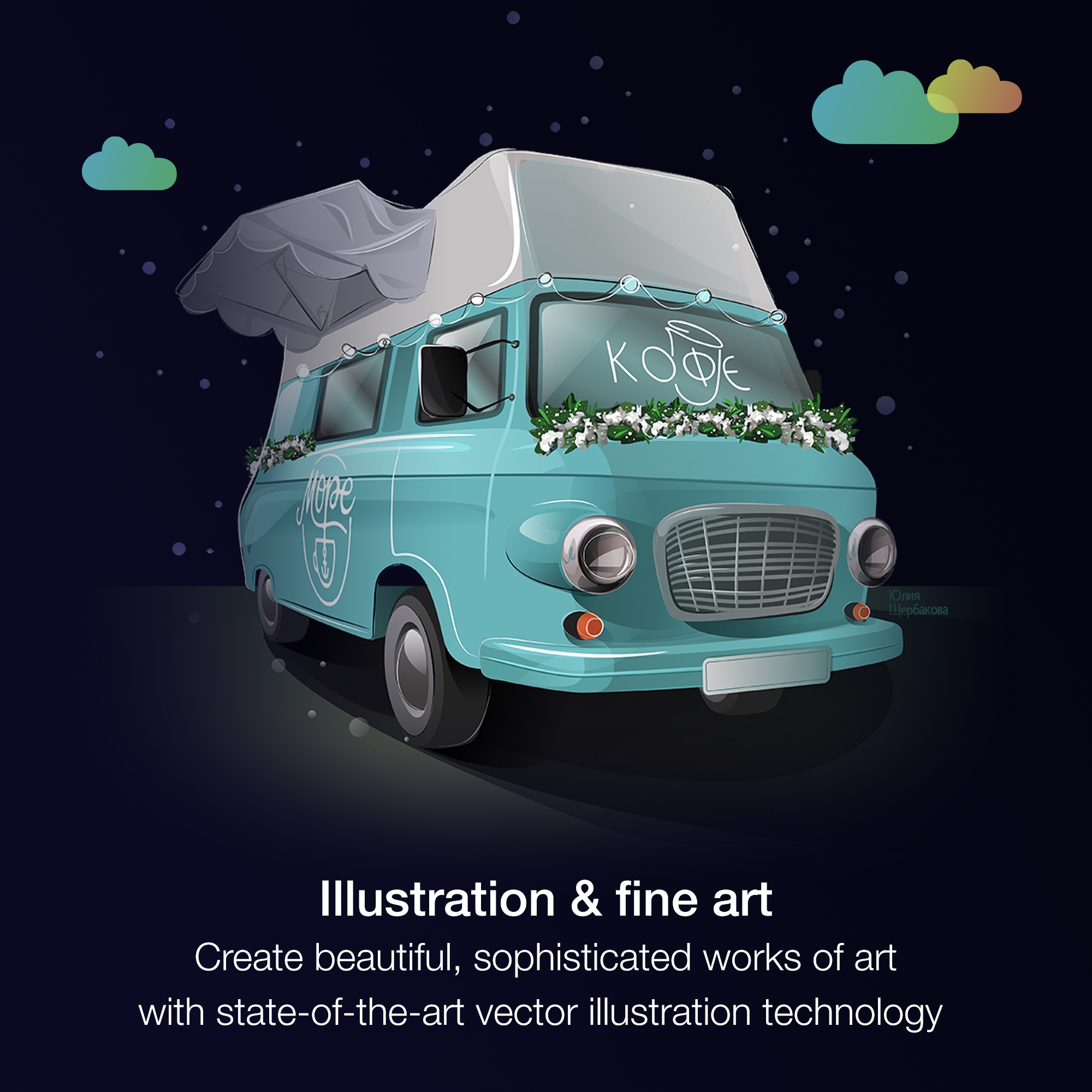
Corel Corporation, headquartered in Ottawa, offers the CorelDRAW Graphics Suite, a graphic design studio and library of tools.
$249
per year
Krita
Score9 out of 10
N/A
Krita is a professional free and open source painting program, available under the GPLv3 license. An art tool, it aims to support users with:
-concept art
-texture and matte painters
-illustrations and comics
It is a perfect suite of applications to finish presentations and create beautiful layouts for design. It is very useful both for graphic design and for architecture design when you want to draw a realistic idea of a project without being a rendering or when you need to present both images and vectorial drawings.
A de minimis incentive was given to thank the reviewer for their time. The incentive was not used to bias or drive a particular response, nor was the incentive contingent on a positive endorsement. More Info
Krita is well suited for digital painting and drawing. It has a wide variety of brushes and tools that allow for a lot of flexibility and control when creating artwork. Krita is also good for creating textures and patterns. It has a wide variety of filters that can be applied to images to create interesting effects. Krita is also good for retouching photos and for creating digital illustrations.
A de minimis incentive was given to thank the reviewer for their time. The incentive was not used to bias or drive a particular response, nor was the incentive contingent on a positive endorsement. More Info
A de minimis incentive was given to thank the reviewer for their time. The incentive was not used to bias or drive a particular response, nor was the incentive contingent on a positive endorsement. More Info
A de minimis incentive was given to thank the reviewer for their time. The incentive was not used to bias or drive a particular response, nor was the incentive contingent on a positive endorsement. More Info
A de minimis incentive was given to thank the reviewer for their time. The incentive was not used to bias or drive a particular response, nor was the incentive contingent on a positive endorsement. More Info
A de minimis incentive was given to thank the reviewer for their time. The incentive was not used to bias or drive a particular response, nor was the incentive contingent on a positive endorsement. More Info
Just like any design program or suite, I wouldn't recommend it to anyone who doesn't do graphic design professionally. If you're not adept at learning a program or experience, it isn't a program you can just pick up and start using easily. Outside of the learning curve, it's a nice program with a decent user interface.
A de minimis incentive was given to thank the reviewer for their time. The incentive was not used to bias or drive a particular response, nor was the incentive contingent on a positive endorsement. More Info
Overall, CorelDRAW meets all my needs as a researcher and allows me to create beautiful and clear graphics to illustrate the main ideas for publications. It does not lack any functionality for my needs; however, it has some bugs that impact productivity, such as the color drag and drop that sometimes stops working and needs restarting, and crashes, especially when working with large bitmaps.
A de minimis incentive was given to thank the reviewer for their time. The incentive was not used to bias or drive a particular response, nor was the incentive contingent on a positive endorsement. More Info
Although other softwares are good in there field but CorelDRAW is very good when it come to ease of making the designs. We can create designs in it very quickly and efficiently and also it us Avery easy software to learn, anyone can pick it up at good pace. Also it is more widely used by vendors here for printing, so its a better choice.
A de minimis incentive was given to thank the reviewer for their time. The incentive was not used to bias or drive a particular response, nor was the incentive contingent on a positive endorsement. More Info
I will not compare it with Adobe of Affinity Photo. This is more for photo editing and is a paid tool. The better comparison would be PaintTool SAI (still a paid one.) Krita and PaintTool SAI are both digital painting applications. Krita is free and open source, while PaintTool SAI is a paid application. Both applications have their strengths and weaknesses. Krita has a wide variety of features, including support for layers, filters, and brushes. It also has a wide selection of brush presets, and users can create their brushes. Krita is available for Windows, macOS, and Linux. PaintTool SAI is a simpler application with fewer features than Krita. It does not support layers or filters and has a more limited selection of brushes. However, it is faster and more lightweight than Krita. PaintTool SAI is available only for Windows. So even for a free tool, Krita would win in my book.
A de minimis incentive was given to thank the reviewer for their time. The incentive was not used to bias or drive a particular response, nor was the incentive contingent on a positive endorsement. More Info
Ease of use reflects on less time to train new users, a positive impact in investment and productivity.
The practicality to make new designs results in less time needed to do them, again a positive impact.
The integration with other graphic programs could be better if needed to finish a rendering using the design made in Corel Draw it's needed to export in formats that don't carry all information and the process is not that simple.
A de minimis incentive was given to thank the reviewer for their time. The incentive was not used to bias or drive a particular response, nor was the incentive contingent on a positive endorsement. More Info
Its low cost and wide range of features make it an excellent value for the money.
Its ease of use means that even non-artists can produce high-quality art assets. This has saved me time and money in producing assets for my games, resulting in a higher return on investment.
A de minimis incentive was given to thank the reviewer for their time. The incentive was not used to bias or drive a particular response, nor was the incentive contingent on a positive endorsement. More Info