TrustRadius: an HG Insights company

CorelDRAW Graphics Suite

Score7.3 out of 10

69 Reviews and Ratings

What is CorelDRAW Graphics Suite?

Corel Corporation, headquartered in Ottawa, offers the CorelDRAW Graphics Suite, a graphic design studio and library of tools.

Categories & Use Cases

Media

A complete suite of applications:
CorelDRAW® - Vector illustration and page layout
Corel PHOTO-PAINT™ - Image editing and pixel-based design program
Corel® Font Manager - Font exploration and management tool
PowerTRACE™ - AI-powered bitmap-to-vector tracing (included as part of the CorelDRAW application)
CorelDRAW.app™ - Online vector illustration and graphic design via web browser
CorelDRAW.app™ for iPad – Vector illustration and graphic design iPad app
CAPTURE™ - Screen capture tool
AfterShot™ 3 HDR - RAW photo editor
From creative professionals working in advertising and publishing, to small businesses producing in-house marketing materials, CorelDRAW Graphics Suite has the tools to create everything from stand-out brand identity assets to alluring sales tools.
Professionals in the sign and print, and fashion industry rely on CorelDRAW® to create artwork for a variety of print outputs, thanks to a powerful color management engine and superior prepress tools.
CorelDRAW Graphics Suite has commerce professionals covered with dedicated tools for web and print, whether you’re designing point-of-sale promotions or creating assets to enhance an online store.
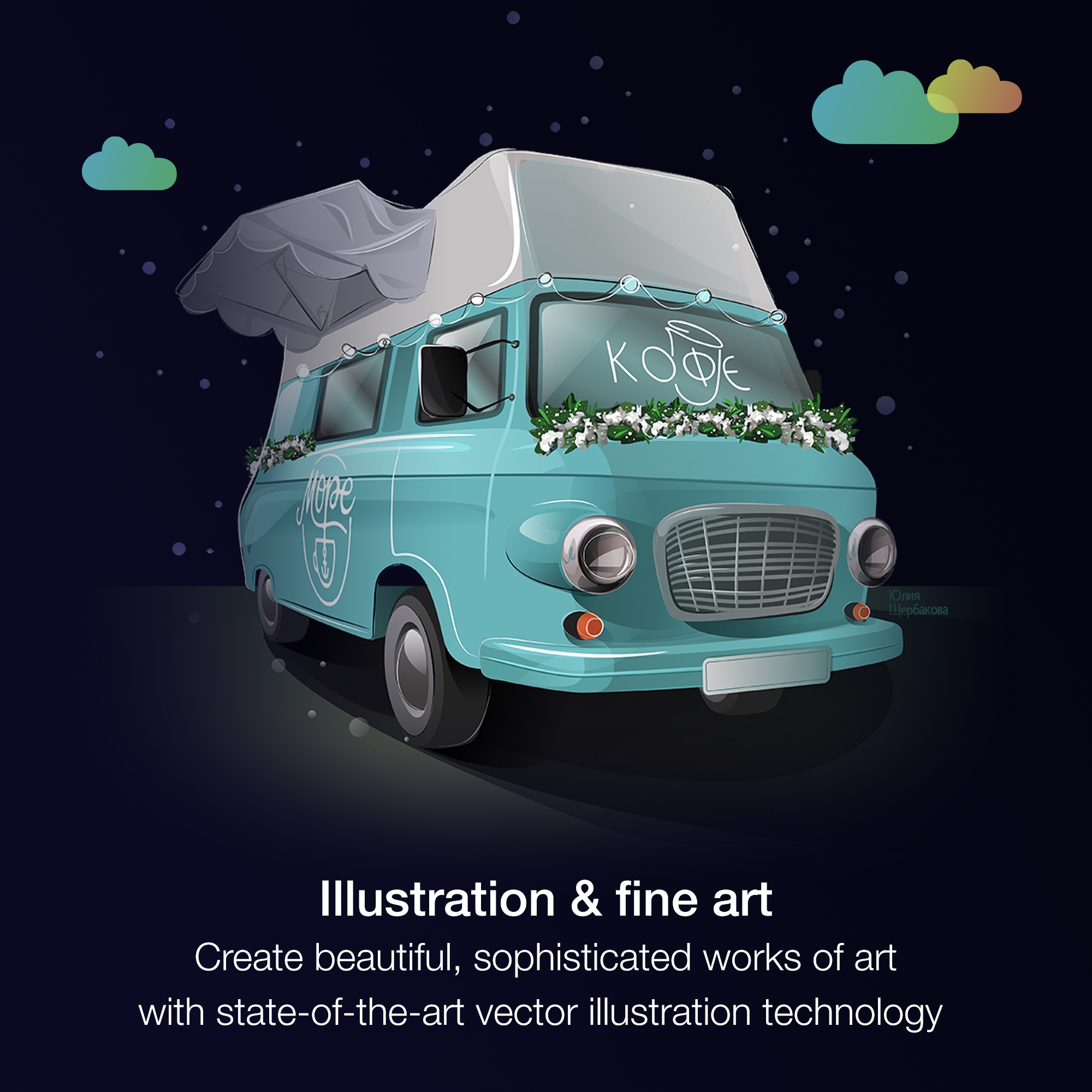
Illustrators and artists alike can combine their classic art practices with CorelDRAW’s state-of-the-art vector-illustration technology to create beautiful, sophisticated works of art.
Get more for less! Discover the affordable, flexible way to stay up-to-date, while enjoying exclusive features, content, enhancements, and support for the latest technologies.

1 / 6

CorelDRAW is a great software to create vector and designs efficiently and quickly

Use Cases and Deployment Scope

It helps us to create vectors for product advertisements very efficiently and also I created banners for social media and local business in my previous company.

Pros

  • Vector design
  • Graphic design
  • Concept art
  • Digital painting

Cons

  • They can improve their layer system
  • It crashes a lot
  • They can add AI as every software now have it.

Most Important Features

  • Text tools
  • Gradient tool
  • Vector and graphic design

Return on Investment

  • The impact is positive as it helps to create designs faster and save time.
  • We can convert any image ready for printing, that's saves time and resources.
  • As an advertisement and elearning company, it helped boosting our productivity.

Alternatives Considered

Adobe PhotoShop and Adobe Illustrator CC

Other Software Used

Adobe PhotoShop, Blender, Autodesk Maya, Adobe Substance 3D Collection, Adobe After Effects

The Best suite for the Newbies and the Experts

Use Cases and Deployment Scope

Other than for company-related work like creating diagrams, image buttons for our customers, Barcodes, and others, I also use CorelDRAW Graphics Suite to create logos, banners, and other stuff for our business. It is easy to use and has a very accessible User interface. The way palettes and tools are accessed makes it simple enough for all ages. No need to learn any special commands. Everything is straightforward.

Pros

  • Easy to manage and comprehend
  • Easy User Interface
  • No need to look for other programs. It has direct access to Photopaint and Barcode scanner.

Cons

  • The color palette new interface to select outline color should go back to how it was in older versions
  • The Printing interfeace is lacking some options
  • Color Management

Most Important Features

  • Easy to use
  • Less expensive than other brands
  • Suited for all desiner levels.

Return on Investment

  • Fast ROI
  • Fast purchase

Alternatives Considered

Adobe Illustrator CC, Adobe PhotoShop, Freehand by InVision and Inkscape

Other Software Used

NanoCAD, Ultimaker Cura

Nice Suite- this program allows you to make designs in a professional way, having very easy-to-use tools for the user

Use Cases and Deployment Scope

It is an excellent tool, all the vector sketches and marketing structures of our ads are made in CorelDRAW. We use it a lot to manufacture icons and logos of our product brands and user manuals for our sales team. Really an efficient tool, we make our templates to do the manuals in many products!

Pros

  • Easy peasy! The interface is very intuitive and easy to use, even for new users
  • Easy to work with different sheets within the same CDR file, to export different pages
  • The software is so fast and light
  • Multi-platform

Cons

  • Upgrades to newer versions are annoying.
  • Sometimes sorting out different items on the screen gets a bit confusing.

Most Important Features

  • Filtering and searching for sources (fonts)
  • The interface is very intuitive and easy to use
  • We use to create logos, flexes, brochures, invitation cards, and any type of line-based vector design

Return on Investment

  • It's a very nice investment to our marketing department
  • We save money in all the designs because it's a professional tool for everybody
  • It is a positive application in terms of cost benefit for our organization.

Alternatives Considered

Adobe PhotoShop

Other Software Used

Adobe PhotoShop, Adobe Acrobat DC

CorelDRAW, hands down the best design software ever

Pros

  • Logo design
  • Signage rendering
  • Engraving layout
  • Certificates

Cons

  • Text to path could be more flexible and intuitive
  • DXF and DWG conversation could be improved

Return on Investment

  • Fast rendering
  • User-friendly GUI

Alternatives Considered

Adobe Illustrator CC

Other Software Used

DraftSight, AutoCAD, Autodesk Tinkercad

Corel is the best vector based graphics program around, hands down.

Use Cases and Deployment Scope

I literally use it every day, I run our whole art department here at the shop and I use it for everything from designing screen printing, embroidery, signs, truck lettering etc.

Pros

  • Very easy design interface
  • Easy to vector and recreate designs
  • Can export to many widely used formats
  • Very user friendly

Cons

  • Slows down when too many fonts are installed
  • Sometimes certain files take longer to export
  • Color palletes

Most Important Features

  • Vector creation
  • integration with our screen printing program
  • user friendly toolbar

Return on Investment

  • I'm able to recreate vector artwork pretty quickly, in turn charging more for my time.

Alternatives Considered

Adobe Illustrator CC

Other Software Used

Adobe Illustrator CC, Adobe PhotoShop
