
Couchdrop vs. Fortra's GoAnywhere MFT
Couchdrop vs. Fortra's GoAnywhere MFT
| Product | Rating | Most Used By | Product Summary | Starting Price |
|---|---|---|---|---|
 Couchdrop | N/A | Couchdrop is a cloud-native b2b file exchange platform that simplifies secure file transfers across organizations with zero infrastructure management. Supporting direct SFTP, FTP/S, and AS2 transfers, Couchdrop includes multiple file ingestion methods, file sharing, and a no-code automation builder. | $50 per month | |
 Fortra's GoAnywhere MFT | N/A | Fortra's GoAnywhere MFT is a secure file transfer solution that automates and encrypts data using industry standard protocols (e.g. OpenPGP, SFTP, HTTPS). With auditing and reporting, GoAnywhere can help organizations meet compliance regulations like PCI DSS and HIPAA. GoAnywhere can be deployed on-premises or in the cloud. As a VMware-validated product, it also runs in several virtualized environments including VMware, Amazon AWS, and Microsoft Azure. GoAnywhere exchanges batch and ad… | N/A |
| Couchdrop | Fortra's GoAnywhere MFT | |||||||||||||||
|---|---|---|---|---|---|---|---|---|---|---|---|---|---|---|---|---|
| Editions & Modules |
| No answers on this topic | ||||||||||||||
| Offerings |
| |||||||||||||||
| Entry-level Setup Fee | No setup fee | Optional | ||||||||||||||
| Additional Details | Prices are month-to-month with no lock-in. Couchdrop is self-serve and does not have a set-up fee. | — | ||||||||||||||
| More Pricing Information | ||||||||||||||||
| Couchdrop | Fortra's GoAnywhere MFT |
|---|
| Couchdrop | Fortra's GoAnywhere MFT | |
|---|---|---|
| Small Businesses |  DataMotion Score 9.5 out of 10 | DataMotion Score 9.5 out of 10 |
| Medium-sized Companies | DataMotion Score 9.5 out of 10 | DataMotion Score 9.5 out of 10 |
| Enterprises | Fortra's GoAnywhere MFT Score 7.6 out of 10 |  Control-M Score 9.4 out of 10 |
| All Alternatives | View all alternatives | View all alternatives |
| Couchdrop | Fortra's GoAnywhere MFT | |
|---|---|---|
| Likelihood to Recommend | - (0 ratings) | 10.0 (11 ratings) |
| Likelihood to Renew | - (0 ratings) | 10.0 (1 ratings) |
| Usability | - (0 ratings) | 10.0 (3 ratings) |
| Availability | - (0 ratings) | 9.0 (1 ratings) |
| Performance | - (0 ratings) | 10.0 (1 ratings) |
| Support Rating | - (0 ratings) | 8.6 (6 ratings) |
| Implementation Rating | - (0 ratings) | 10.0 (1 ratings) |
| Configurability | - (0 ratings) | 8.0 (1 ratings) |
| Product Scalability | - (0 ratings) | 9.0 (1 ratings) |
| Vendor post-sale | - (0 ratings) | 10.0 (1 ratings) |
| Vendor pre-sale | - (0 ratings) | 10.0 (1 ratings) |
| Couchdrop | Fortra's GoAnywhere MFT | |
|---|---|---|
| Likelihood to Recommend | Couchdrop No answers on this topic |  Fortra
 Stewart Locklear Senior Information Technology Project Manager |
| Pros | Couchdrop No answers on this topic | Fortra
 Todd Percival Senior systems administrator |
| Cons | Couchdrop No answers on this topic | Fortra
 Jesus Covarrubias, CEH Systems Administrator |
| Usability | Couchdrop No answers on this topic | Fortra
|
| Support Rating | Couchdrop No answers on this topic | Fortra
 Hernan Gomila Middleware Specialist |
| Implementation Rating | Couchdrop No answers on this topic | Fortra
 Parul Patel Network Analyst |
| Alternatives Considered | Couchdrop No answers on this topic | Fortra
|
| Return on Investment | Couchdrop No answers on this topic | Fortra
Stewart Locklear Senior Information Technology Project Manager |
| ScreenShots | Couchdrop Screenshots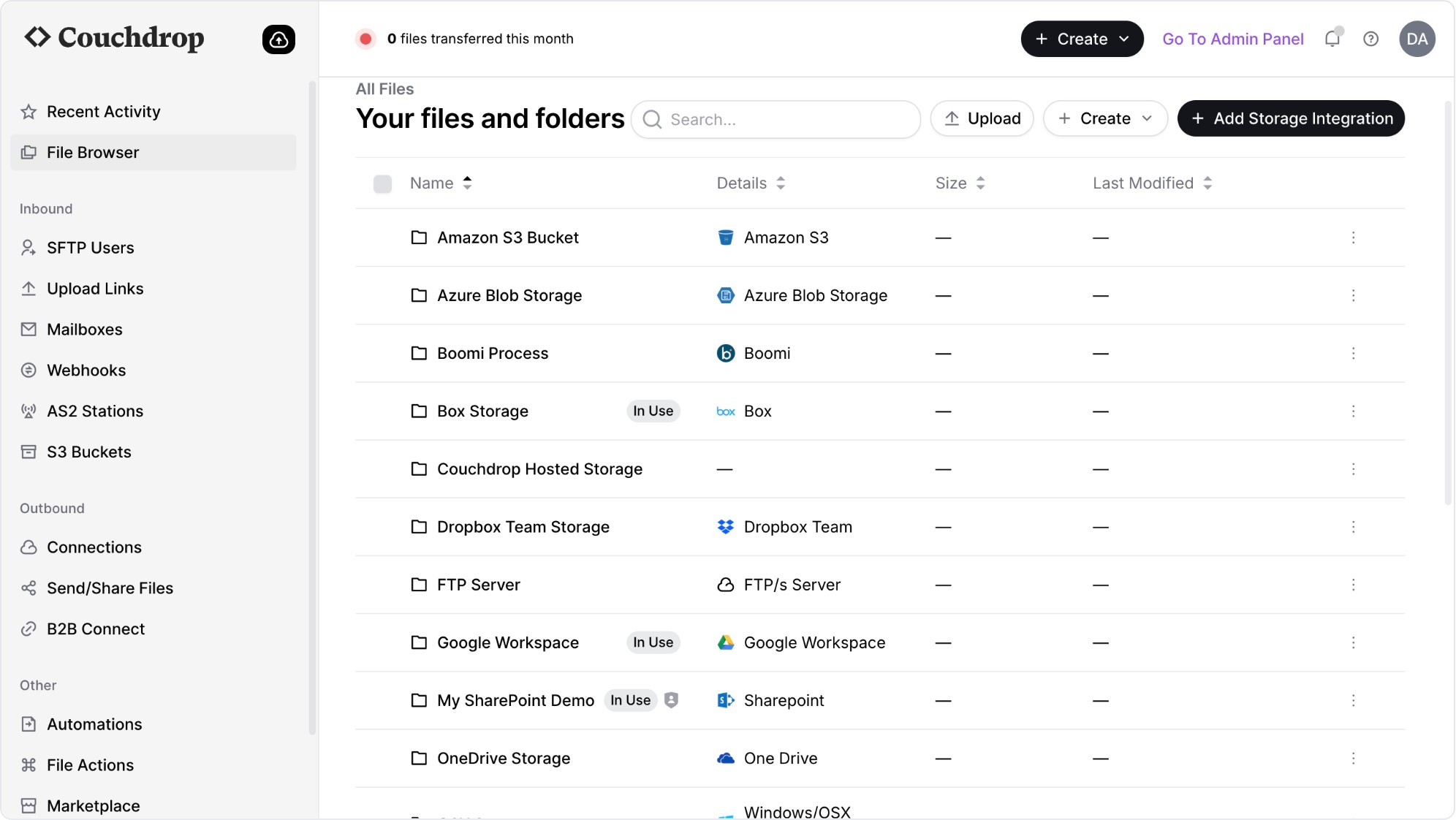 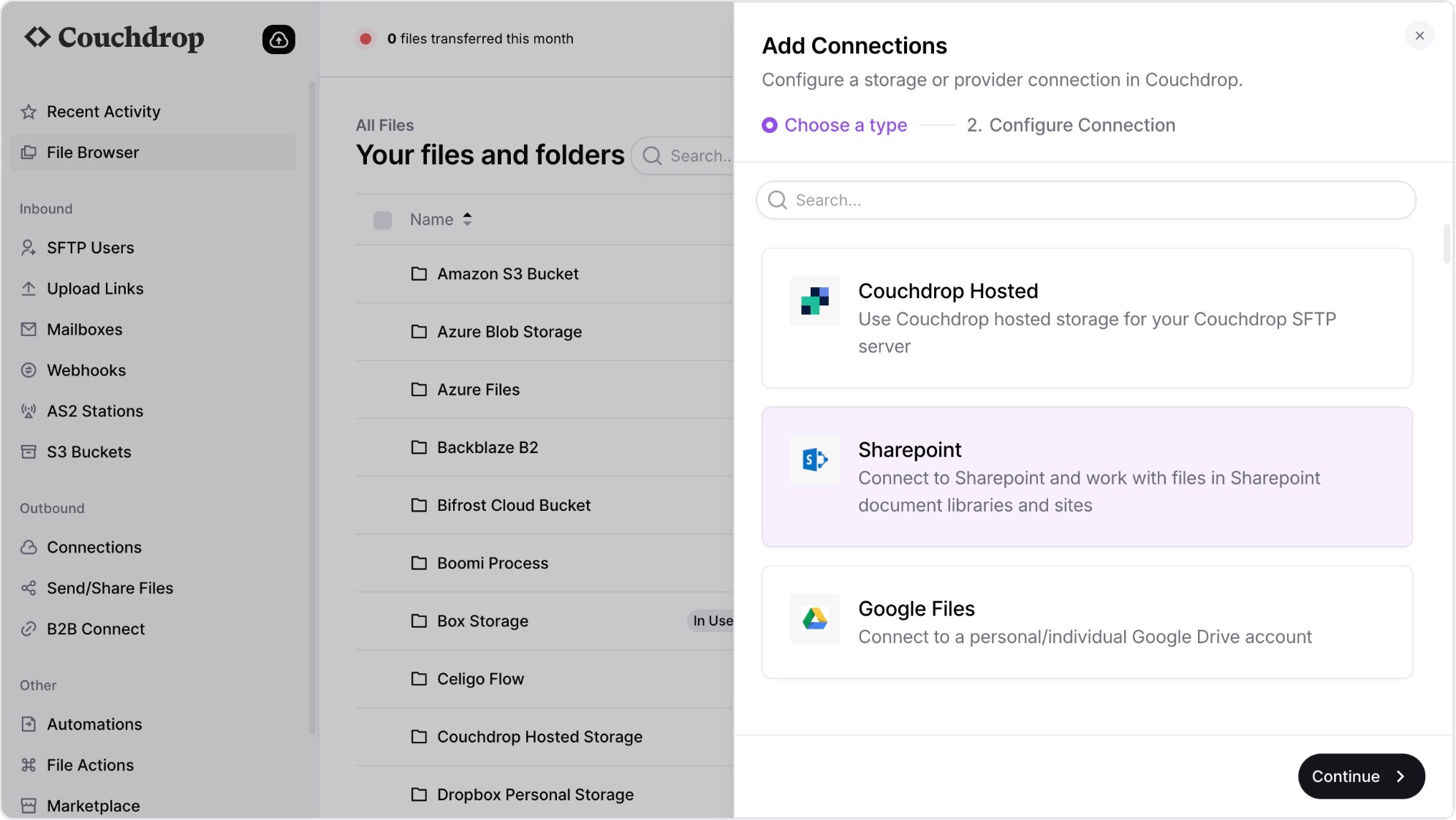 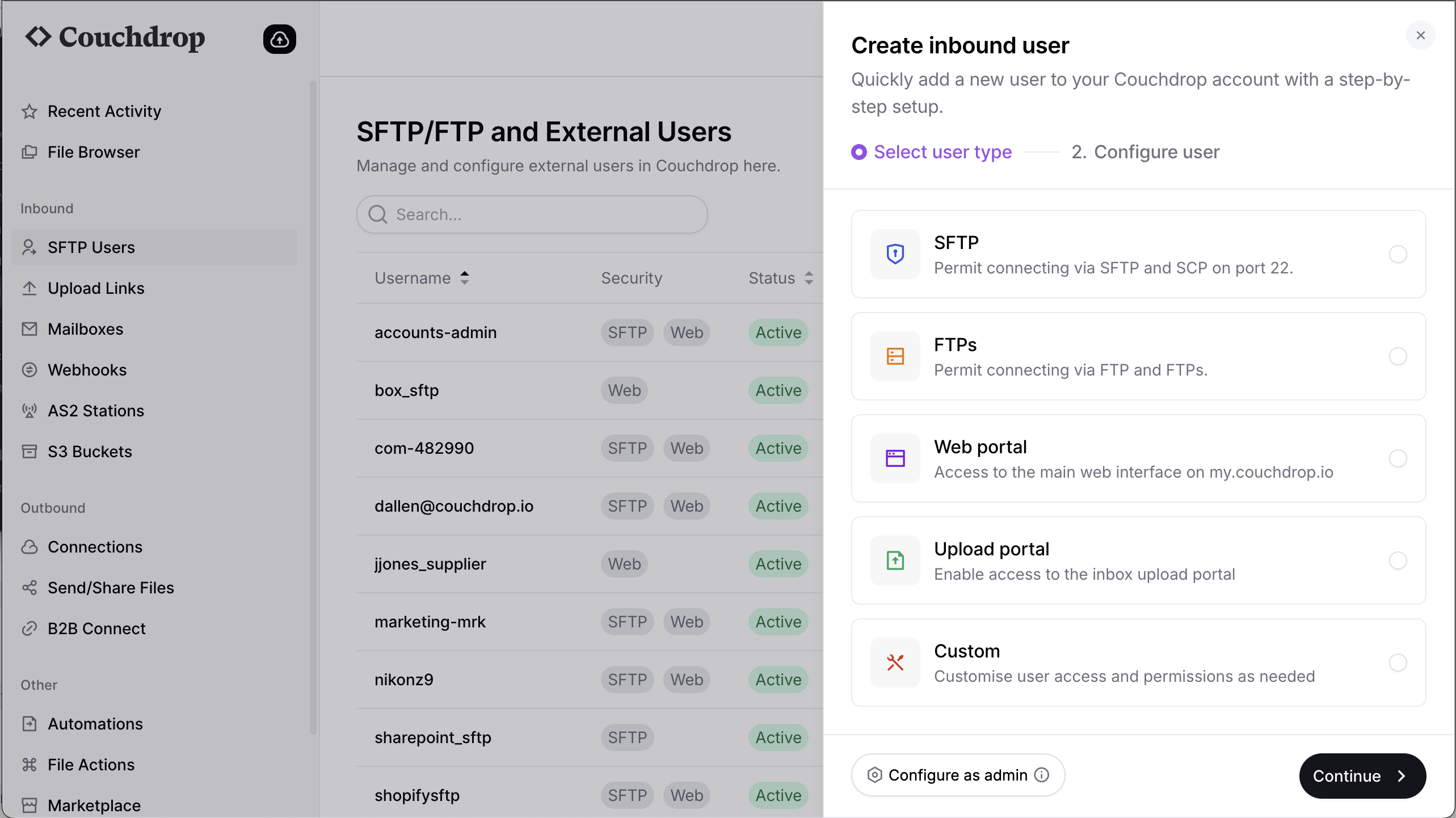 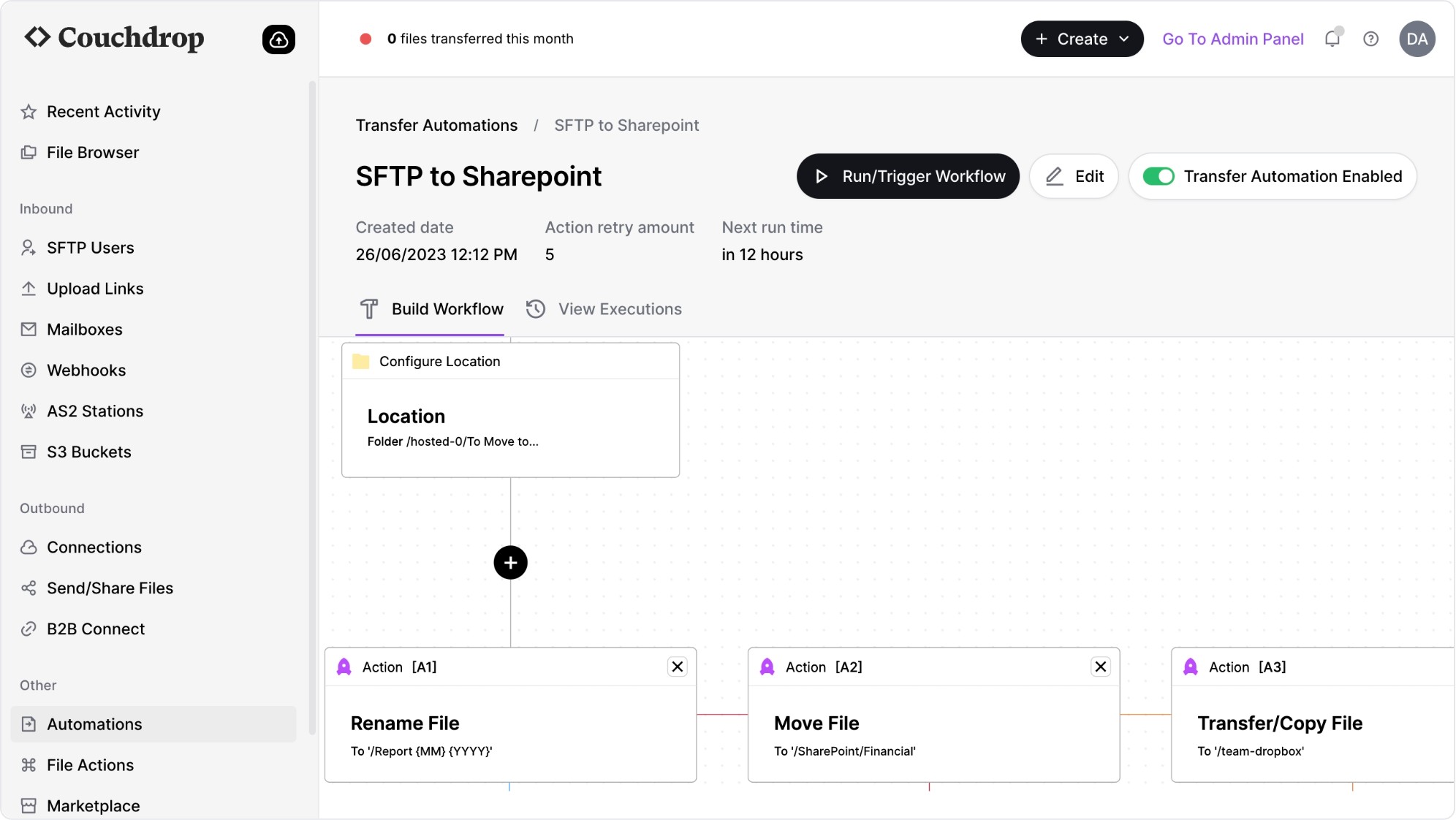 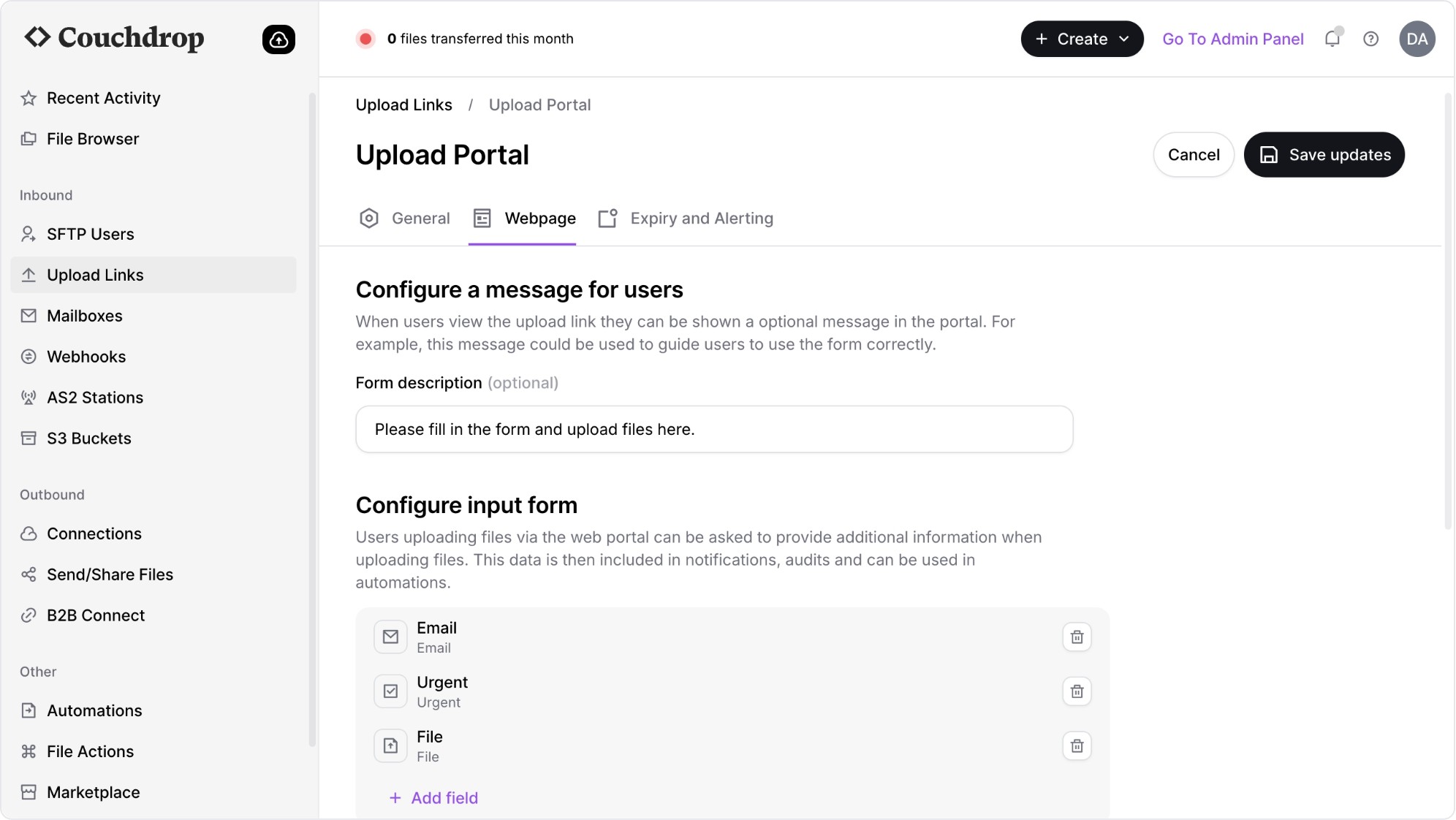 | Fortra's GoAnywhere MFT Screenshots |