Creately vs. Mill

Overview
ProductRatingMost Used ByProduct SummaryStarting Price
Creately
Score 7.7 out of 10
Small Businesses (1-50 employees)
Creately is a visual collaboration platform that supports genograms, flowcharts, org charts, mind maps, and UML diagrams. Featuring template-based AI diagram generation, Creately boasts speed and accuracy in visual planning.
$8
per month
Mill
Score 0.0 out of 10
N/A
Mill is a Java/Scala build tool developed and supported by Li Haoyi, available open source and free under an MIT license. Mill aims for simplicity by reusing familiar concepts, borrowing ideas from modern tools like Bazel. It presents an alternative to Bazel, Gradle, Maven, and SBT.N/A
Pricing
CreatelyMill
Editions & Modules
Creately Personal
$8
per month
Creately Team
$8
per month per user
Creately Team
$60
per year per user
Creately Personal
$60
per year
Creately Business
$149
per month Unlimited Users
Creately Business
$1,068
per year Unlimited Users
No answers on this topic
Offerings
Pricing Offerings
CreatelyMill
Free Trial
YesNo
Free/Freemium Version
YesYes
Premium Consulting/Integration Services
NoNo
Entry-level Setup FeeNo setup feeNo setup fee
Additional DetailsDiscounted prices for non profits, educational institutes, and charities.
More Pricing Information
Community Pulse
CreatelyMill
Considered Both Products
Creately
Chose Creately
Creately is a more intuitive solution and has better looking elements, shapes etc.
Chose Creately
Creately's folder system is a novel feature that beats its competitors. It helps keep everything organized. In addition, there are many more customization possibilities, especially in the shapes and in the library of templates and drawings. It has an intelligent drawing …
Chose Creately
In terms of pricing and functionality, Creately was the clear winner at the time, although the jury is still out on Creately's new version in terms of how simple it may be to use.
Mill

No answer on this topic

Best Alternatives
CreatelyMill
Small Businesses
OmniGraffle
OmniGraffle
Score 9.8 out of 10
GitLab
GitLab
Score 8.8 out of 10
Medium-sized Companies
Cvent Event Diagramming
Score 9.2 out of 10
GitLab
GitLab
Score 8.8 out of 10
Enterprises
Cvent Event Diagramming
Score 9.2 out of 10
GitLab
GitLab
Score 8.8 out of 10
All AlternativesView all alternativesView all alternatives
User Ratings
CreatelyMill
Likelihood to Recommend
7.7
(0 ratings)
-
(0 ratings)
Usability
7.9
(0 ratings)
-
(0 ratings)
Support Rating
6.0
(0 ratings)
-
(0 ratings)
User Testimonials
CreatelyMill
Likelihood to Recommend
Creately is a commonly used tool to create infographic elements for your workflows. It is effortless to use and has excellent and underrated features such as rules & database creation. While using Creately, one can not create hierarchical structures such as folders inside folders and so on for organizing diagrams.
Read full review
No answers on this topic
Pros
  • Connects and centralizes work items from multiple apps
  • Team Collaboration while accessing the Kanban boards
  • Huge library of templates makes the work easier for teams
Read full review
No answers on this topic
Cons
  • The transition Creately made this year to their new non-Flash platform seems to almost function like a beta release in some instances.
  • Customer support sometimes takes a while to return and the responses are not always the best or most helpful. Follow up isn't great, either.
Read full review
No answers on this topic
Usability
Well-made and customizable templates and canvas make everything simple and smooth.
Read full review
No answers on this topic
Support Rating
It definitely could be better, but it may also depend on the type of license you are subscribing to.
Read full review
No answers on this topic
Alternatives Considered
Creately's folder system is a novel feature that beats its competitors. It helps keep everything organized. In addition, there are many more customization possibilities, especially in the shapes and in the library of templates and drawings. It has an intelligent drawing capability superior to all the competition, allowing more customization and detail.
Read full review
No answers on this topic
Return on Investment
  • It supports real-time collaboration, and our remote/hybrid teams can effectively participate.
  • Diagramming makes it easy to understand complex strategies.
  • With the tool in place, we have effectively boosted team productivity.
Read full review
No answers on this topic
ScreenShots

Creately Screenshots

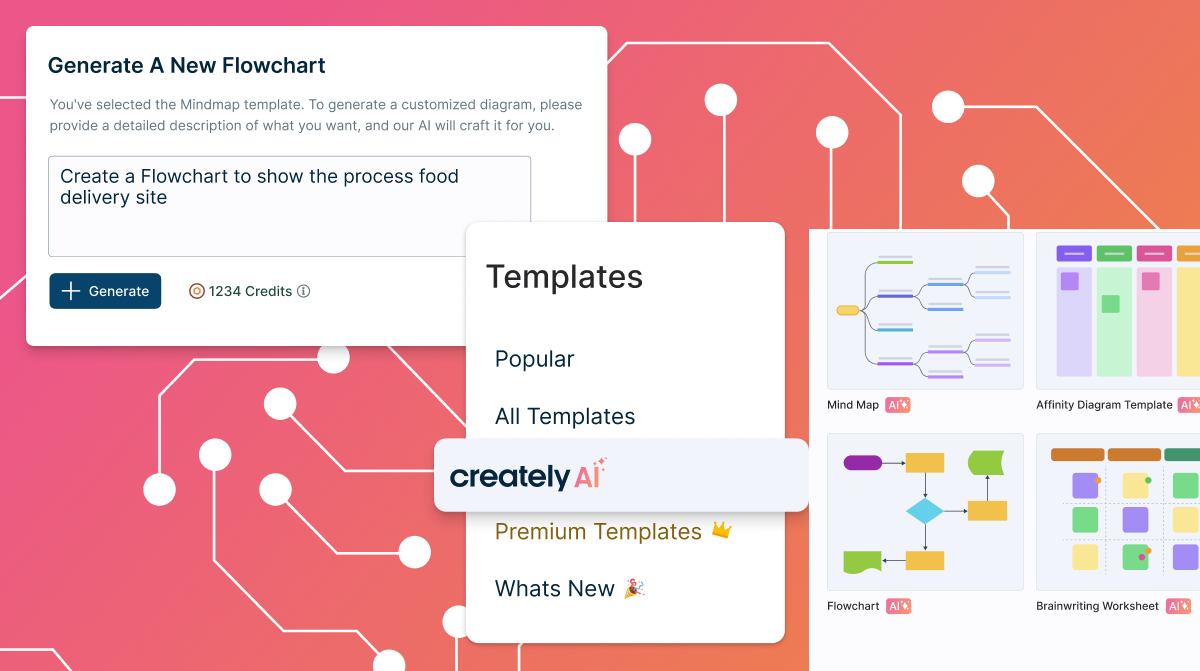
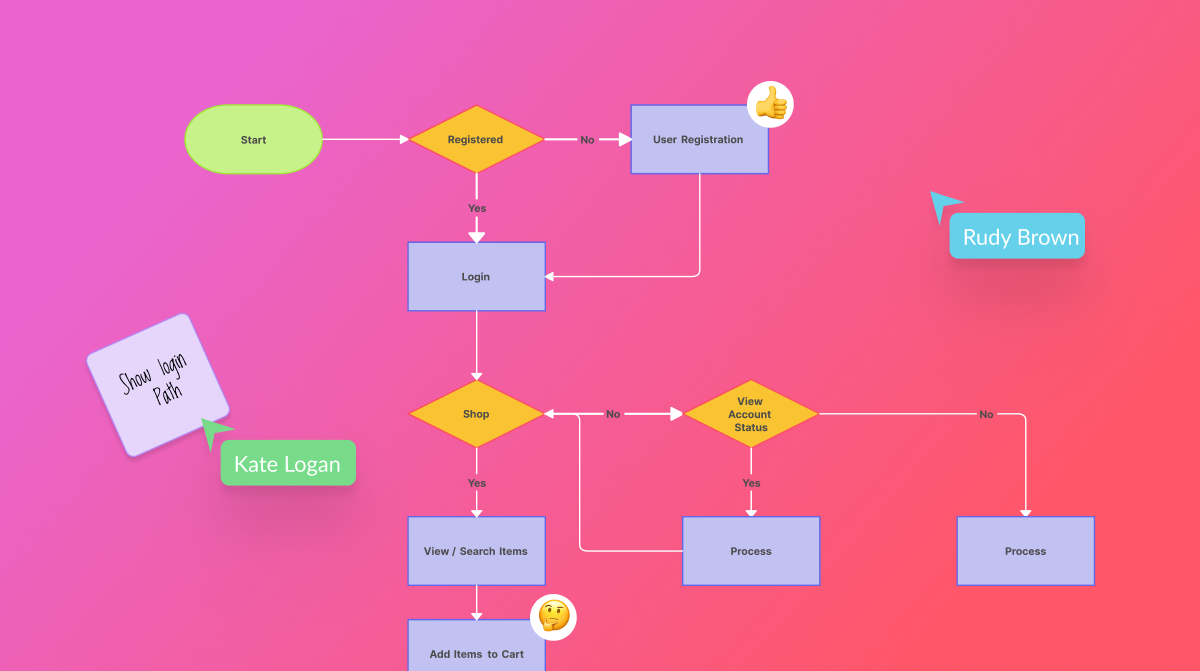
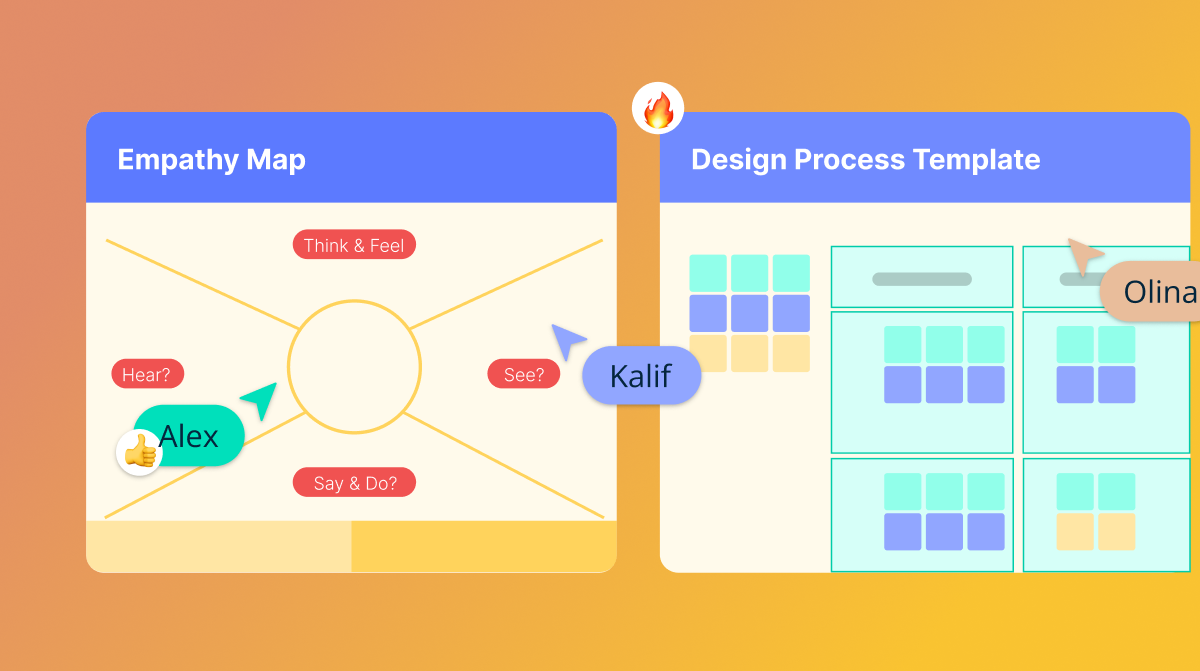
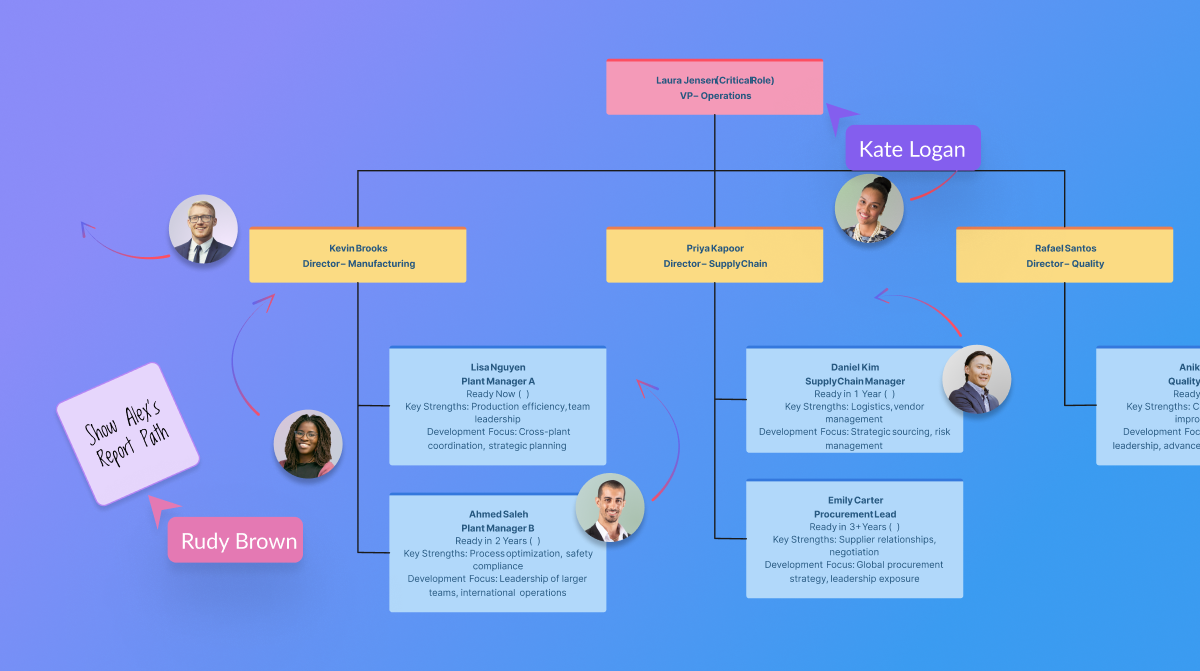
Screenshot of templated instructions for Creately AIScreenshot of the AI base templates and text promptsScreenshot of real-time collaborationScreenshot of the AI org chart toolScreenshot of certifications