Chose Zoho Sheet
I find both options to be expensive and not suitable for a midrange budget team. Additionally, they have a complex workflow that not every team member can easily use, resulting in a lack of collaboration.

| Product | Rating | Most Used By | Product Summary | Starting Price |
|---|---|---|---|---|
 CSV Editor Pro | Small Businesses (1-50 employees) | CSV Editor Pro is a professional choice for working with CSV files. Its features and tools save users time and effort. Rows and columns can be created, deleted, rearranged, and searched at will. CSV Editor Pro supports sorting, filtering, multiline editing, search and replace, graphing, deduplicate, unicode, undo, and printing. The interface is simplified, and detailed help file is provided. | N/A | |
 Zoho Sheet | N/A | Zoho Sheet enables users to create, edit and share spreadsheets online, and is available with a free plan. | N/A |
| CSV Editor Pro | Zoho Sheet | |||||||||||||||
|---|---|---|---|---|---|---|---|---|---|---|---|---|---|---|---|---|
| Editions & Modules | No answers on this topic | No answers on this topic | ||||||||||||||
| Offerings |
| |||||||||||||||
| Entry-level Setup Fee | $29 for 5 activations | No setup fee | ||||||||||||||
| Additional Details | A license entitles the user to five activations. Activations are not restricted to one machine or user. Once activated, the software will remain activated indefinitely unless it is moved to a different drive, or if a major upgrade (such as 1.0 to 2.0) is installed. Minor upgrades (such as 1.0 to 1.1) are free. | — | ||||||||||||||
| More Pricing Information | ||||||||||||||||
| CSV Editor Pro | Zoho Sheet | |
|---|---|---|
| Considered Both Products |  CSV Editor Pro No answer on this topic |  Zoho Sheet |
| CSV Editor Pro | Zoho Sheet | |
|---|---|---|
| Small Businesses |  Stackby Score 8.8 out of 10 | Stackby Score 8.8 out of 10 |
| Medium-sized Companies |  Microsoft Excel Score 8.9 out of 10 | Microsoft Excel Score 8.9 out of 10 |
| Enterprises | Microsoft Excel Score 8.9 out of 10 | Microsoft Excel Score 8.9 out of 10 |
| All Alternatives | View all alternatives | View all alternatives |
| CSV Editor Pro | Zoho Sheet | |
|---|---|---|
| Likelihood to Recommend | - (0 ratings) | 10.0 (0 ratings) |
| Usability | - (0 ratings) | 10.0 (0 ratings) |
| CSV Editor Pro | Zoho Sheet | |
|---|---|---|
| Likelihood to Recommend | No answers on this topic |
|
| Pros | No answers on this topic |
|
| Cons | No answers on this topic |
|
| Usability | No answers on this topic |
|
| Alternatives Considered | No answers on this topic |
|
| Return on Investment | No answers on this topic |
|
| ScreenShots | CSV Editor Pro Screenshots 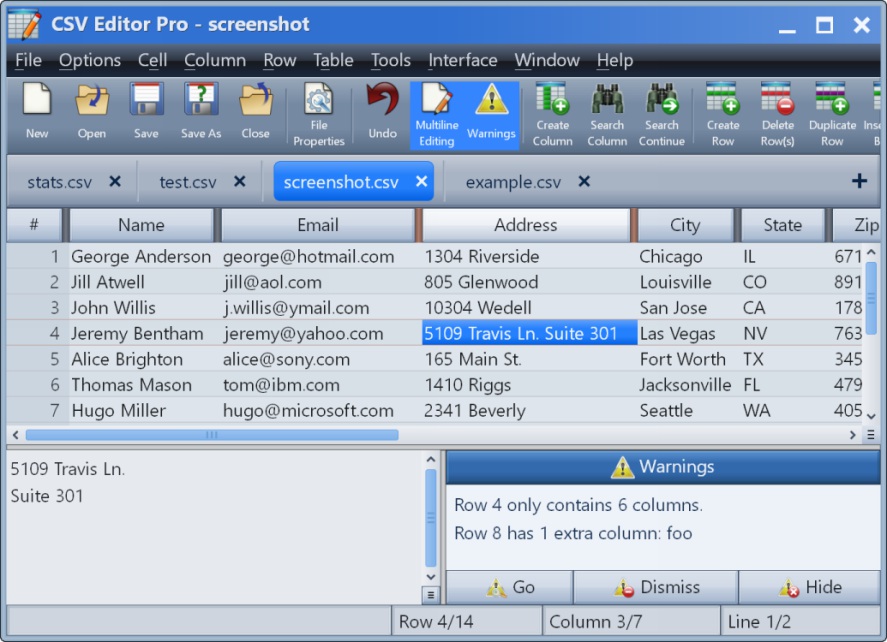 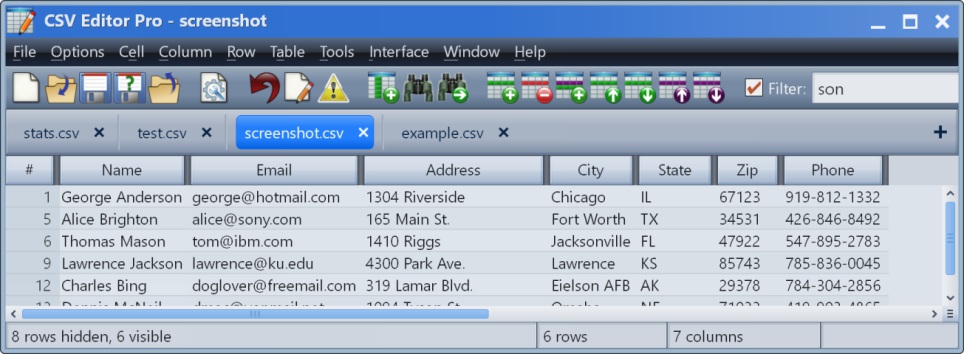 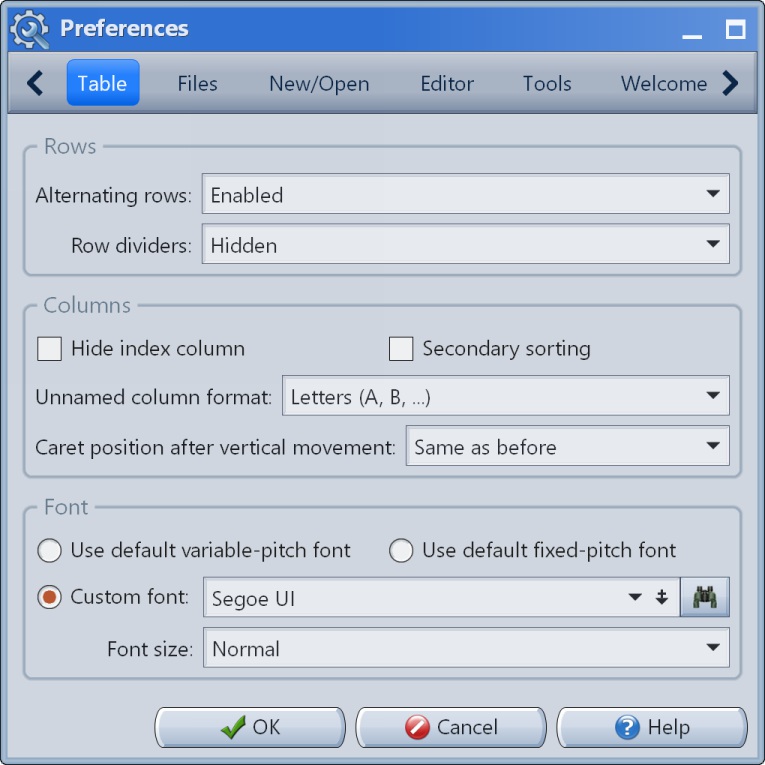   |