dbForge Studio (Edge) vs. Redgate Flyway

Overview
ProductRatingMost Used ByProduct SummaryStarting Price
dbForge Studio (Edge)
Score 8.0 out of 10
N/A
dbForge Studio is provided by Devart and is a universal front-end client for database management, administration and development. Devart's GUI tool provides utilities to compare, synchronize, and back up databases (e.g. MySQL, Oracle, SQL Server, PostgreSQL, etc.) with scheduling, and includes the possibility to analyze and report MySQL tables data. For example, dbForge Studio for MySQL works with any MariaDB database servers, and supports all MariaDB objects types. This solution enables users…
$9.95
per month
Redgate Flyway
Score 9.0 out of 10
N/A
Redgate Flyway extends DevOps practices to databases to speed up software delivery while keeping business-critical data safe. From version control to continuous delivery, Redgate Flyway helps enterprises build on application delivery processes to automate database development and deployments.
$0
Pricing
dbForge Studio (Edge)Redgate Flyway
Editions & Modules
Standard (subcription)
$9.95
per month
Professional (subscription)
$19.95
per month
Enterprise (subscription)
$29.95
per month
Standard (subcription)
$99.95
per year
Professional (subscription)
$179.95
per year
Standard
$199.95
Enterprise (subscription)
$229.95
per year
Professional
$349.95
Enterprise
$449.95
Community
Free
Enterprise
Contact Sales
Offerings
Pricing Offerings
dbForge Studio (Edge)Redgate Flyway
Free Trial
YesYes
Free/Freemium Version
YesYes
Premium Consulting/Integration Services
YesYes
Entry-level Setup FeeNo setup feeOptional
Additional Details
More Pricing Information
Community Pulse
dbForge Studio (Edge)Redgate Flyway
Features
dbForge Studio (Edge)Redgate Flyway
Database Development
Comparison of Database Development features of Product A and Product B
dbForge Studio (Edge)
8.4
2 Ratings
1% below category average
Redgate Flyway
-
Ratings
Version control tools8.01 Ratings00 Ratings
Test data generation7.01 Ratings00 Ratings
Performance optimization tools9.01 Ratings00 Ratings
Schema maintenance9.01 Ratings00 Ratings
Database change management9.02 Ratings00 Ratings
Database Administration
Comparison of Database Administration features of Product A and Product B
dbForge Studio (Edge)
7.0
1 Ratings
14% below category average
Redgate Flyway
-
Ratings
User management6.01 Ratings00 Ratings
Database security6.01 Ratings00 Ratings
Database status reporting7.01 Ratings00 Ratings
Change management9.01 Ratings00 Ratings
Best Alternatives
dbForge Studio (Edge)Redgate Flyway
Small Businesses
DBeaver
DBeaver
Score 8.6 out of 10
DBeaver
DBeaver
Score 8.6 out of 10
Medium-sized Companies
ER/Studio
ER/Studio
Score 9.9 out of 10
DBeaver
DBeaver
Score 8.6 out of 10
Enterprises
ER/Studio
ER/Studio
Score 9.9 out of 10
DBeaver
DBeaver
Score 8.6 out of 10
All AlternativesView all alternativesView all alternatives
User Ratings
dbForge Studio (Edge)Redgate Flyway
Likelihood to Recommend
9.8
(15 ratings)
8.0
(4 ratings)
Support Rating
8.0
(1 ratings)
-
(0 ratings)
User Testimonials
dbForge Studio (Edge)Redgate Flyway
Likelihood to Recommend
Devart
This tool is useful for small and large IT departments and associated data analysts that perform direct database functions such as DBA tasks or extracting/importing data. Non-technical staff members would not benefit from this tool as much as the functions are detailed and technical. However, automation engineers will find this tool very open for automation, and can generate the scripting code for any of its functions.
Read full review
Redgate
Database Migrations on Java-based solutions. It has one of the best integrations with it as a database migration tool, you can do it with the community edition (no pricing involved) and it works flawlessly with Maven and Gradle. It's not an expensive tool in order to use the next level of features and is worth the money. I would recommend reaching that edition level as the object mapping feature gets really handy. I would not recommend it for any Microsoft-based solution (.Net) as is not compatible at all based on my experience, this is a tool only worth it with Java applications.
Read full review
Pros
Devart
  • Connection manager (we use it through ssh tunnels) works effortlessly.
  • Great sync tools for both database schemas and data.
  • Storing code snippets to be used when needed.
  • Nice code suggestions while typing queries.
  • Usually does very well with storing your session and opening all of your sql tabs when opening the apps next time.
  • Does very well when executing large sql files (without opening the files into the application that is).
  • Pretty good debugging help when a problem occurs in executing a query or a files with multiple queries.
Read full review
Redgate
  • Manage DB migration patch scripts
  • Apply DB migration patch scripts
  • Test DB migration patch scripts
  • Setup new DB instances, including on local env
Read full review
Cons
Devart
  • The ability to parameterize searches more would be advantageous. For example, being able to specify to only look for certain columns, certain data type changes, etc.
  • The output reports from dbForge are very plain and could contain more detail, and perhaps be structured more like a pivot table form Excel
Read full review
Redgate
  • Updating it causes problems, there have been unnecessary changes that wasted time
  • Requires knowledge & studying so it's used properly
  • Lots of options that might be difficult to understand for non technical people
Read full review
Usability
Devart
dbForge Studio (Edge) has a great UI and it's versatile, but it still has some glitches. Its multiple database support makes it possible to stick with only one UI to handle different RDBM systems, even though you have to redefine user credentials for each new connection (no copying/cloning feature for database connections). The Edit View and diagramming features also could be improved.
Read full review
Redgate
It's very easy to install and use. Even someone very new to the software will have no trouble, plus the team reach out to help you and continue to offer you support throughout. Really simple interface, clean design, all you could really ask for in a tool that needs to do a job dependably
Read full review
Support Rating
Devart
Although experience here is limited, as only one question has been asked and answered promptly, the registration and licensing process was very smooth and professional. There are forums online that discuss dbForge issues, as well as a Facts and Questions section on dbForge's website, so product support does seem to exist if needed.
Read full review
Redgate
No answers on this topic
Alternatives Considered
Devart
Before choosing dbForge Studio I evaluated at least a dozen tools, especially on the Visual Query Builder function. For now, I have identified only one product that has a better Visual Query Builder than dbForge Studio. This other product also manages UNIONs, while dbStudio still doesn't do it visually. However, the better alternative product is enormously slower in operations and less feature-rich than DbForge Studio
Read full review
Redgate
The problem with a cloud-based tool for migration services is the cloud dependency. You are restricted to use the tool along the Cloud provider. Flyway gives you the freedom to use it in any scenario as long as you are working with a compatible database engine. Even if you are working on-premise and you don't have plans to move to a cloud architecture. Or even for sandbox development scenarios where you are a developer playing around with some project ideas. And you don't have to pay anything as long as you need advanced features, and not less importantly, you are using an open-source tool.
Read full review
Return on Investment
Devart
  • Saved a TON of time when looking at massive amounts of parent/child data by allowing us to just use the master-detail browser.
  • Very little training time needed for employees that are already used to using SQL Management Studio. This is a proper Windows UI application.
  • Very cost effective to purchase the standard edition for every employee that needs it, but the free edition does most of what they need too!
Read full review
Redgate
  • I definitely think it do have positive impact to our company's database management.
  • We have 4 database environments and thus it is easy when we push the database to various environments.
Read full review
ScreenShots

dbForge Studio (Edge) Screenshots

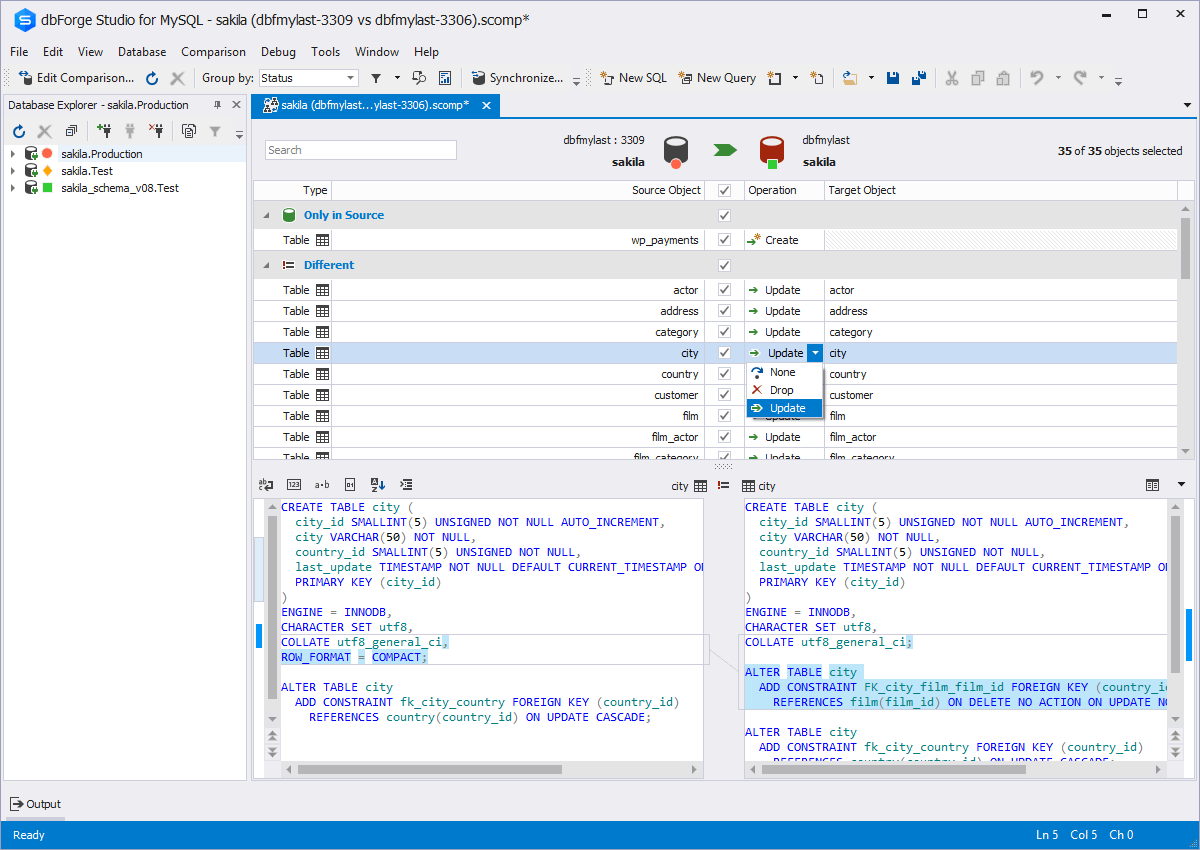
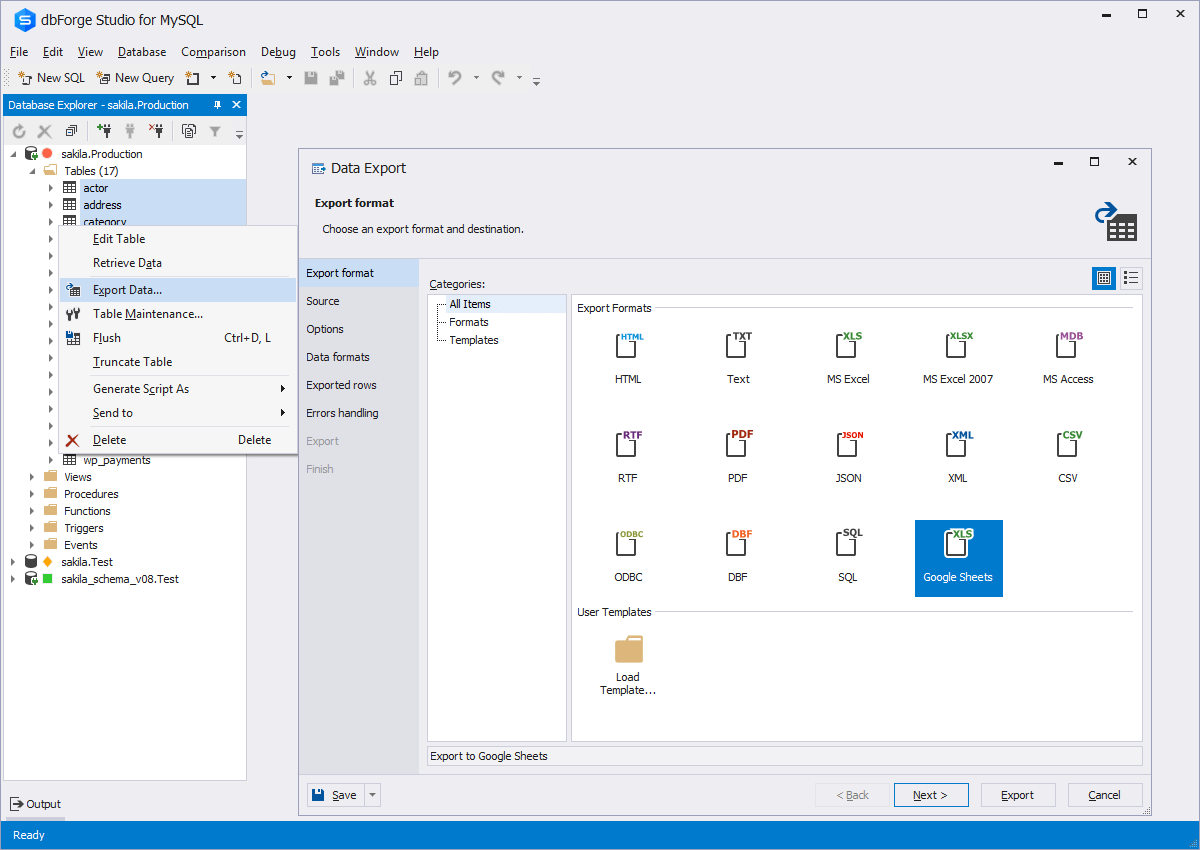
Screenshot of Code CompletionScreenshot of Schema CompareScreenshot of Database DiagramScreenshot of Data ExportScreenshot of Database design & developmentScreenshot of Visual query building

Redgate Flyway Screenshots

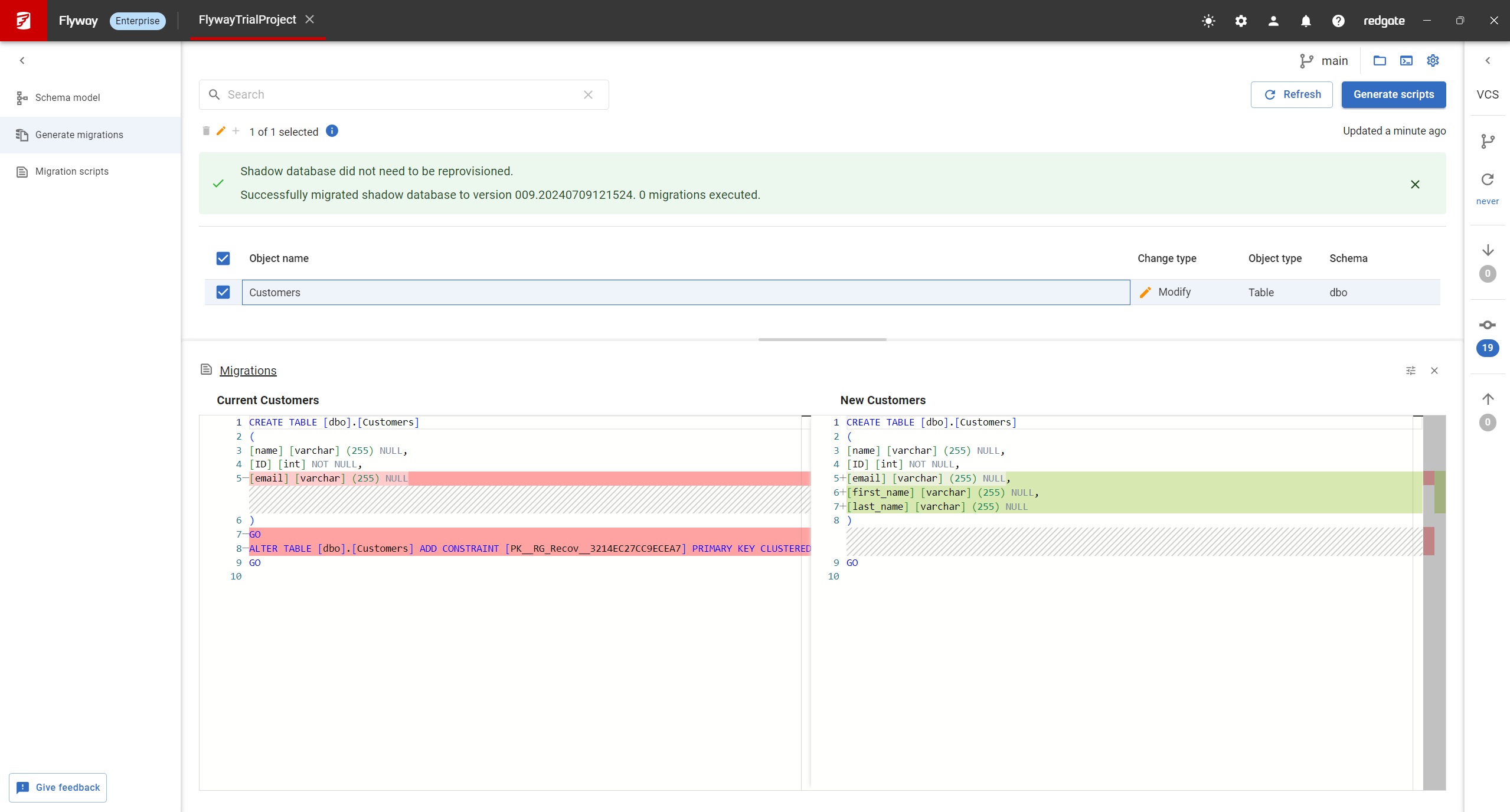
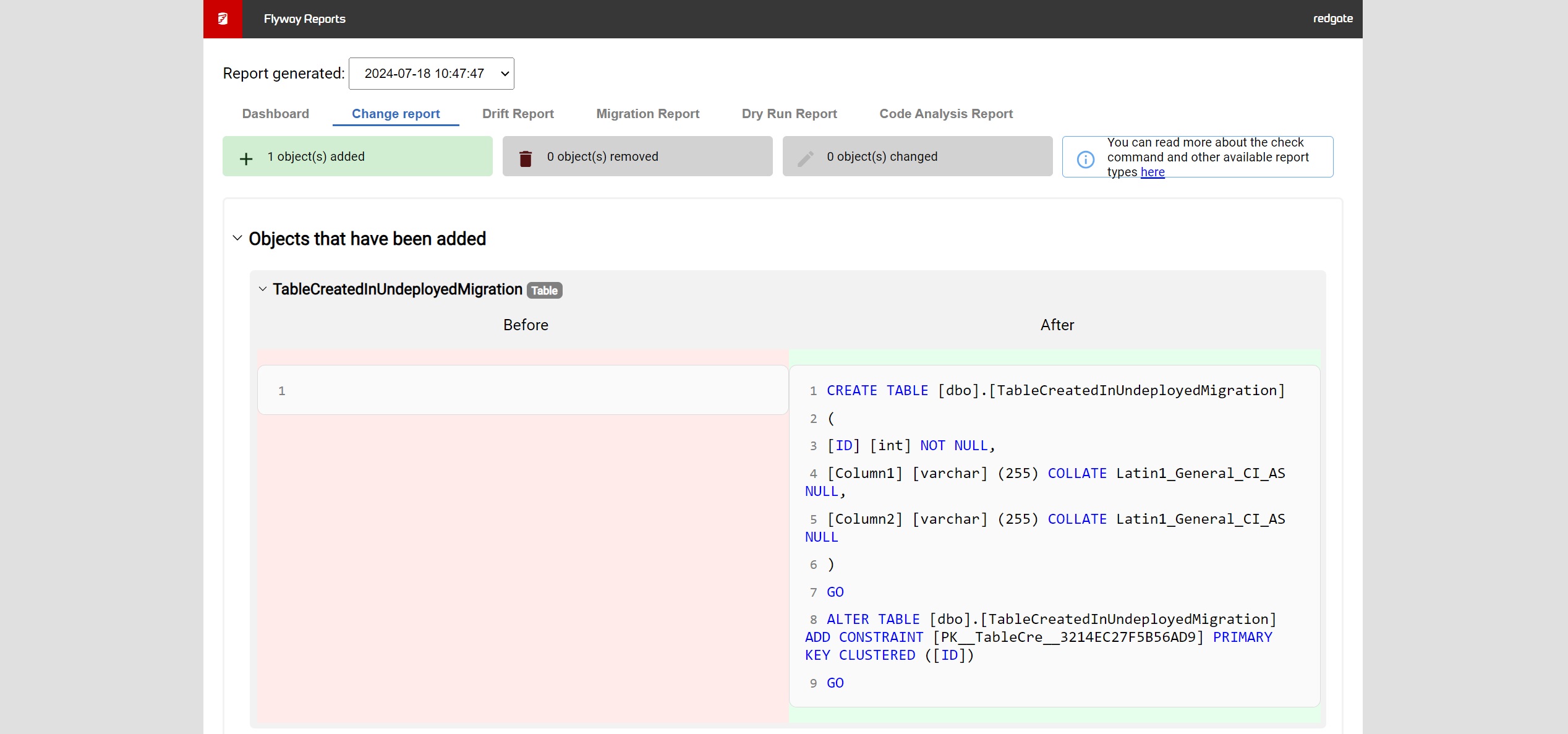
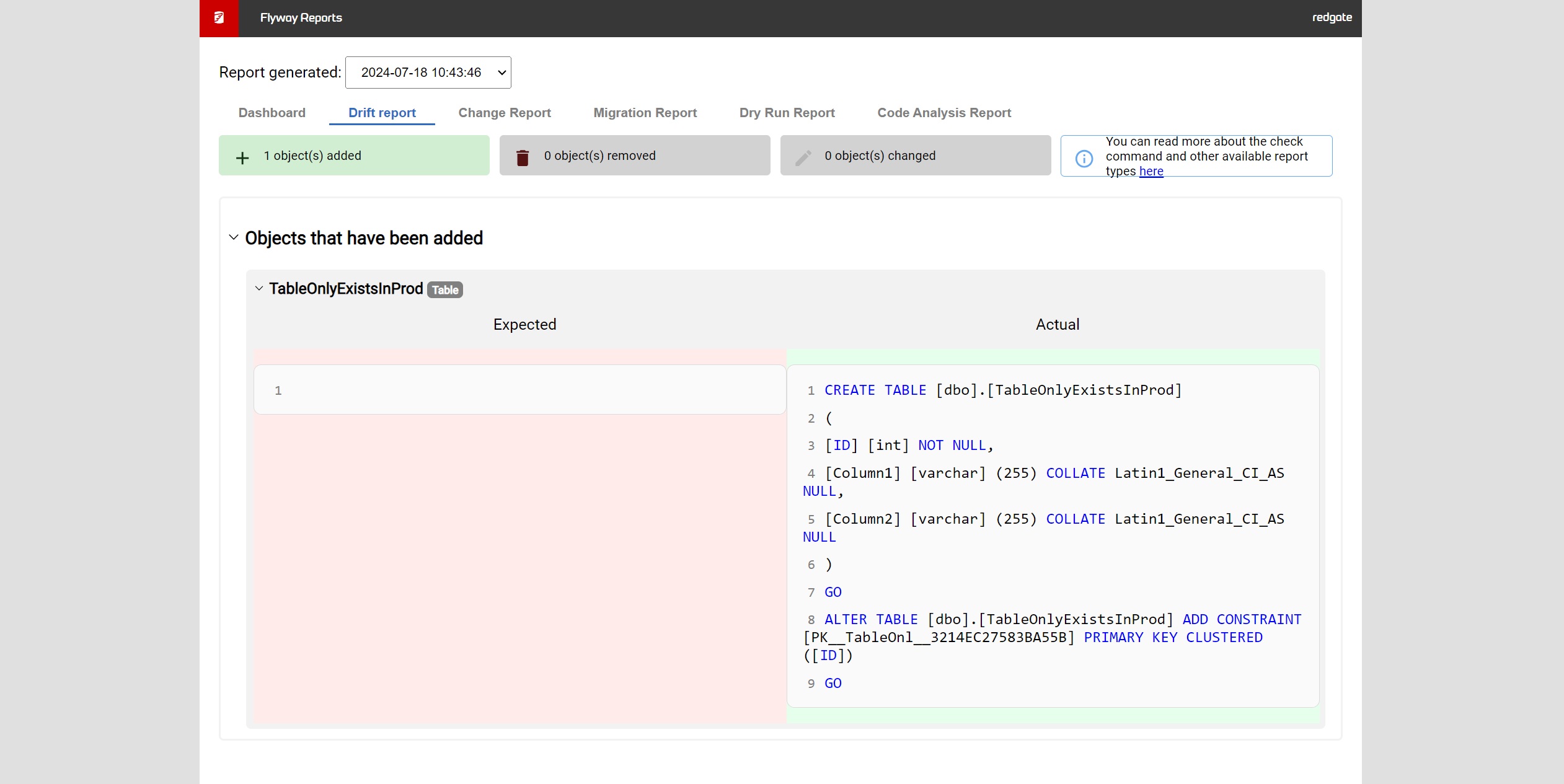
Screenshot of Flyway Enterprise – auto-generation of migration scriptsScreenshot of Flyway Enterprise - reportingScreenshot of Flyway Enterprise - drift detection