TrustRadius: an HG Insights company

Save this comparison

Save this comparison

Add Product

Recommended Comparisons

    Overview
    ProductRatingMost Used ByProduct SummaryStarting Price

    Decap CMS

    Score9 out of 10
    N/ANetlify CMS is an open source Git-based CMS for static site generators. it runs 100% in a browser.

    $0

    Overdrive

    Score8.6 out of 10
    N/AOverdrive is designed for organisations using G Suite in both business and education. It makes workspaces and sites, transforming Drive and other G Suite content into web pages automatically. Overdrive can be used to build custom sites of any shape and size, with no need to upload and publish documents or content in the conventional, saving time and effort. For sites which require large amounts of enterprise data or content, Overdrive helps…N/A
    Pricing
    Decap CMSOverdrive
    Editions & Modules
    No answers on this topic
    No answers on this topic
    Offerings
    Pricing Offerings
    Decap CMSOverdrive
    Free Trial
    NoYes
    Free/Freemium Version
    YesNo
    Premium Consulting/Integration Services
    NoYes
    Entry-level Setup FeeNo setup feeNo setup fee
    Additional Details—Education and Nonprofit discount available.
    More Pricing Information
    Features
    Decap CMSOverdrive
    Security
    Comparison of Security features of Decap CMS and Overdrive
    Feature
    Decap CMS
    -
    Ratings
    Overdrive
    10.0
    1 Ratings
    19% above category average
    Role-based user permissions00 Ratings10.01 Ratings
    Platform & Infrastructure
    Comparison of Platform & Infrastructure features of Decap CMS and Overdrive
    Feature
    Decap CMS
    -
    Ratings
    Overdrive
    10.0
    1 Ratings
    25% above category average
    API00 Ratings10.01 Ratings
    Web Content Creation
    Comparison of Web Content Creation features of Decap CMS and Overdrive
    Feature
    Decap CMS
    -
    Ratings
    Overdrive
    7.4
    1 Ratings
    6% below category average
    WYSIWYG editor00 Ratings7.01 Ratings
    Admin section00 Ratings7.01 Ratings
    Page templates00 Ratings7.01 Ratings
    Library of website themes00 Ratings7.01 Ratings
    Mobile optimization / responsive design00 Ratings8.01 Ratings
    Publishing workflow00 Ratings8.01 Ratings
    Form generator00 Ratings8.01 Ratings
    Web Content Management
    Comparison of Web Content Management features of Decap CMS and Overdrive
    Feature
    Decap CMS
    -
    Ratings
    Overdrive
    8.0
    1 Ratings
    6% above category average
    Content taxonomy00 Ratings8.01 Ratings
    SEO support00 Ratings8.01 Ratings
    Bulk management00 Ratings8.01 Ratings
    Best Alternatives
    Decap CMSOverdrive
    Small Businesses
    No answers on this topic
    Umbraco CMS
    Score7 out of 10
    Medium-sized Companies
    No answers on this topic
    Square Online
    Score7.7 out of 10
    Enterprises
    No answers on this topic
    RWS Tridion Sites
    Score9 out of 10
    All AlternativesView all alternativesView all alternatives
    User Ratings
    Decap CMSOverdrive
    Likelihood to Recommend
    9.0
    (1 ratings)
    8.0
    (1 ratings)
    User Testimonials
    Decap CMSOverdrive
    Likelihood to Recommend
    Netlify
    Netlify CMS is well suited when you have very less frequent updates to your content, maybe once a day and very few people need to access your data. You can connect it to Netlify, GitHub, or any platform and have multiple people access it and do as many updates as you wish, but the process is not well-defined and you need to build your own system for that. It is well suited for projects you need to pull off with very low cost, it is essentially free as the software is open source and free to use, and all you need to do is set up your schema correctly and find a deployment pipeline where you can build your static site/API to redeploy whenever the content changes. I personally used a GitHub Login -> Netlify CMS -> next app consumer of content -> GitHub pipelines to run next SSG -> GitHub Pages to deploy the built static site. It might not be appropriate for large teams where users themselves need no-code tools to modify the schema of the content.
    Incentivized
    Read full review
    Refractiv
    We use Overdrive for customer websites to access all our G Suite.
    Incentivized
    Read full review
    Pros
    Netlify
    • Storing content data in customized schema without a database
    • Full control over your content and infrastructure where it is deployed and stored
    • Very low-cost way for building your own CMS and CDN
    Incentivized
    Read full review
    Refractiv
    • G drive integration
    • Mobile access's
    • Security
    • Can design templets
    Incentivized
    Read full review
    Cons
    Netlify
    • Linking between different schema types, i.e. having some relations between content
    • Better ways to define content schema, like how TinaCMS would handle using a JSON
    Incentivized
    Read full review
    Refractiv
    No answers on this topic
    Alternatives Considered
    Netlify
    We really can't compare it to full-fledged CMS software, like WordPress, which has a lot of community and support with widgets, plugins, and whatnot. It's not built for that, but you can compare it to Contentful, Ghost, Strapi, etc., which provide similar functionality to a headless CMS with custom schema options, but even among them, it still lacks a lot of functionality, ease of use, and support. But Netlify CMS pros would be of the opinion that compared to other platforms where most schemas need to use their own tools and frameworks, it's very cost-effective. Something new called TinaCMS has come up to compete with Netlify CMS by covering most of its shortcomings, but it's something new being built by the same team that built Forestry CMS and comes with many modern features, yet currently only supports NextJS SSG.
    Incentivized
    Read full review
    Refractiv
    We can turn google drive into a website easily & provide the best customization for the websites.
    Incentivized
    Read full review
    Return on Investment
    Netlify
    • Helped us inject dynamic content into existing site very quickly
    • Wasted a lot of time to implement when something complex, such as querying content, was needed
    Incentivized
    Read full review
    Refractiv
    • Cost efficient
    • Security
    Incentivized
    Read full review
    ScreenShots

    Overdrive Screenshots

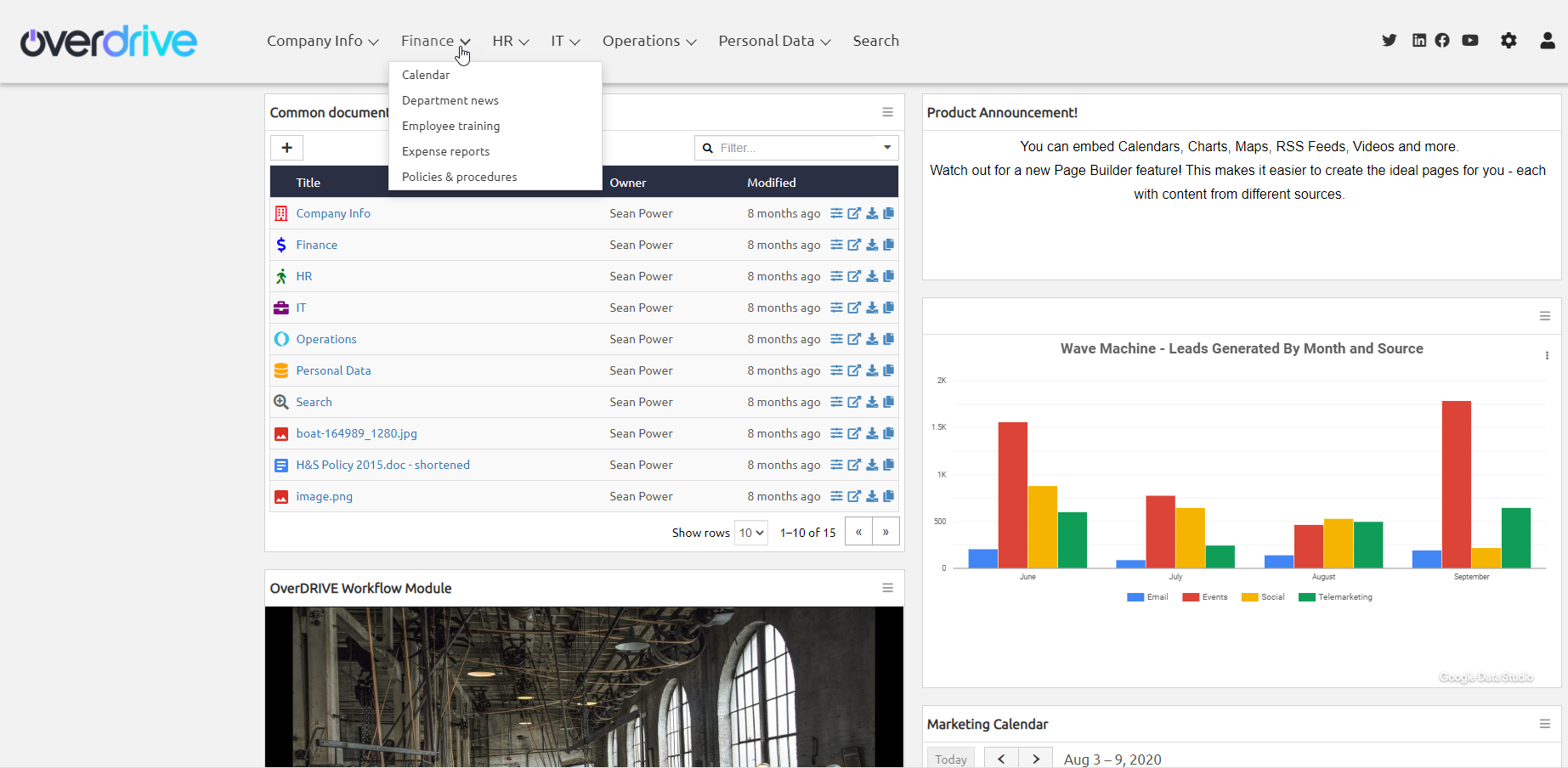
    Screenshot of Create great-looking and powerful sites using Google Drive and other G Suite content.Screenshot of Bring your site to life by embedding Google Maps, Calendars, Sheets, Photos, YouTube videos and more.Screenshot of Use Page Builder to create pages by simply dragging and dropping content tiles.Screenshot of Use Template Designer to customize your site.Screenshot of Just a few of the many Overdrive uses.