Dock Designer vs. SketchUp

Overview
ProductRatingMost Used ByProduct SummaryStarting Price
Dock Designer
Score 8.0 out of 10
N/A
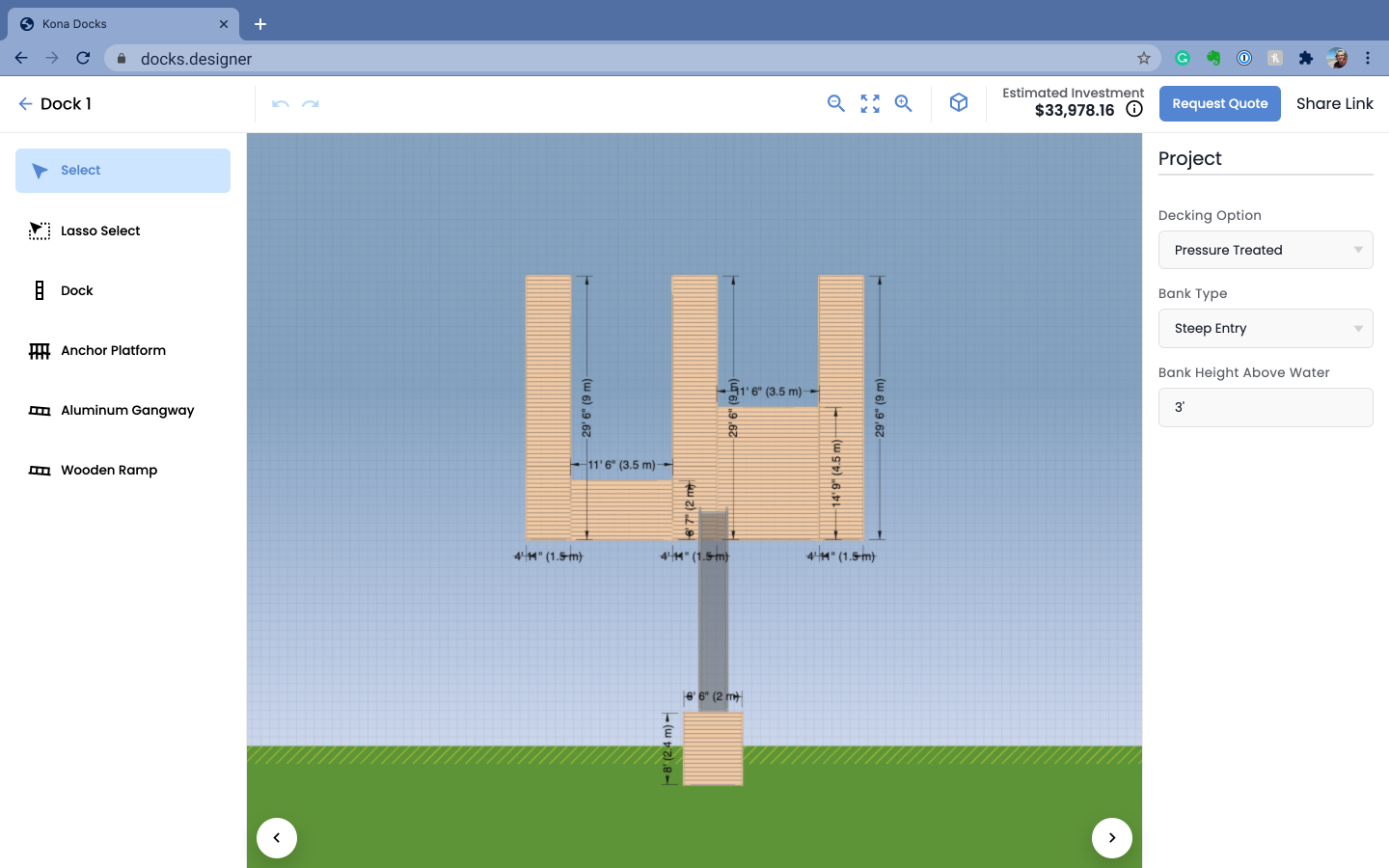
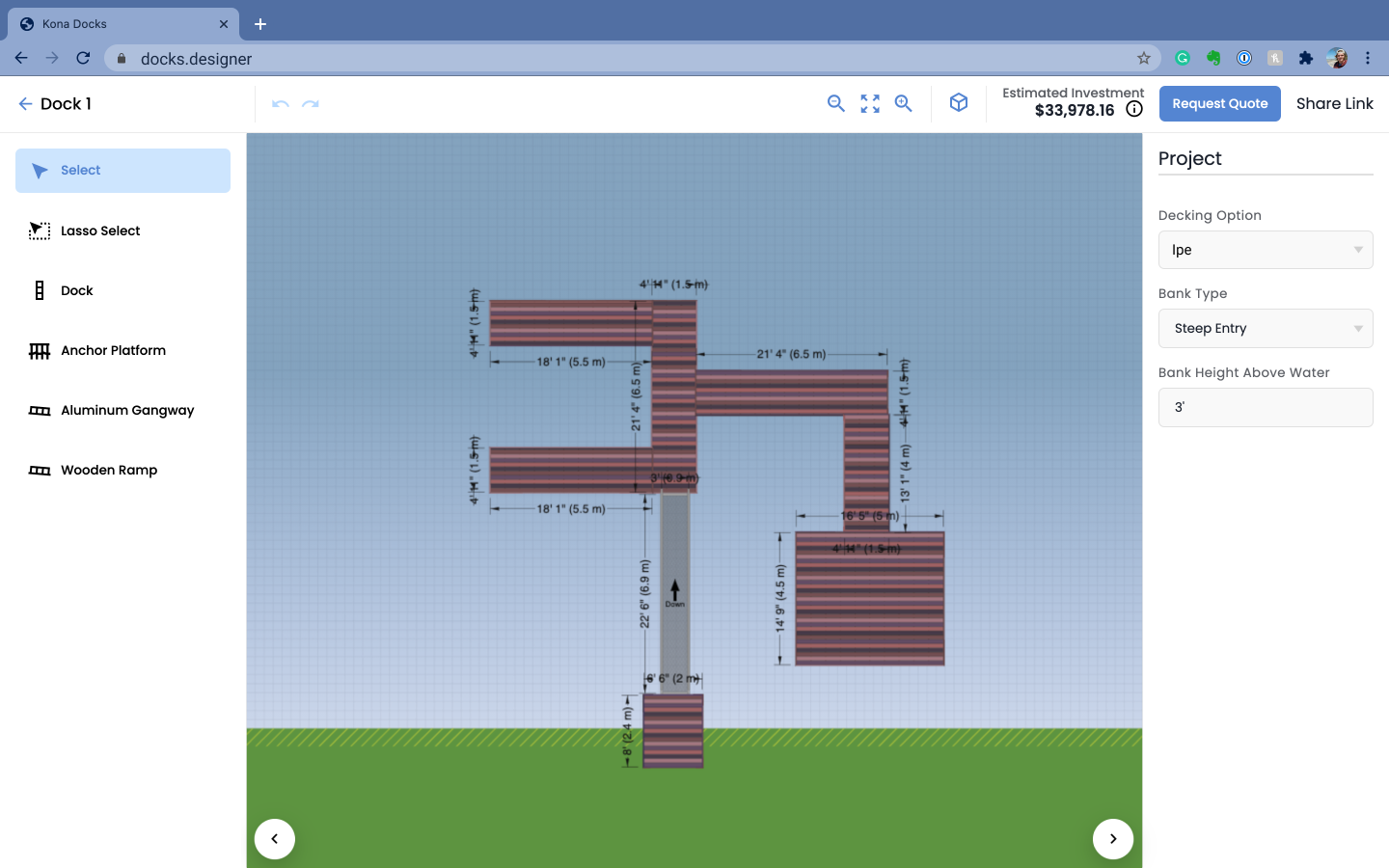
Dock Designer integrates product data, engineering rules, and pricing into a Browser-Based Interface accessible to internal teams, dealers, and customers: the solution enables 2D Design, 3D Visualization, and the generation of an accurate Bill of Materials (BOM), Quote, and Installation Guide. The vendor states that users have reduced Quoting Latency through automated Configuration Constraints that identify invalid configurations prior to production.N/A
SketchUp
Score 8.3 out of 10
N/A
SketchUp is 3D modeling software with an emphasis on usability. SketchUp is a Trimble product.
$119
per year
Pricing
Dock DesignerSketchUp
Editions & Modules
No answers on this topic
Free
$0.00
per year
For Schools (free with G Suite or Microsoft education account)
$0
For Students
$55.00
per year
For Educators
$55.00
per year
Studio for Students / Educators (Desktop version)
$55
per year
Shop
$119.00
per year
Pro
$299.00
per year
Professional
$299.00
per year
Studio (Windows only)
$699
per year
Studio
$1199.00
per year
Offerings
Pricing Offerings
Dock DesignerSketchUp
Free Trial
NoNo
Free/Freemium Version
NoYes
Premium Consulting/Integration Services
YesNo
Entry-level Setup FeeRequiredNo setup fee
Additional DetailsImplementation cost depends on customer needs and varies.
More Pricing Information
Community Pulse
Dock DesignerSketchUp
Best Alternatives
Dock DesignerSketchUp
Small Businesses
Onshape
Onshape
Score 6.5 out of 10
Onshape
Onshape
Score 6.5 out of 10
Medium-sized Companies
Onshape
Onshape
Score 6.5 out of 10
Onshape
Onshape
Score 6.5 out of 10
Enterprises
Rhino
Rhino
Score 8.4 out of 10
Navisworks
Navisworks
Score 9.4 out of 10
All AlternativesView all alternativesView all alternatives
User Ratings
Dock DesignerSketchUp
Likelihood to Recommend
-
(0 ratings)
8.0
(47 ratings)
Likelihood to Renew
-
(0 ratings)
9.0
(1 ratings)
Usability
-
(0 ratings)
7.0
(1 ratings)
Support Rating
-
(0 ratings)
8.5
(14 ratings)
User Testimonials
Dock DesignerSketchUp
Likelihood to Recommend
RoleModel Software
No answers on this topic
Trimble
SketchUp is great for individually studying options for building design. It is an awesome conceptual tool to be able to quickly model and manipulate a building to study different designs. It is not good for complex geometries, especially curves. Surfaces have a hard time registering and cutting into one another. It also eventually needs to go into Revit to be more realistic as it is not good as a documentation tool
Read full review
Pros
RoleModel Software
No answers on this topic
Trimble
  • Quickly exploring solutions in 3D: We get a lot of "what if" and "what would that look like" questions. While hand-sketching and hand-drafting can be fairly quick, SketchUp allows me to quickly create 3D and 2D views of a detail or solution, change dimensions and materials in a flash, and show a client or installer the plan in minutes.
  • Creating professional design documents in LayOut: Projects of any scale need good documentation. Using a combination of SketchUp and LayOut, I can create a Design Intent Set, plans for permitting, a set for mechanical trades to mark-up, etc. Having clear, appropriately-scaled drawings with dimensions or notations is a must, and we don't always have the time or budget to get an architect involved!
  • Using live files to guide discussions: Not all clients are "visual" people, so opening their model and orbiting around their space in real time has been extremely helpful. Clients and trades enjoy the perspective views so much that we often include them in the full-sized drawing sets to give a good "overall" view of the project intent. For complex or tight spaces, sometimes un-rendered plans and elevations just aren't enough!
Read full review
Cons
RoleModel Software
No answers on this topic
Trimble
  • Ability to import Revit files and libraries.
  • Ability to export true curved vector linework. There are some workarounds, needs to be refined.
  • Create an OPEN MAPS connection. Since the split from Google, the source for high-quality aerials is limited.
  • Ability to dock all menus to the master window on a Mac
  • Ability to develop dockable menu trays on a Mac
Read full review
Likelihood to Renew
RoleModel Software
No answers on this topic
Trimble
We typically wait a few years in between renewing, as even older versions are powerful tools for modeling, and we make sure the amount of feature changes are worth the re-investment.
Read full review
Usability
RoleModel Software
No answers on this topic
Trimble
It is very user friendly and easy to learn. It's simplicity allows for a low learning curve so more people can learn it faster. The downside is that most schools are no longer teaching it, so many younger professionals come out of school not knowing it and knowing more complex software and they have a hard time "dumbing down" their skillsets
Read full review
Support Rating
RoleModel Software
No answers on this topic
Trimble
Sketchup is so intuitive; I can't recall ever looking for official support. However, there are many user forums online that can answer more questions. The usefulness of the online forums is, however, tempered by the fact that there have been many versions of the software under different ownership and support regimes, and thus finding the right information for the right version of the software can be a challenge.
Read full review
Alternatives Considered
RoleModel Software
No answers on this topic
Trimble
We have not evaluated any other competing software to this one. I heard about this software from a friend who teaches how to use it. She showed me in just a few minutes and I was HOOKED. I saw immediately the possible help it would be to my business. Thank you.
Read full review
Return on Investment
RoleModel Software
No answers on this topic
Trimble
  • It's good in the sense that you can quickly make a drawing and speeds up the design process. Not sure how to quantify that from a ROI perspective.
  • Also, good for editing an image after the fact. We can easily add a dimension that was forgotten in the original image.
  • Allows team members to understand a design easier than on other software platforms.
Read full review
ScreenShots

Dock Designer Screenshots

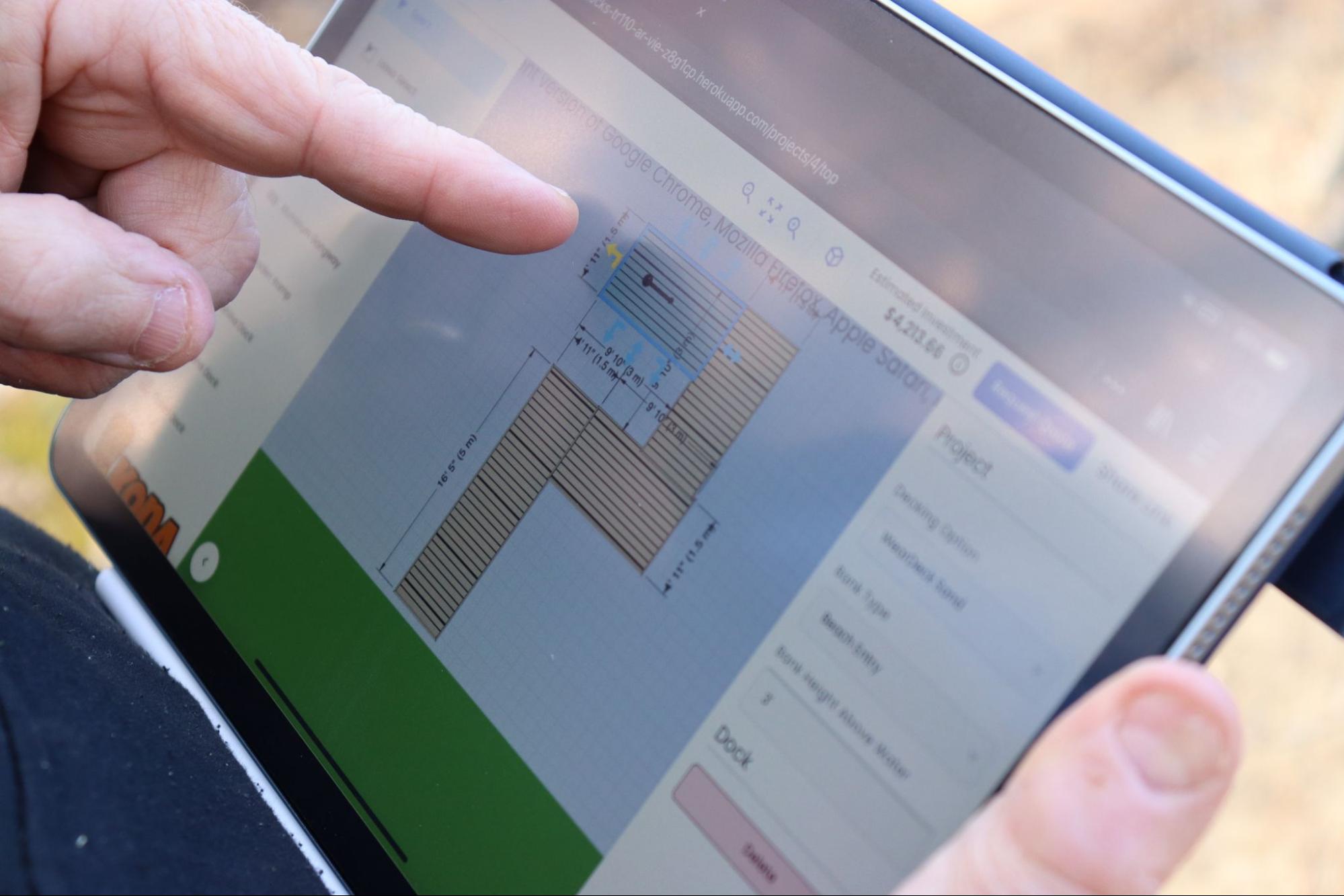
Screenshot of a view of the 2D designer portion of the Dock Designer softwareScreenshot of the 2D design feature along the 3D modeling view of the Dock Designer softwareScreenshot of an example of a custom dock design within Dock DesignerScreenshot of Dock Designer can used on tablets and other mobile devices.