Chose Videolink
Loom

| Product | Rating | Most Used By | Product Summary | Starting Price |
|---|---|---|---|---|
 DocuPlayer | N/A | DocuPlayer is an Attorney-Client communication tool used to record reviews and explanations of legal documents just as if a client were sitting there. The user can share the private recording with clients, who can watch and replay advice at their convenience. This enables attorneys to communicate thoughts more completely, so clients understanding will increase. | N/A | |
 Videolink | N/A | Videolink brings clarity and collaboration to team conversations through video recording, sharing and instant playback. It can be used to record a screen or camera in seconds, send a link, and add visual context to information – whether it’s customer feedback, internal updates, or product walkthroughs. Instead of chasing down details in chat logs or ambiguous tickets, Videolink lets teams share ideas that are clear, direct, and… | $0 per month Up to 25 active videos and unlimited users |
| DocuPlayer | Videolink | |||||||||||||||
|---|---|---|---|---|---|---|---|---|---|---|---|---|---|---|---|---|
| Editions & Modules | No answers on this topic |
| ||||||||||||||
| Offerings |
| |||||||||||||||
| Entry-level Setup Fee | No setup fee | Optional | ||||||||||||||
| Additional Details | — | Only saved videos are counted. If a video is deleted, it only counts for the month it was active — never after. Videolink has no per-seat usage fees. You’re only billed for videos your team actually keeps. | ||||||||||||||
| More Pricing Information | ||||||||||||||||
| DocuPlayer | Videolink | |
|---|---|---|
| Considered Both Products | DocuPlayer No answer on this topic |  Videolink |
| DocuPlayer | Videolink | |
|---|---|---|
| Small Businesses |  Sendspark Score 10.0 out of 10 | Sendspark Score 10.0 out of 10 |
| Medium-sized Companies |  Snagit Score 9.6 out of 10 | Snagit Score 9.6 out of 10 |
| Enterprises | Snagit Score 9.6 out of 10 | Snagit Score 9.6 out of 10 |
| All Alternatives | View all alternatives | View all alternatives |
| DocuPlayer | Videolink | |
|---|---|---|
| Likelihood to Recommend | - (0 ratings) | 9.1 (0 ratings) |
| Usability | - (0 ratings) | 9.1 (0 ratings) |
| DocuPlayer | Videolink | |
|---|---|---|
| Likelihood to Recommend | No answers on this topic |
|
| Pros | No answers on this topic |
|
| Cons | No answers on this topic |
|
| Usability | No answers on this topic |
|
| Return on Investment | No answers on this topic |
|
| ScreenShots | Videolink Screenshots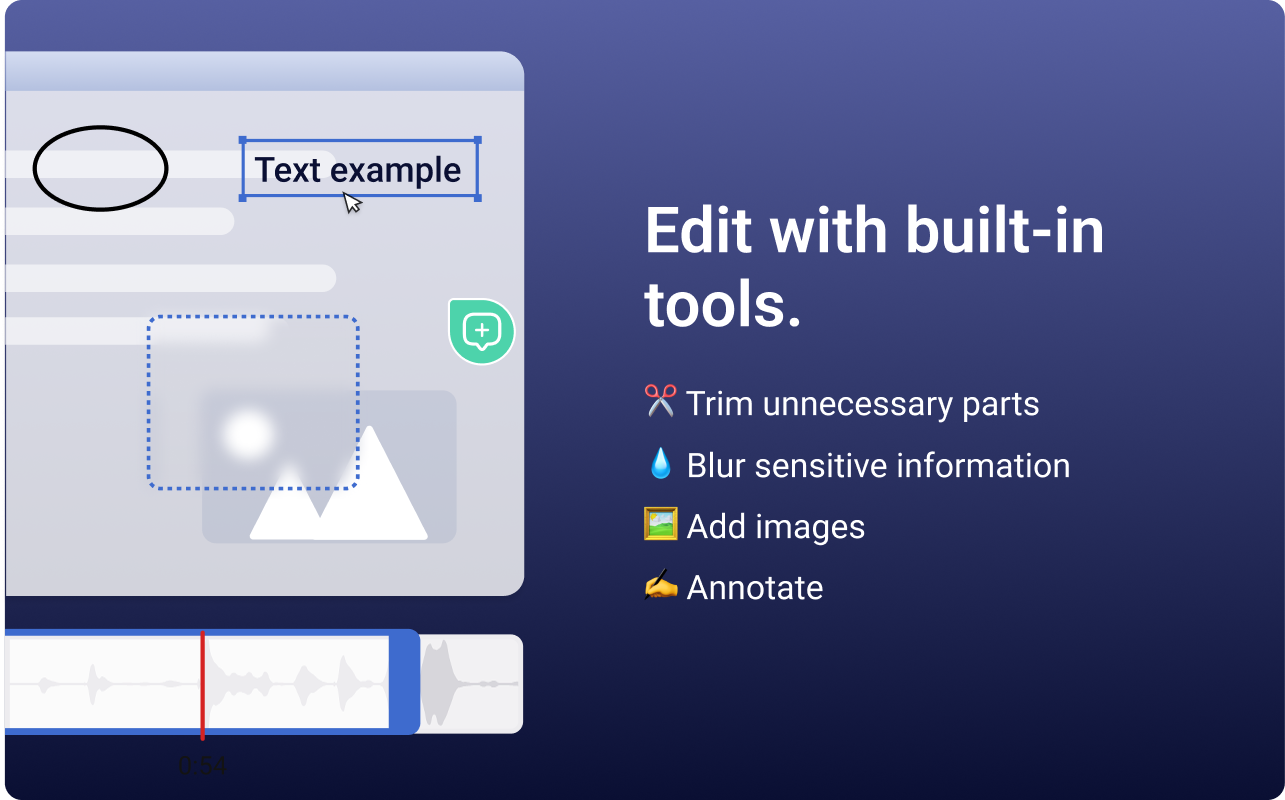 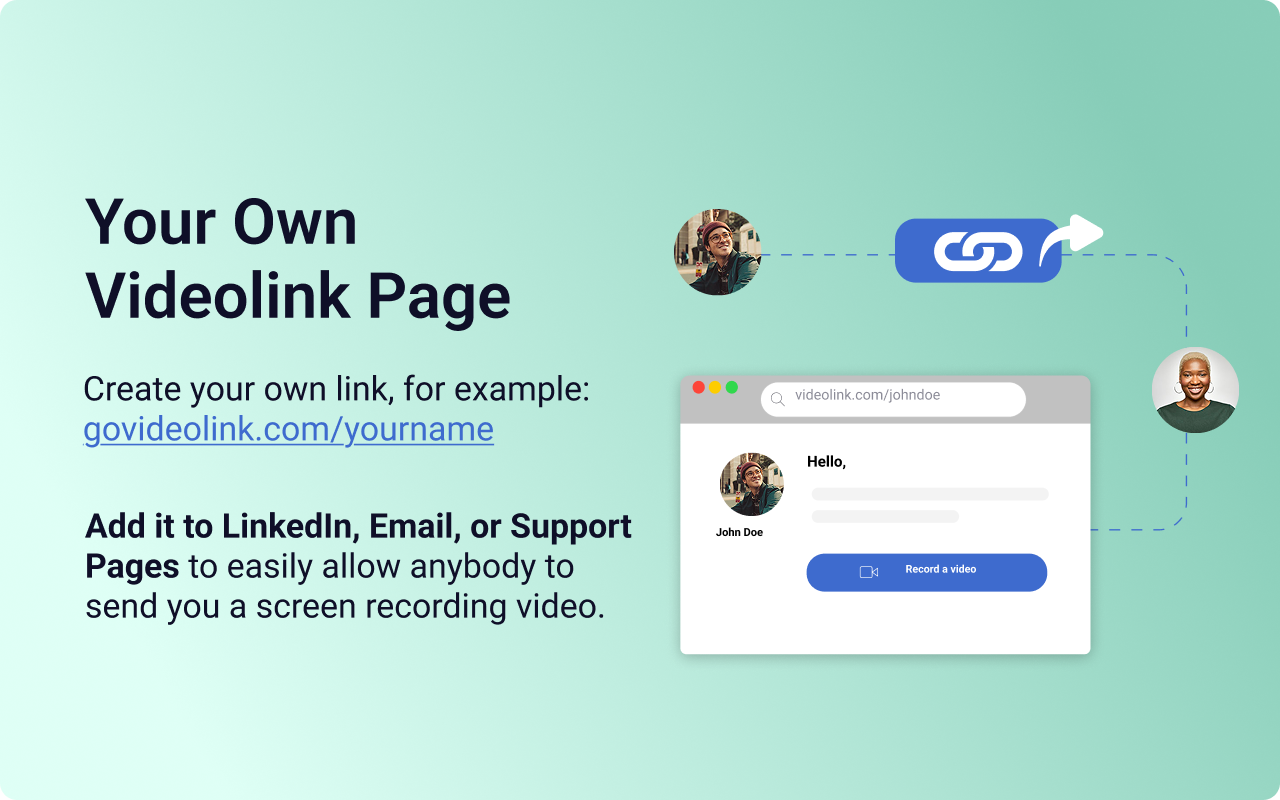  |