
Dokmee ECM vs. FileInvite
| Product | Rating | Most Used By | Product Summary | Starting Price |
|---|---|---|---|---|
 Dokmee ECM | Score7.5 out of 10 | N/A | An ECM solution for streamlining the digital transformation process in a manner that the vendor states is efficient, cost effective, and user-friendly. Dokmee is presented as a secure, easy to use enterprise content management system designed for a variety of purpose including document capture and storage, search and retrieval, and file sharing. The vendor further states Dokmee adapts to any business model by maximizing accessibility and functionality in… | N/A |
 FileInvite | Score1.1 out of 10 | N/A | FileInvite automates the process of collecting information and documents from your clients. The vendor says the process is simple, and the interface is secure. All you have to do is create and send a FileInvite with the information you require. The client then uploads the files to a secure portal where you can approve or decline the information that has been submitted. FileInvite also allows you to set up reminders, templates and sync with your cloud storage like Google… | N/A |
| Dokmee ECM | FileInvite | |||||||||||||||
|---|---|---|---|---|---|---|---|---|---|---|---|---|---|---|---|---|
| Editions & Modules | No answers on this topic | No answers on this topic | ||||||||||||||
| Offerings |
| |||||||||||||||
| Entry-level Setup Fee | No setup fee | No setup fee | ||||||||||||||
| Additional Details | — | — | ||||||||||||||
| More Pricing Information | ||||||||||||||||
| Dokmee ECM | FileInvite | |
|---|---|---|
| Considered Both Products | No answer on this topic | No answer on this topic |
| Key User Insights | ||
| Would buy again | ||
No answers on this topic | 40% Would buy again 2 Answers | |
| Delivers good value for the price | ||
No answers on this topic | No answers on this topic | |
| Happy with the feature set | ||
No answers on this topic | 60% Happy with the feature set 3 Answers | |
| Lived up to sales and marketing promises | ||
No answers on this topic | No answers on this topic | |
| Implementation went as expected | ||
No answers on this topic | No answers on this topic | |
| Dokmee ECM | FileInvite | |||||||||||||||||||||||||||||||||||||
|---|---|---|---|---|---|---|---|---|---|---|---|---|---|---|---|---|---|---|---|---|---|---|---|---|---|---|---|---|---|---|---|---|---|---|---|---|---|---|
| Enterprise Content Management |
| |||||||||||||||||||||||||||||||||||||
| Dokmee ECM | FileInvite | |
|---|---|---|
| Small Businesses |  Egnyte Score9.3 out of 10 |  M‑Files Score8.9 out of 10 |
| Medium-sized Companies |  Epicor ECM Score7.7 out of 10 |  Esker Score7.4 out of 10 |
| Enterprises |  Dashpivot - By Sitemate Score10 out of 10 |  Tungsten Capture Score9.5 out of 10 |
| All Alternatives | View all alternatives | View all alternatives |
| Dokmee ECM | FileInvite | |
|---|---|---|
| Likelihood to Recommend | 9.0 | 1.0 |
| Usability | - | 7.0 |
| Performance | - | 10.0 |
| Ease of integration | - | 10.0 |
| Dokmee ECM | FileInvite | |
|---|---|---|
| Likelihood to Recommend |
|
|
| Pros |
|
|
| Cons |
|
|
| Usability | No answers on this topic |
|
| Performance | No answers on this topic |
|
| Alternatives Considered | No answers on this topic |
|
| Return on Investment |
|
|
| ScreenShots | FileInvite Screenshots 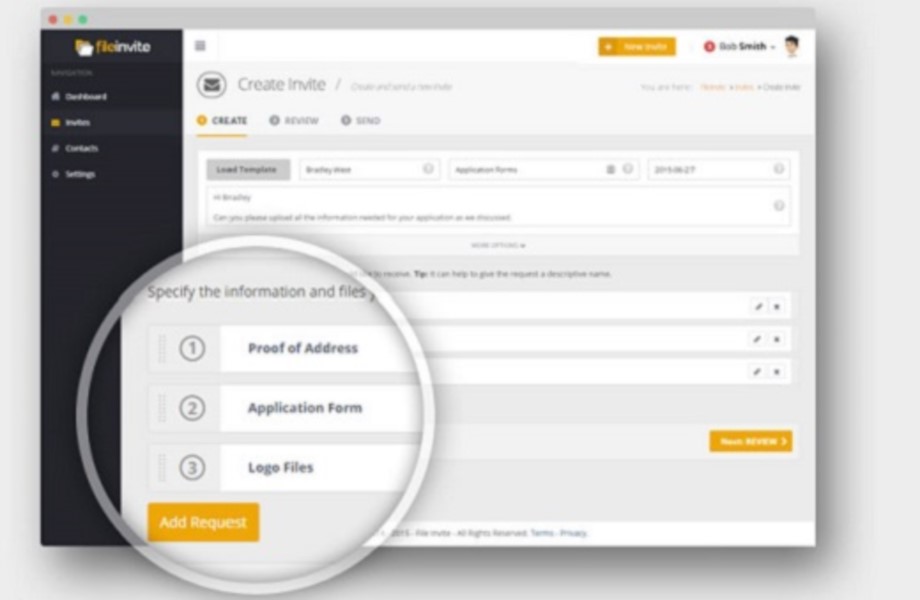  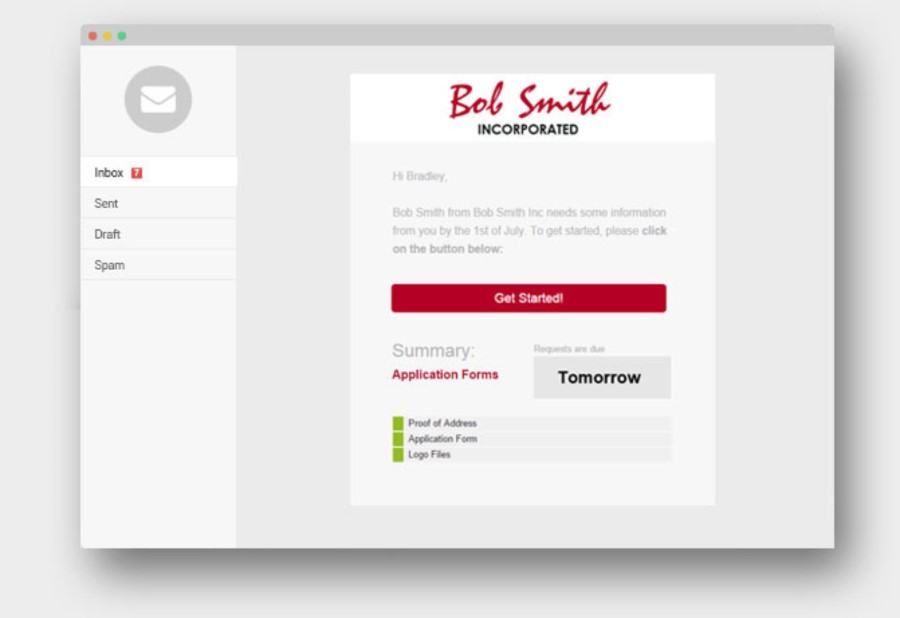   |



