Chose Edsby
Edsby is a more sophisticated and useful tool.

| Product | Rating | Most Used By | Product Summary | Starting Price |
|---|---|---|---|---|
 Edsby | Mid-Size Companies (51-1,000 employees) | Edsby is a cloud-based learning management system (LMS) for K-12 school districts that uses web and mobile technologies to connect teachers, students, parents and administrators in new ways. This LMS allows students and parents to check grades, attendance, homework and more from a browser, tablet or mobile phone. The vendor says what sets this LMS apart from others is that Edsby is designed specifically for the special requirements and needs of K-12. To make district-wide… | $5 per user/per year | |
 ScholarLMS | N/A | N/A | $49 per month |
| Edsby | ScholarLMS | |||||||||||||||
|---|---|---|---|---|---|---|---|---|---|---|---|---|---|---|---|---|
| Editions & Modules |
|
| ||||||||||||||
| Offerings |
| |||||||||||||||
| Entry-level Setup Fee | Required | No setup fee | ||||||||||||||
| Additional Details | Edsby charges an up-front fee for initial integration. There are also annual costs, variable with the number of students. Parent, teacher and administrator accounts are free. Certain other features are charged for annually. Special pricing applies for private schools. Contact Edsby for details. | — | ||||||||||||||
| More Pricing Information | ||||||||||||||||
| Edsby | ScholarLMS | |
|---|---|---|
| Considered Both Products |  Edsby  Celia Stone Marketing & Admissions Manager Chose Edsby Edsby is far more intuitive to use so it provides a better user experience. | ScholarLMS No answer on this topic |
| Edsby | ScholarLMS | |||||||||||||||||||||||||||||||||
|---|---|---|---|---|---|---|---|---|---|---|---|---|---|---|---|---|---|---|---|---|---|---|---|---|---|---|---|---|---|---|---|---|---|---|
| Learning Management |
|
| Edsby | ScholarLMS | |
|---|---|---|
| Small Businesses |  iSpring LMS Score 9.5 out of 10 | iSpring LMS Score 9.5 out of 10 |
| Medium-sized Companies |  Schoology Learning Score 8.0 out of 10 | Schoology Learning Score 8.0 out of 10 |
| Enterprises | Schoology Learning Score 8.0 out of 10 | Schoology Learning Score 8.0 out of 10 |
| All Alternatives | View all alternatives | View all alternatives |
| Edsby | ScholarLMS | |
|---|---|---|
| Likelihood to Recommend | 8.6 (0 ratings) | - (0 ratings) |
| Usability | 8.8 (0 ratings) | - (0 ratings) |
| Edsby | ScholarLMS | |
|---|---|---|
| Likelihood to Recommend |
| No answers on this topic |
| Pros |
Celia Stone Marketing & Admissions Manager | No answers on this topic |
| Cons |
 David Lee Vice Principal | No answers on this topic |
| Usability |
 Matthew David IT Director | No answers on this topic |
| Alternatives Considered |
| No answers on this topic |
| Return on Investment |
David Lee Vice Principal | No answers on this topic |
| ScreenShots | Edsby Screenshots    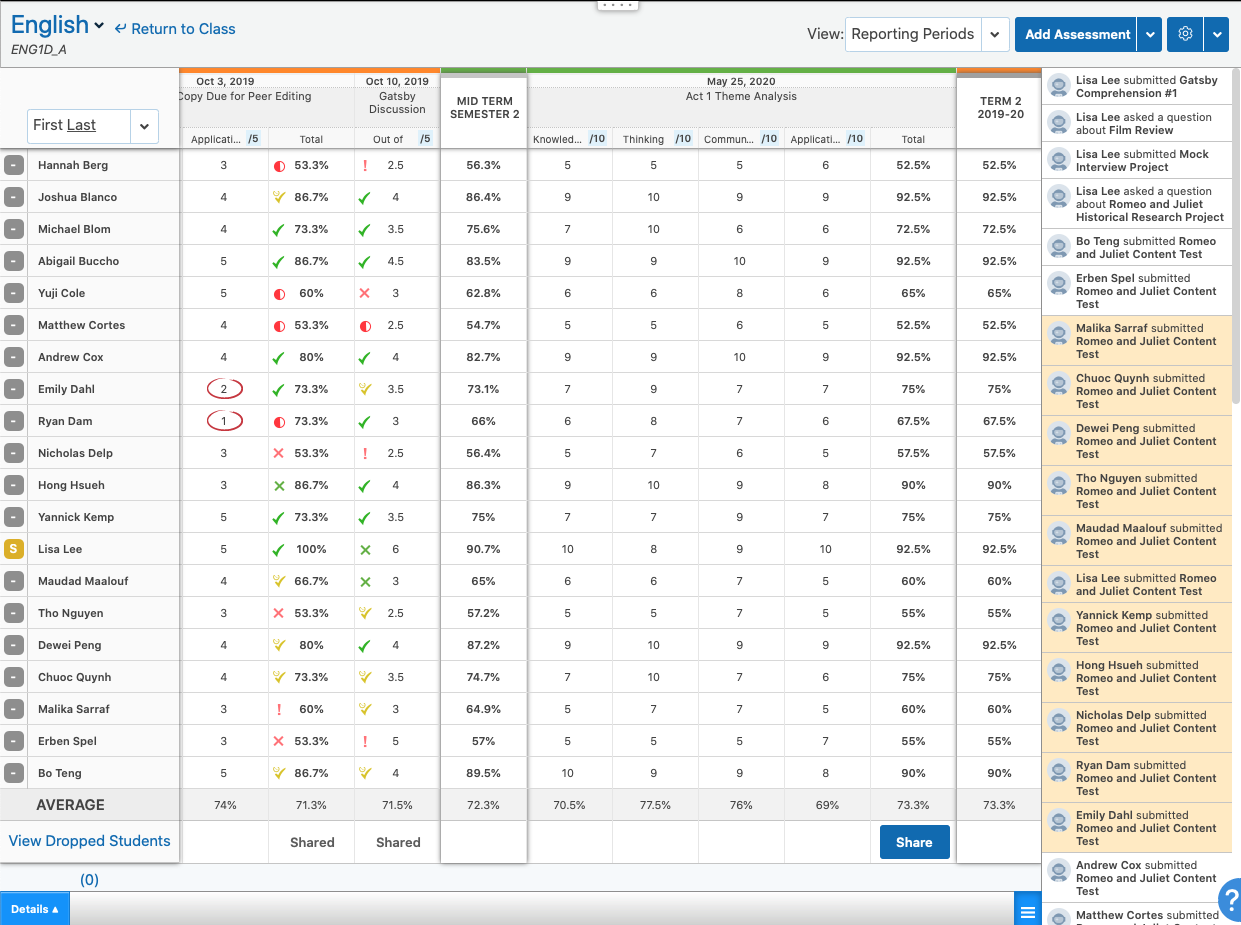  |