
empower vs. S-Docs
empower vs. S-Docs
| Product | Rating | Most Used By | Product Summary | Starting Price |
|---|---|---|---|---|
 empower | N/A | The empower® Suite is a software solution integrated into Microsoft 365 designed to simplify the creation of presentations, charts, documents, and emails while ensuring consistency and efficiency. It enables companies to produce professional, brand-compliant content. The suite consists of three modules that can be used individually or together. empower® Slide Generation combines artificial intelligence, templates, automation, and shared corporate content to… | N/A | |
 S-Docs | Small Businesses (1-50 employees) | S-Docs headquartered in New York offers what they present as a secure document generator and E-signature solution built on the Salesforce Platform. It aims to help users to create and e-sign sophisticated documents that improve efficiency, reduce errors and eliminate tedious work. | $25 per month per user |
| empower | S-Docs | |||||||||||||||
|---|---|---|---|---|---|---|---|---|---|---|---|---|---|---|---|---|
| Editions & Modules | No answers on this topic |
| ||||||||||||||
| Offerings |
| |||||||||||||||
| Entry-level Setup Fee | Required | Optional | ||||||||||||||
| Additional Details | — | S-Docs for Salesforce is priced by seat. Organizations that are interested in the enterprise edition - including per-document pricing and Experience Cloud plans, can reach out to sales. S-Docs for HubSpot is priced by usage. S-Docs for HubSpot Team Edition comes with 500 documents and 250 e-Signature requests per year. S-Docs for HubSpot Professional Edition comes with 2,500 documents and 800 e-Signature requests per year. Nonprofit discounts are available. | ||||||||||||||
| More Pricing Information | ||||||||||||||||
| empower | S-Docs |
|---|
| empower | S-Docs | |
|---|---|---|
| Likelihood to Recommend | - (0 ratings) | 9.0 (1 ratings) |
| empower | S-Docs | |
|---|---|---|
| Likelihood to Recommend | empower No answers on this topic | S-Docs Inc.
|
| Pros | empower No answers on this topic | S-Docs Inc.
|
| Alternatives Considered | empower No answers on this topic | S-Docs Inc.
|
| Return on Investment | empower No answers on this topic | S-Docs Inc.
|
| ScreenShots | empower Screenshots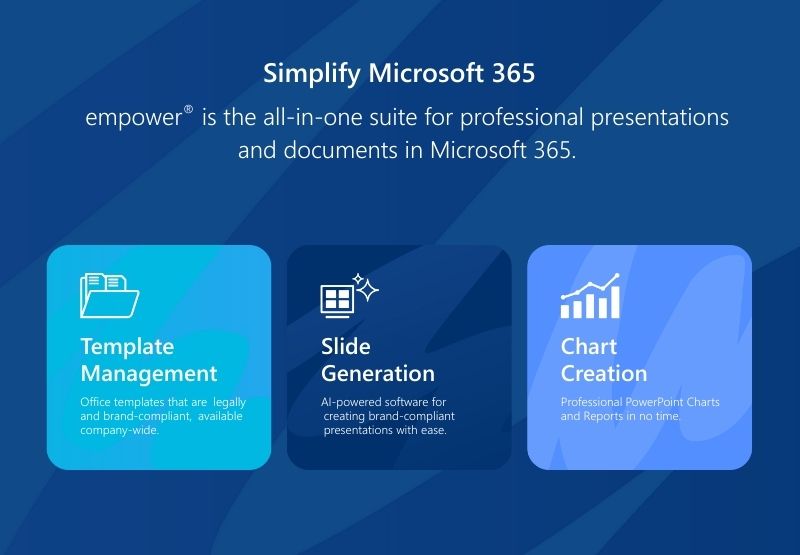 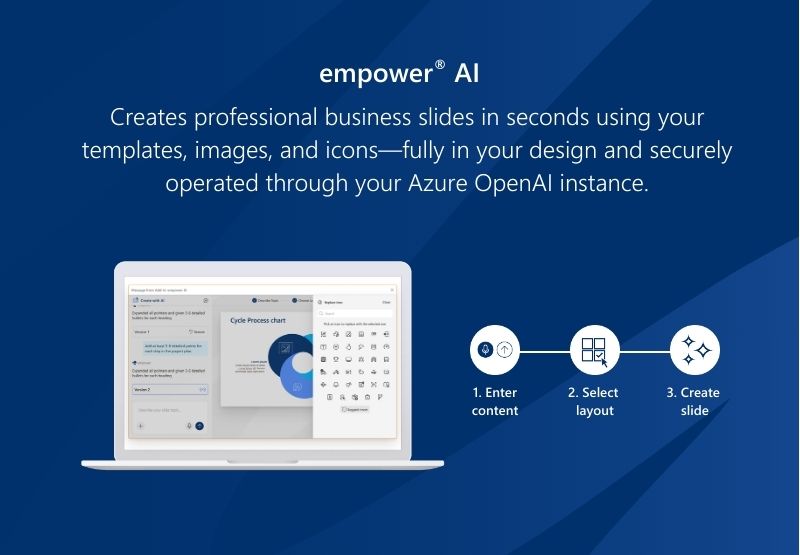 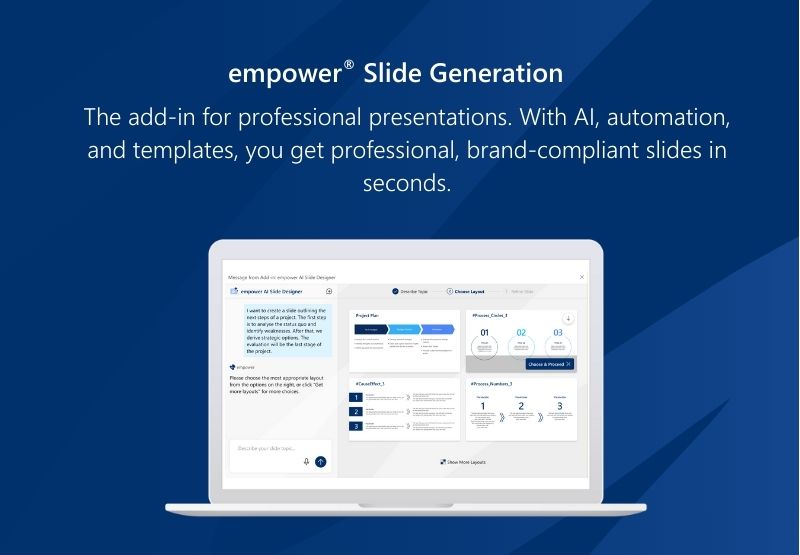 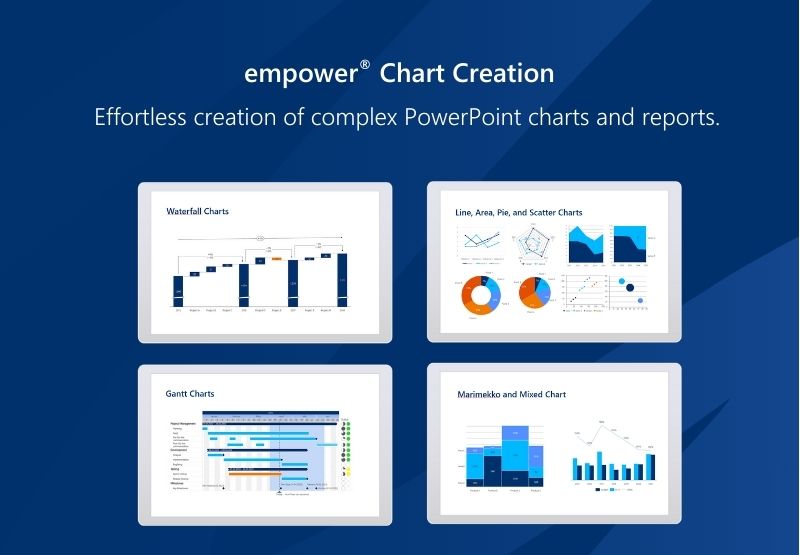 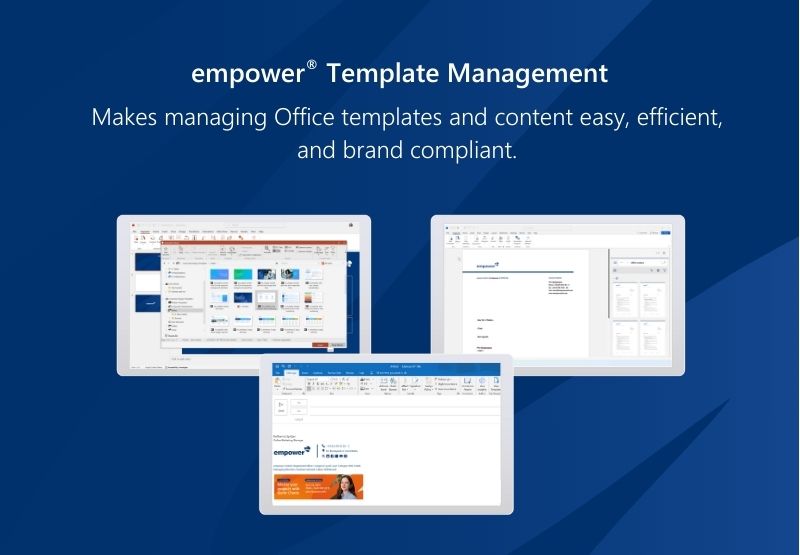 | S-Docs Screenshots  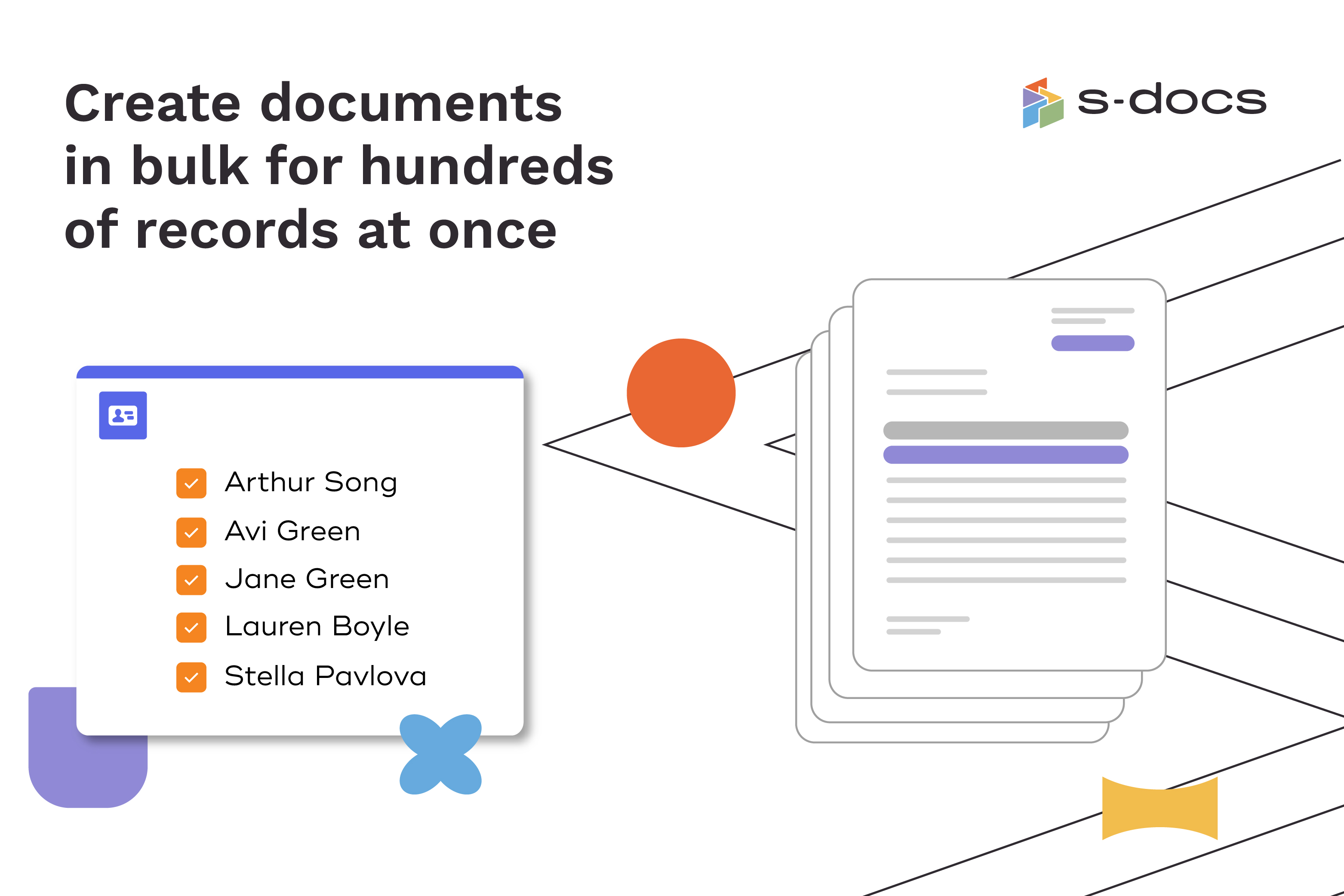  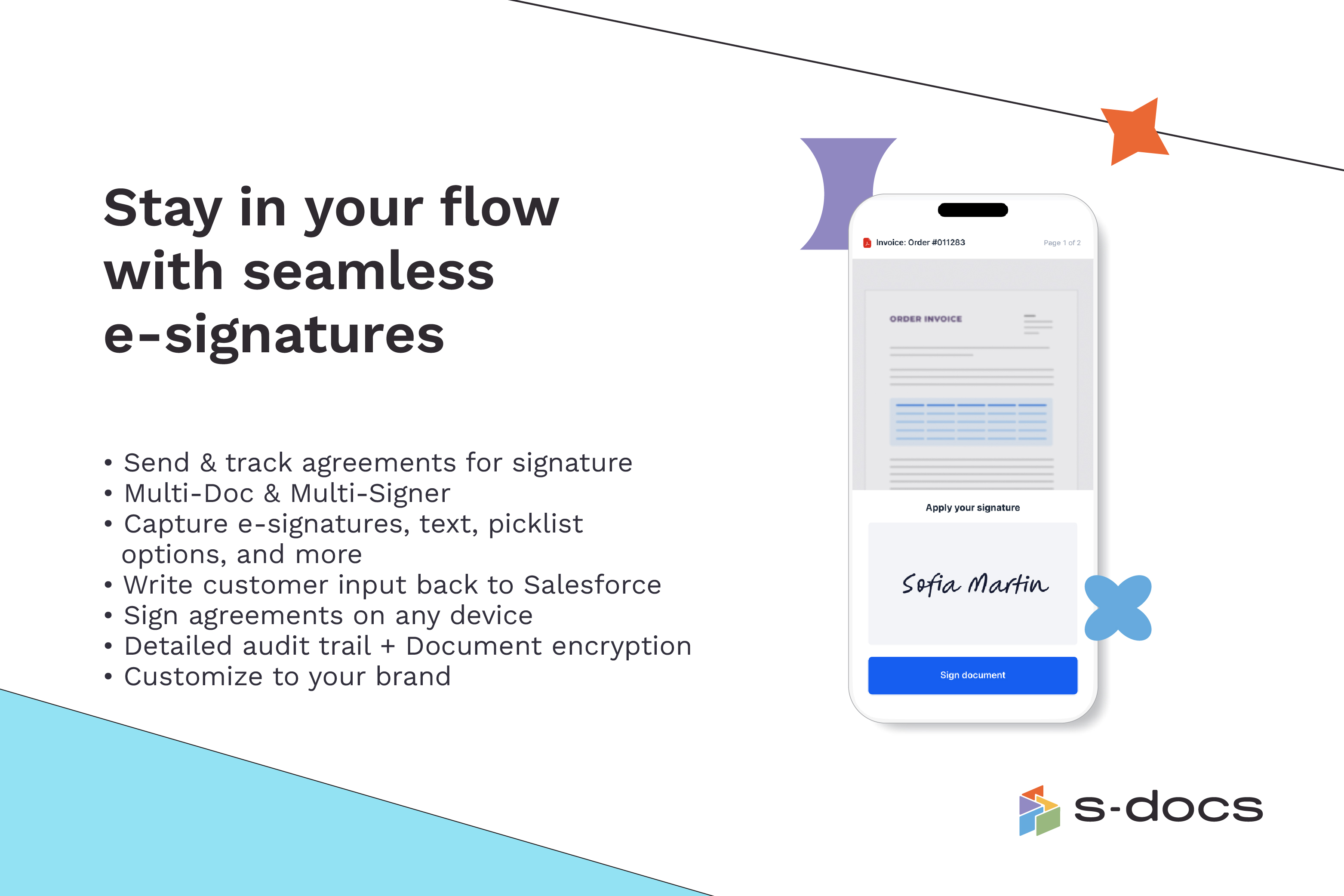  |