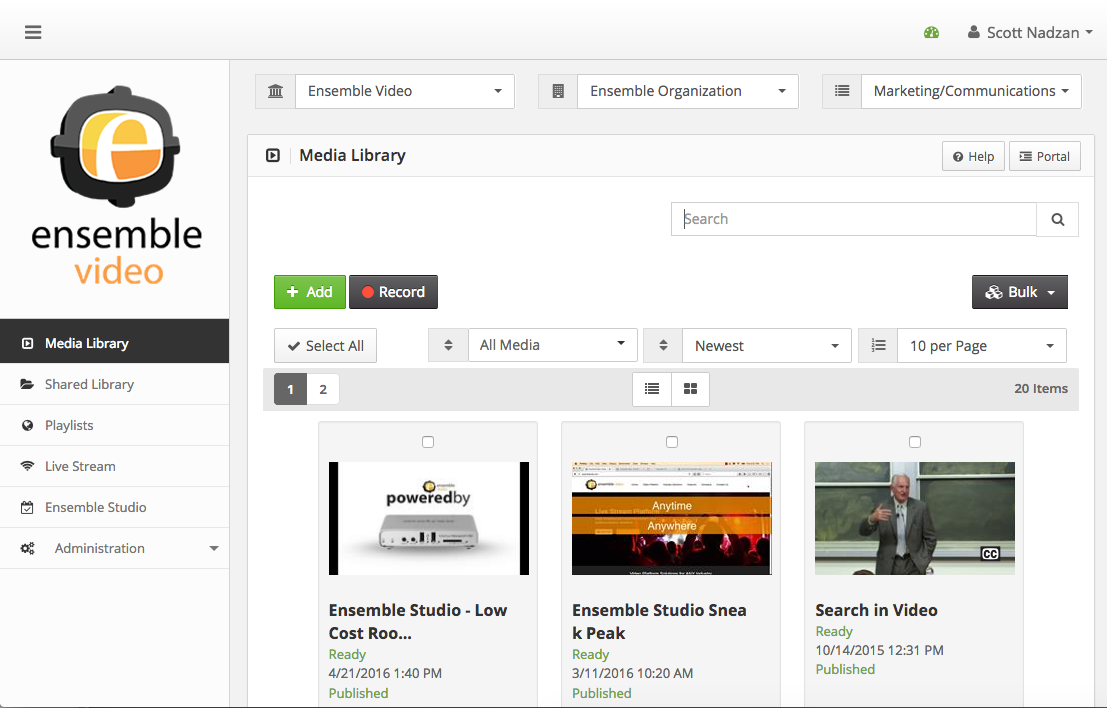
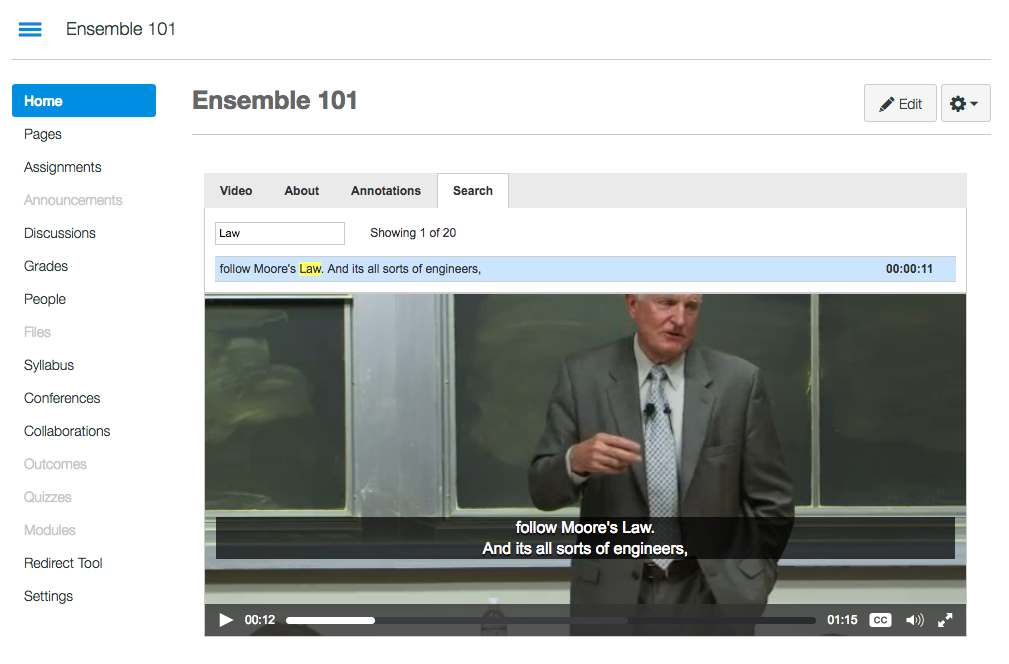
Ensemble Video is an online video platform that simplifies video management and delivers content any time, over a variety of networks.
N/A
Microsoft Stream
Score 7.2 out of 10
N/A
Microsoft Stream is an enterprise video option available to users of Microsoft 365 as part of the Office 365 E1 edition tier. Users can create explainer videos and send videos to Teams channels, SharePoint sites, Microsoft Viva Engage posts, Microsoft Viva Connections, and Microsoft365.com to inform and align with colleagues in the flow of work.
N/A
Pricing
Ensemble Video
Microsoft Stream
Editions & Modules
No answers on this topic
No answers on this topic
Offerings
Pricing Offerings
Ensemble Video
Microsoft Stream
Free Trial
Yes
No
Free/Freemium Version
No
No
Premium Consulting/Integration Services
Yes
No
Entry-level Setup Fee
Required
No setup fee
Additional Details
—
—
More Pricing Information
Community Pulse
Ensemble Video
Microsoft Stream
Features
Ensemble Video
Microsoft Stream
Video Marketing
Comparison of Video Marketing features of Product A and Product B
Ensemble Video
9.5
1 Ratings
22% above category average
Microsoft Stream
-
Ratings
Video personalization
10.01 Ratings
00 Ratings
Support for advertisements
9.01 Ratings
00 Ratings
Video Platform Integrations
Comparison of Video Platform Integrations features of Product A and Product B
Ensemble Video
10.0
1 Ratings
47% above category average
Microsoft Stream
-
Ratings
Integration to LMS
10.01 Ratings
00 Ratings
Video Security
Comparison of Video Security features of Product A and Product B
Ensemble Video
10.0
1 Ratings
15% above category average
Microsoft Stream
5.2
1 Ratings
49% below category average
Video access controls
10.01 Ratings
6.01 Ratings
User management
10.01 Ratings
3.01 Ratings
Video link sharing
10.01 Ratings
3.01 Ratings
Internal video
10.01 Ratings
7.01 Ratings
External video
10.01 Ratings
7.01 Ratings
Video Player
Comparison of Video Player features of Product A and Product B
Ensemble Video
10.0
1 Ratings
20% above category average
Microsoft Stream
3.7
1 Ratings
76% below category average
Player customization
10.01 Ratings
3.01 Ratings
Embedded videos
10.01 Ratings
4.01 Ratings
Video quality / Bandwidth controls
10.01 Ratings
4.01 Ratings
Mobile compatibility
10.01 Ratings
00 Ratings
Video Analytics
Comparison of Video Analytics features of Product A and Product B
Ensemble Video
10.0
1 Ratings
24% above category average
Microsoft Stream
-
Ratings
Streaming quality reports
10.01 Ratings
00 Ratings
Per viewer tracking
10.01 Ratings
00 Ratings
Per video tracking
10.01 Ratings
00 Ratings
Video analytics dashboard
10.01 Ratings
00 Ratings
Video Hosting, Management & Storage
Comparison of Video Hosting, Management & Storage features of Product A and Product B
Ensemble Video
10.0
1 Ratings
15% above category average
Microsoft Stream
-
Ratings
On-Demand video
10.01 Ratings
00 Ratings
Live streaming
10.01 Ratings
00 Ratings
Impact of streaming on network
10.01 Ratings
00 Ratings
Video upload & format support
10.01 Ratings
00 Ratings
Video library / File management
10.01 Ratings
00 Ratings
Video portal
10.01 Ratings
00 Ratings
Video Engagement
Comparison of Video Engagement features of Product A and Product B
I'm not sure where Ensemble Video would be less appropriate. We've found it to be very effective for our campus-specific use cases. However, the product is very customizable in how a campus could structure their Ensemble instance to match their organization, and how users may be managed.
Stream is good for recording and capturing discussion from meetings. I would say that it isnt appropriate where there is lots of detail and lots of varying topics discussed as the summarising tool can in these instances be too broad. It is really good where meetings have been left or missed; as the notes and transcript allow for easy catchup
Adapting to user needs. Ensemble Video seems to always be listening to their clients needs and suggestions by implementing effective features in every system update. Communication seems to always indicate that these features are driven by requests that their customers have made to improve the service.
Client Support - I have an IT/support background and have had to deal with many vendors and external support. Ensemble is easily the most responsive and effective vendor when it comes to support. When needing certain solutions, they have sent code that was in development and not officially released so I could achieve my goals with project videos. Support is always personal, prompt and effective.
Customization. New templates, video players, account management, and embed options have allowed us to use Ensemble Video in a much more personalized way. Early versions of the service had an "Ensemble feel" but color schemes and logos are now able to be changed for a better organization feel.
User management. Some features are unique to the entire deployment (like authentication sources). It would be great if multiple authentication options could be used across different Ensemble institutions.
Upgrade processes. Though new versions of Ensemble Video are always better, the installation process is very manual and Ensemble Video must be involved directly. Not a weakness, but it would be nice to be able to perform our own upgrades/patches when needed.
Its integration into the Teams stack allows for ease of use without having to leave the application to access it elsewhere. Its interface is intuitive and easy to use. Sharing could be better. Transcripts and notes are very good
Ensemble Video has succeeded for us where other solutions have failed. It came along exactly when we needed it, for our organization. At the time, we were caught between the push and pull of several different solutions, uploading our videos with the expectation that users would take the time to download and play them, using popular public video streaming services with few settings and options, and forgoing videos altogether. Ensemble Video has taken our myriad needs and provided a platform that addresses all of them.
Consensus is better for lead generation and sharing marketing content; however, Stream is most appropriate for capturing meeting recordings when using teams. its integration flawlessly allows for such a slick process that using an external solution wouldn't
Ease of user contributed content. The videos that users upload to the system can either be automatically published or they can be reviewed by staff before being added to websites and courses. Instead of all these videos living on different sites (YouTube, Vimeo, etc.) we now have a centralized location that we have control over.
LMS Integration - A year ago YouTube changed their policy to not allow direct recording from webcams. This essentially broke the Blackboard Video Everywhere tool that allowed our instructors to post quick comments in class discussions and content areas. While they need to be pre-recorded, the Ensemble Building Block allows our instructors and students to once again upload and post videos, all from directly within the Blackboard content editor.
Flexibility - With the ease of creating user accounts and video libraries, Ensemble Video has become the go to option for Erikson courses, professional development content and project videos. Different departments can have their own account and have control over their libraries without the worry of them viewing or editing other institute content.