eResource Scheduler vs. Resource Guru

Overview
ProductRatingMost Used ByProduct SummaryStarting Price
eResource Scheduler
Score 8.0 out of 10
N/A
eResource Scheduler is a project management software built around employee management, scheduling management, and forecasting.
$6.25
per month per resource
Resource Guru
Score 8.0 out of 10
N/A
Resource Guru is presented as a fast, flexible way to schedule teams and projects. It enables users to: Manage people, equipment, and meeting rooms in one place Assign work, book time off, and edit schedules in seconds Track availability in real-time and avoid unrealistic workloads Keep a team up-to-date with personal dashboards and daily schedule emails Analyze utilization rates, clients, and projects for more accurate project forecasts and…
$6
per month per user
Pricing
eResource SchedulerResource Guru
Editions & Modules
Authentication Plus
$2
per month per user
Scheduling Plus
$3
per month per user
Financial Module
$4
per month per user
Timesheet Module
$5
per month per user
Scheduling Module
$6.25
per month per user
Grasshopper Plan
$6
per month
Blackbelt Plan
$9.60
per month
Master Plan
$14.40
per month
Offerings
Pricing Offerings
eResource SchedulerResource Guru
Free Trial
YesYes
Free/Freemium Version
NoNo
Premium Consulting/Integration Services
YesNo
Entry-level Setup FeeNo setup feeNo setup fee
Additional DetailsDiscount available for annual billing.Discount available for annual billing.
More Pricing Information
Community Pulse
eResource SchedulerResource Guru
Features
eResource SchedulerResource Guru
Project Management
Comparison of Project Management features of Product A and Product B
eResource Scheduler
-
Ratings
Resource Guru
8.8
3 Ratings
13% above category average
Resource Management00 Ratings8.93 Ratings
Scheduling00 Ratings8.63 Ratings
Team Collaboration00 Ratings9.02 Ratings
Professional Services Automation
Comparison of Professional Services Automation features of Product A and Product B
eResource Scheduler
-
Ratings
Resource Guru
8.0
2 Ratings
4% above category average
Project & financial reporting00 Ratings8.02 Ratings
Best Alternatives
eResource SchedulerResource Guru
Small Businesses
Stackby
Stackby
Score 8.9 out of 10
Stackby
Stackby
Score 8.9 out of 10
Medium-sized Companies
InEight
InEight
Score 8.2 out of 10
InEight
InEight
Score 8.2 out of 10
Enterprises
InEight
InEight
Score 8.2 out of 10
InEight
InEight
Score 8.2 out of 10
All AlternativesView all alternativesView all alternatives
User Ratings
eResource SchedulerResource Guru
Likelihood to Recommend
-
(0 ratings)
8.0
(3 ratings)
User Testimonials
eResource SchedulerResource Guru
Likelihood to Recommend
Enbraun
No answers on this topic
Resource Guru
It is very well suited when different branches of the company reside in different countries or time zones. It allows the project manager to efficiently keep track of the progress of their team members. It reduces the need for intensive calls where the manager asks for an extensive check in and update from each individual person. It also allows the project manager to update tasks and timelines as needed.
Read full review
Pros
Enbraun
No answers on this topic
Resource Guru
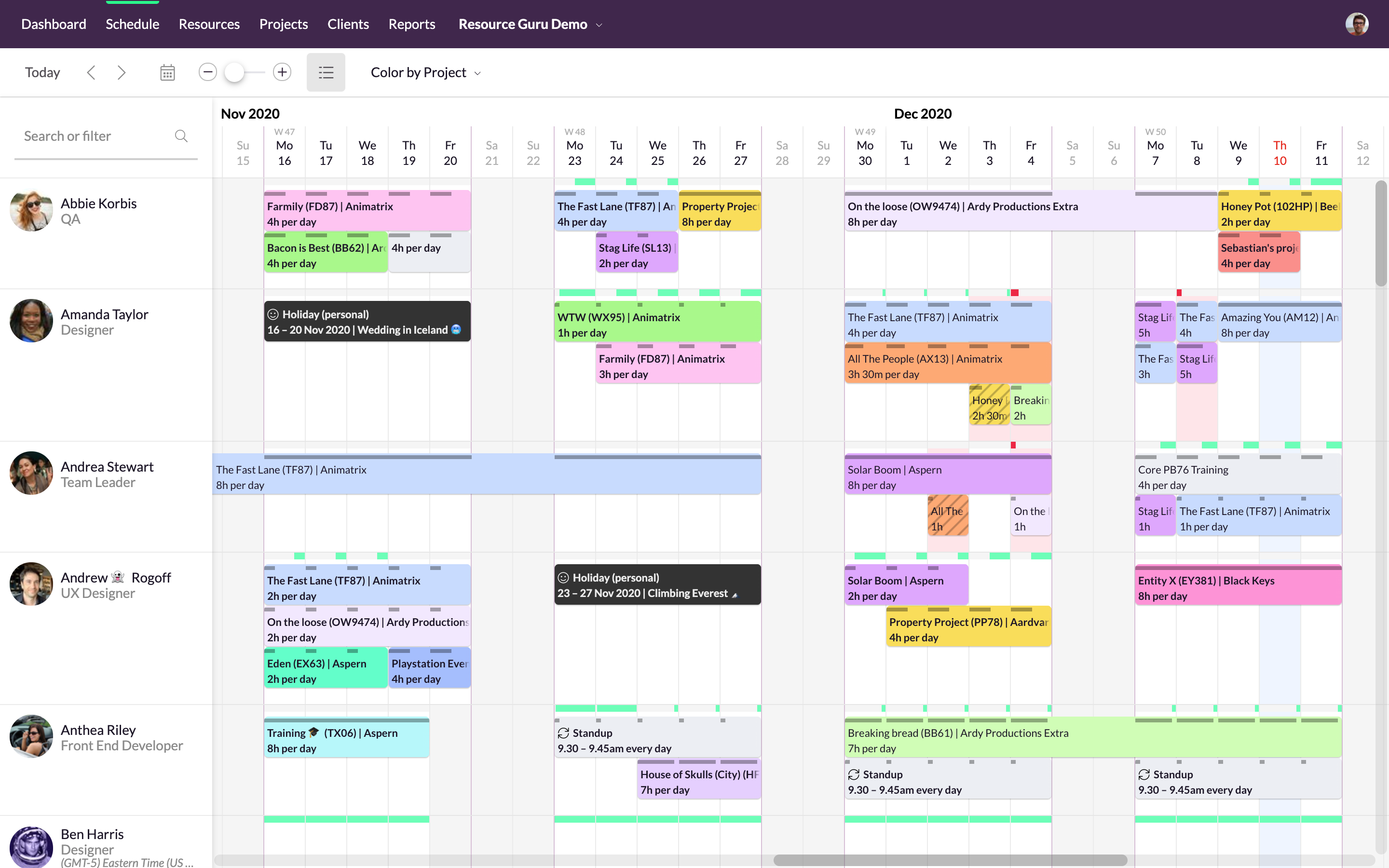
  • We can color by client, project, booker for clear picture.
  • There are filters to select particular resources for need of our event.
  • We can easily see booked and free time.
Read full review
Cons
Enbraun
No answers on this topic
Resource Guru
  • lacks real-time logging button
Read full review
Alternatives Considered
Enbraun
No answers on this topic
Resource Guru
Resource Guru is the only product of it's kind that I have used regularly. Slack is comparable in allowing communication between teams, but doesn't have nearly the functionality of Resource Guru. Resource Guru is the only product that I am aware of that manages tasks and deadlines between various team members, and can be accessed by all members.
Read full review
Return on Investment
Enbraun
No answers on this topic
Resource Guru
  • It's easy to assign work to the resources.
  • Resources can be filtered with various criteria as per the project needs.
  • We get clear picture of assigned tasks and hence project progress.
Read full review
ScreenShots

eResource Scheduler Screenshots

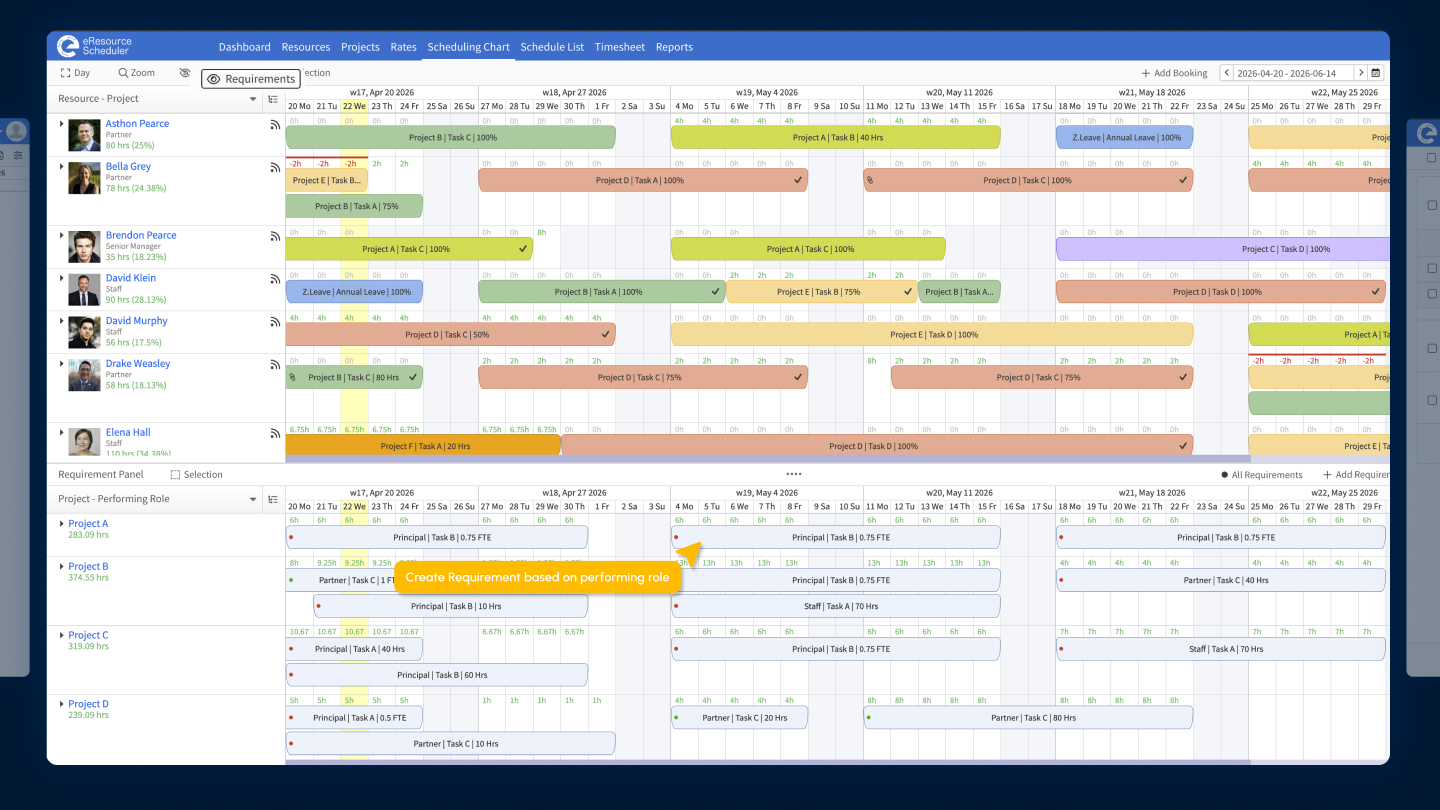
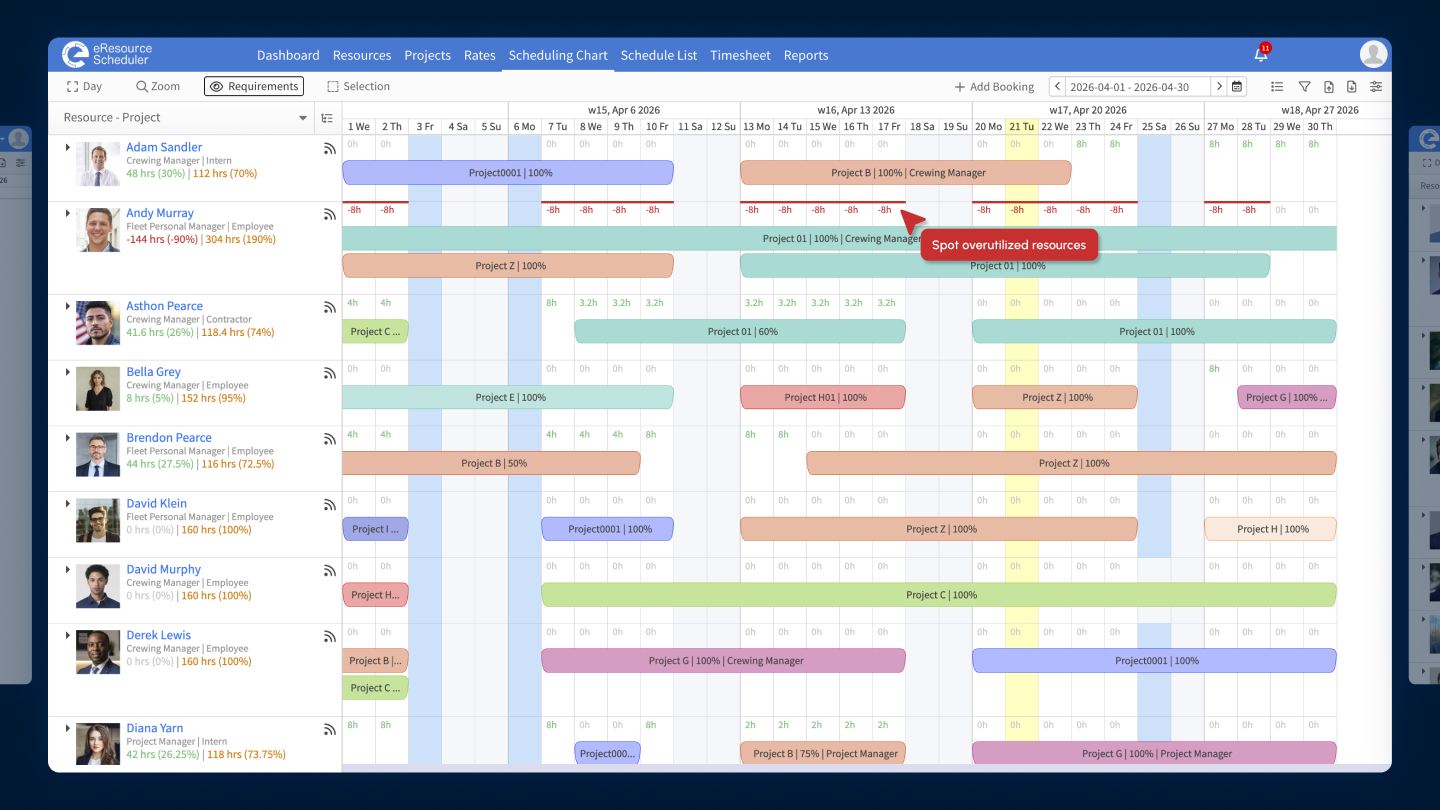
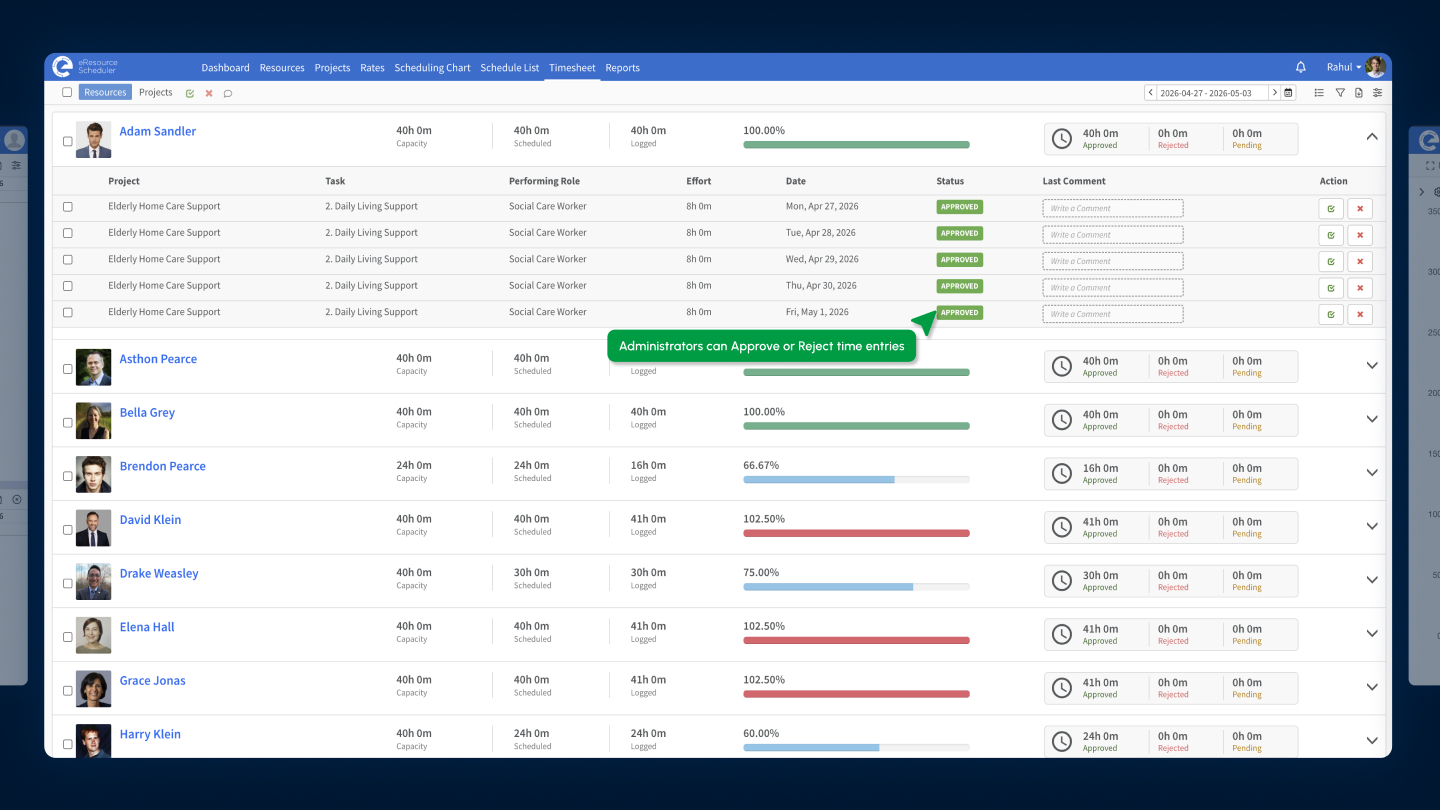
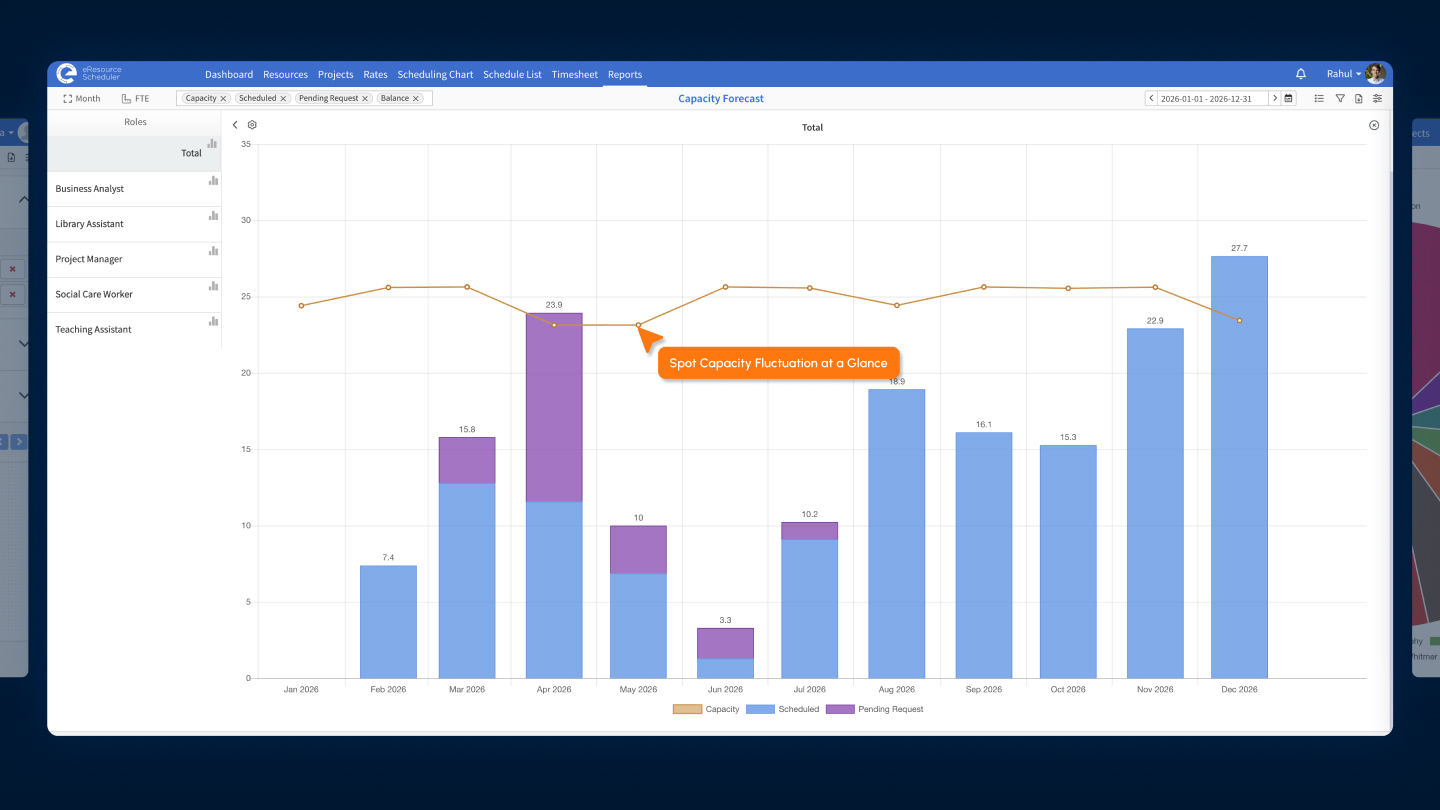
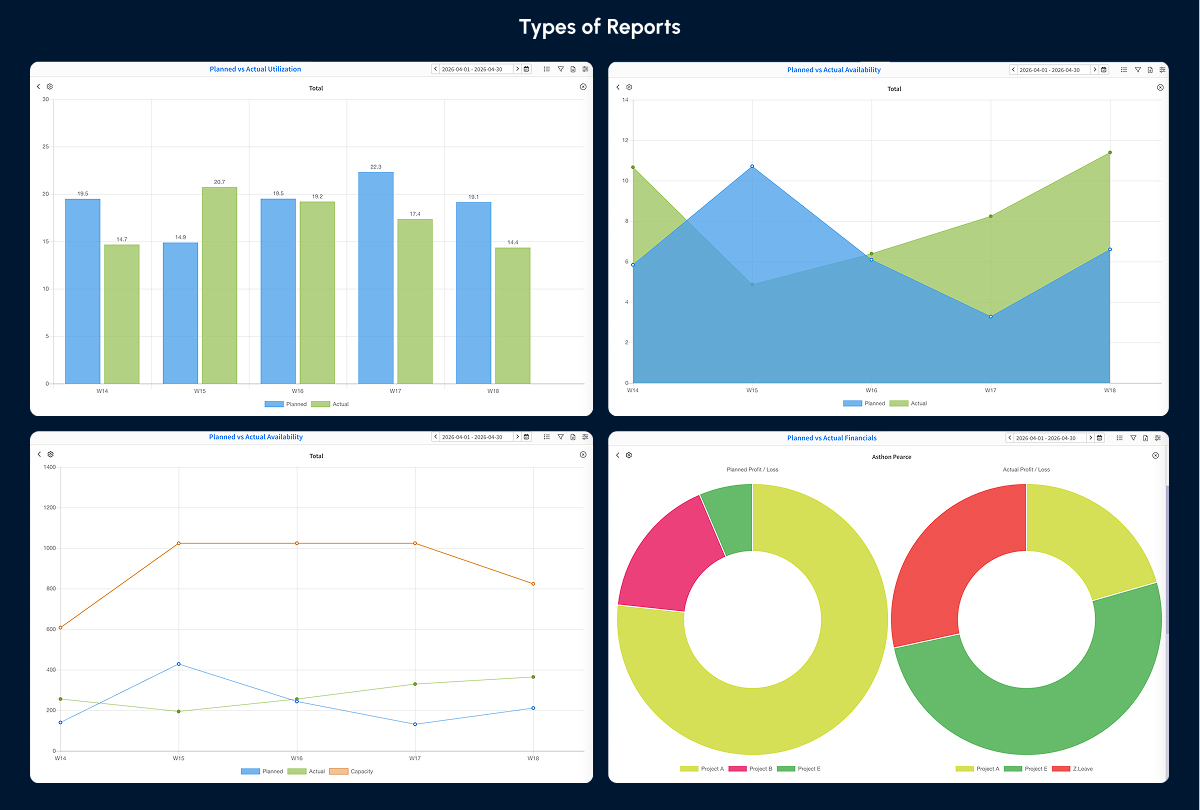
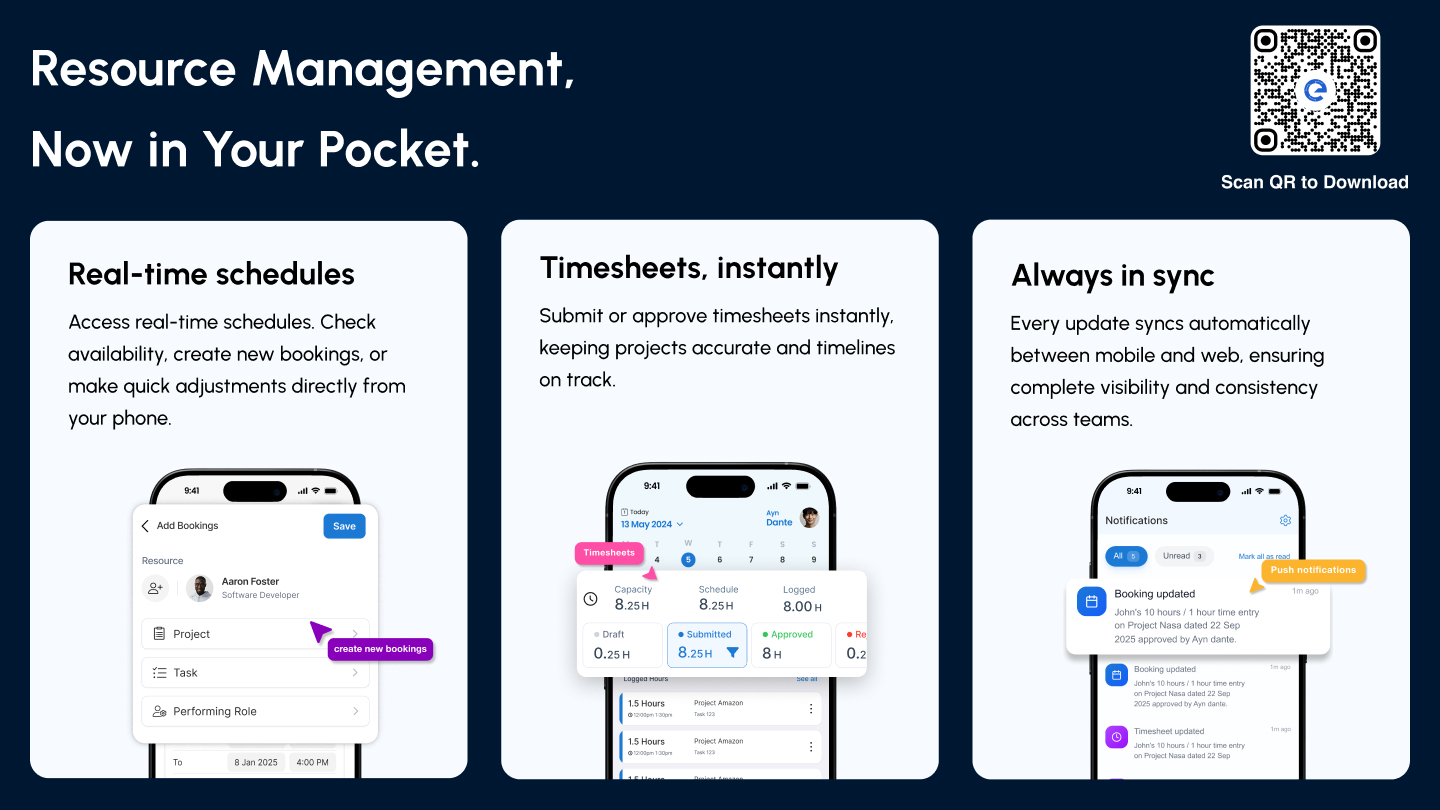
Screenshot of where to create and map resource requirements directly within the scheduling chart to align demand with real capacity in eResource Scheduler.Screenshot of a Gantt-style view of bookings. The scheduling chart is used to track allocations across timelines and quickly spot overutilized resources, so teams can rebalance workloads before it impacts delivery with this resource scheduling software.Screenshot of where to log time against projects and tasks, and compare it with scheduled hours. eResource Scheduler timesheets make it easy to see what’s been worked on, track utilization, and approve or reject entries as needed.Screenshot of a dashboard to track how capacity shifts over time with a visual breakdown of scheduled work, availability, and pending requests. eResource Scheduler makes resource capacity planning more actionable by helping teams spot fluctuations early and adjust allocations before gaps or overloads impact delivery.Screenshot of a view of performance with built-in management reports across utilization, availability, and financials.Screenshot of the eResource Scheduler mobile app, which gives teams real-time visibility and control on the go. Schedule resources, log and approve time entries, and stay updated with instant notifications so work never falls out of sync.

Resource Guru Screenshots

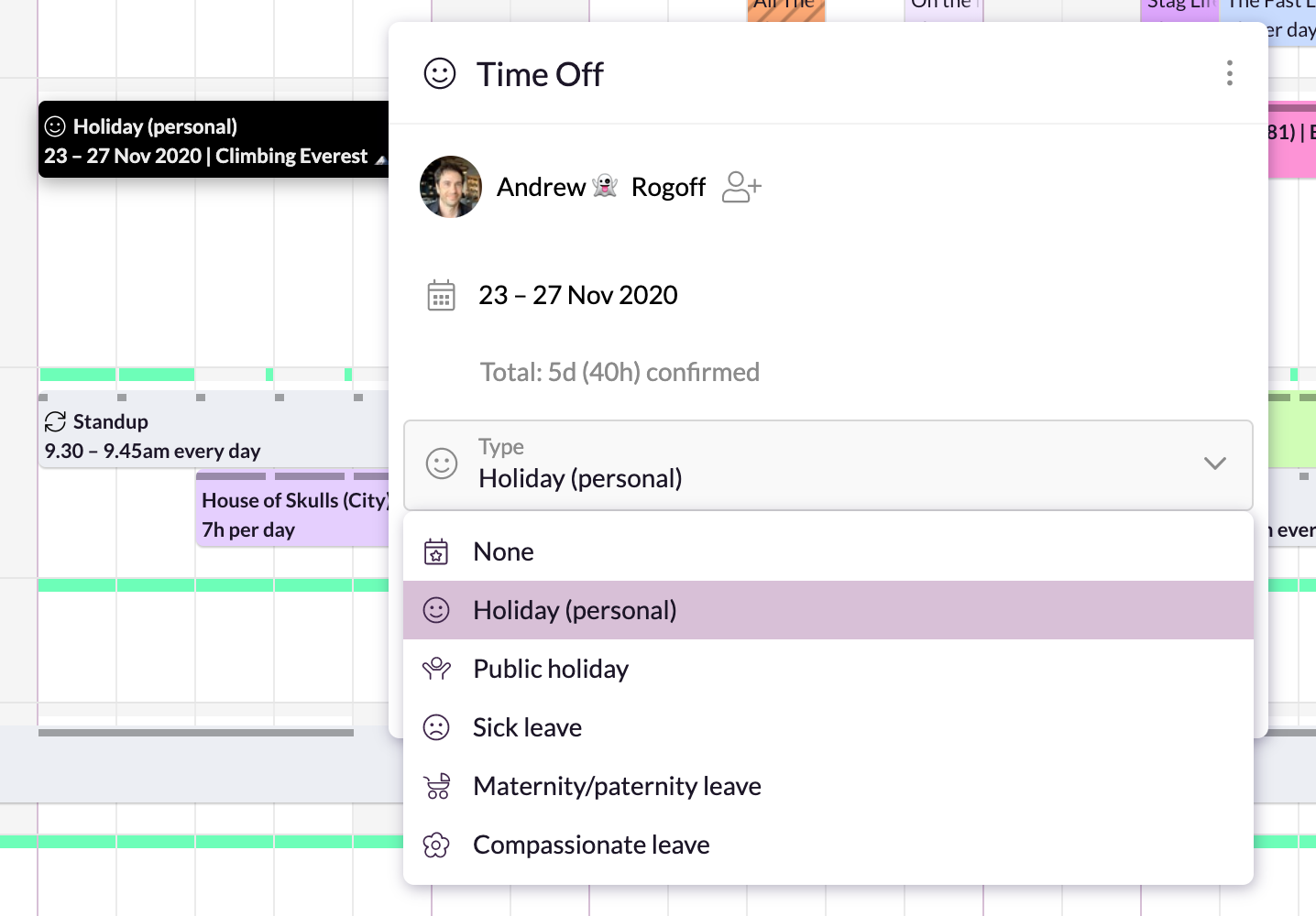
Screenshot of Simple, drag-and-drop schedulingScreenshot of Focus in on specific groups of resourcesScreenshot of Helps with utilization and capacity managementScreenshot of Manages sick days, holidays, and any other types of time off.Screenshot of A single resource poolScreenshot of Repeats weekly, fortnightly, monthly and yearly