Esper enables device management for company-owned and managed iOS and Android tablets, kiosks, smart phones, and IoT edge devices. Esper’s device platform can be used to manage an entire multi-OS device fleet from a single pane of glass.
$2
per month per device
ManageEngine Mobile Device Manager Plus
Score9.6 out of 10
N/A
The ManageEngine Mobile Device Manager Plus application is an enterprise mobile device management (MDM) solution.
$64
per month (50 devices)
Pricing
esper.io
ManageEngine Mobile Device Manager Plus
Editions & Modules
Genesis
$2
per month per device
Bridge
$4
per month per device
Architect
$6
per month per device
Enterprise
Custom Pricing
Mobile Device Manager Plus - Cloud
$64
per month 50 devices
Mobile Device Manager Plus - On-Premise
$495
per year 50 devices
Offerings
Pricing Offerings
esper.io
ManageEngine Mobile Device Manager Plus
Free Trial
Yes
No
Free/Freemium Version
No
No
Premium Consulting/Integration Services
Yes
No
Entry-level Setup Fee
Optional
No setup fee
Additional Details
—
Pricing for higher volumes available online at ManageEngine's official pricing page.
More Pricing Information
Community Pulse
esper.io
ManageEngine Mobile Device Manager Plus
Considered Both Products
Esper
Verified User
Chose esper.io
esper.io allows for bulk configuration of deployed devices. esper.io is also easier to set up and start compared to other competitors. The software installs are smaller and quicker. Great support for different methods for onboarding devices.Support for various OS and Device …
A de minimis incentive was given to thank the reviewer for their time. The incentive was not used to bias or drive a particular response, nor was the incentive contingent on a positive endorsement. More Info
esper.io helps manage devices to control how they are used and what software is allowed to be run on the device. This help us ensure proper usage of the device and also prevent all kinds of misuse of the devices. esper.io completely replaces the device interface and locks the devices preventing theft, misuse and abuse.
A de minimis incentive was given to thank the reviewer for their time. The incentive was not used to bias or drive a particular response, nor was the incentive contingent on a positive endorsement. More Info
An amazing solution for an organisation of up to 25 devices as they offer a free subscription. You could use this to trial the product at your organisation. The perfect fit for any size of organisation with the software being simple enough for non-technical staff to be able to deploy and manage devices.
A de minimis incentive was given to thank the reviewer for their time. The incentive was not used to bias or drive a particular response, nor was the incentive contingent on a positive endorsement. More Info
Geo tracking: once the mobile app is installed, the phone checks in to our cloud management console and we can ping the location of the device easily.
Lost/stolen device: when a device is lost or stolen, we can make the phone make a sounds to help in finding it or perform a complete wipe to remove any sensitive data.
App management: they make it easy to add mobile apps that can automatically be pushed out to all of the managed devices. It is easy to control what apps you want to have immediately installed, apps you want to make available, or apps you want to block.
A de minimis incentive was given to thank the reviewer for their time. The incentive was not used to bias or drive a particular response, nor was the incentive contingent on a positive endorsement. More Info
A de minimis incentive was given to thank the reviewer for their time. The incentive was not used to bias or drive a particular response, nor was the incentive contingent on a positive endorsement. More Info
Documents are sorted by some random order by default, users need to manually select "sort by A-Z", and even by doing so, coming out of documents and back in will reset the order to the random one. Would be amazing if A-Z was default, or if I could find out what this default order was to edit the files accordingly.
Playing audio files from the app is approached as if it was a video: if you come out of the app or lock the screen, the audio will stop. Would be great if it could act like music apps and keep playing with locked screen.
A de minimis incentive was given to thank the reviewer for their time. The incentive was not used to bias or drive a particular response, nor was the incentive contingent on a positive endorsement. More Info
A de minimis incentive was given to thank the reviewer for their time. The incentive was not used to bias or drive a particular response, nor was the incentive contingent on a positive endorsement. More Info
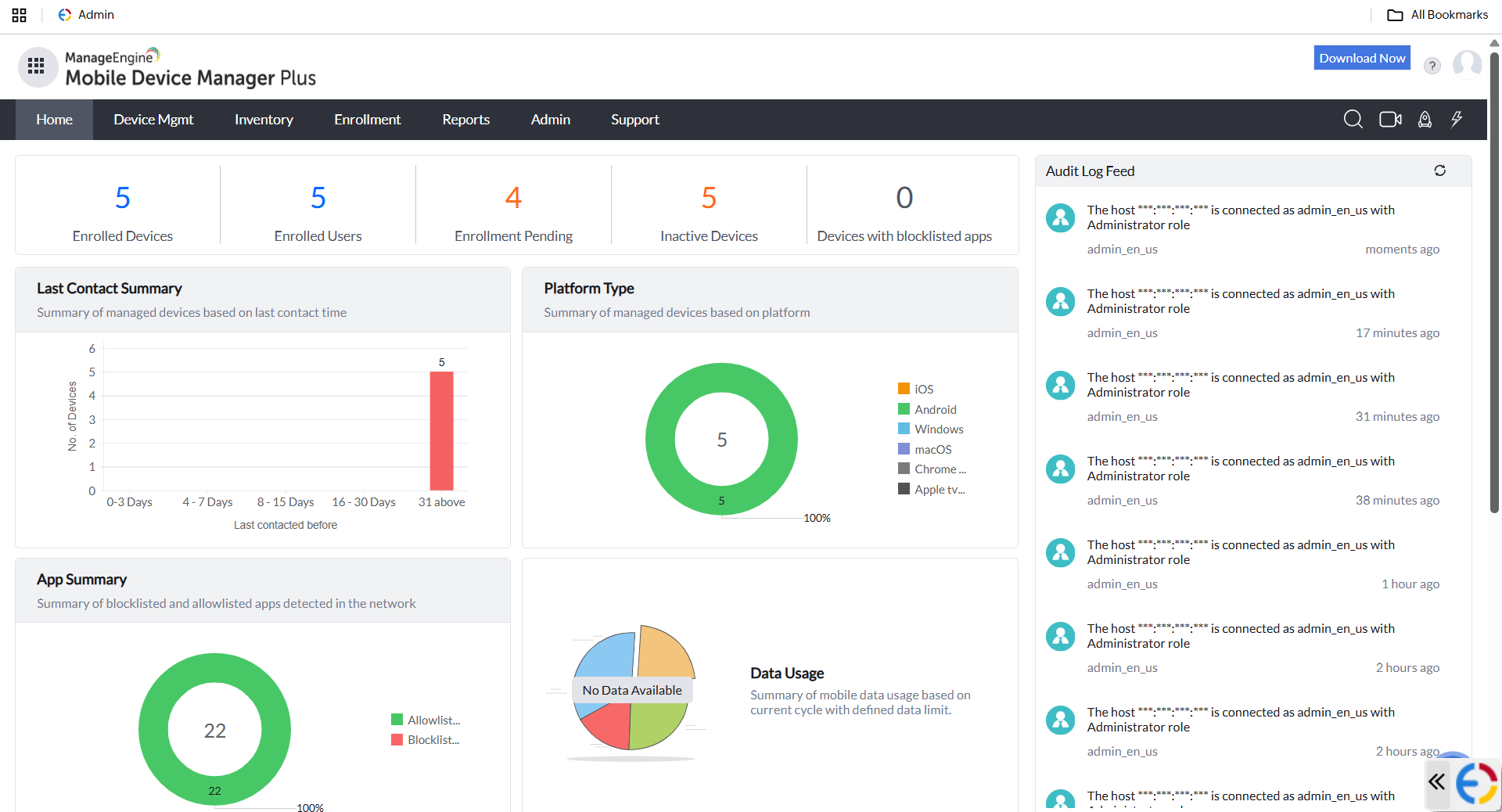
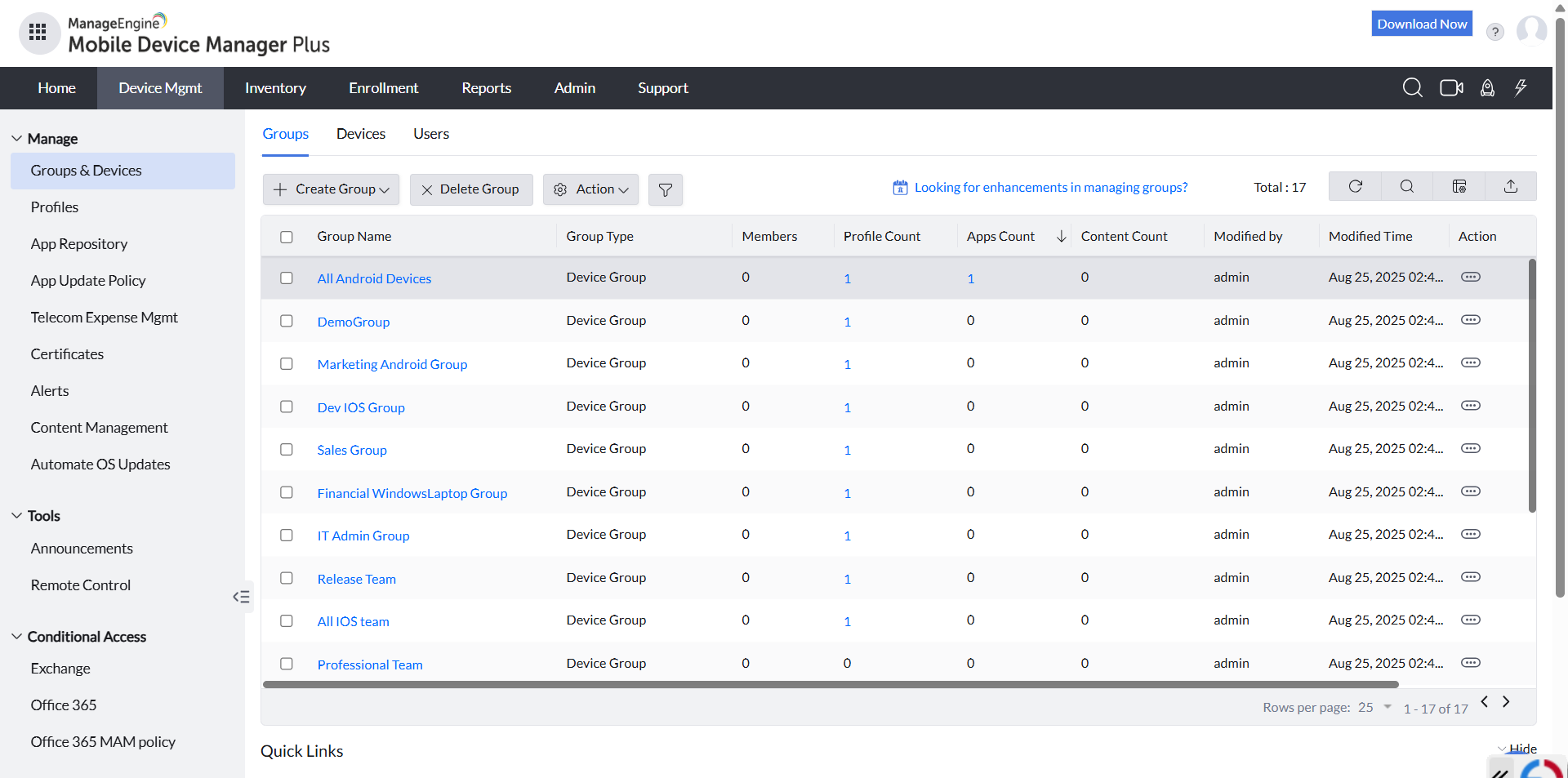
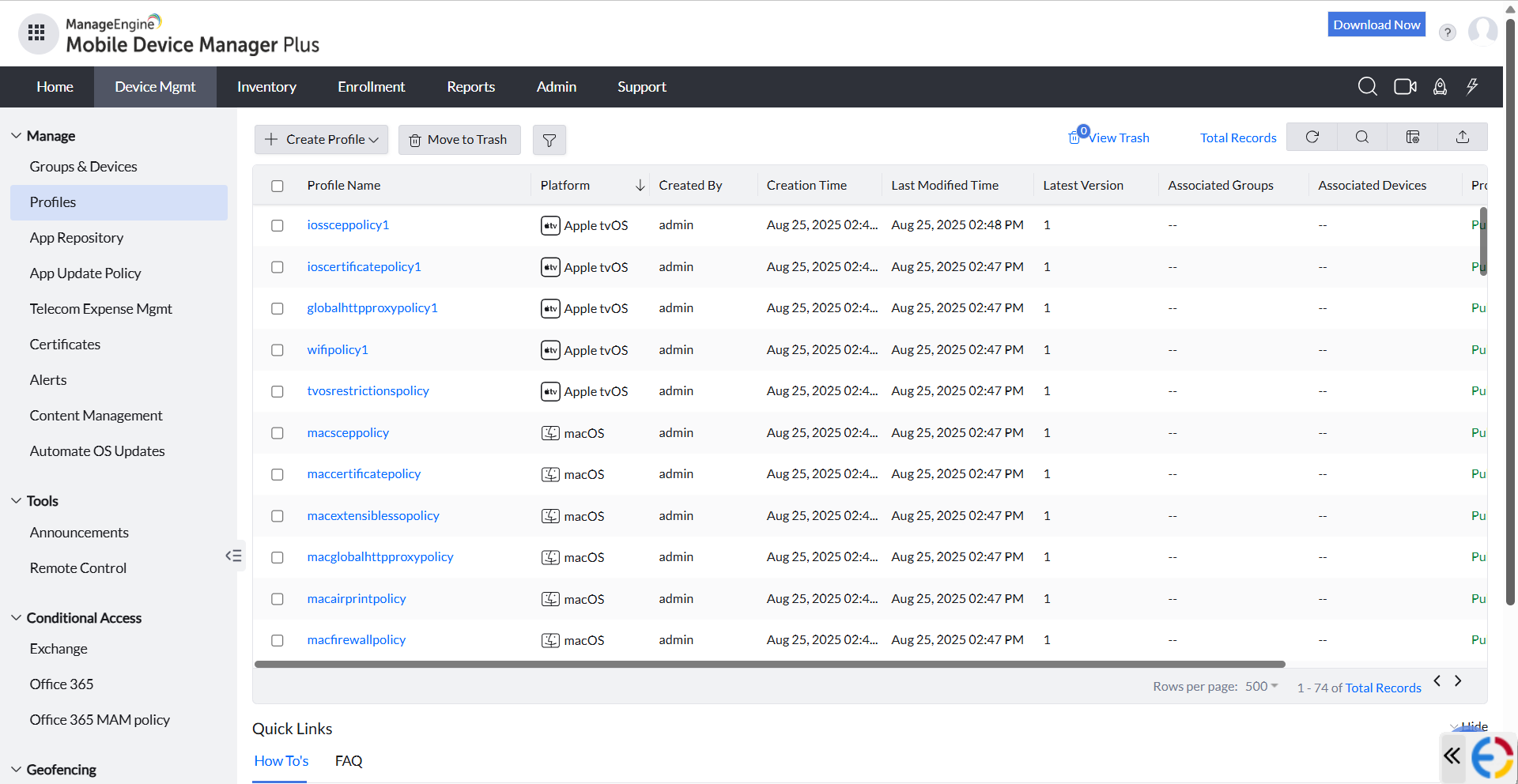
Overall, I like using MDM as the GUI is greatly easier to use. The navigation is very simple, as you can find your way using multiple routes. I like how the opening dashboard shows devices and users, so you can see your numbers grow or shrink.
A de minimis incentive was given to thank the reviewer for their time. The incentive was not used to bias or drive a particular response, nor was the incentive contingent on a positive endorsement. More Info
esper.io allows for bulk configuration of deployed devices. esper.io is also easier to set up and start compared to other competitors. The software installs are smaller and quicker. Great support for different methods for onboarding devices.Support for various OS and Device configurations. Free for 100 devices; provide ample testing before committing to any purchase.
A de minimis incentive was given to thank the reviewer for their time. The incentive was not used to bias or drive a particular response, nor was the incentive contingent on a positive endorsement. More Info
After exploring some MDM system, we choose ManageEngine Mobile Device Manager Plus as the out-of-the-box features and functionalities meet our business needs, reasonable license cost, reputable company, and provide good supports.
A de minimis incentive was given to thank the reviewer for their time. The incentive was not used to bias or drive a particular response, nor was the incentive contingent on a positive endorsement. More Info