Excalidraw+ vs. MindMeister

Overview
ProductRatingMost Used ByProduct SummaryStarting Price
Excalidraw+
Score 8.7 out of 10
N/A
An online virtual whiteboard for sketching hand-drawn diagrams, with features supporting visual collaboration. A basic version of Excalidraw can be used free, but team and collaboration features are offered in Excalidraw+.
$7
per month per user
MindMeister
Score 3.5 out of 10
N/A
MindMeister is an online mind mapping tool that lets users share maps with an unlimited number of users and collaborate with them in real-time. MindMeister is used to brainstorm ideas, plan projects, take meeting minutes, develop business strategies, and create presentations. MindMeister runs in any standard web-browser as well as on iOS and Android devices, so users can access, edit and present their mind maps anytime, wherever they are. With MindMeister, users…
$45
every 6 months per user
Pricing
Excalidraw+MindMeister
Editions & Modules
No answers on this topic
Personal
$45
per 6 months per user
Pro
$75
per 6 months per user
Business
$114
per 6 months per user
Offerings
Pricing Offerings
Excalidraw+MindMeister
Free Trial
YesNo
Free/Freemium Version
YesYes
Premium Consulting/Integration Services
NoNo
Entry-level Setup FeeNo setup feeNo setup fee
Additional DetailsMindMeister offers 6-monthly and yearly subscriptions. Discounts for educational users and non-profit organizations are also available. Up to 22% discount for yearly pricing.
More Pricing Information
Community Pulse
Excalidraw+MindMeister
Best Alternatives
Excalidraw+MindMeister
Small Businesses
OmniGraffle
OmniGraffle
Score 9.8 out of 10
Whimsical
Whimsical
Score 9.3 out of 10
Medium-sized Companies
OmniGraffle
OmniGraffle
Score 9.8 out of 10
Whimsical
Whimsical
Score 9.3 out of 10
Enterprises
OmniGraffle
OmniGraffle
Score 9.8 out of 10
Whimsical
Whimsical
Score 9.3 out of 10
All AlternativesView all alternativesView all alternatives
User Ratings
Excalidraw+MindMeister
Likelihood to Recommend
8.8
(5 ratings)
1.0
(17 ratings)
Usability
8.4
(5 ratings)
-
(0 ratings)
Support Rating
-
(0 ratings)
10.0
(1 ratings)
User Testimonials
Excalidraw+MindMeister
Likelihood to Recommend
Excalidraw
In scenarios like creating a quick mind map, flow diagram, explaining code with a diagram, or wanting to show how a specific scenario in code works to the team. In scenarios like there is a draft which I created in some other place and I want to continue here, I can't as upload option is missing. Other scenario is like I have downloaded a draft and want to import and continue, can't do that as well. Creating wireframes from the initial stage is hard, as everything should be hand drawn which is hard when the screens are already decided.
Read full review
MeisterLabs GmbH
MindMeister is ideally suited for building mind maps, site maps, or similar types of data maps in the cloud without needing to install extra software. I find that it isn't quite as ideal for other types of diagrams (ERDs, flowcharts, etc) as some other tools, though it definitely can handle those things as well.
Read full review
Pros
Excalidraw
  • Sketches
  • Diagrams
  • Fun displays of information.
Read full review
MeisterLabs GmbH
  • The UI is well laid out and easy to use. The workflow makes perfect sense and makes creating tasks a breeze.
  • The collaboration features make brainstorming not only easy but fun! Everyone enjoys using the tool, which was not the case with other collaboration software we used.
  • I love being able to get all of my thoughts and ideas on the screen to see them and then be able to connect them in a logical way.
Read full review
Cons
Excalidraw
  • Board management, it's not always easy to navigate.
  • Limited tools.
Read full review
MeisterLabs GmbH
  • I think that the free plan should offer a bit more terms of features to make the testing experience more engaging.
  • My experience using the App version was not so good when compared to the web version of it. I feel more comfortable using it in my notebook.
  • Paid plans could be more flexible to support small or temporary demands.
Read full review
Usability
Excalidraw
Excalidraw+ is very simple to use, navigate, and collaborate. You can quickly generate objects, text, lines, arrows, etc. to clearly explain an idea without spending too much time making it look pretty. It's great for initial ideation without getting bogged down in details. A quick user interface can be sketched in 30 seconds rather than spending time generating near-complete mockups that could be rejected
Read full review
MeisterLabs GmbH
No answers on this topic
Support Rating
Excalidraw
No answers on this topic
MeisterLabs GmbH
Never had an issue with customer support, though we never really needed anything major as far as technical help. I do not believe they offer 24 hour customer support but we don't need it as MindMeister is not the type of tool we need need 24 hour a day support for. Overall, very happy with the level of support.
Read full review
Alternatives Considered
Excalidraw
It's cheaper than Miro, although it doesn't provide as much functionality.
It's less complex and easier to use than draw.io, although a bit more limited in terms of available options.
It offers a more solid user experience when compared to Confluence Whiteboard, although it lacks the integration options that this tool has.
For the situations where its limitations aren't an issue, it's a solid option.
Read full review
MeisterLabs GmbH
I have also used LucidChart and Google Draw to create mind maps and concept maps in the past. I think that MindMeister is by far the cleanest and most user friendly of the three. Google Draw does not have anywhere near the same functionality. LucidChart tends to be clunky and the options to create your map are not always clear and intuitive.
Read full review
Return on Investment
Excalidraw
  • For the price it's really worth for the tools it's providing and feature with Excalidraw+
  • This is good but we still had to buy competitors like miro at organization level to support multiple collaborations and users at large scale
  • Tools provided for the price are good but expected a little more set of tools to create mindmaps, wireframes
Read full review
MeisterLabs GmbH
  • The most positive result of using MindMeister is a visualization of each step in work and connections between different nodes(ideas, steps).
  • This greatly simplifies the work, especially collaborative work, since it is easier to show it once than to explain things many times.
  • Negative impact: lack of offline desktop version.
Read full review
ScreenShots

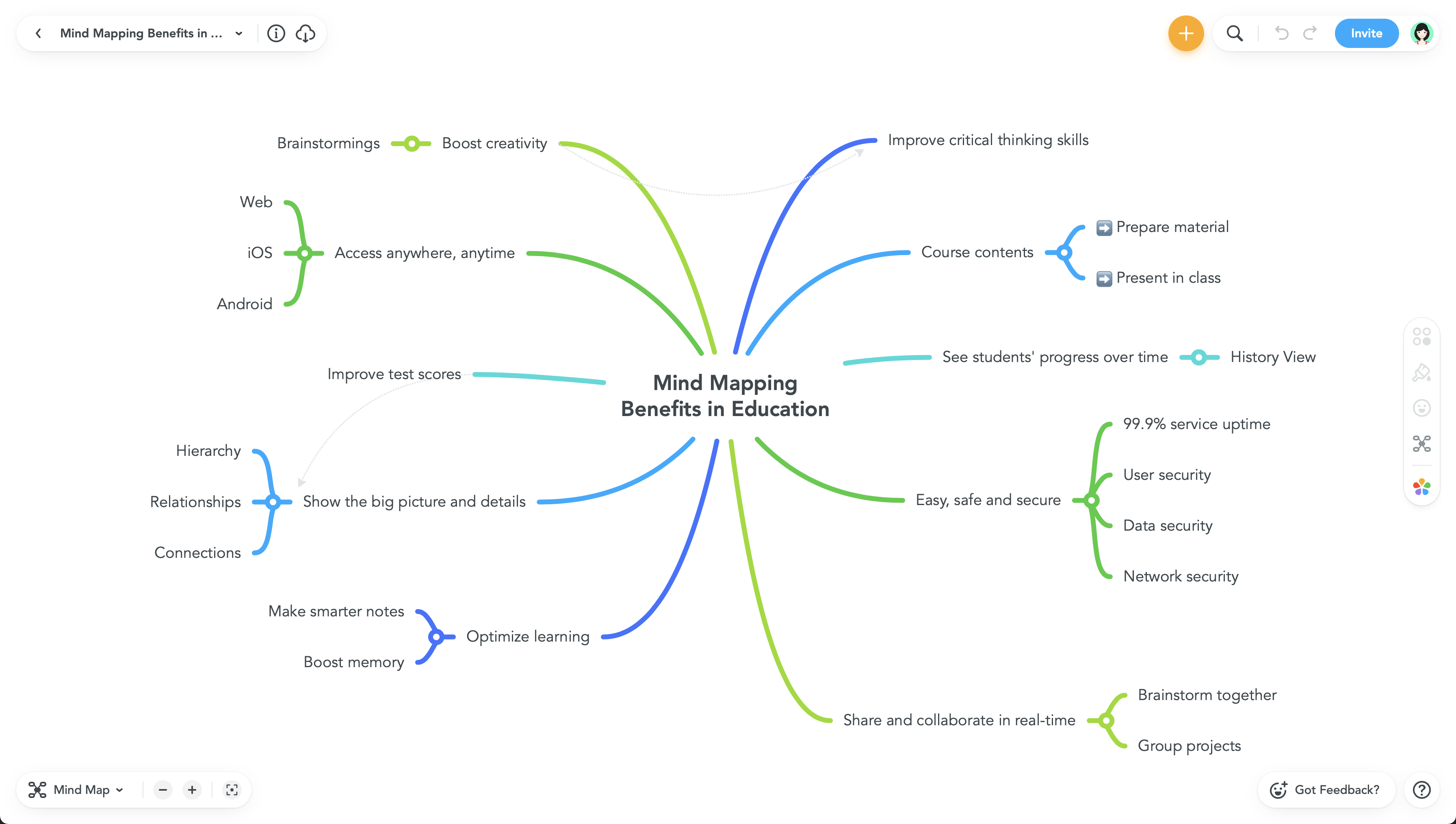
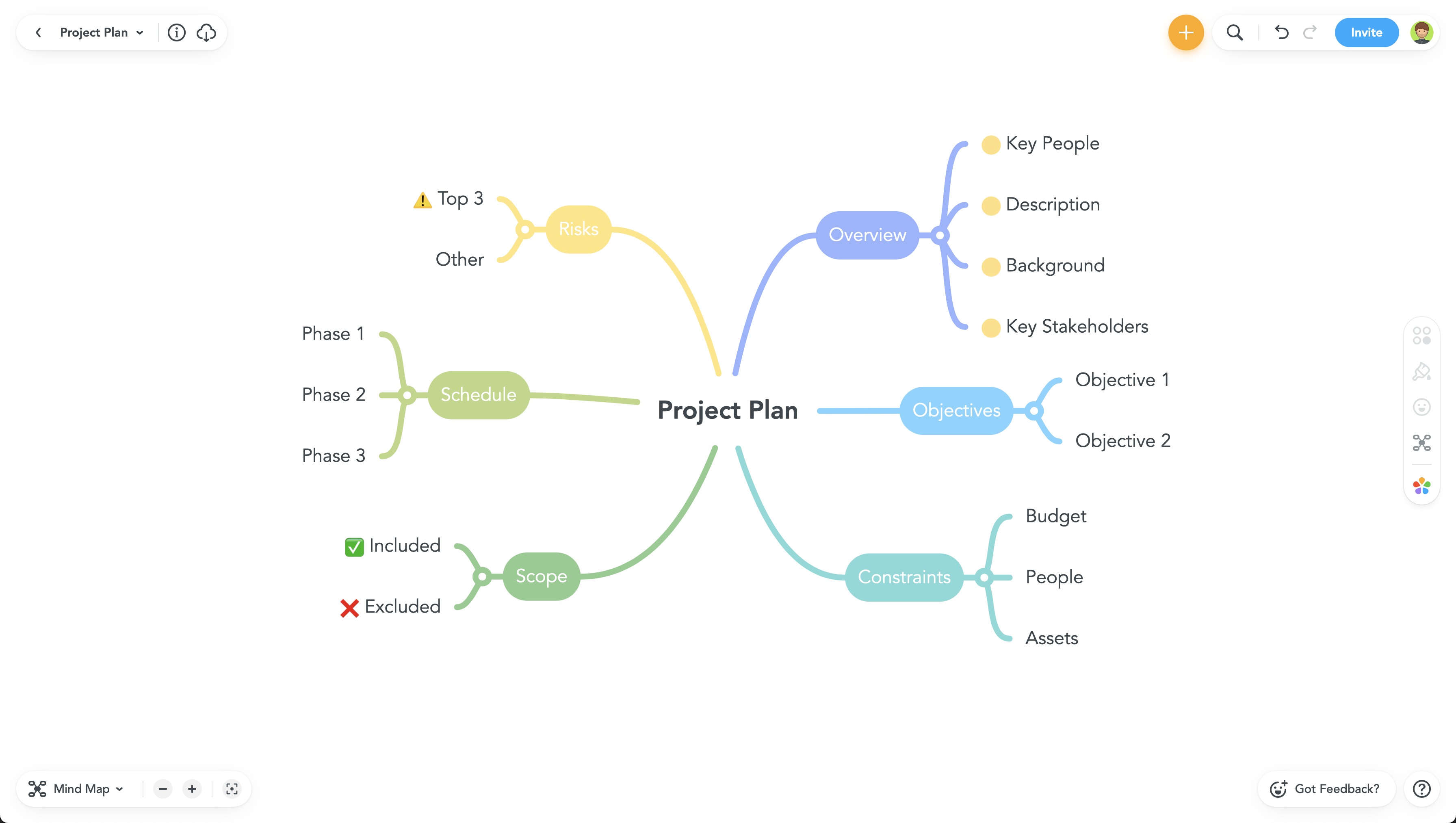
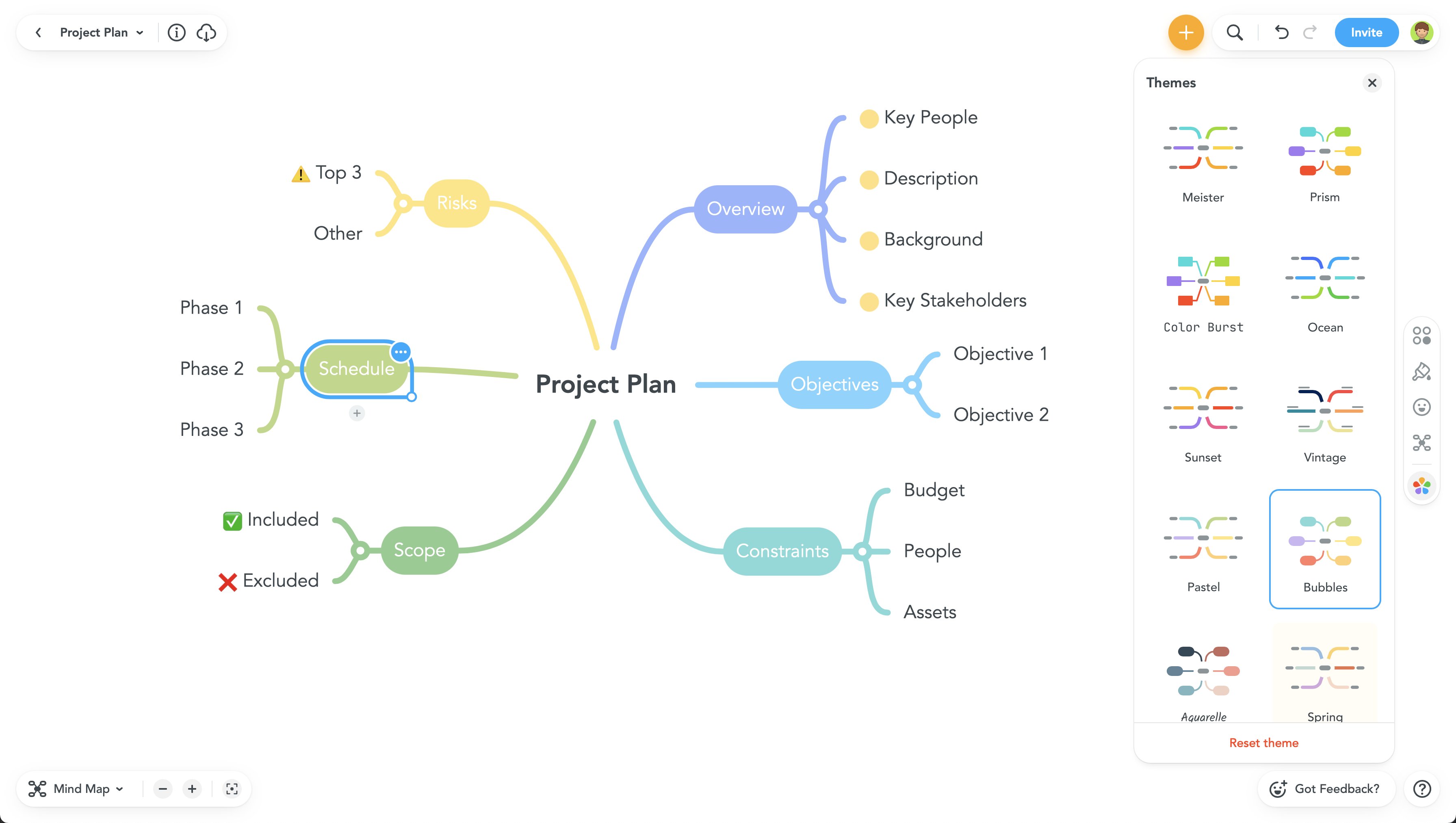
MindMeister Screenshots

Screenshot of Screenshot of Screenshot of Screenshot of