TrustRadius: an HG Insights company

Save this comparison

Save this comparison

Add Product

Recommended Comparisons

    Overview
    ProductRatingMost Used ByProduct SummaryStarting Price

    Excel4apps

    Score8.6 out of 10
    N/AExcel4apps is a business intelligence software offering from Excel4apps.N/A

    Klipfolio PowerMetrics

    N/A
    Mid-Size Companies (51-1,000 employees)
    PowerMetrics is an analytics and business intelligence platform built to centralize and standardize metrics across teams. Designed for both data experts and business leaders, PowerMetrics empowers organizations to define, catalog, and explore metrics in a collaborative, self-serve environment.

    $60

    per month

    Pricing
    Excel4appsKlipfolio PowerMetrics
    Editions & Modules
    No answers on this topic
    Professional
    $60
    per month
    Offerings
    Pricing Offerings
    Excel4appsKlipfolio PowerMetrics
    Free Trial
    NoYes
    Free/Freemium Version
    NoYes
    Premium Consulting/Integration Services
    NoYes
    Entry-level Setup FeeNo setup fee-$60
    Additional Details——
    More Pricing Information
    Features
    Excel4appsKlipfolio PowerMetrics
    BI Standard Reporting
    Comparison of BI Standard Reporting features of Excel4apps and Klipfolio PowerMetrics
    Feature
    Excel4apps
    6.3
    4 Ratings
    26% below category average
    Klipfolio PowerMetrics
    -
    Ratings
    Pixel Perfect reports5.43 Ratings00 Ratings
    Customizable dashboards6.13 Ratings00 Ratings
    Report Formatting Templates7.44 Ratings00 Ratings
    Ad-hoc Reporting
    Comparison of Ad-hoc Reporting features of Excel4apps and Klipfolio PowerMetrics
    Feature
    Excel4apps
    7.6
    4 Ratings
    5% below category average
    Klipfolio PowerMetrics
    -
    Ratings
    Drill-down analysis7.54 Ratings00 Ratings
    Formatting capabilities9.24 Ratings00 Ratings
    Integration with R or other statistical packages6.52 Ratings00 Ratings
    Report sharing and collaboration7.14 Ratings00 Ratings
    Report Output and Scheduling
    Comparison of Report Output and Scheduling features of Excel4apps and Klipfolio PowerMetrics
    Feature
    Excel4apps
    6.4
    3 Ratings
    25% below category average
    Klipfolio PowerMetrics
    -
    Ratings
    Publish to Web6.73 Ratings00 Ratings
    Publish to PDF8.22 Ratings00 Ratings
    Report Versioning5.83 Ratings00 Ratings
    Report Delivery Scheduling6.23 Ratings00 Ratings
    Delivery to Remote Servers5.02 Ratings00 Ratings
    Data Discovery and Visualization
    Comparison of Data Discovery and Visualization features of Excel4apps and Klipfolio PowerMetrics
    Feature
    Excel4apps
    6.7
    2 Ratings
    18% below category average
    Klipfolio PowerMetrics
    -
    Ratings
    Pre-built visualization formats (heatmaps, scatter plots etc.)7.02 Ratings00 Ratings
    Location Analytics / Geographic Visualization7.02 Ratings00 Ratings
    Predictive Analytics6.02 Ratings00 Ratings
    Access Control and Security
    Comparison of Access Control and Security features of Excel4apps and Klipfolio PowerMetrics
    Feature
    Excel4apps
    8.1
    3 Ratings
    5% below category average
    Klipfolio PowerMetrics
    -
    Ratings
    Multi-User Support (named login)9.03 Ratings00 Ratings
    Role-Based Security Model9.02 Ratings00 Ratings
    Multiple Access Permission Levels (Create, Read, Delete)7.23 Ratings00 Ratings
    Single Sign-On (SSO)7.22 Ratings00 Ratings
    Mobile Capabilities
    Comparison of Mobile Capabilities features of Excel4apps and Klipfolio PowerMetrics
    Feature
    Excel4apps
    7.8
    1 Ratings
    1% above category average
    Klipfolio PowerMetrics
    -
    Ratings
    Responsive Design for Web Access9.01 Ratings00 Ratings
    Mobile Application8.01 Ratings00 Ratings
    Dashboard / Report / Visualization Interactivity on Mobile6.01 Ratings00 Ratings
    Application Program Interfaces (APIs) / Embedding
    Comparison of Application Program Interfaces (APIs) / Embedding features of Excel4apps and Klipfolio PowerMetrics
    Feature
    Excel4apps
    3.4
    2 Ratings
    78% below category average
    Klipfolio PowerMetrics
    -
    Ratings
    REST API1.01 Ratings00 Ratings
    Javascript API5.72 Ratings00 Ratings
    iFrames1.01 Ratings00 Ratings
    Java API5.92 Ratings00 Ratings
    Themeable User Interface (UI)2.01 Ratings00 Ratings
    Customizable Platform (Open Source)5.01 Ratings00 Ratings
    Best Alternatives
    Excel4appsKlipfolio PowerMetrics
    Small Businesses
    Cyfe
    Score4 out of 10
    Cyfe
    Score4 out of 10
    Medium-sized Companies
    Qlik Cloud Analytics (Qlik Sense)
    Score8.1 out of 10
    Qlik Cloud Analytics (Qlik Sense)
    Score8.1 out of 10
    Enterprises
    Sisense
    Score6.8 out of 10
    Sisense
    Score6.8 out of 10
    All AlternativesView all alternativesView all alternatives
    User Ratings
    Excel4appsKlipfolio PowerMetrics
    Likelihood to Recommend
    9.0
    (4 ratings)
    -
    (0 ratings)
    Usability
    8.2
    (3 ratings)
    -
    (0 ratings)
    Support Rating
    6.9
    (3 ratings)
    -
    (0 ratings)
    Data Sharing and Collaboration
    10.0
    (1 ratings)
    -
    (0 ratings)
    Data Sources
    9.0
    (1 ratings)
    -
    (0 ratings)
    User Testimonials
    Excel4appsKlipfolio PowerMetrics
    Likelihood to Recommend
    Excel4apps
    We have to calculate most all Lab / Pilot / Proposals sizing and results. The automated calculations in [Excel4apps] is awesome, as once you are familiar with them, it is easy to quickly implement them when needed.
    Incentivized
    Read full review
    Klipfolio
    No answers on this topic
    Pros
    Excel4apps
    • Easy to install and maintain. After the initial installation, there is little involvement by the technical administrators.
    • Cloning production to a test environment does not require any additional setups unlike Oracle EBS which does.
    • Loading data and reporting on this data is handled via EXCEL spreadsheets which is the "language" of our financial users.
    Incentivized
    Read full review
    Klipfolio
    No answers on this topic
    Cons
    Excel4apps
    • It is possible but difficult to retrieve data or set criteria from different module into a single report or retrieve. If it is more user friendly instead of having to create a complex formula to retrieve the data, this function will be utilized more often.
    • It will be nice to have visual (graphs, etc.) report template available
    • It is helpful if we can retrieve data for a range of date, instead of just YTD, PTD etc. and multi-year data all at once for comparison too.
    Incentivized
    Read full review
    Klipfolio
    No answers on this topic
    Usability
    Excel4apps
    I am not a power user of Excel. So I find Exel4apps a friendlier version of the things that I could do on Excel and making it easier with a magic wand.
    Incentivized
    Read full review
    Klipfolio
    No answers on this topic
    Support Rating
    Excel4apps
    I have not needed support yet
    Incentivized
    Read full review
    Klipfolio
    No answers on this topic
    Alternatives Considered
    Excel4apps
    Excel4apps is more user friendly and can retrieve data much easier and in a nicer format than Jaspersoft. Qlik Sense is useful and have more visual reporting and dashboard. However, it is usually used for higher level of analyses and review. Yardi is used for specific purpose, which is different than Excel4apps. Excel4apps can pull all the financial data from Oracle, including billing and collections.
    Incentivized
    Read full review
    Klipfolio
    No answers on this topic
    Return on Investment
    Excel4apps
    • Increase team transparency
    • Increased reporting
    Incentivized
    Read full review
    Klipfolio
    No answers on this topic
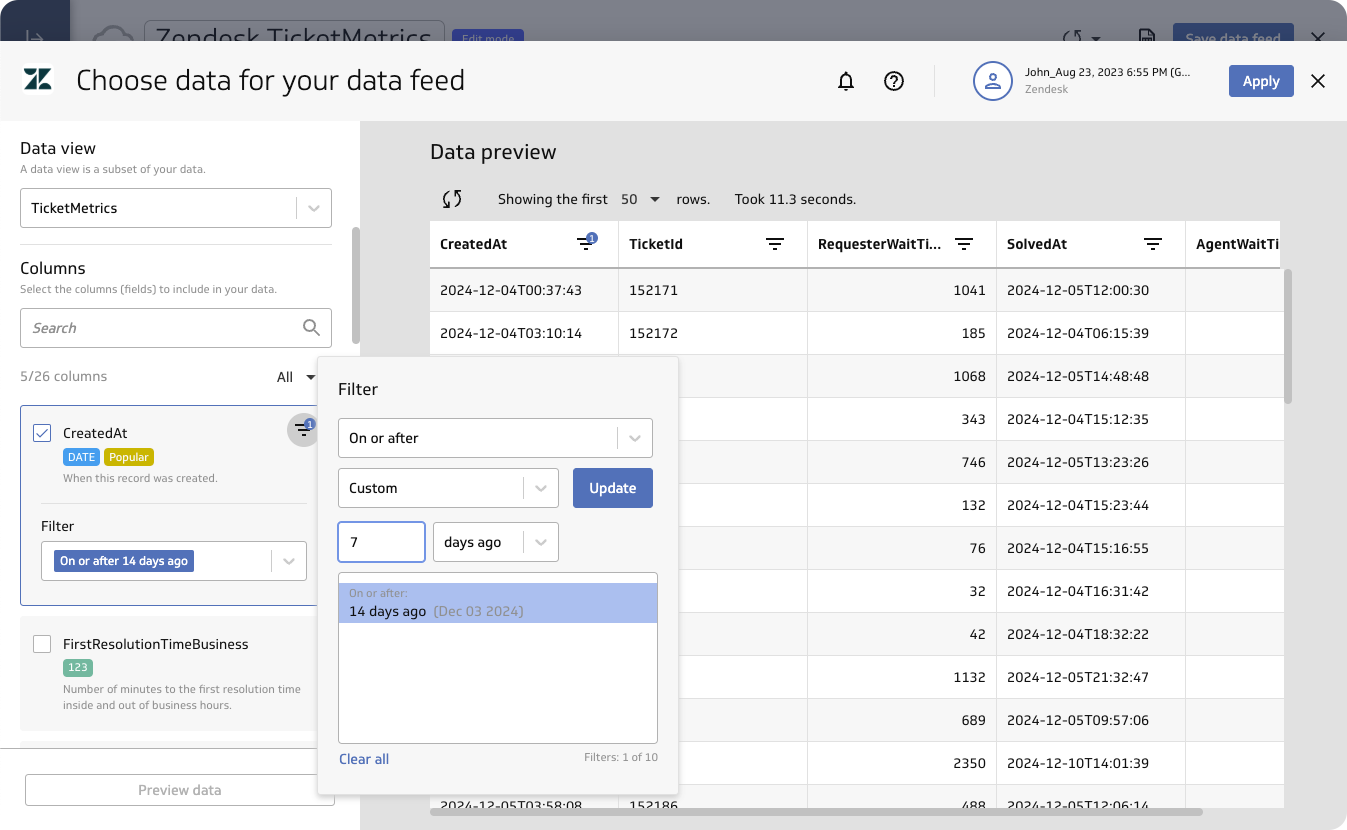
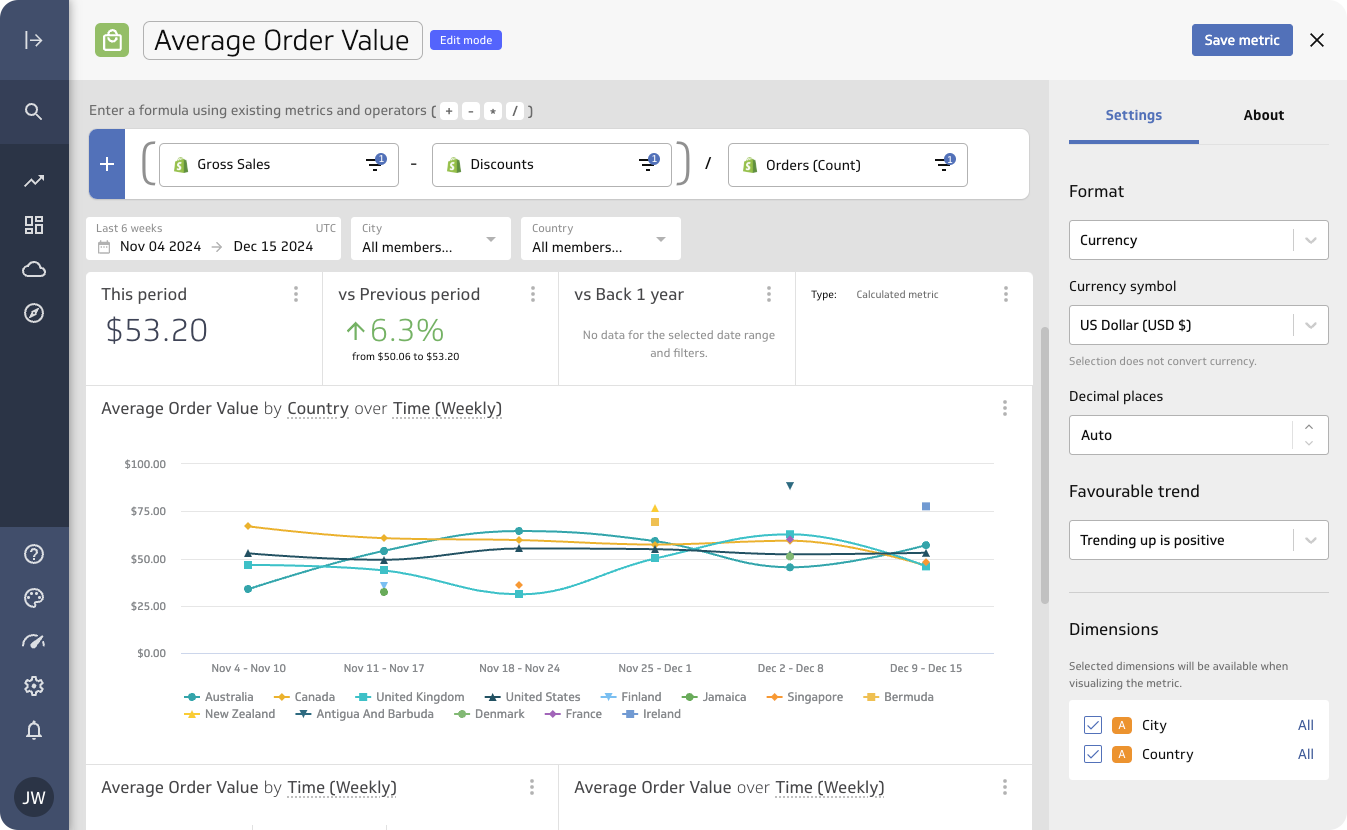
    ScreenShots

    Klipfolio PowerMetrics Screenshots
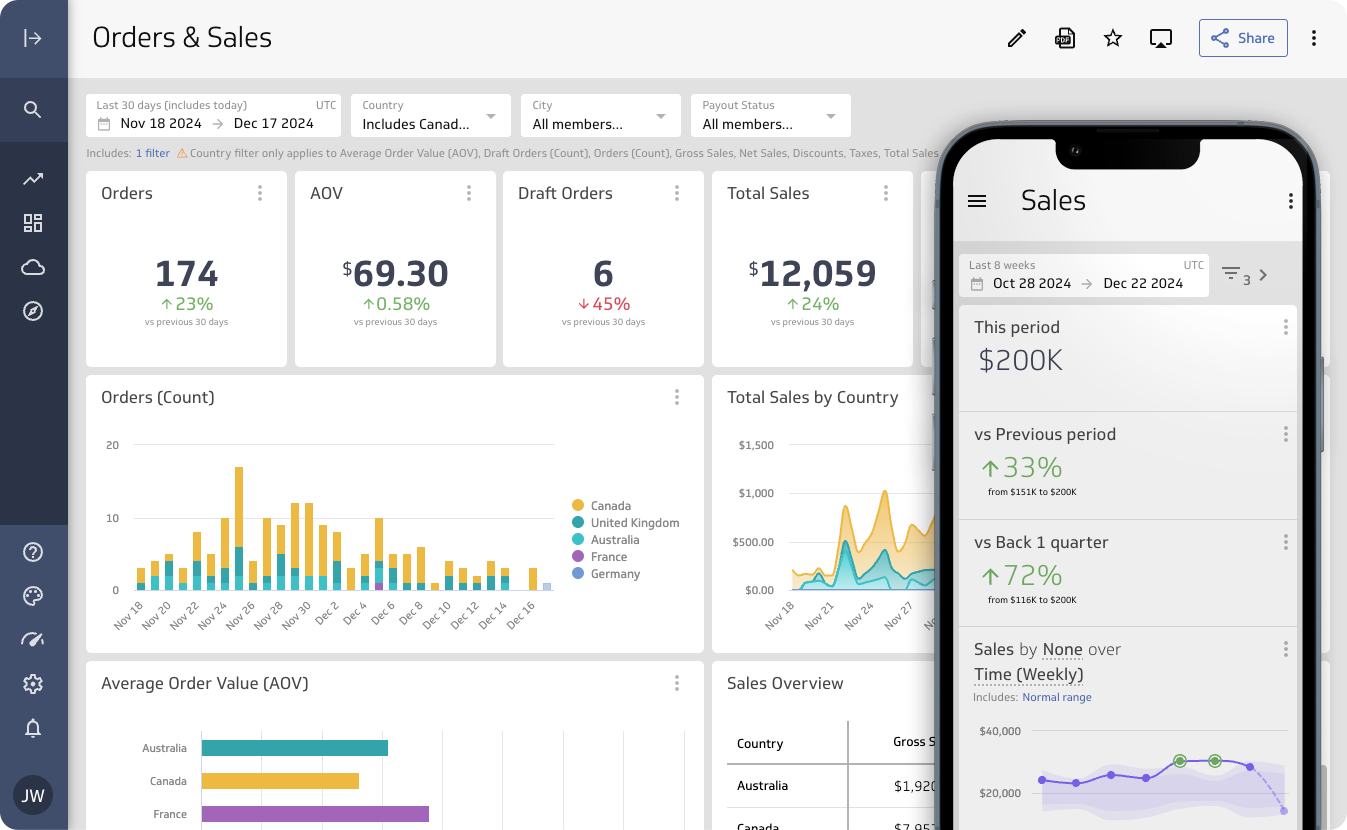
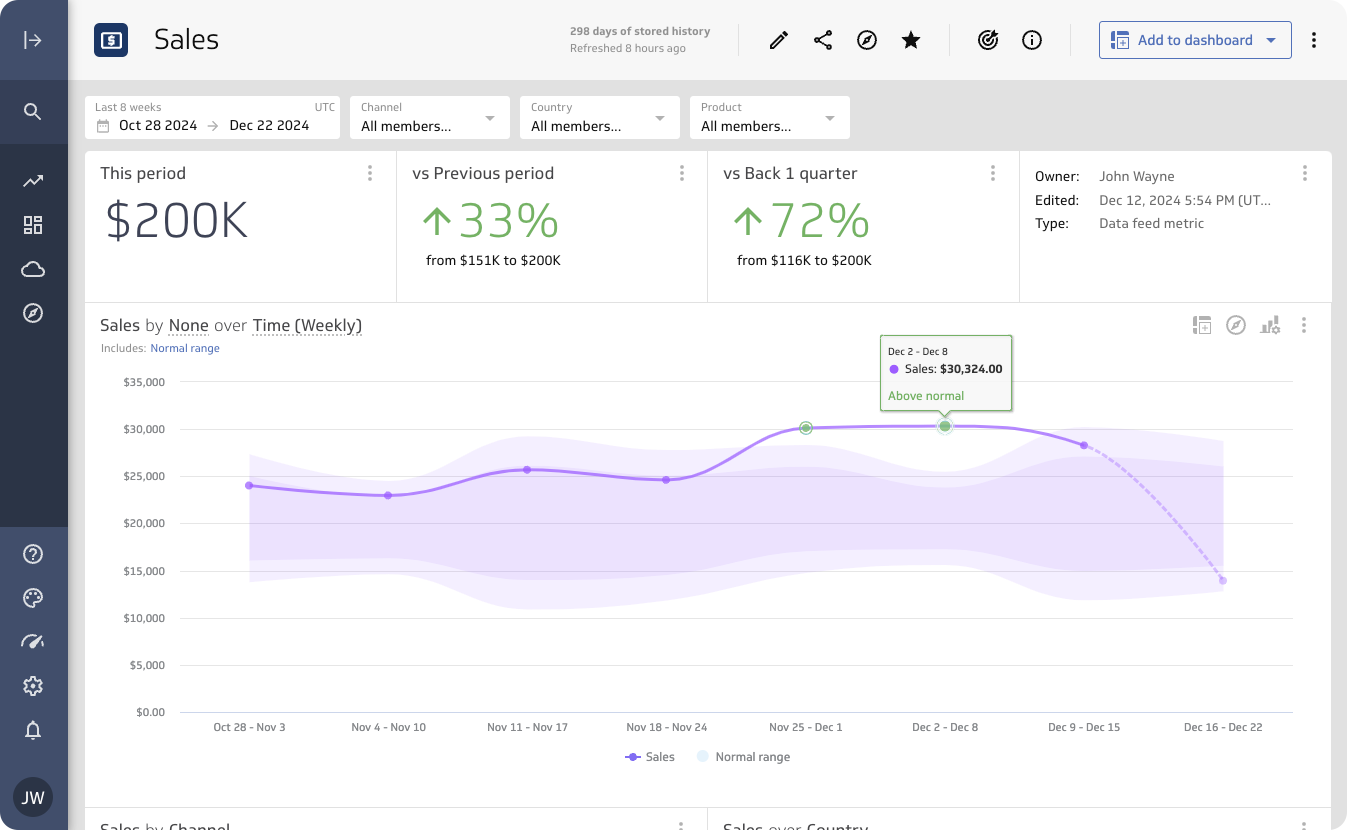
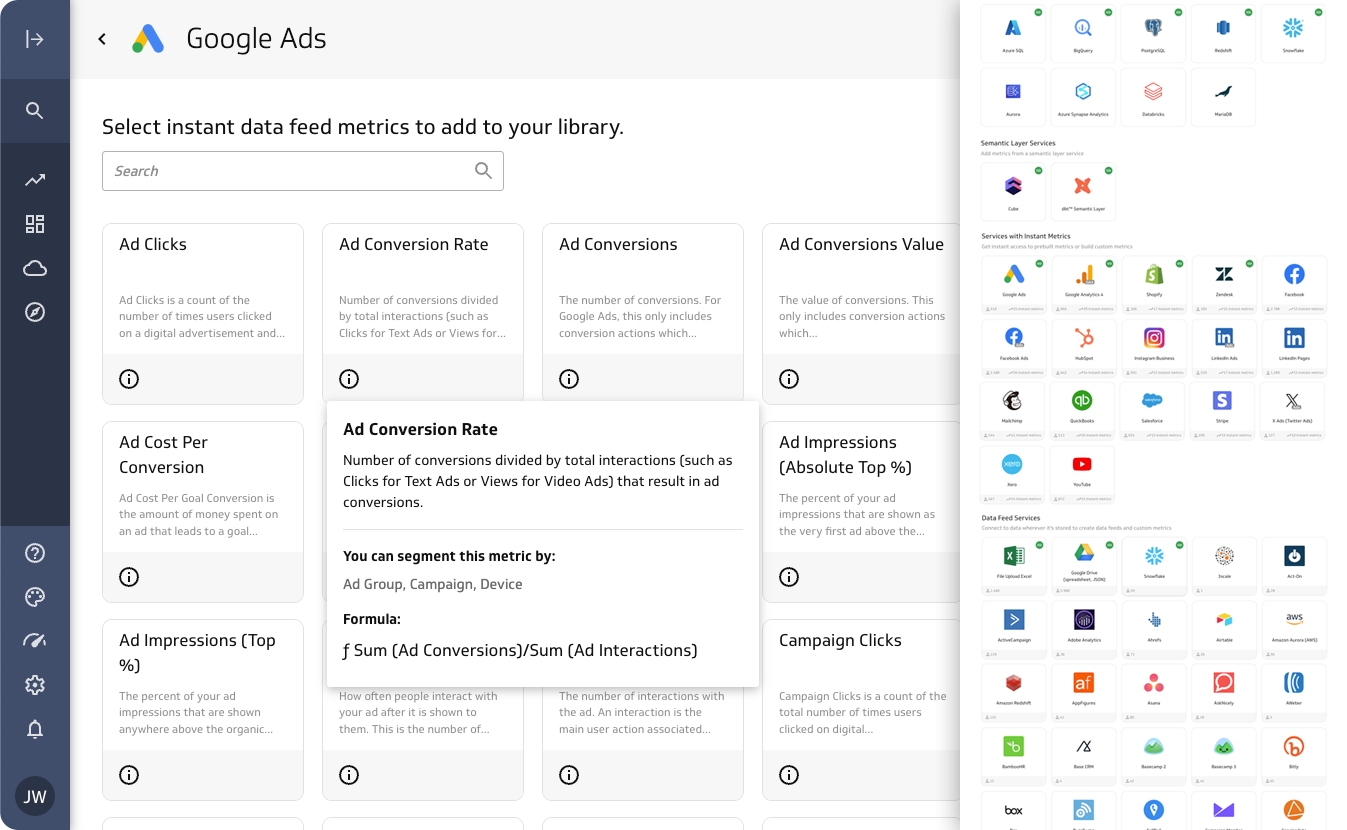
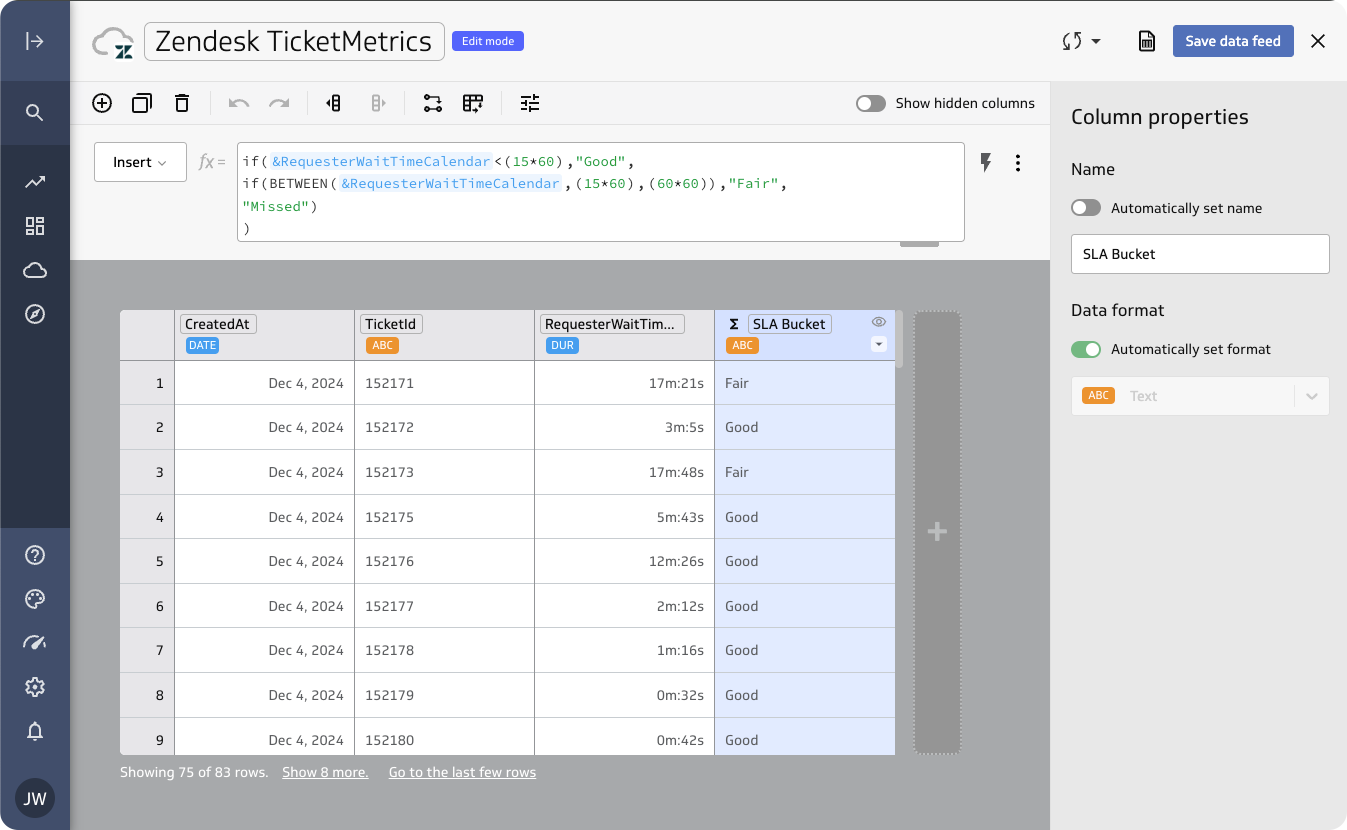
    Screenshot of An Orders & Sales dashboard. PowerMetrics connects business metrics directly to data sources, helping users to build up-to-date dashboards for tracking KPIs, monitoring performance, or creating reliable reports.Screenshot of a customizable metric homepage that summarizes key data points and trends. Users can adjust layouts and visuals, or revert to the default design anytime for a clear snapshot of business performance.Screenshot of where to connect PowerMetrics to data, whether it’s stored in online services, spreadsheets, databases, or warehouses. Pre-built templates are available, and connections can be customized using SQL, APIs, or the query builder. Real-time updates ensure these dashboards always show the latest insights.Screenshot of PowerMetrics’ transformation tools that help to streamline data preparation. These are used to clean, format, merge, unpivot, and calculate fields.Screenshot of the query builder. Users can connect to specific tables and fields, apply filters, and create calculated fields to ensure metrics are precise and actionable.Screenshot of calculated metrics. Existing metrics can be combined to analyze margins, track growth, or measure retention, to produce tailored, advanced analytics.