
Flipgrid vs. Streamio
| Product | Rating | Most Used By | Product Summary | Starting Price |
|---|---|---|---|---|
 Flipgrid | Score1 out of 10 | N/A | Flipgrid is a video learning platform, acquired by Microsoft in 2018. | N/A |
 Streamio | N/A | N/A | Streamio is a GDPR‑compliant video‑hosting and live‑streaming platform run entirely on Swedish, EU‑based servers, giving organizations a secure, unified workspace to publish, manage, and analyze on‑demand videos, live events, and podcasts. | $99 per month |
| Flipgrid | Streamio | |||||||||||||||
|---|---|---|---|---|---|---|---|---|---|---|---|---|---|---|---|---|
| Editions & Modules | No answers on this topic |
| ||||||||||||||
| Offerings |
| |||||||||||||||
| Entry-level Setup Fee | No setup fee | No setup fee | ||||||||||||||
| Additional Details | — | Discount available for annual pricing. | ||||||||||||||
| More Pricing Information | ||||||||||||||||
| Flipgrid | Streamio | |||||||||||||||||||
|---|---|---|---|---|---|---|---|---|---|---|---|---|---|---|---|---|---|---|---|---|
| Video Marketing |
| |||||||||||||||||||
| Video Platform Integrations |
| |||||||||||||||||||
| Video Security |
| |||||||||||||||||||
| Video Player |
| |||||||||||||||||||
| Video Analytics |
| |||||||||||||||||||
| Video Hosting, Management & Storage |
| |||||||||||||||||||
| Video Engagement |
| |||||||||||||||||||
| Flipgrid | Streamio | |
|---|---|---|
| Small Businesses |  Vidyard Score8.3 out of 10 | Vidyard Score8.3 out of 10 |
| Medium-sized Companies | Vidyard Score8.3 out of 10 | Vidyard Score8.3 out of 10 |
| Enterprises |  Panopto Score7.5 out of 10 | Panopto Score7.5 out of 10 |
| All Alternatives | View all alternatives | View all alternatives |
| Flipgrid | Streamio | |
|---|---|---|
| Likelihood to Recommend | 9.0 | - |
| Usability | 10.0 | - |
| Availability | 10.0 | - |
| Performance | 10.0 | - |
| Support Rating | 10.0 | - |
| Product Scalability | 10.0 | - |
| Flipgrid | Streamio | |
|---|---|---|
| Likelihood to Recommend |
| No answers on this topic |
| Pros |
| No answers on this topic |
| Cons |
| No answers on this topic |
| Usability |
| No answers on this topic |
| Reliability and Availability |
| No answers on this topic |
| Performance |
| No answers on this topic |
| Support Rating |
| No answers on this topic |
| Alternatives Considered |
| No answers on this topic |
| Scalability |
| No answers on this topic |
| Return on Investment |
| No answers on this topic |
| ScreenShots | Streamio Screenshots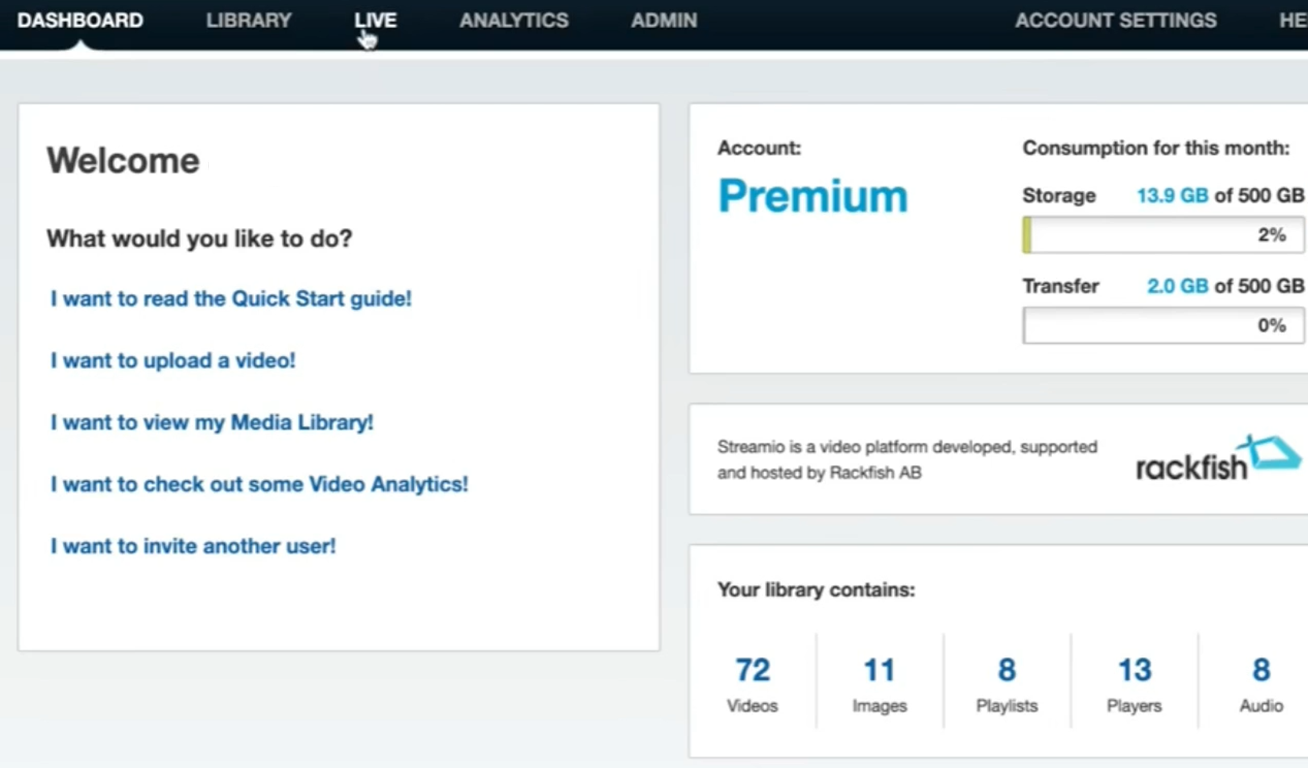 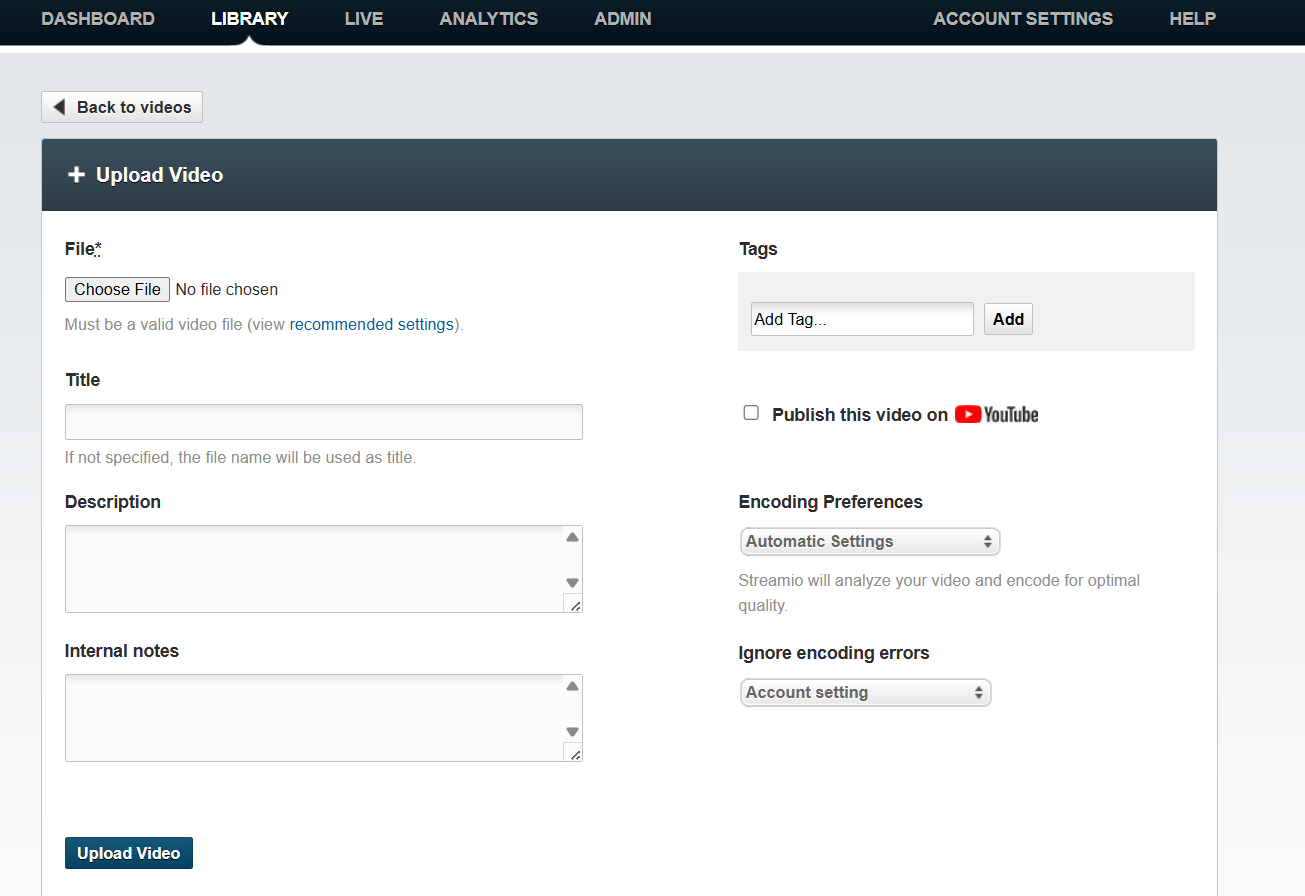 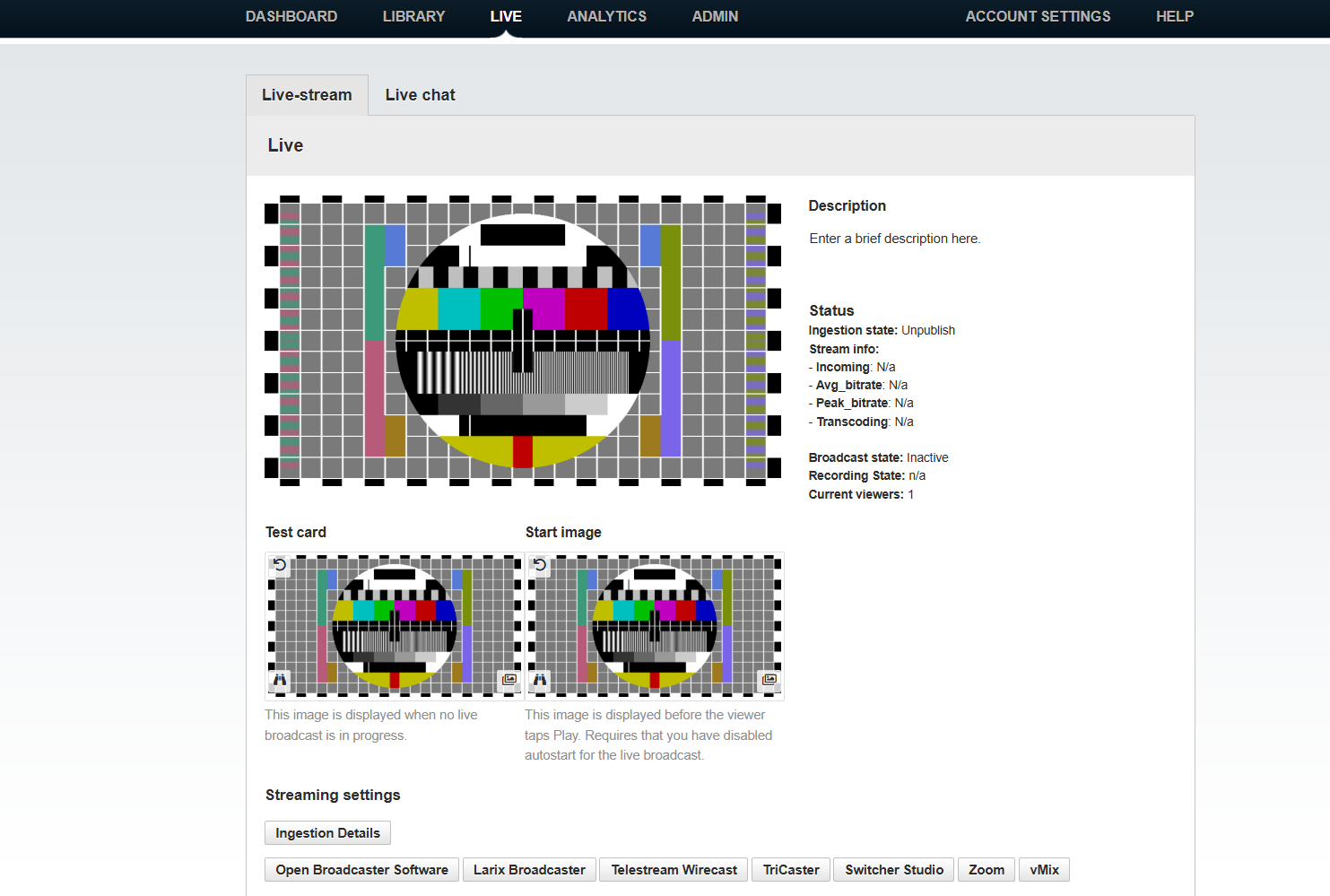 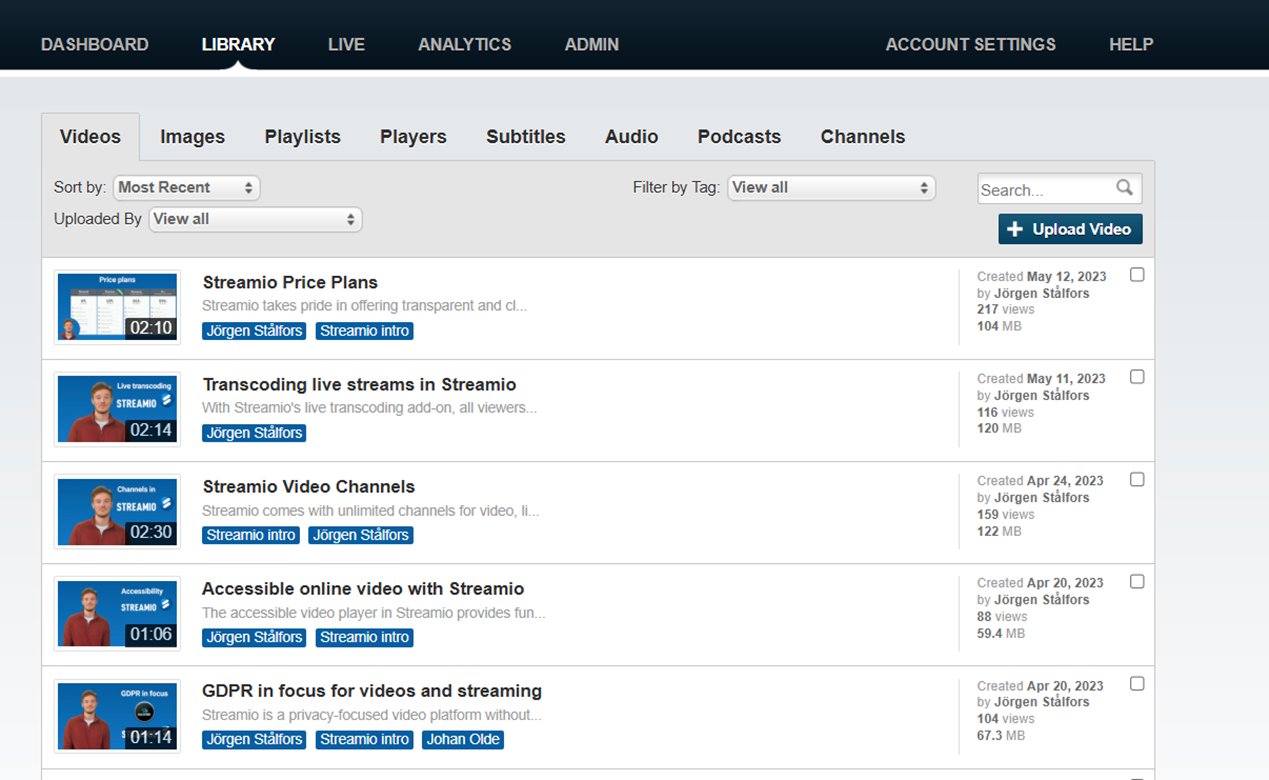 |
