FortiMonitor is a comprehensive, SaaS-based digital experience monitoring (DEM) platform that helps organizations modernize their performance-monitoring tools. It provides visibility into endpoint application performance and digital experience—no matter where the user resides or where the application is hosted. It is based on Panopta, which was acquired by Fortinet in late 2020.
N/A
TeamViewer DEX
Score8.8 out of 10
N/A
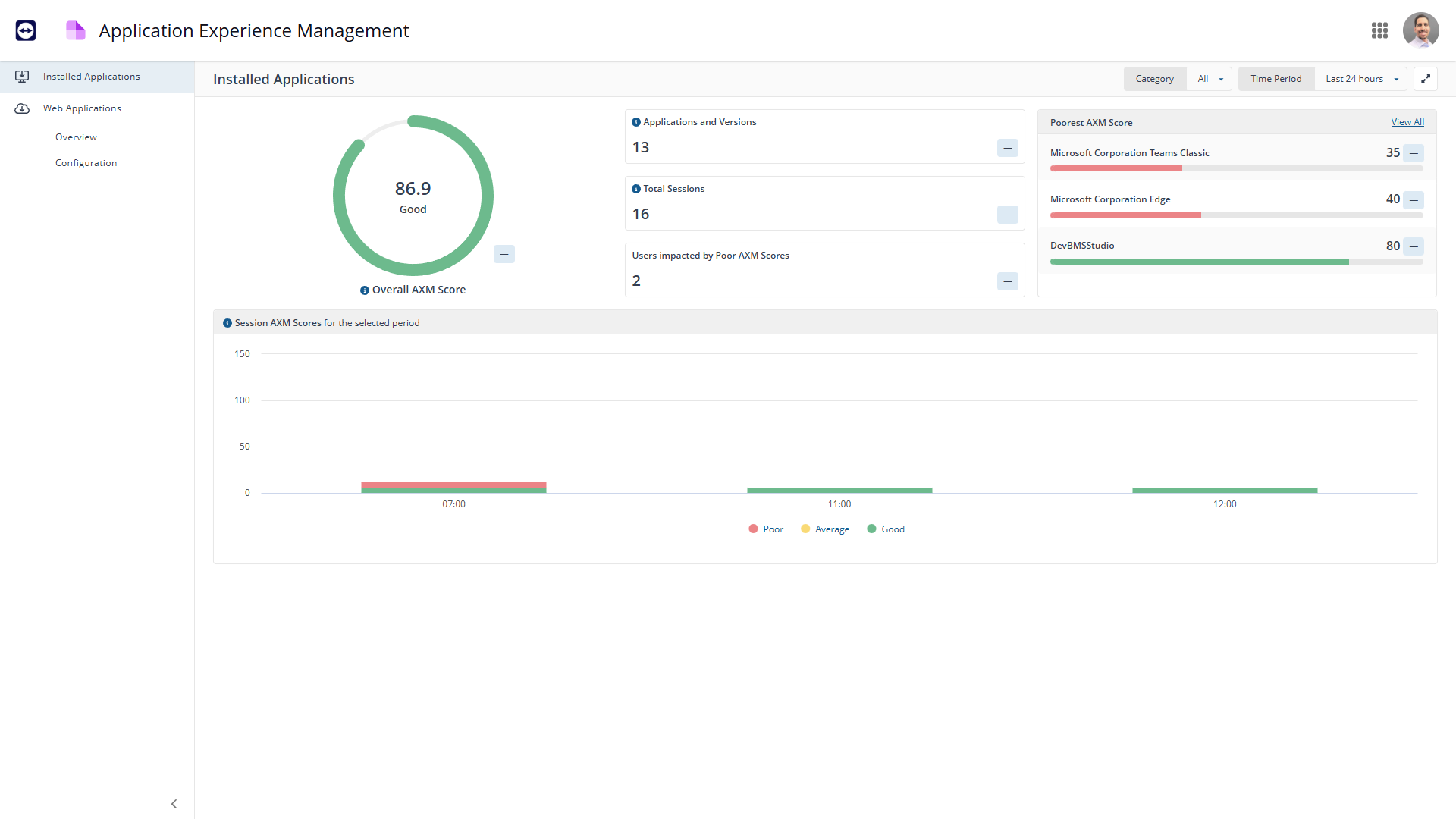
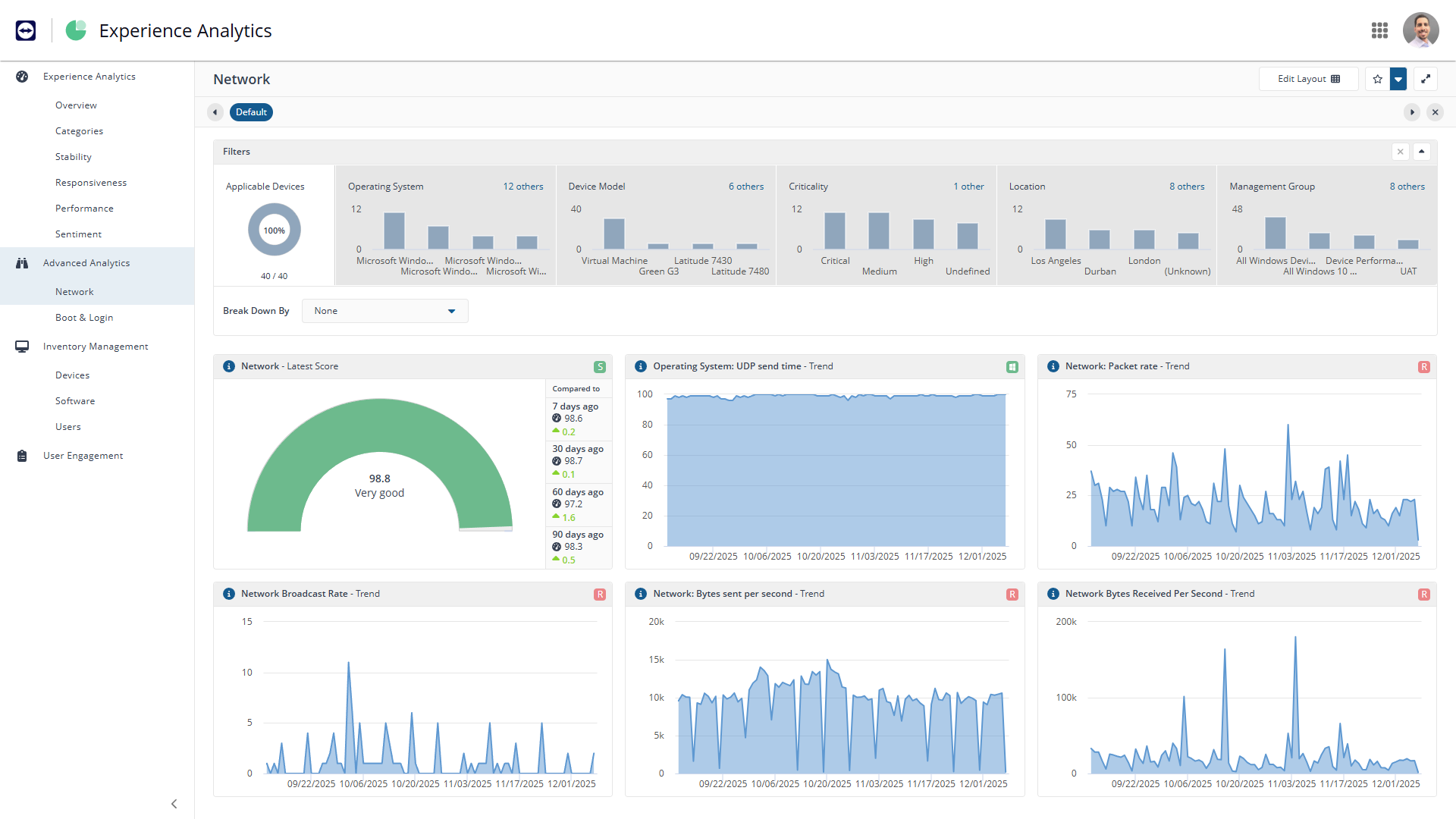
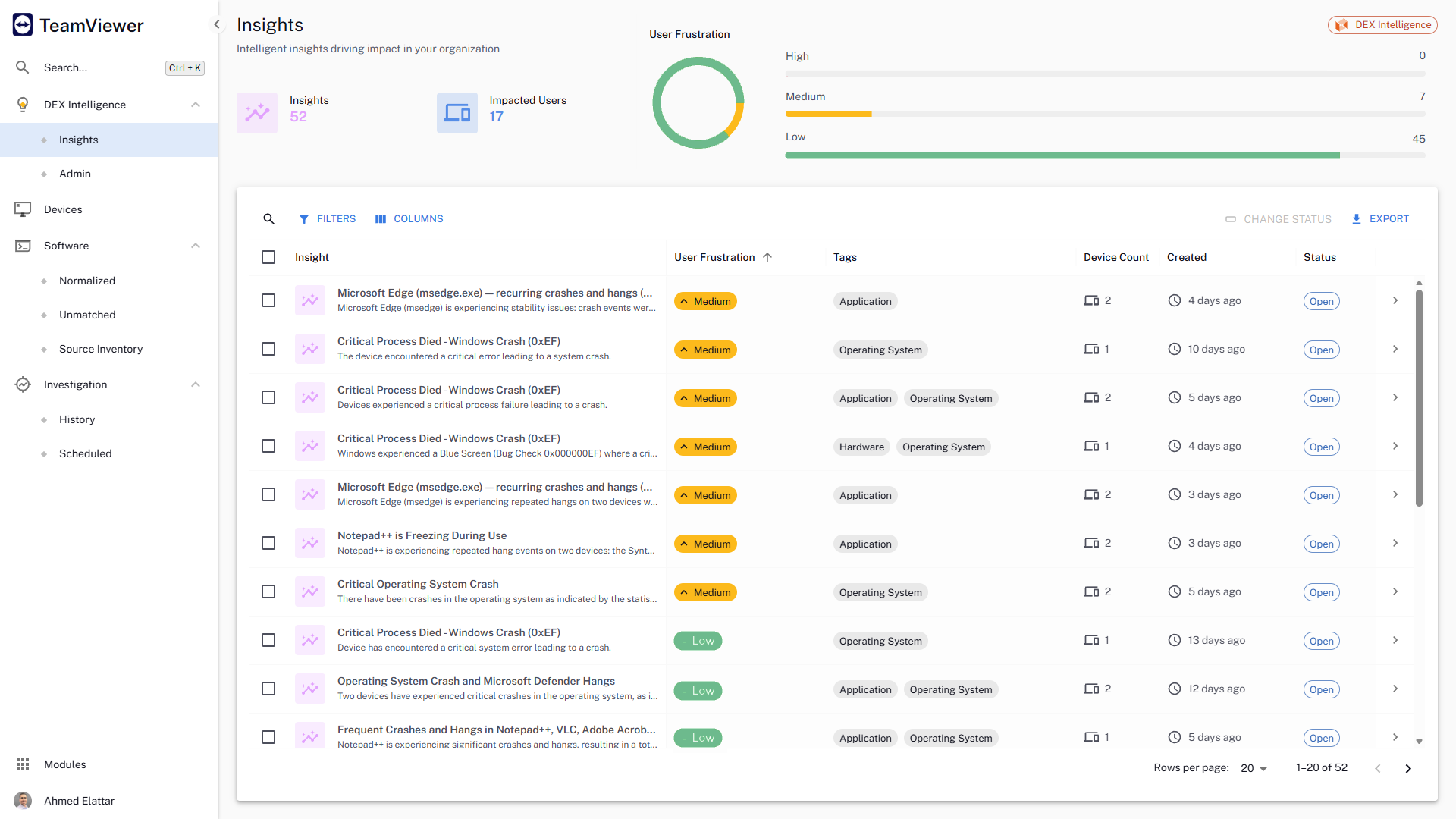
The TeamViewer DEX platform is a cloud-native, real-time, autonomous DEX solution that fixes digital worker experience issues before they impact users. It aims to remove friction from IT operations, improve compliance, and help IT deliver personalized digital experiences by bringing the user front and centre in the decision-making process.
N/A
Pricing
FortiMonitor
TeamViewer DEX
Editions & Modules
No answers on this topic
No answers on this topic
Offerings
Pricing Offerings
FortiMonitor
TeamViewer DEX
Free Trial
Yes
Yes
Free/Freemium Version
No
No
Premium Consulting/Integration Services
Yes
No
Entry-level Setup Fee
No setup fee
No setup fee
Additional Details
Our simple, usage-based pricing model is ideal whether you have five servers, or 500 hundred. You’ll be charged monthly per the number of instances monitored, and any additional features you’re using, such as CounterMeasures and synthetic checks.
Standard Instances - $6/Instance
Network Devices - $9/Device
Containers - $2/Container
It is great for monitoring internet connections. The agent installed on Windows works efficiently and takes up little resources. The method of settling costs is not very clear. There should also be a table with the current list of costs visible.
A de minimis incentive was given to thank the reviewer for their time. The incentive was not used to bias or drive a particular response, nor was the incentive contingent on a positive endorsement. More Info
When we are needing to patch workstations for zero-day vulnerabilities or security risks, Explorer is our go-to tool to push out those settings quickly. We have a TeamViewer DEX server stood up in our DMZ to communicate with the workstations outside of our VPN, so we can push those settings or patches to devices without needing them to attach to our network. It's really nice to be able to communicate with the computers that rarely connect to our corporate network and ensure that they are still protected. We do have the TeamViewer Client installed on all of our internal servers in order to get inventory and licensing information, but we don't typically utilize the TeamViewer software on the servers for much else. A different team handles those computers and often requires change management, so expedited changes don't happen often there. Standard deployment and patching tools do the job.
A de minimis incentive was given to thank the reviewer for their time. The incentive was not used to bias or drive a particular response, nor was the incentive contingent on a positive endorsement. More Info
A de minimis incentive was given to thank the reviewer for their time. The incentive was not used to bias or drive a particular response, nor was the incentive contingent on a positive endorsement. More Info
A de minimis incentive was given to thank the reviewer for their time. The incentive was not used to bias or drive a particular response, nor was the incentive contingent on a positive endorsement. More Info
A de minimis incentive was given to thank the reviewer for their time. The incentive was not used to bias or drive a particular response, nor was the incentive contingent on a positive endorsement. More Info
They currently don't have all of their products incorporated into the web interface, meaning that we need a separate administration console for using their Shopping product.
The TeamViewer DEX Exchange is an online repository for common or useful instructions, but it is still a bit lacking. New instructions aren't published very often.
Writing your own custom instructions for Explorer has a bit of a learning curve if you aren't already familiar with SQL queries or their SCALE language. There is published documentation for SCALE, but I'd like to see them add a basic functionality course to their online training portal.
A de minimis incentive was given to thank the reviewer for their time. The incentive was not used to bias or drive a particular response, nor was the incentive contingent on a positive endorsement. More Info
TeamViewer DEX has plenty of features and functionality right out of the box. They offer an Exchange web portal where you can go to download new product packs as they become available through consulting engagements and customer requests. Sometimes you might need to do something more specific or customized than what is available to everyone, and that's when your own knowledge is put to the test. Being able to write your own SCALE code would be invaluable, but takes a while to learn if you aren't already familiar with SQL, PowerShell, or a few other popular languages. Making it your own can definitely take some work, but it's worth it in the end.
A de minimis incentive was given to thank the reviewer for their time. The incentive was not used to bias or drive a particular response, nor was the incentive contingent on a positive endorsement. More Info
Panopta management from the cloud (remote panel). Easy work on installation. To monitor servers, it is enough for the server to have contact only with the Internet.
A de minimis incentive was given to thank the reviewer for their time. The incentive was not used to bias or drive a particular response, nor was the incentive contingent on a positive endorsement. More Info
Microsoft has good intentions, but they are often late to the table. On more than one occasion, we have seen Microsoft incorporate a new feature into their own products, but it's something that TeamViewer had already been offering for a year or more. By the time Microsoft adds a new feature, it has already been in our toolbox and even then doesn't seem to have all of the additional functionality that we get from the TeamViewer software. Currently, we're starting to see Microsoft's push for endpoint performance analytics, which TeamViewer DEX has already done impressively for some time now.
A de minimis incentive was given to thank the reviewer for their time. The incentive was not used to bias or drive a particular response, nor was the incentive contingent on a positive endorsement. More Info
A de minimis incentive was given to thank the reviewer for their time. The incentive was not used to bias or drive a particular response, nor was the incentive contingent on a positive endorsement. More Info
Being able to deploy configuration changes while devices are off-network was a real-life-saver for us during the sudden work-from-home scenarios we faced during the pandemic.
Reclaiming unused software licenses has provided some additional budget to use towards other products, and helps us to justify the cost of what we already have.
Using Experience to proactively troubleshoot performance issues not only reduces the number of help desk tickets but also provides a better work environment for our employees.
A de minimis incentive was given to thank the reviewer for their time. The incentive was not used to bias or drive a particular response, nor was the incentive contingent on a positive endorsement. More Info