



TeamViewer DEX, the one stop shop!

Use Cases and Deployment Scope
TeamViewer DEX is a modular platform, so we currently use it in many ways in the IT Department. The primary function that we use is Explorer, which allows us to easily gather very granular information or make changes to devices, whether or not they are currently connected to our internal network. The Guaranteed State module allows us to ensure that our devices are compliant with our IT policies by checking and fixing settings that are important to our environment. The AppClarity module shows us what software is actually being used, and allows us to reclaim software licenses that are not utilized in a certain amount of time. AppClarity also allows us to store all of our company-wide licensing information in a single location, and provide reminders for upcoming renewals. The Patch Success module gives us good insight into which devices are up to date and which ones may be experiencing issues or need additional upgrades. The Application Migration module makes it easy to upgrade all of the software on a device to desired versions during a computer refresh, and allows for customization and adding new software titles in the same process. The Inventory module provides a single location to view all of our hardware and software inventory in an easy-to-view BI dashboard format.
Pros
- Extremely quick responses from Explorer provides immediate feedback
- Automated software reclaim for unused software keeps our licensing costs down
- Guaranteed State gives us peace of mind that our required policy settings will remain intact
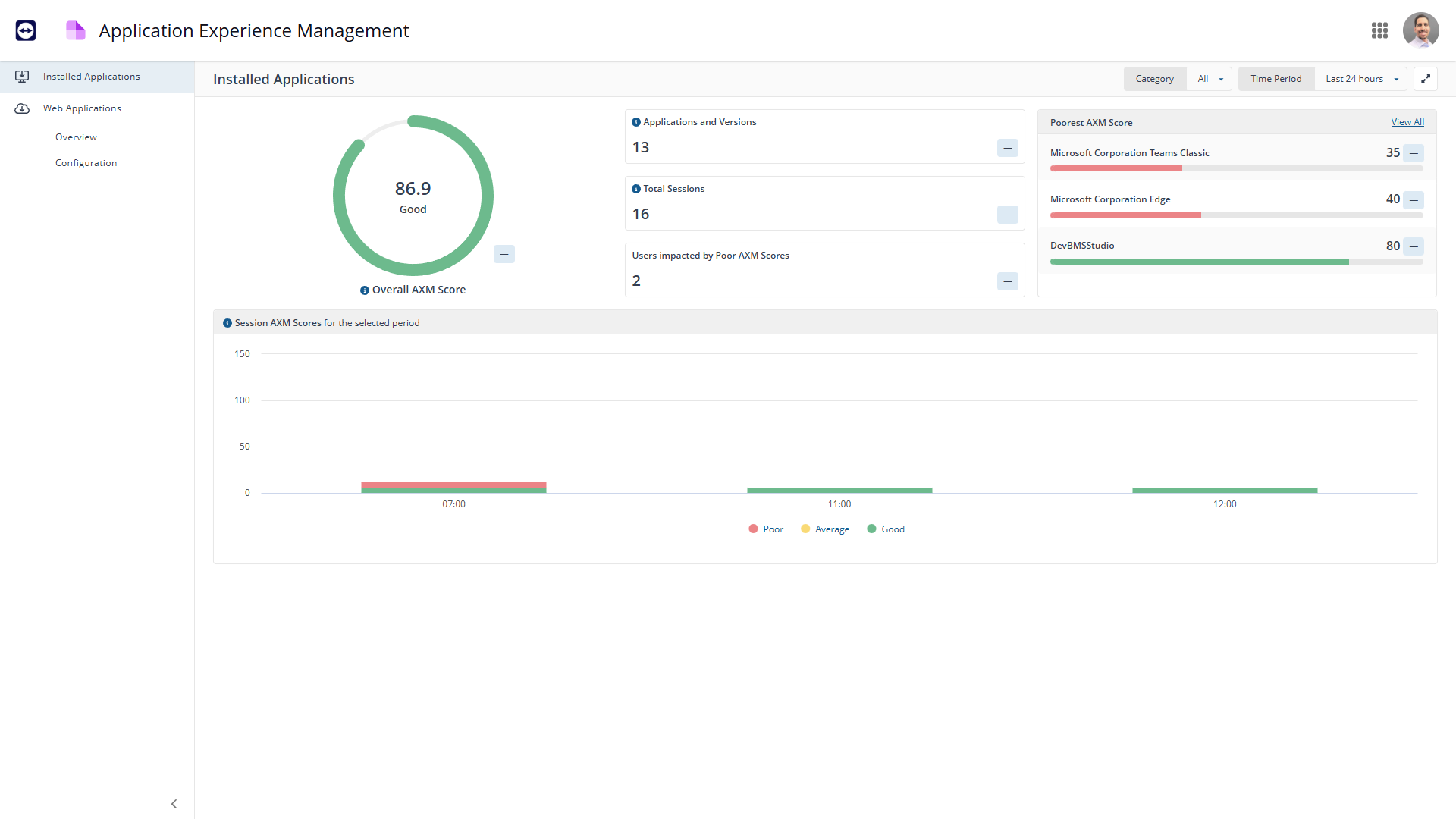
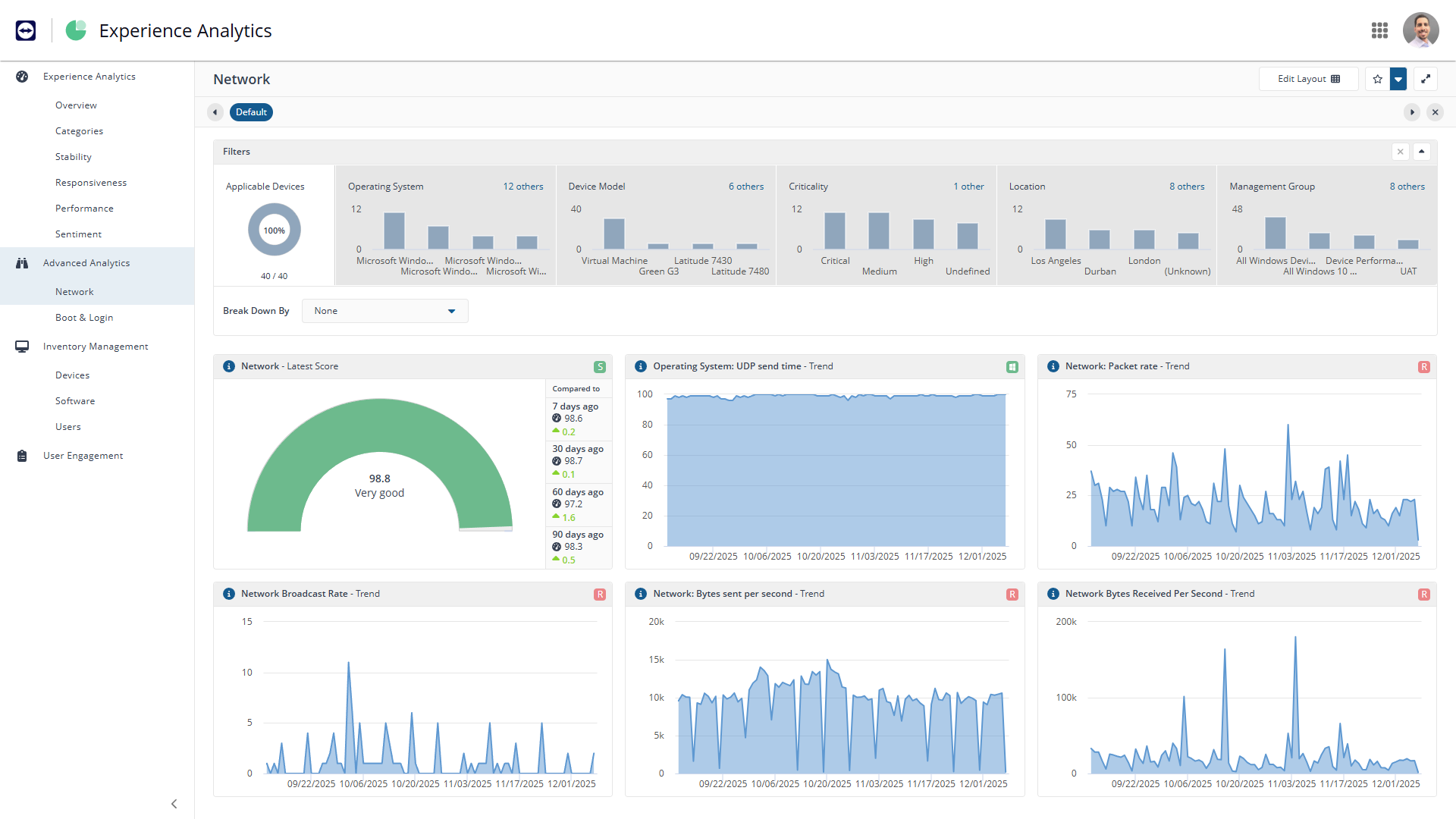
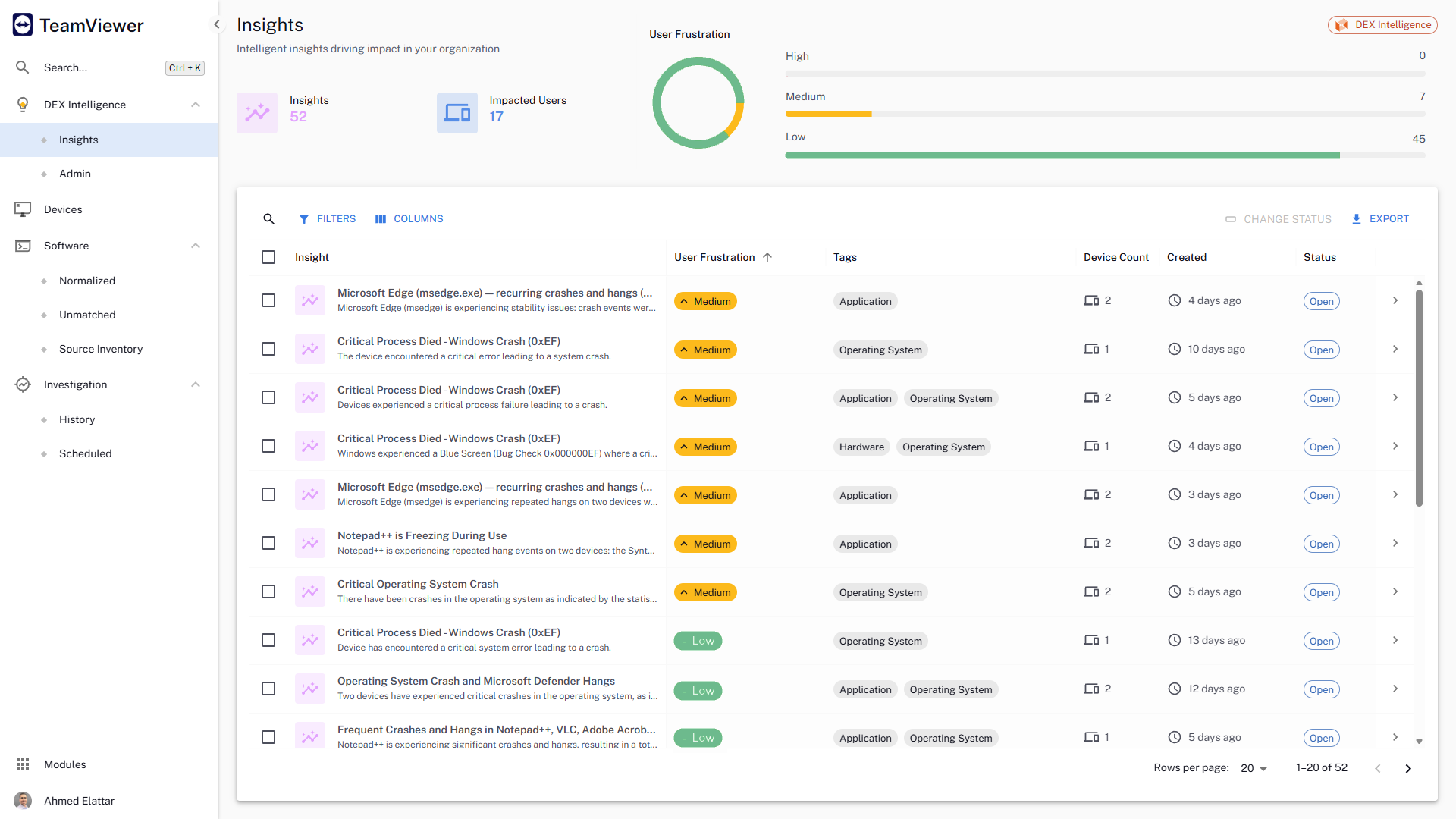
- Experience gives an in-depth insight into proactive performance troubleshooting
Cons
- They currently don't have all of their products incorporated into the web interface, meaning that we need a separate administration console for using their Shopping product.
- The TeamViewer DEX Exchange is an online repository for common or useful instructions, but it is still a bit lacking. New instructions aren't published very often.
- Writing your own custom instructions for Explorer has a bit of a learning curve if you aren't already familiar with SQL queries or their SCALE language. There is published documentation for SCALE, but I'd like to see them add a basic functionality course to their online training portal.
Return on Investment
- Being able to deploy configuration changes while devices are off-network was a real-life-saver for us during the sudden work-from-home scenarios we faced during the pandemic.
- Reclaiming unused software licenses has provided some additional budget to use towards other products, and helps us to justify the cost of what we already have.
- Using Experience to proactively troubleshoot performance issues not only reduces the number of help desk tickets but also provides a better work environment for our employees.
Usability
Alternatives Considered
Microsoft Endpoint Manager (Microsoft Intune + SCCM)
Other Software Used
Microsoft Endpoint Manager (Microsoft Intune + SCCM)

