TrustRadius: an HG Insights company

Save this comparison

Save this comparison

Add Product

Recommended Comparisons

    Overview
    ProductRatingMost Used ByProduct SummaryStarting Price

    Ghostprompter

    N/AN/AGhostPrompter is a specialized desktop utility engineered for professionals, remote presenters, and content creators who need real-time script assistance during video calls, webinars, and live recordings. By integrating advanced customization features directly into the workspace, the software eliminates the traditional friction of public speaking and remote presentation delivery. Key Features and Differentiators Transparent Overlay: Provides a custom-configured,…

    $49

    one-time fee per installation

    Prezi

    Score7.2 out of 10
    N/APrezi’s advantage over static slides is that its interactive, zoomable canvas shows the relationship between the big picture and the fine details. The vendor’s value proposition is that this puts ideas in context, and makes them more likely to resonate, motivate, and be remembered.

    $3

    per month

    Pricing
    GhostprompterPrezi
    Editions & Modules
    GhostPrompter Pro
    $49
    one-time fee per installation
    Students & Educators - EDU Plus
    $3
    per month
    Individual - Standard
    $5
    per month
    Basic - Plus
    $15
    per month
    Individual - Plus
    $15
    per month
    Business - Plus
    $15
    per month
    Individual - Premium
    $59
    per month
    Business - Premium
    $59
    per month
    Basic - Free
    Free
    Students & Educators - Basic
    Free
    Students & Educators - EDU Teams
    Contact sales team
    Business - Teams
    Contact for quote
    Offerings
    Pricing Offerings
    GhostprompterPrezi
    Free Trial
    YesYes
    Free/Freemium Version
    NoYes
    Premium Consulting/Integration Services
    NoYes
    Entry-level Setup FeeNo setup feeNo setup fee
    Additional DetailsGhostPrompter utilizes a straightforward, accessible pricing model designed for individual creators, remote professionals, and small teams. Transparent subscription tiers ensure users only pay for the features they need to streamline their virtual presentations and video call workflows without hidden enterprise setup costs or complex licensing fees.—
    More Pricing Information
    Community Pulse
    GhostprompterPrezi
    Considered Both Products
    GhostPrompter
    No answer on this topic
    Prezi Inc.
    No answer on this topic
    Key User Insights
    Would buy again
    No answers on this topic
    100%
    Would buy again
    24 Answers
    Delivers good value for the price
    No answers on this topic
    100%
    Delivers good value for the price
    23 Answers
    Happy with the feature set
    No answers on this topic
    100%
    Happy with the feature set
    24 Answers
    Lived up to sales and marketing promises
    No answers on this topic
    100%
    Lived up to sales and marketing promises
    15 Answers
    Implementation went as expected
    No answers on this topic
    100%
    Implementation went as expected
    17 Answers
    Best Alternatives
    GhostprompterPrezi
    Small Businesses
    Adobe Presenter
    Score9 out of 10
    Adobe Presenter
    Score9 out of 10
    Medium-sized Companies
    Microsoft Powerpoint Online
    Score7 out of 10
    Microsoft Powerpoint Online
    Score7 out of 10
    Enterprises
    Adobe Presenter
    Score9 out of 10
    Adobe Presenter
    Score9 out of 10
    All AlternativesView all alternativesView all alternatives
    User Ratings
    GhostprompterPrezi
    Likelihood to Recommend
    -
    (0 ratings)
    8.0
    (48 ratings)
    Usability
    -
    (0 ratings)
    8.5
    (2 ratings)
    Support Rating
    -
    (0 ratings)
    8.8
    (22 ratings)
    User Testimonials
    GhostprompterPrezi
    Likelihood to Recommend
    GhostPrompter
    No answers on this topic
    Prezi Inc.
    When you have to present complex hierarchical structures, and if your audience would require navigation in and out of the hierarchy, then Prezi is a good candidate for you. But be prepared, Prezi is not as intuitive as a standard presentation tool, and it may take some time to get used to.
    Incentivized
    Read full review
    Pros
    GhostPrompter
    No answers on this topic
    Prezi Inc.
    • It is great for creating more compelling and attractive presentations. A wide variety of features and possibilities.
    • Dozens of fantastic templates that may be easily adopted. It helps a lot in terms of productivity, specially for beginners.
    • It provides many resources and options to create presentations with sophisticated visual and animations.
    • It is simple and easy to use - no need of programming knowledge to create animations, import assets, edit and export the presentations.
    Incentivized
    Read full review
    Cons
    GhostPrompter
    No answers on this topic
    Prezi Inc.
    • Linux support is non-existent. With Android/Chrome OS being based on the linux kernel but also with lots of tech-savvy and influencers using non-Windows and non iOS platforms, I feel a pariah.
    • As far as I know for Android phones and tablets you can only present but not edit prezis in its native app. Again an Android users, it is a sub-par experience the app in general is lacking functionality.
    • Using the browser version (because I have no other alternative) uploading multiple images is very buggy
    • Having a version history would be great when you are editing a large presentation over several days
    Incentivized
    Read full review
    Usability
    GhostPrompter
    No answers on this topic
    Prezi Inc.
    Learning to use Prezi and create new presentations is very simple and easy to do. It does not require new skills or a long training process, since in general the use is quite intuitive (and if you have any questions there are many videos on how to use it). Its operation in both the browser version and the app is very good and fluid, managing to perform all the tasks you want properly.
    Read full review
    Support Rating
    GhostPrompter
    No answers on this topic
    Prezi Inc.
    It is a modern and easy-to-use tool (after a while) that allows you to make dynamic and trained presentations without the need to be an expert user. It has allowed me to improve the attention and motivational processes of my students. In addition, it has many [community users] who make videos and teach the many uses that you can use Prezi. And because, despite the restrictions of the free version, everyone can access and make use of Prezi and thus improve their boring ppt and inject some vitality into them.
    Read full review
    Alternatives Considered
    GhostPrompter
    No answers on this topic
    Prezi Inc.
    Other solutions for presentations all fall on the typical slideshow paradigm. So far, only Prezi walked away from this path. Its expanding canvas and freeform path are refreshing in this scenario. In this sense, Prezi is unique in its style of presentation, which makes difficult to establish comparisons based on costs. The still ongoing migration to Prezi Next has been a bit troubled, according to some old users, but it seems the company is working to give Prezi Next the same flexibility that Prezi Classic. And Prezi already has a huge user base that do not want to go back working with the limits of slides.
    Incentivized
    Read full review
    Return on Investment
    GhostPrompter
    No answers on this topic
    Prezi Inc.
    • Prezi provided us with a unique selling factor when it came to pitching our services to new prospects.
    • While creating a presentation from scratch might be time-consuming, Prezi allows you to easily reuse and utilize old designs to create new presentations with a different vibe and content.
    • An easy way to impress upper management and stakeholders, especially when presenting to the management of our clients.
    Incentivized
    Read full review
    ScreenShots

    Ghostprompter Screenshots

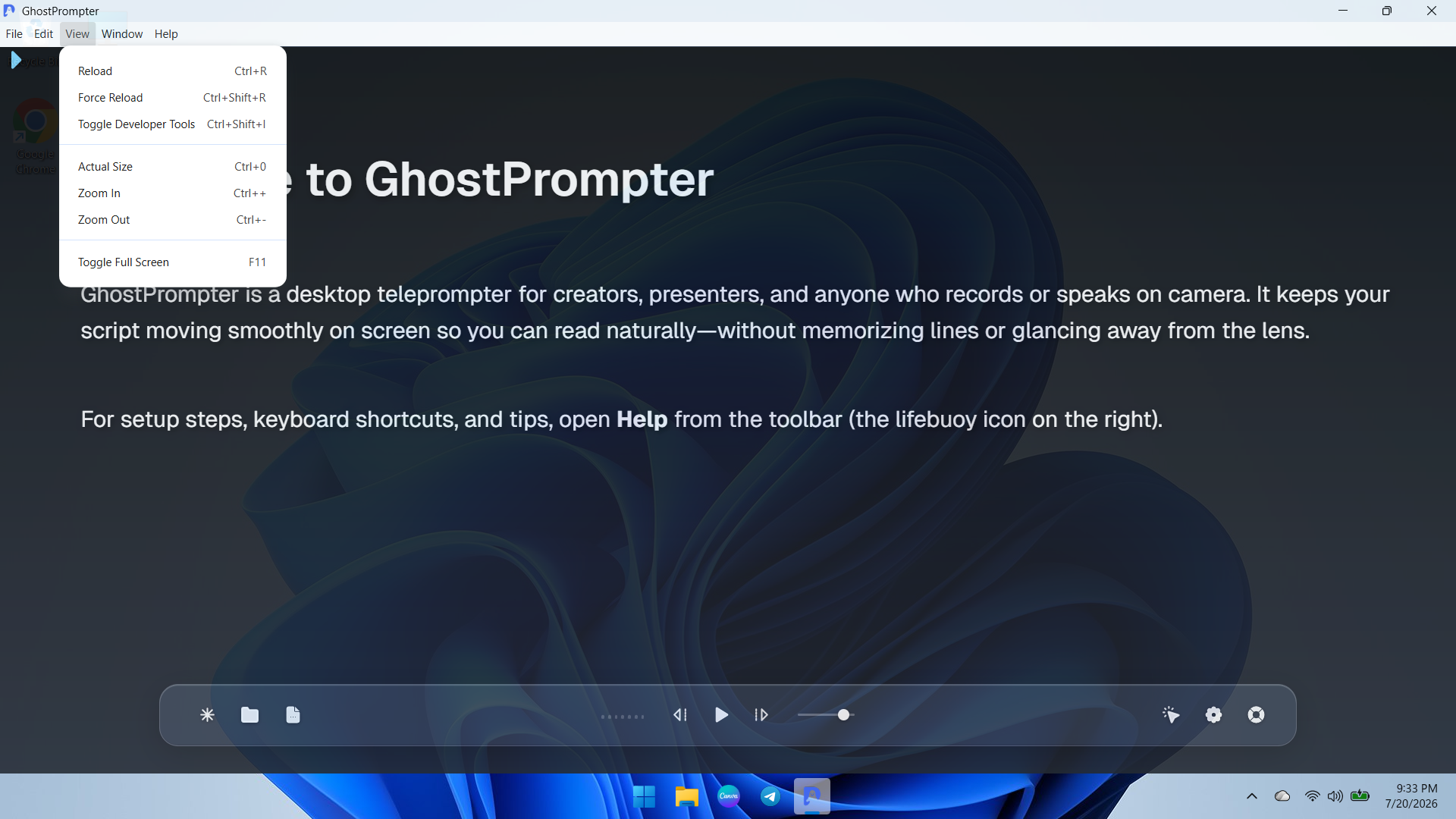
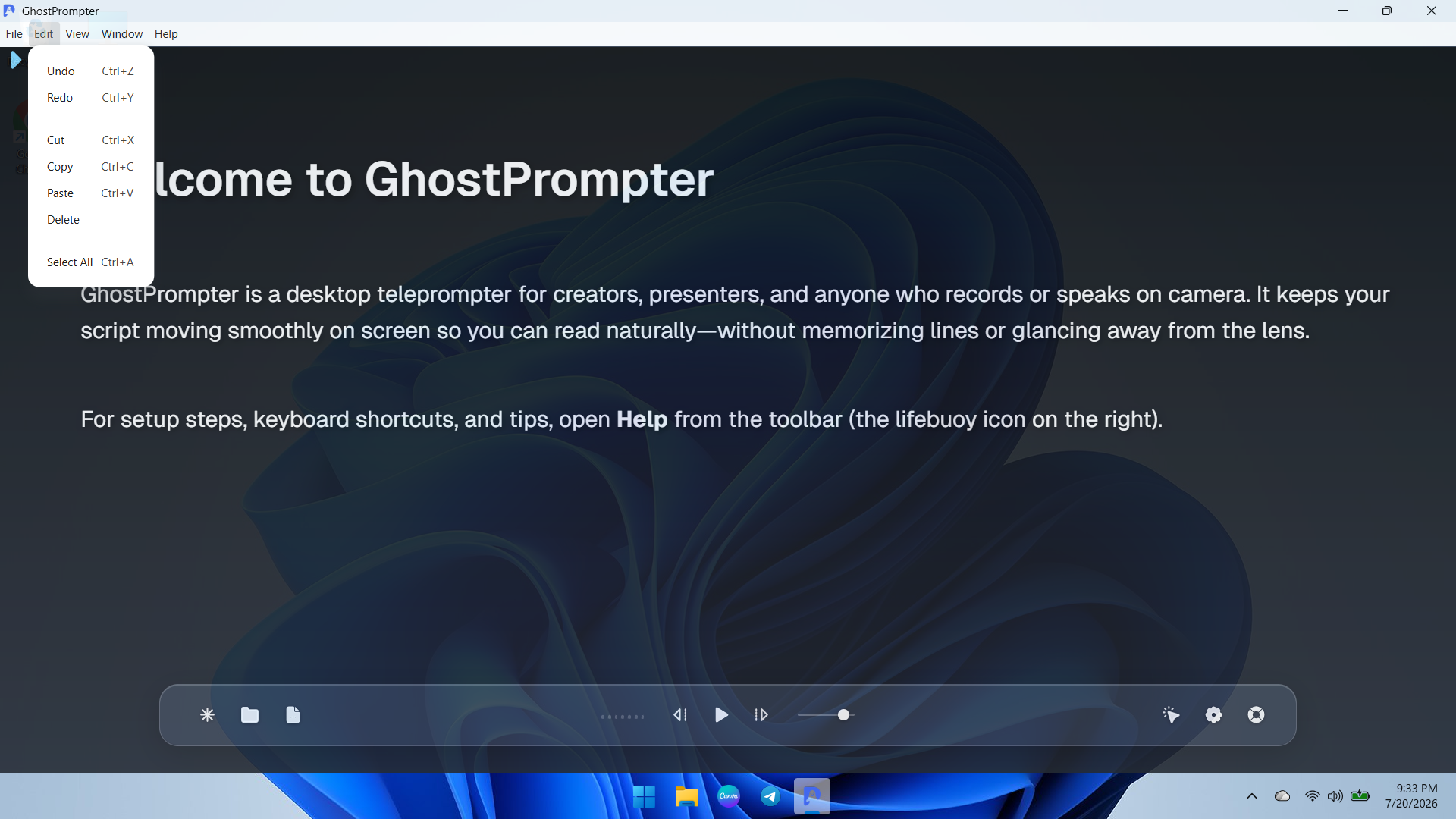
    Screenshot of an overview of the GhostPrompter desktop application showing the clean main dashboard, welcome guide, and floating control toolbar with playback options and settings icons.Screenshot of a demonstration of GhostPrompter's adjustable transparent overlay mode seamlessly blending the teleprompter text over the desktop background wallpaper for natural eye-contact presentations.Screenshot of a dropdown view of the application menu showing quick navigation and developer or reload utility options for managing the workspace.Screenshot of ext editing and clipboard management controls menu (Undo, Redo, Cut, Copy, Paste) for fast script updates directly inside the app.Screenshot of the Display Settings panel featuring font size adjustments, reading speed configuration, text color customization, and the essential Ghost Mode (Capture Protection) toggle.Screenshot of the General and General-Audio configuration tab displaying microphone input devices, global hotkeys, mouse controls, and Voice-Activated Scrolling setup.

    Prezi Screenshots

    Product screenshotProduct screenshotProduct screenshot