Google Endpoint Management is a UEM / MDM solution that controls access to company Google Workspaces, and provides security functionality for Android and iOS mobile devices, as well as Windows and macOS accessing resources or tools remotely. Features include screen or device lock, remote data wipe, limiting access based on device type or user, remote user logout, and centralized management of devices through a Google Workspace admin console. There is no cost for Google Endpoint…
$6
per month
Kandji
Score9 out of 10
Mid-Size Companies (51-1,000 employees)
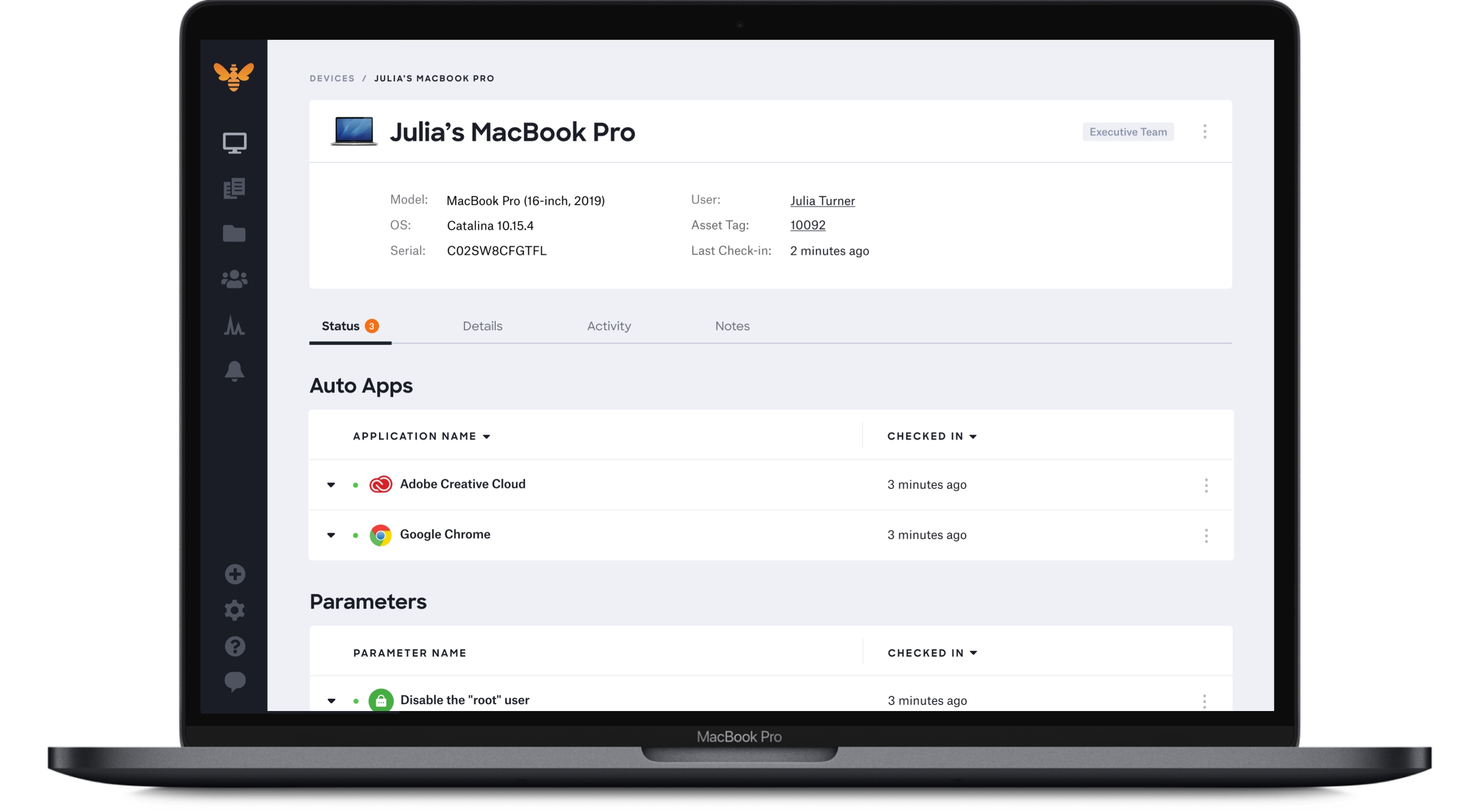
Kandji is an Apple device management software solution for macOS, iOS, iPadOS, and tvOS, from the company of the same name in San Diego.
Google Endpoint securely manages data, more so the sensitive one, by developing passwords that are strong and complex. Further, Google Endpoint remotely updates or installs software and other details. For purposes of synchronization, Google Endpoint is adequately available and helpful. Lastly, has a utility management scope, and the deployment process is simplistic.
A de minimis incentive was given to thank the reviewer for their time. The incentive was not used to bias or drive a particular response, nor was the incentive contingent on a positive endorsement. More Info
Kandji is well-suited for the following: - Onboarding remote employees (we are a remote company). Kandji offers zero-touch deployment via Apple Business Manager, making it incredibly easy to configure our Macs. -Maintaining security and compliance for Apple devices -Managing a fleet of iOS devices in the field. Where it's less appropriate: -When there is a mixed OS environment -If you have a highly custom or script-heavy environment.
A de minimis incentive was given to thank the reviewer for their time. The incentive was not used to bias or drive a particular response, nor was the incentive contingent on a positive endorsement. More Info
A de minimis incentive was given to thank the reviewer for their time. The incentive was not used to bias or drive a particular response, nor was the incentive contingent on a positive endorsement. More Info
A de minimis incentive was given to thank the reviewer for their time. The incentive was not used to bias or drive a particular response, nor was the incentive contingent on a positive endorsement. More Info
A de minimis incentive was given to thank the reviewer for their time. The incentive was not used to bias or drive a particular response, nor was the incentive contingent on a positive endorsement. More Info
Problem after problem after problem with employees getting locked out of their laptops, (which was the whole reason we switched to Kandji - to prevent that from happening), employees ultimately having to factory reset their laptops to get back in, pop-ups that never go away, and continuous password sync issues.
A de minimis incentive was given to thank the reviewer for their time. The incentive was not used to bias or drive a particular response, nor was the incentive contingent on a positive endorsement. More Info
I gave it an 8/10 because overall, it offers a spotless and intuitive interface that makes routine device management easy. Features such as onboarding, app deployment, and compliance enforcement are handy, thanks to the various blueprints we can set up. The only reason I didn't give it a 10 is that it lacks some advanced configurations, and the reporting aspect is not as customizable.
A de minimis incentive was given to thank the reviewer for their time. The incentive was not used to bias or drive a particular response, nor was the incentive contingent on a positive endorsement. More Info
Google Endpoint has a remote control, which simplifies tasks, and it's not a must for a person to install the software on the required device. Also, Google Endpoint has a free version, and the monthly subscription amount is small. The training and installation process are all fair, effective, and effortless
A de minimis incentive was given to thank the reviewer for their time. The incentive was not used to bias or drive a particular response, nor was the incentive contingent on a positive endorsement. More Info
With Intune, they aren’t friendly with Macs. We had to add each app individually and constantly update the packages for updates. Even when we do everything right, it still doesn’t work all the time
A de minimis incentive was given to thank the reviewer for their time. The incentive was not used to bias or drive a particular response, nor was the incentive contingent on a positive endorsement. More Info
A de minimis incentive was given to thank the reviewer for their time. The incentive was not used to bias or drive a particular response, nor was the incentive contingent on a positive endorsement. More Info
They promised us we could add devices as needed. I even had that written in an email. However, they rescinded that promise and required us to add devices in buckets of 50. That means, since we had 55 users, we had to pay for 100 licenses.
Password issues were made much worse by using Kandji instead of our old MDM (Hexnode).
Overall, Kandji created major headaches with laptop instead of improving.
A de minimis incentive was given to thank the reviewer for their time. The incentive was not used to bias or drive a particular response, nor was the incentive contingent on a positive endorsement. More Info