
Grist vs. NocoDB
Grist vs. NocoDB
| Product | Rating | Most Used By | Product Summary | Starting Price |
|---|---|---|---|---|
 Grist | N/A | Grist combines the capabilities of spreadsheets, databases and app builders. Using a familiar spreadsheet interface, information can be organized as a relational database, and dashboards built using drag-and-drop. Solving spreadsheet problems Ensures data is well-structured and stored in one place with no duplication, no spreadsheet-wrangling, no merging documents. Collaboration on sensitive data Data is protected… | $8 per month per user | |
 NocoDB | N/A | NocoDB is a no-code database platform that competes with Airtable. It allows teams to collaborate and build applications within a spreadsheet interface, allowing even non-developers or business users to become software creators. NocoDB works by connecting to any relational database and transforming them into a smart spreadsheet interface. Users can build no-code applications collaboratively with teams. NocoDB currently works with MySQL, PostgreSQL, Microsoft SQL Server, SQLite, Amazon… | $0 |
| Grist | NocoDB | |||||||||||||||
|---|---|---|---|---|---|---|---|---|---|---|---|---|---|---|---|---|
| Editions & Modules |
| No answers on this topic | ||||||||||||||
| Offerings |
| |||||||||||||||
| Entry-level Setup Fee | No setup fee | No setup fee | ||||||||||||||
| Additional Details | — | — | ||||||||||||||
| More Pricing Information | ||||||||||||||||
| Grist | NocoDB |
|---|
| Grist | NocoDB | |
|---|---|---|
| Likelihood to Recommend | 9.9 (2 ratings) | - (0 ratings) |
| Grist | NocoDB | |
|---|---|---|
| Likelihood to Recommend | Grist Labs
|  NocoDB No answers on this topic |
| Pros | Grist Labs
| NocoDB No answers on this topic |
| Cons | Grist Labs
| NocoDB No answers on this topic |
| Alternatives Considered | Grist Labs
| NocoDB No answers on this topic |
| Return on Investment | Grist Labs
| NocoDB No answers on this topic |
| ScreenShots | Grist Screenshots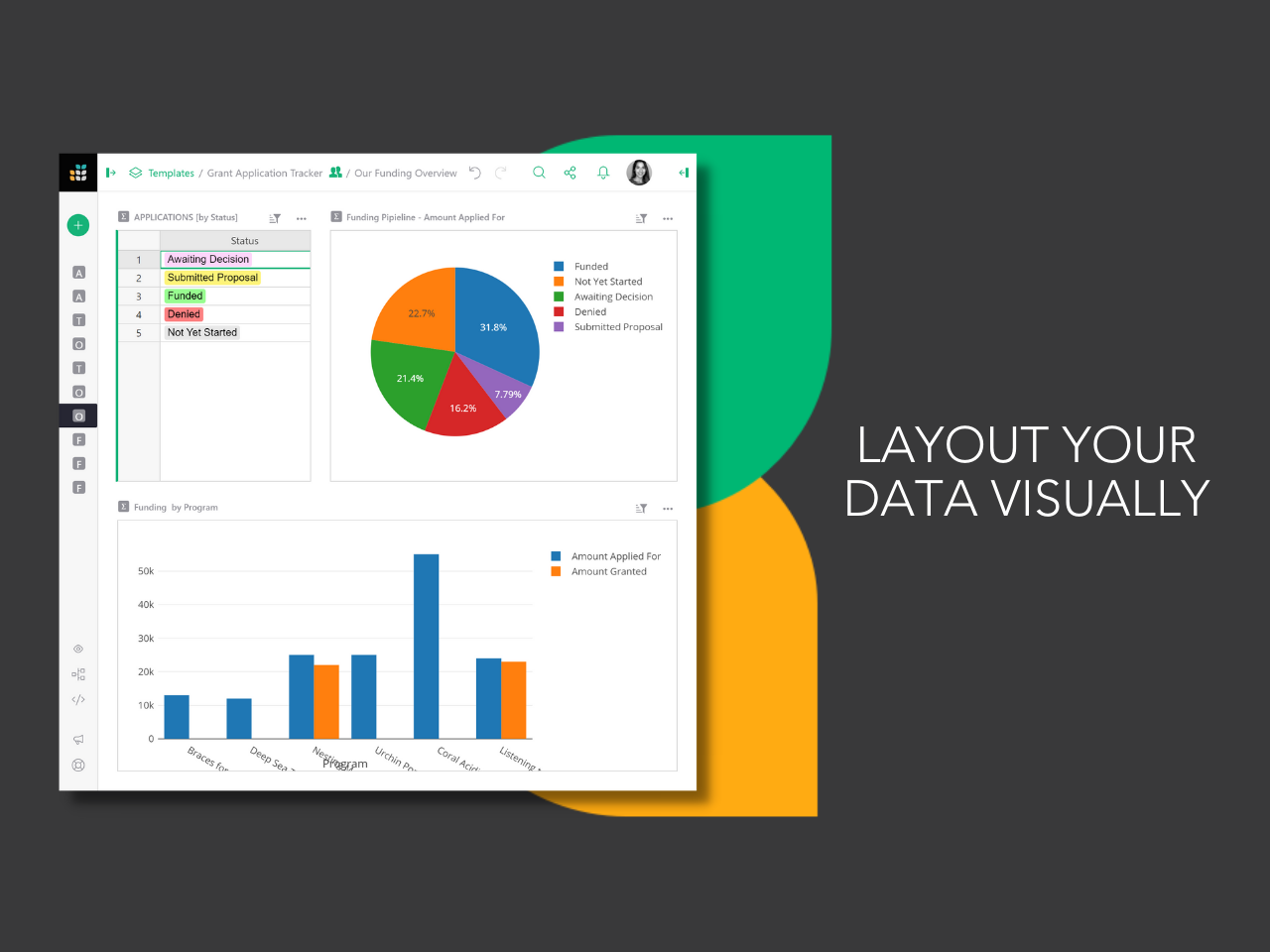  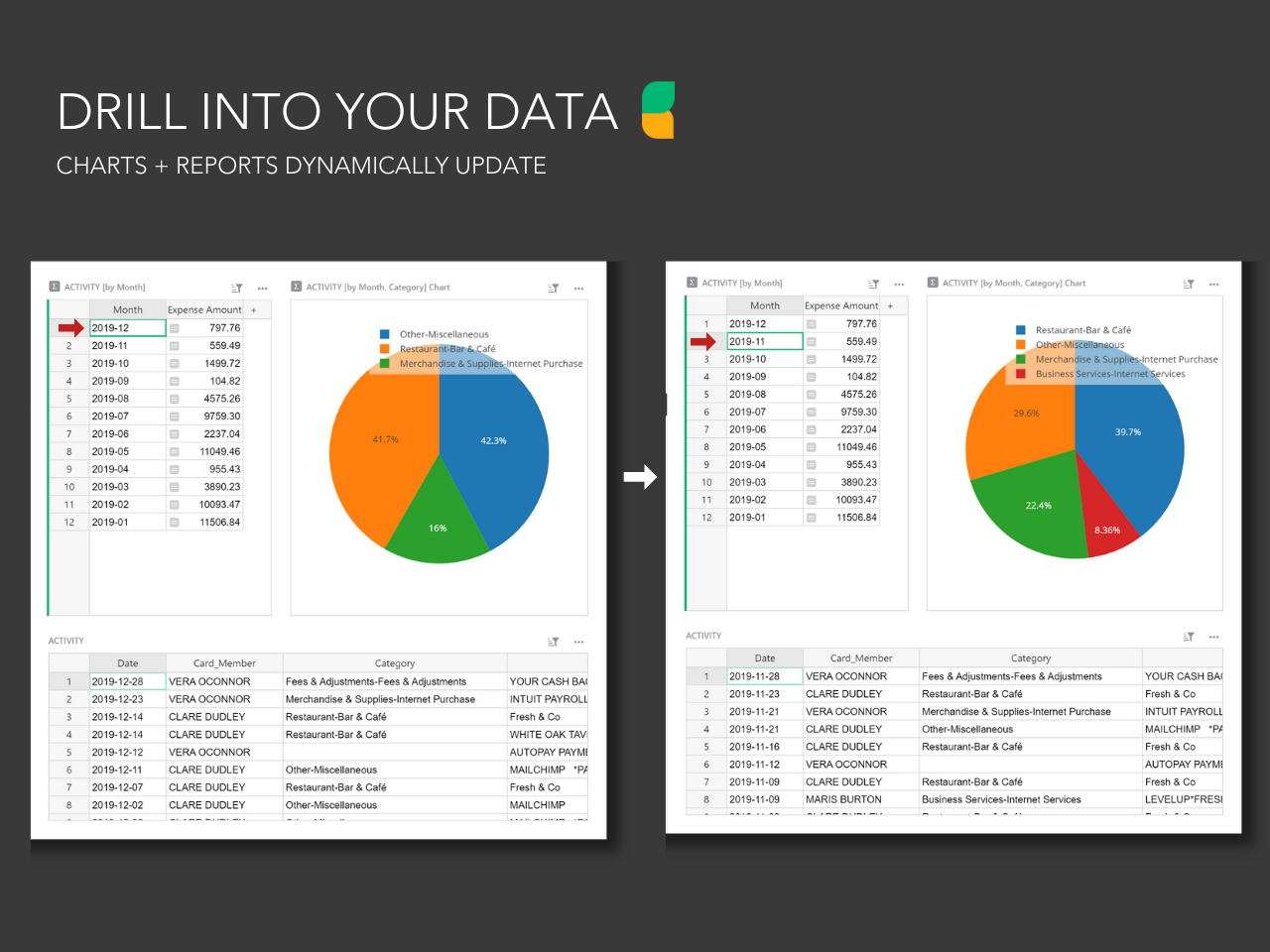  |