
Wondershare HiPDF vs. Jotform PDF Editor
Wondershare HiPDF vs. Jotform PDF Editor
| Product | Rating | Most Used By | Product Summary | Starting Price |
|---|---|---|---|---|
 Wondershare HiPDF | N/A | Wondershare HiPDF is an AI-powered online PDF solution that offers a wide range of features such as creating, editing, converting, and managing PDF documents across various file formats like Microsoft Word, Excel, PowerPoint, and image formats. | $5.99 per month per user | |
 Jotform PDF Editor | N/A | Aside from its flagship survey building product, JotForm also offers the free, online JotForm PDF Editor, which they state is designed to help users produce professional looking forms with ready-made templates, drag and drop form builders, and the ability to integrate data into new .pdf files. | N/A |
| Wondershare HiPDF | Jotform PDF Editor | |||||||||||||||
|---|---|---|---|---|---|---|---|---|---|---|---|---|---|---|---|---|
| Editions & Modules |
| No answers on this topic | ||||||||||||||
| Offerings |
| |||||||||||||||
| Entry-level Setup Fee | No setup fee | No setup fee | ||||||||||||||
| Additional Details | Access to all features, including OCR & AI tools No Batch Processing limit No adverts | — | ||||||||||||||
| More Pricing Information | ||||||||||||||||
| Wondershare HiPDF | Jotform PDF Editor |
|---|
| Wondershare HiPDF | Jotform PDF Editor | |
|---|---|---|
| Likelihood to Recommend | - (0 ratings) | 9.4 (3 ratings) |
| Wondershare HiPDF | Jotform PDF Editor | |
|---|---|---|
| Likelihood to Recommend | Wondershare Technology No answers on this topic |  Jotform
|
| Pros | Wondershare Technology No answers on this topic | Jotform
 Rongen Robles Digital Media Manager |
| Cons | Wondershare Technology No answers on this topic | Jotform
|
| Alternatives Considered | Wondershare Technology No answers on this topic | Jotform
Rongen Robles Digital Media Manager |
| Return on Investment | Wondershare Technology No answers on this topic | Jotform
|
| ScreenShots | Wondershare HiPDF Screenshots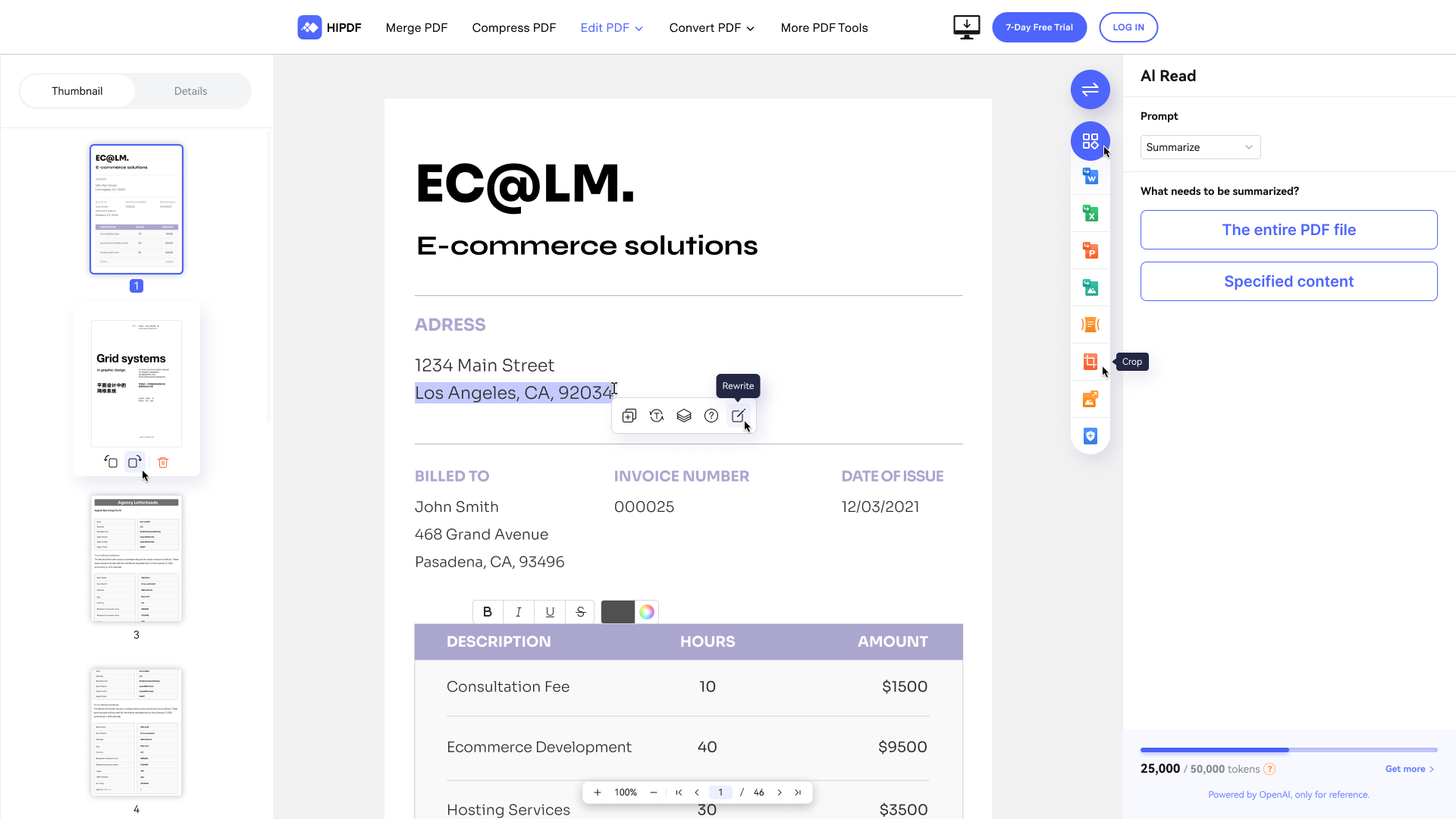 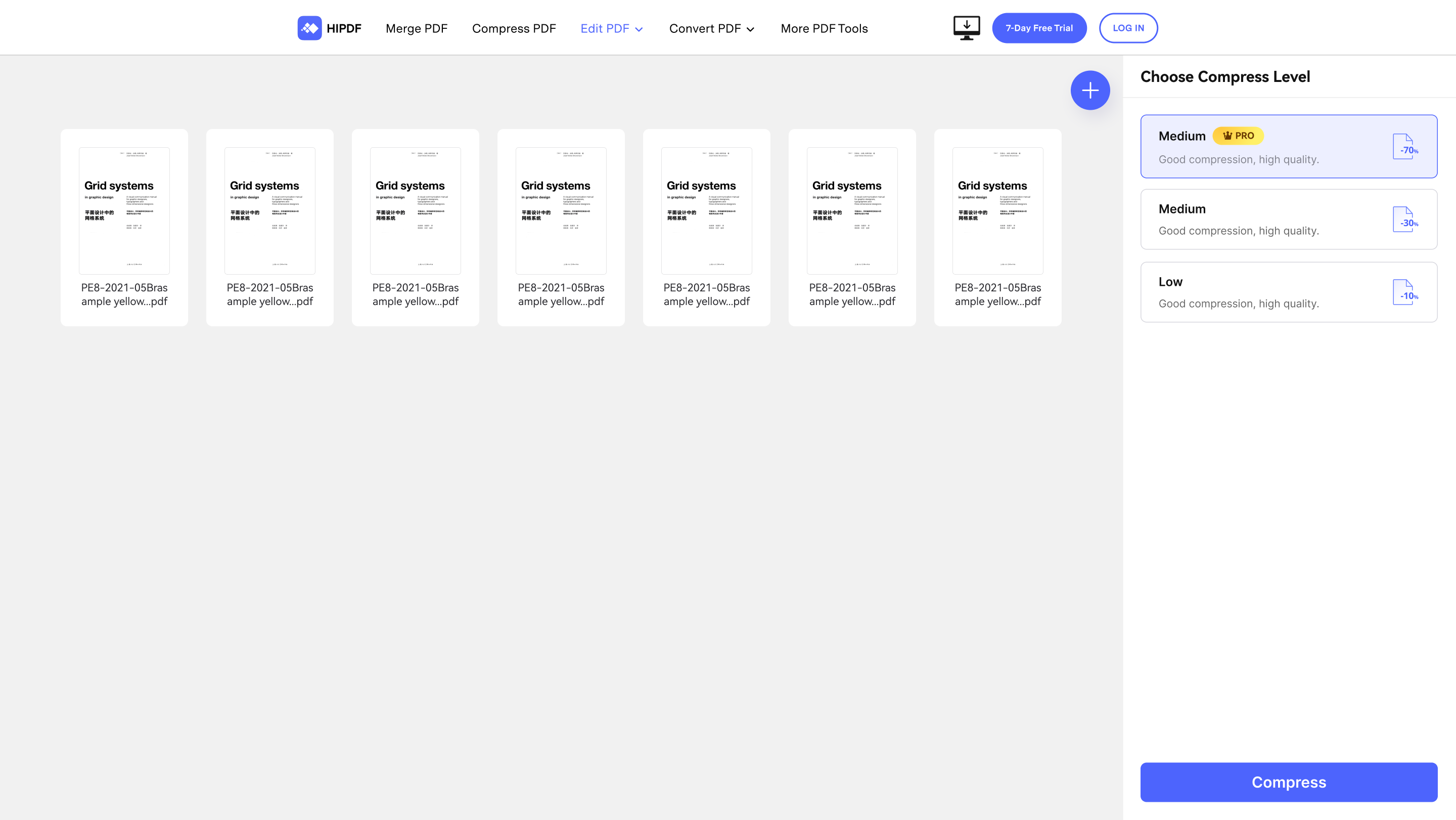 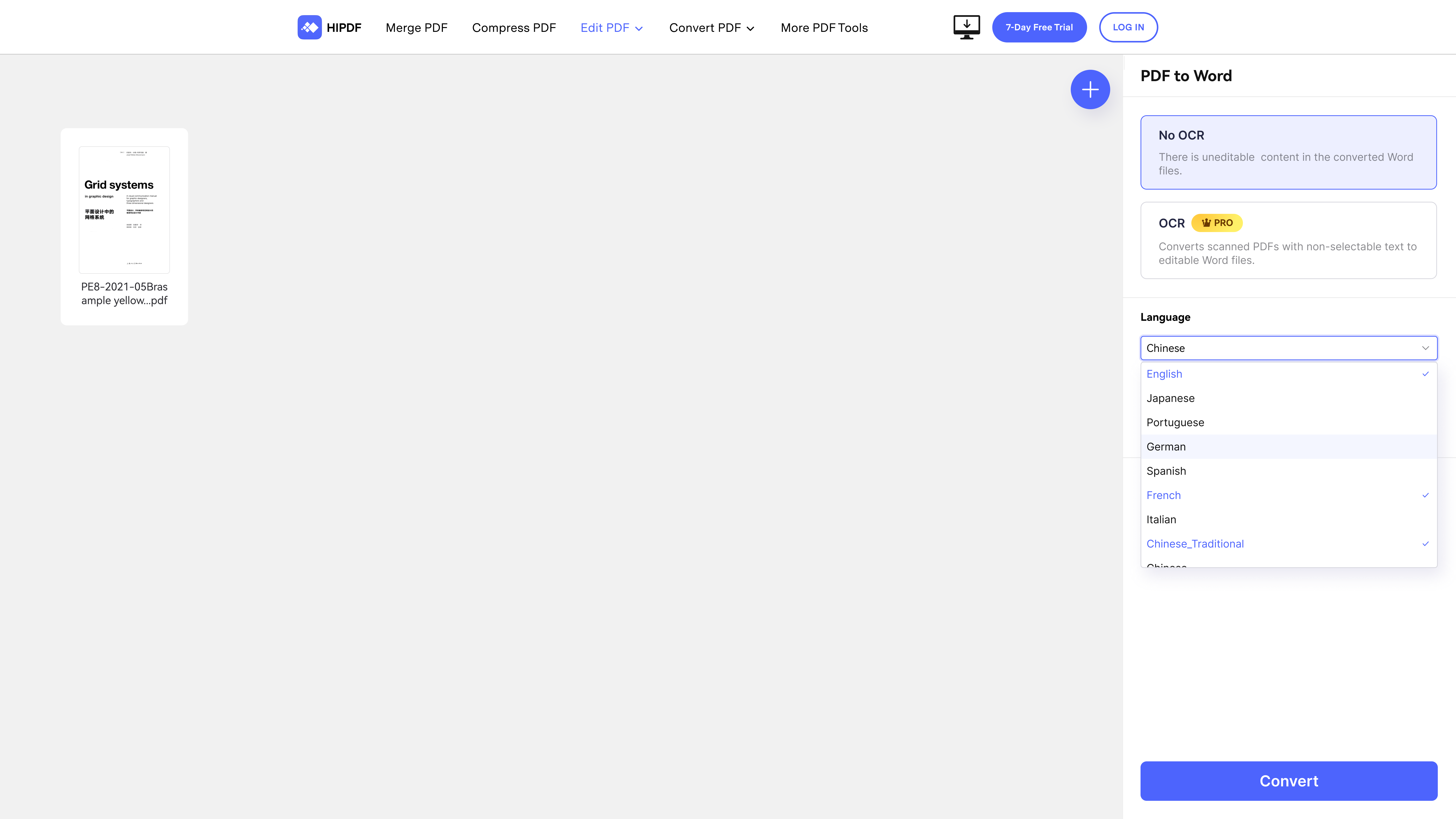 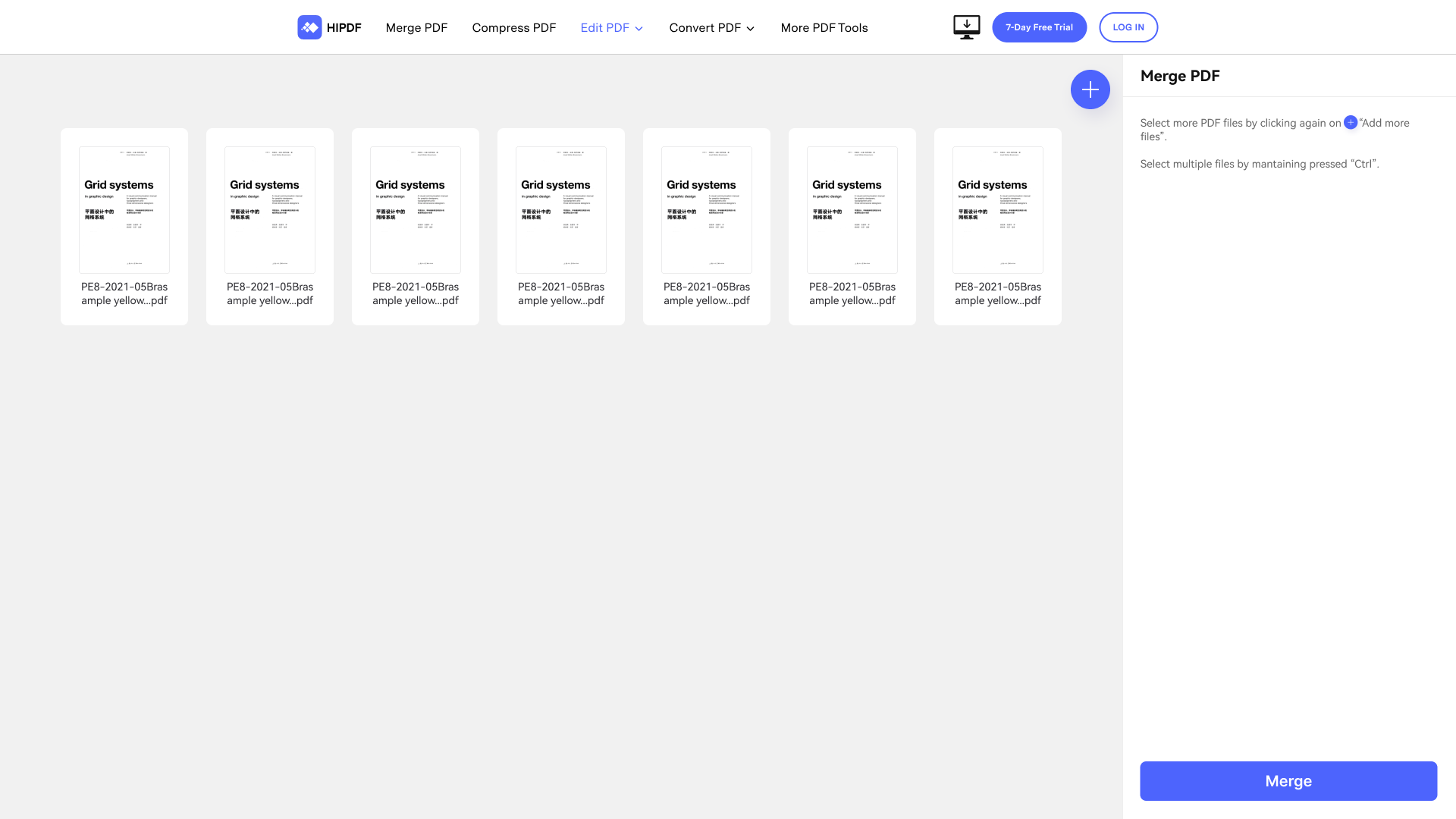   | Jotform PDF Editor Screenshots   |