IBM watsonx Code Assistant is a family of domain-specific AI Code Assistants & Agentic IDEs built on IBM Granite foundation models. The product portfolio provides targeted generative code recommendation, refactoring, and application modernization capabilities across enterprise domain environments, including IT automation infrastructure and mainframe enterprise systems. Note: IBM is progressively transitioning its domain-specific watsonx Code Assistant tooling into IBM Bob, a unified agentic…
N/A
IntelliJ IDEA
Score9.2 out of 10
N/A
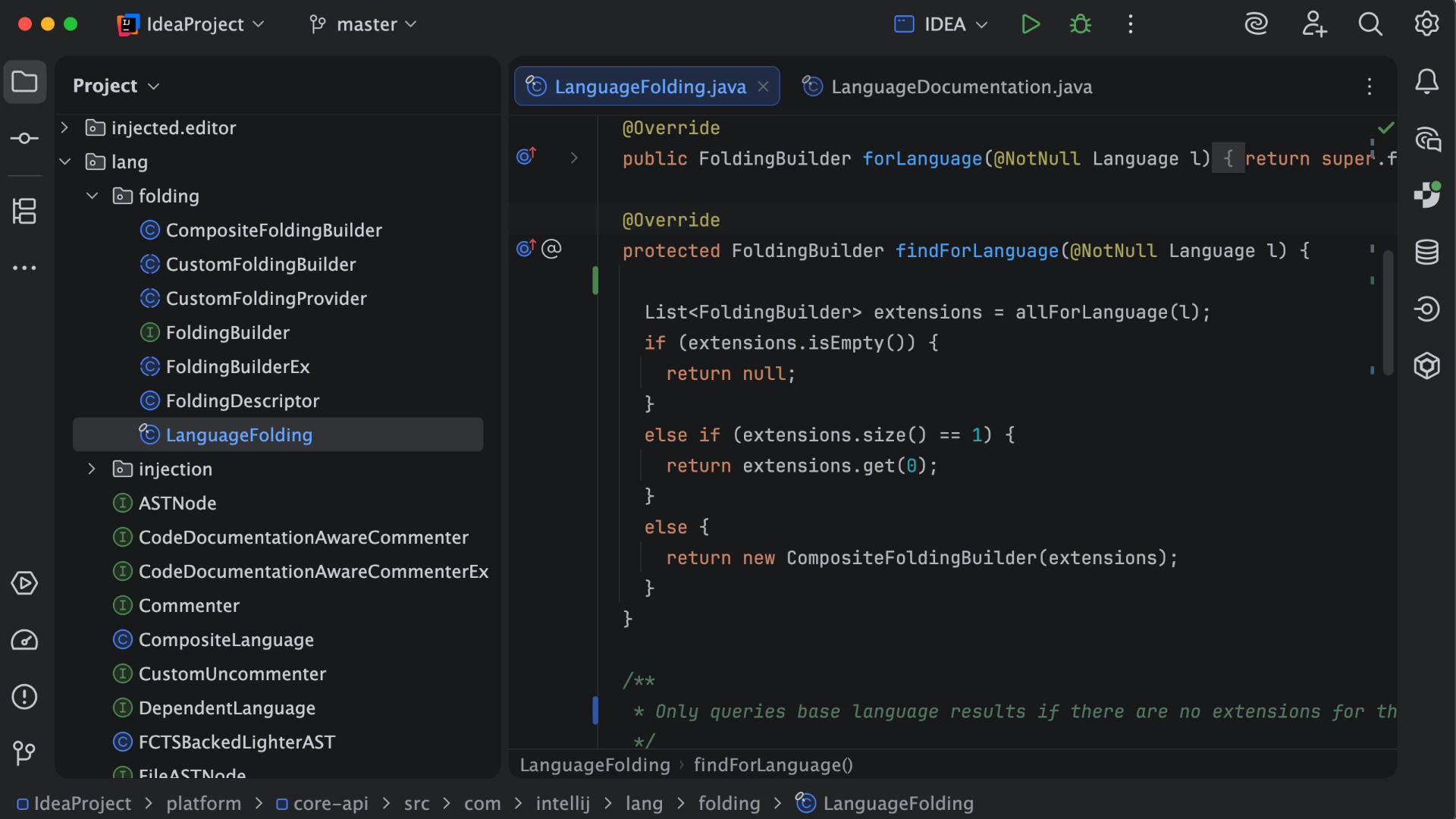
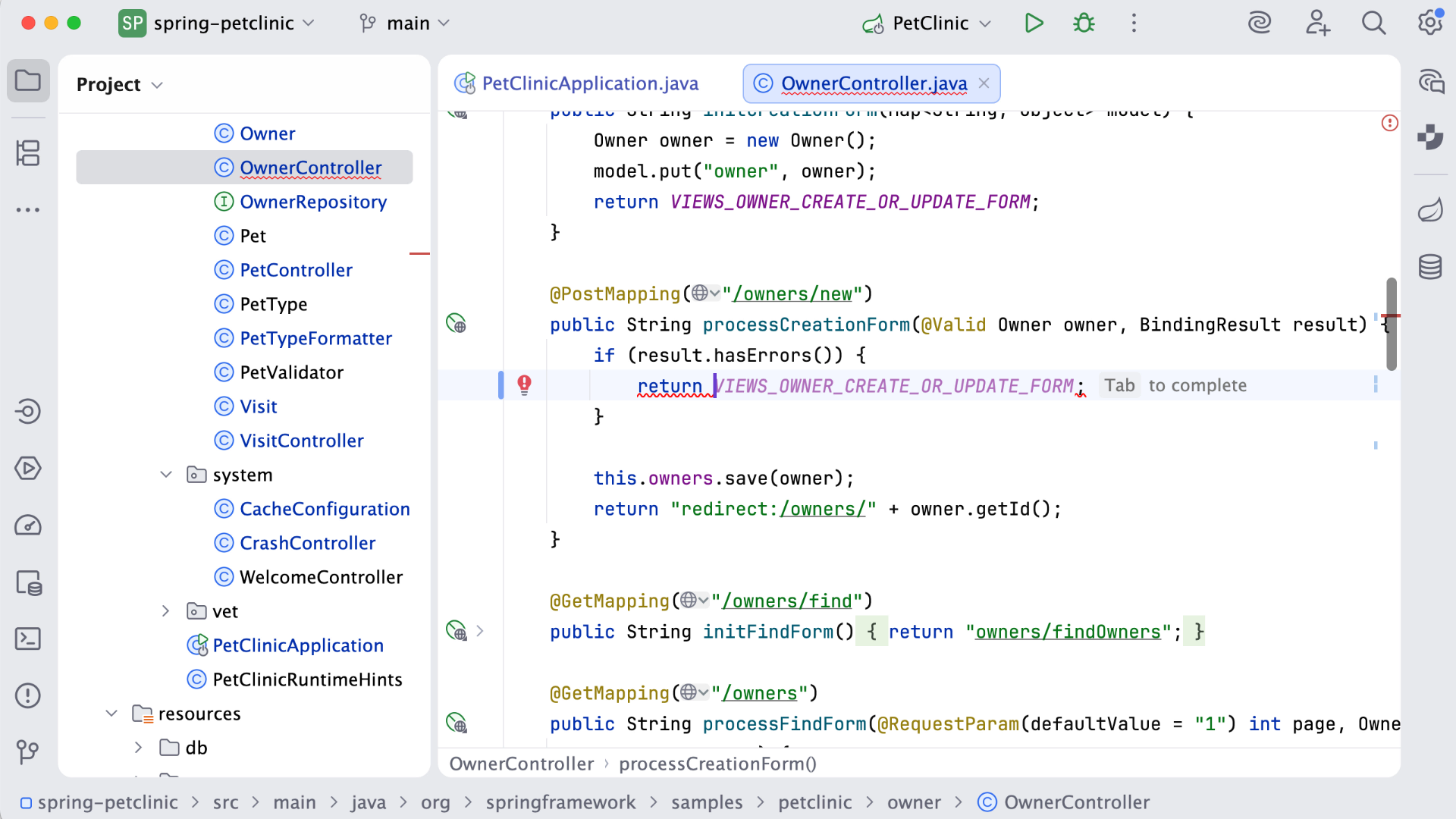
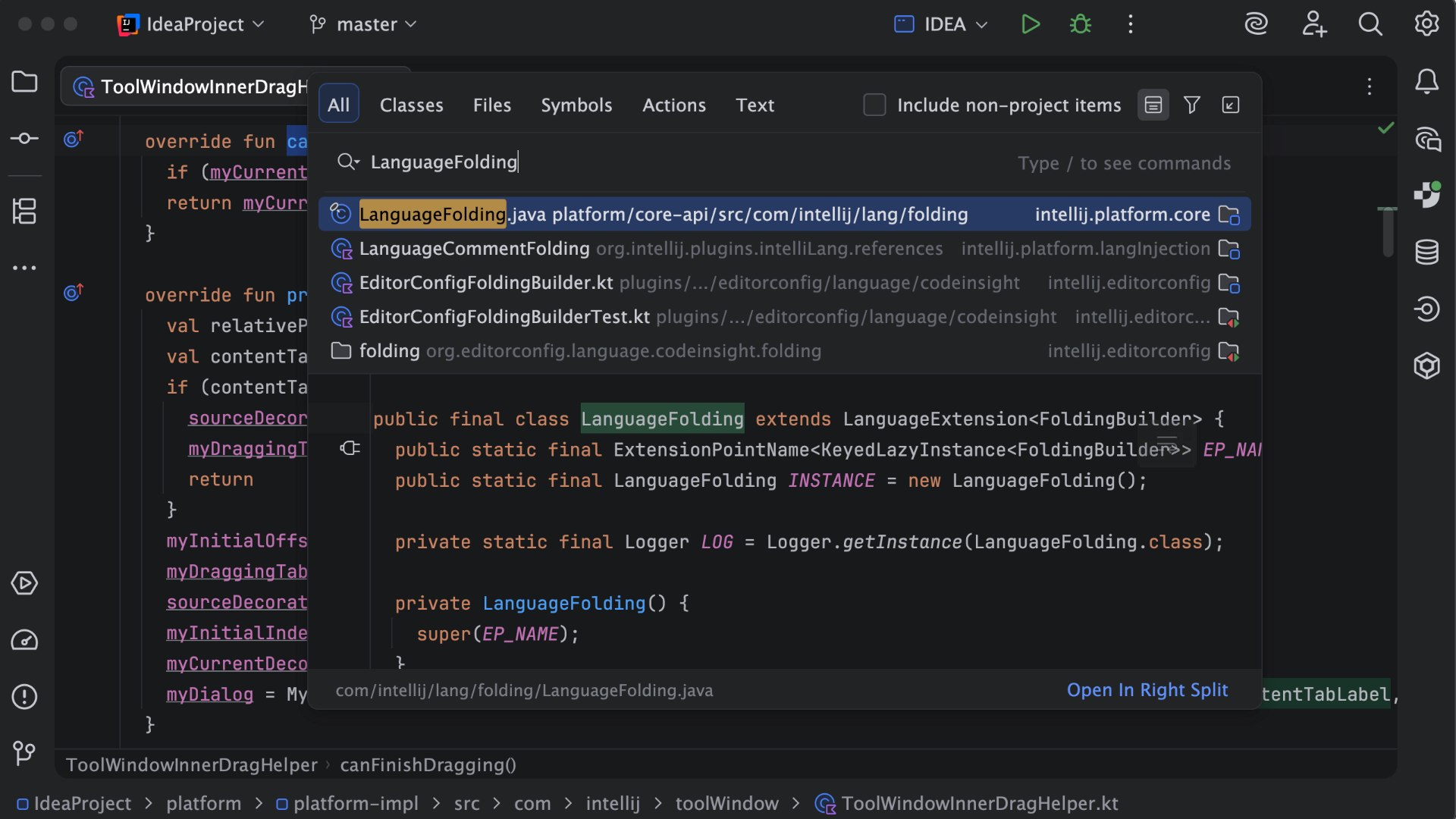
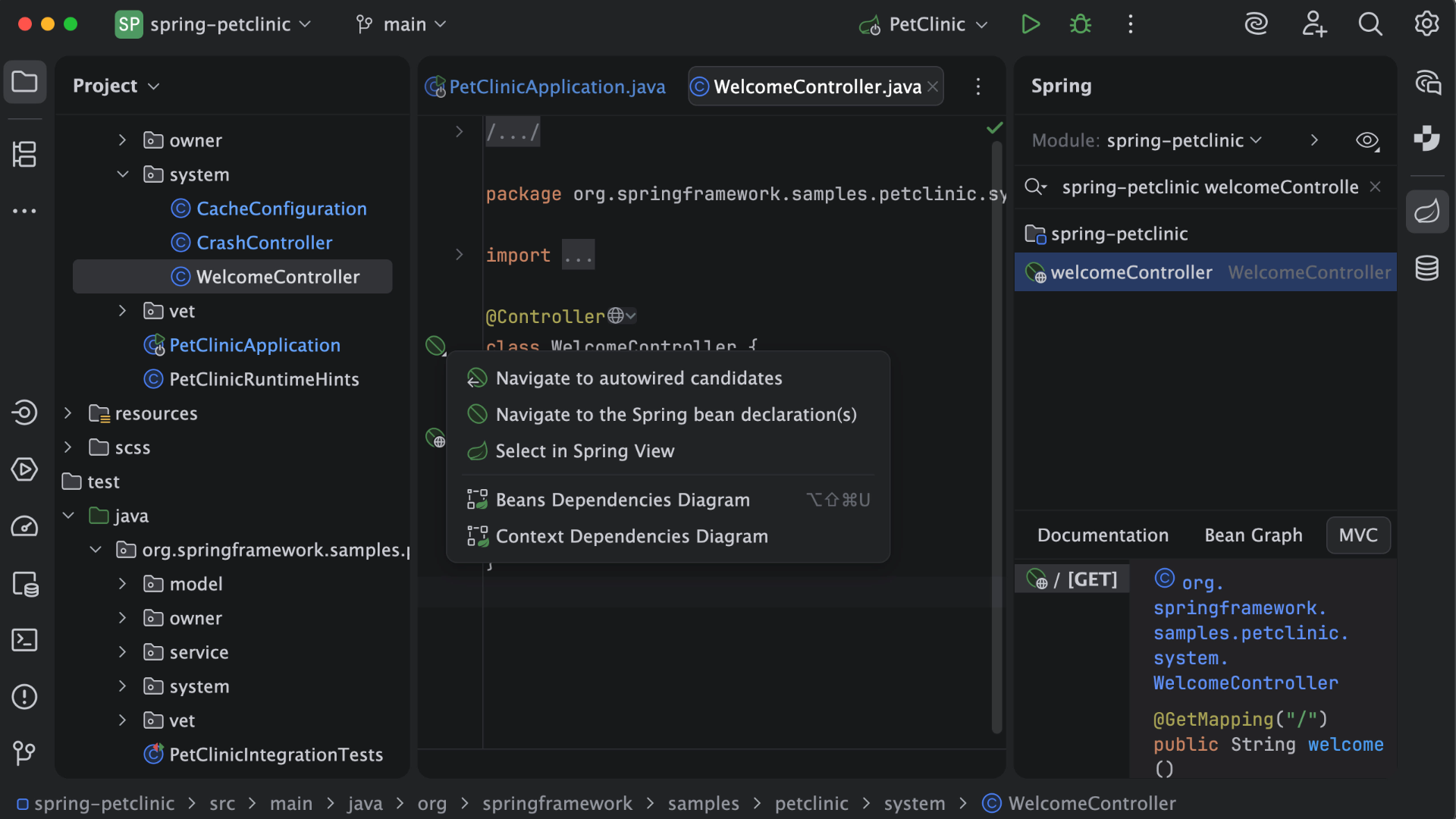
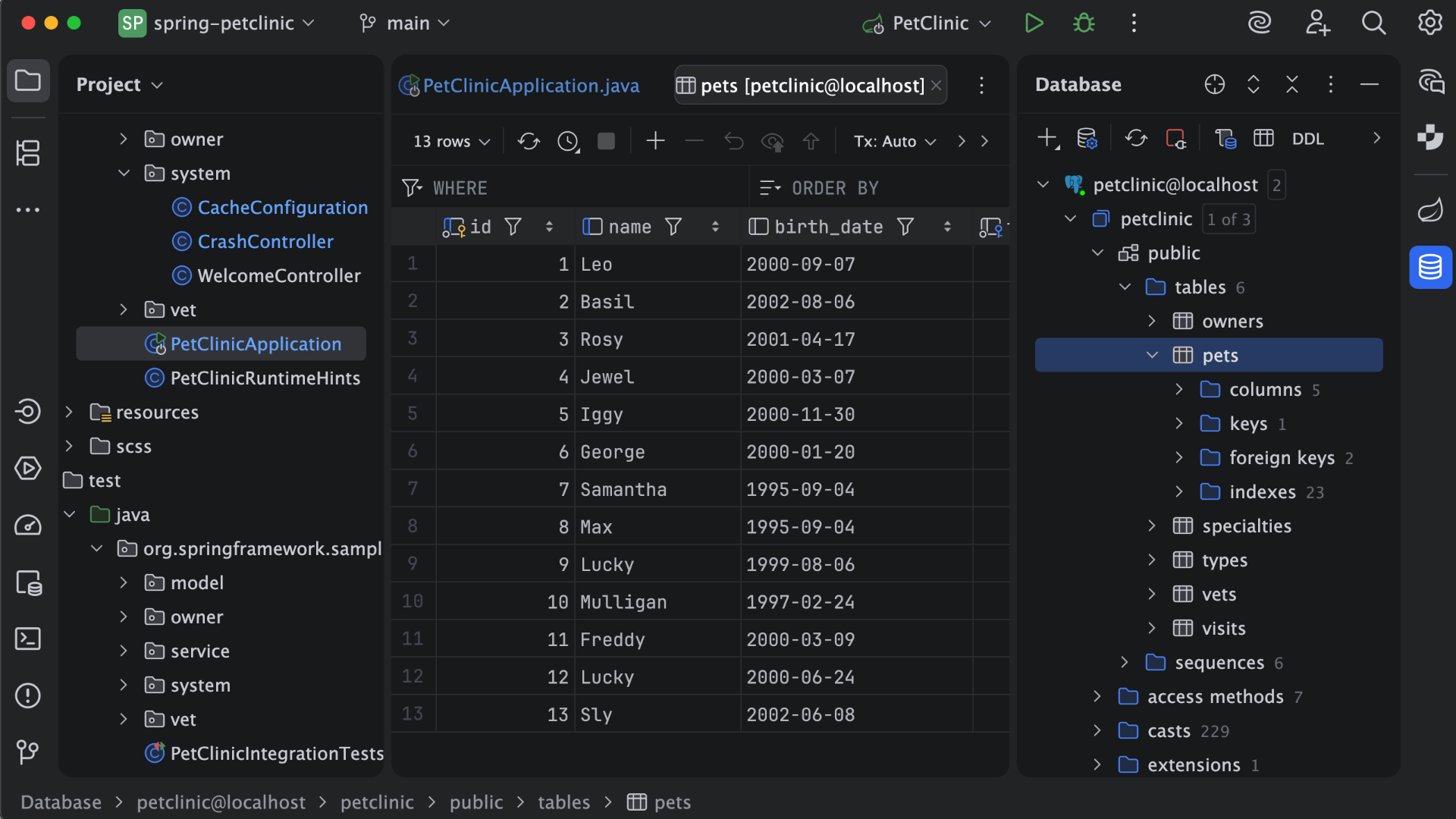
IntelliJ IDEA is an IDE that aims to give Java and Kotlin developers everything they need out of the box, including a smart code editor, built-in developer tools, framework support, database support, web development support, and much more.
$19.90
per month
Pricing
IBM watsonx Code Assistant Portfolio
IntelliJ IDEA
Editions & Modules
No answers on this topic
For Individual Use (Monthly billing)
$19.90
per month
For Organizations (Monthly billing)
$71.90
per month
For Individual Use (Yearly billing)
$199
per year
For Organizations (Yearly billing)
$719
per year
Offerings
Pricing Offerings
IBM watsonx Code Assistant Portfolio
IntelliJ IDEA
Free Trial
Yes
Yes
Free/Freemium Version
No
Yes
Premium Consulting/Integration Services
No
No
Entry-level Setup Fee
No setup fee
No setup fee
Additional Details
—
All Products Pack (For Individual Use) – $299 /1st year, $ 239 /2nd year and $ 179 /3d year onwards
All Products Pack (For Organizations) – $979 / year
I would recommend for understanding your Mainframe components not for the GenAI piece involved from just my experience. The explanations were not up to the quality we wanted but its deterministic side provided a lot of value for different members of my team. The visuals would be great. I am not sure where it currently stands
A de minimis incentive was given to thank the reviewer for their time. The incentive was not used to bias or drive a particular response, nor was the incentive contingent on a positive endorsement. More Info
This is a superb tool if your project involves a lot of backend development, especially in Java/Spring Boot and Kotlin. The support for the front end is great as well, but some developers may prefer to use the GitHub copilot add-on. I especially love using the GitHub copilot add-on. It may be less appropriate if your project requires heavy use of HotSwaps for backend debugging, as sometimes the support for that can be limited.
A de minimis incentive was given to thank the reviewer for their time. The incentive was not used to bias or drive a particular response, nor was the incentive contingent on a positive endorsement. More Info
It can automatically revamp specific parts of the COBOL code and very useful when we want to maintain the existing codebase but improve its structure. I can highlight a block of COBOL code and use Watsonx Assistant to suggest ways to simplify and optimize it.
Legacy codes, mostly written in COBOL, are cryptic and difficult to understand. Watsonx Assistant analyzes the code and provides insights into its functionalities and dependencies. A great help when working on older applications where understanding the codebase is crucial.
A step-by-step approach to modernize our applications slowly and steadily, so that we can control the process better. I don't have to change everything at once. Instead, I can focus on specific COBOL modules and automatically convert them to Java.
A de minimis incentive was given to thank the reviewer for their time. The incentive was not used to bias or drive a particular response, nor was the incentive contingent on a positive endorsement. More Info
Unit testing: Fully integrated into IntelliJ IDEA. Your unit tests will run smoothly and efficiently, with excellent debugging tools for when things get tricky.
Spring integration: Our Spring project using Maven works flawlessly in IntelliJ IDEA. I know firsthand that Apache is also easily and readily supported too. The integration is seamless and very easy to set up using IntelliJ IDEA's set up wizard when importing new projects.
Customization: IntelliJ IDEA comes out of the box with a bunch of handy shortcuts, as well as text prediction, syntax error detection, and other tools to help keep your code clean. But even better is that it allows for total customization of shortcuts you can easily create to suit your needs.
A de minimis incentive was given to thank the reviewer for their time. The incentive was not used to bias or drive a particular response, nor was the incentive contingent on a positive endorsement. More Info
A de minimis incentive was given to thank the reviewer for their time. The incentive was not used to bias or drive a particular response, nor was the incentive contingent on a positive endorsement. More Info
A de minimis incentive was given to thank the reviewer for their time. The incentive was not used to bias or drive a particular response, nor was the incentive contingent on a positive endorsement. More Info
VS Code is maturing and has a Scala plugin now. The overall experience with VS Code - for web development at least - is very snappy/fast. IntelliJ feels a bit sluggish in comparison. If that Scala plugin for VS Code is deemed mature enough - we may not bother renewing and resort to the Community Edition if we need it.
A de minimis incentive was given to thank the reviewer for their time. The incentive was not used to bias or drive a particular response, nor was the incentive contingent on a positive endorsement. More Info
There is always room for improvement, but I haven't met any IDE that I liked more so far. Even if it did not fit a use case right out of the box, there is always a way to configure how it works to do just that.
A de minimis incentive was given to thank the reviewer for their time. The incentive was not used to bias or drive a particular response, nor was the incentive contingent on a positive endorsement. More Info
Customer support is really good in the case of IntelliJ. If you are paying for this product then, the company makes sure that you will get all the services adequately. Regular update patches are provided to improve the IDE. An online bug report makes it easier for the developers to find the solution as fast as possible. The large online community also helps to find the various solutions to the issues.
A de minimis incentive was given to thank the reviewer for their time. The incentive was not used to bias or drive a particular response, nor was the incentive contingent on a positive endorsement. More Info
This installs just like any other application - its pretty straight forward. Perhaps licensing could be more challenging - but if you use the cloud licensing they offer its as simple as having engineers login to the application and it just works.
A de minimis incentive was given to thank the reviewer for their time. The incentive was not used to bias or drive a particular response, nor was the incentive contingent on a positive endorsement. More Info
Security is very important in the mainframe world. At Watsonx, we work in the trusted Z environment, which has strong security rules, stricter than those of other cloud-based solutions. My domain is primarily mainframe modernization and Watsonx Code Assistant for Z is specifically used to understand and work with COBOL, the language used majorly in mainframe environments, not any general-purpose language that used in various platforms. It understands the nuances of COBOL and Assembler specific to the Z environment, something crucial for my work.
A de minimis incentive was given to thank the reviewer for their time. The incentive was not used to bias or drive a particular response, nor was the incentive contingent on a positive endorsement. More Info
Eclipse is just so old, like a dinosaur, compared to IntelliJ. There are still formats that Eclipse supports better, especially old and/or propriety ones. Still, most of the modern software development needs can be done on IntelliJ, & in a much better way, some of them are not even supported on Eclipse.
A de minimis incentive was given to thank the reviewer for their time. The incentive was not used to bias or drive a particular response, nor was the incentive contingent on a positive endorsement. More Info
While manual review and adjustments are still needed, it's a 50-70% reduction in manual coding. Think about it - a project estimated to take a year is done in 4-6 months.
We've been able to introduce new features and improvements more quickly by updating our technology faster. One relevant example is we recently released an important update to our main product 45 days earlier than planned.
It has been a smart move and it's really paid off for our company. We've cut down a lot of time we used to spend doing things manually. We now spend our resources more wisely, work faster and finish projects sooner and as a result, we've reduced our development costs by 25%.
A de minimis incentive was given to thank the reviewer for their time. The incentive was not used to bias or drive a particular response, nor was the incentive contingent on a positive endorsement. More Info
A de minimis incentive was given to thank the reviewer for their time. The incentive was not used to bias or drive a particular response, nor was the incentive contingent on a positive endorsement. More Info