
IDHub vs. Microsoft Entra External ID
| Product | Rating | Most Used By | Product Summary | Starting Price |
|---|---|---|---|---|
 IDHub | N/A | N/A | IDHub is an Identity and Access Management solution, available on-premises or in the cloud, designed to provide convenience and ease of use to users, managers, and administrators, offering training videos, documentation, as well as expert-level support from veteran IAM professionals, with support plans up to 24/7/365. Sath states they believe in the fail fast, recover faster model, allowing businesses to fully operate, fast, providing capabilities to launch and deploy complete IAM… | $72 per year per user |
 Microsoft Entra External ID | Score9.3 out of 10 | N/A | Microsoft Entra External ID (formerly Azure Active Directory B2C, or alternately, Azure Active Directory External Identities) provides business-to-customer identity as a service. Customers can use their preferred social, enterprise, or local account identities to get single sign-on access to applications and APIs. | $0 per month per active users |
| IDHub | Microsoft Entra External ID | |||||||||||||||
|---|---|---|---|---|---|---|---|---|---|---|---|---|---|---|---|---|
| Editions & Modules |
|
| ||||||||||||||
| Offerings |
| |||||||||||||||
| Entry-level Setup Fee | Optional | No setup fee | ||||||||||||||
| Additional Details | Teams has a minimum of 20 users/month. Enterprise has a minimum of 500 users/month. | A flat fee of $0.03 is billed for each SMS/Phone-based multi-factor authentication attempt. | ||||||||||||||
| More Pricing Information | ||||||||||||||||
| IDHub | Microsoft Entra External ID | |
|---|---|---|
| Considered Both Products | No answer on this topic | No answer on this topic |
| Key User Insights | ||
| Would buy again | ||
No answers on this topic | 100% Would buy again 9 Answers | |
| Delivers good value for the price | ||
No answers on this topic | 100% Delivers good value for the price 8 Answers | |
| Happy with the feature set | ||
No answers on this topic | 100% Happy with the feature set 9 Answers | |
| Lived up to sales and marketing promises | ||
No answers on this topic | No answers on this topic | |
| Implementation went as expected | ||
No answers on this topic | 100% Implementation went as expected 7 Answers | |
| IDHub | Microsoft Entra External ID | |||||||||||||||||||||||||
|---|---|---|---|---|---|---|---|---|---|---|---|---|---|---|---|---|---|---|---|---|---|---|---|---|---|---|
| Identity Management |
| |||||||||||||||||||||||||
| IDHub | Microsoft Entra External ID | |
|---|---|---|
| Small Businesses |  JumpCloud Score9.2 out of 10 | JumpCloud Score9.2 out of 10 |
| Medium-sized Companies |  OneLogin by One Identity Score9.4 out of 10 | OneLogin by One Identity Score9.4 out of 10 |
| Enterprises |  RSA Access Manager (Discontinued) Score10 out of 10 | RSA Access Manager (Discontinued) Score10 out of 10 |
| All Alternatives | View all alternatives | View all alternatives |
| IDHub | Microsoft Entra External ID | |
|---|---|---|
| Likelihood to Recommend | - | 9.3 |
| Usability | - | 9.3 |
| IDHub | Microsoft Entra External ID | |
|---|---|---|
| Likelihood to Recommend | No answers on this topic |
|
| Pros | No answers on this topic |
|
| Cons | No answers on this topic |
|
| Usability | No answers on this topic |
|
| Alternatives Considered | No answers on this topic |
|
| Return on Investment | No answers on this topic |
|
| ScreenShots | IDHub Screenshots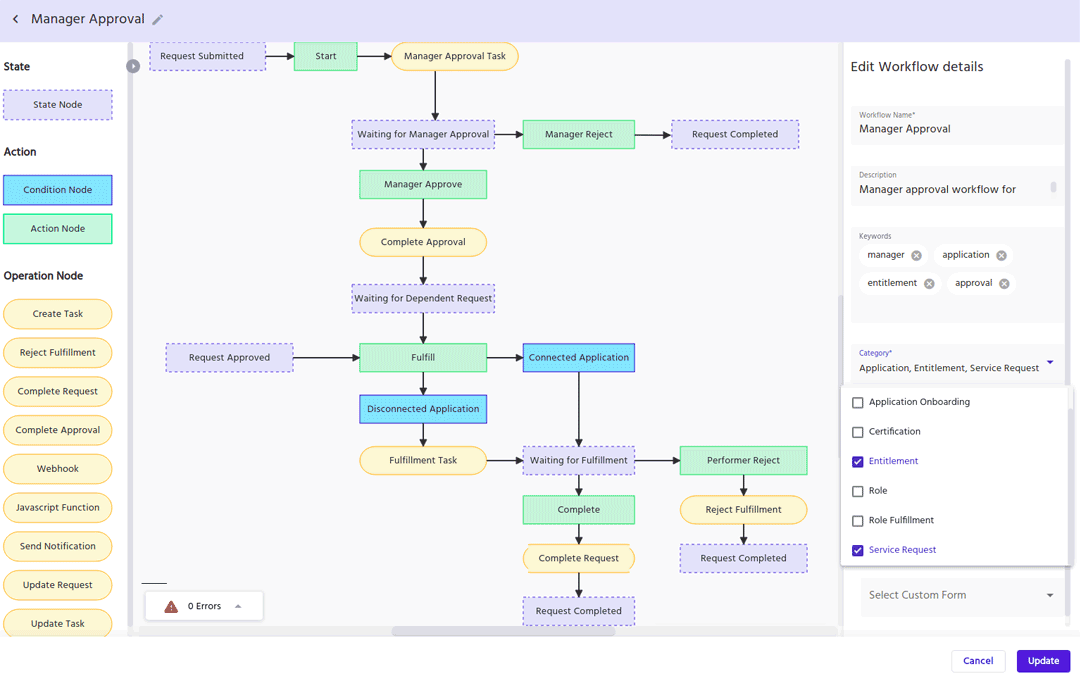 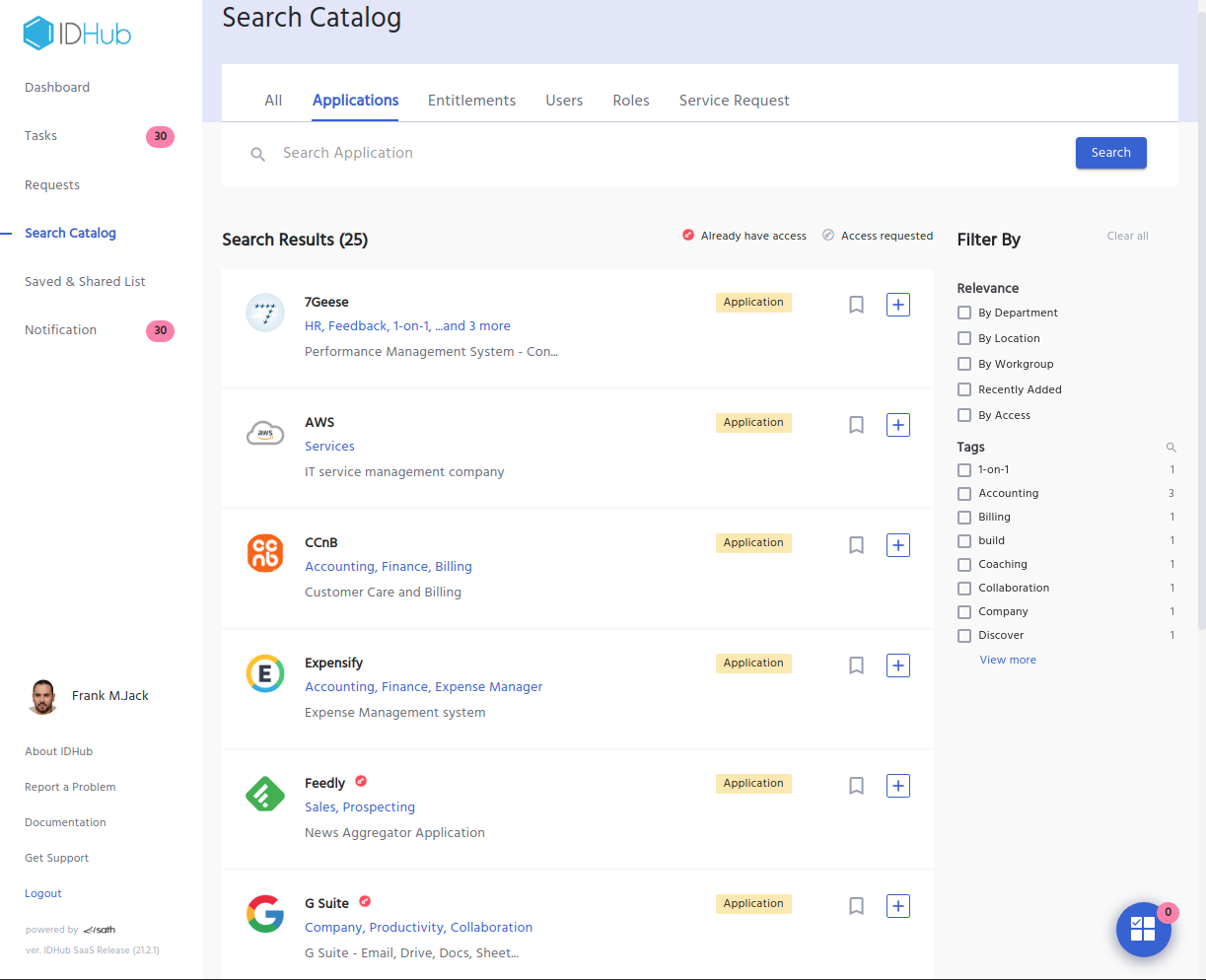  |
