
iObeya vs. Vani
iObeya vs. Vani
| Product | Rating | Most Used By | Product Summary | Starting Price |
|---|---|---|---|---|
 iObeya | N/A | iObeya is a digital visual management platform. | N/A | |
 Vani | N/A | Vani is a visual collaboration platform where teams create, meet, and work together. Teams can work together on common product development processes, diagrams, mind maps, wireframes, and flowcharts with ready-made templates. Users can also initiate a video call over the shared infinite canvas, follow live cursors, and drop comments and emoji reactions to simplify collaboration across cross-functional teams. Vani can be started for free with unlimited shared Spaces to grow ideas. | $0 |
| iObeya | Vani | |||||||||||||||
|---|---|---|---|---|---|---|---|---|---|---|---|---|---|---|---|---|
| Editions & Modules | No answers on this topic |
| ||||||||||||||
| Offerings |
| |||||||||||||||
| Entry-level Setup Fee | No setup fee | No setup fee | ||||||||||||||
| Additional Details | Contact vendor for pricing information. | Discount available for annual pricing. | ||||||||||||||
| More Pricing Information | ||||||||||||||||
| iObeya | Vani |
|---|
| iObeya | Vani | |
|---|---|---|
| Small Businesses |  Lucid Visual Collaboration Suite Score 9.0 out of 10 | Lucid Visual Collaboration Suite Score 9.0 out of 10 |
| Medium-sized Companies | Lucid Visual Collaboration Suite Score 9.0 out of 10 | Lucid Visual Collaboration Suite Score 9.0 out of 10 |
| Enterprises |  Miro Score 9.1 out of 10 | Miro Score 9.1 out of 10 |
| All Alternatives | View all alternatives | View all alternatives |
| iObeya | Vani | |
|---|---|---|
| Likelihood to Recommend | 9.0 (0 ratings) | - (0 ratings) |
| iObeya | Vani | |
|---|---|---|
| Likelihood to Recommend | 
 Robert Quintero Digital Marketing Director |  No answers on this topic |
| Pros |
Robert Quintero Digital Marketing Director | No answers on this topic |
| Cons |
Robert Quintero Digital Marketing Director | No answers on this topic |
| Return on Investment |
Robert Quintero Digital Marketing Director | No answers on this topic |
| ScreenShots | iObeya Screenshots | Vani Screenshots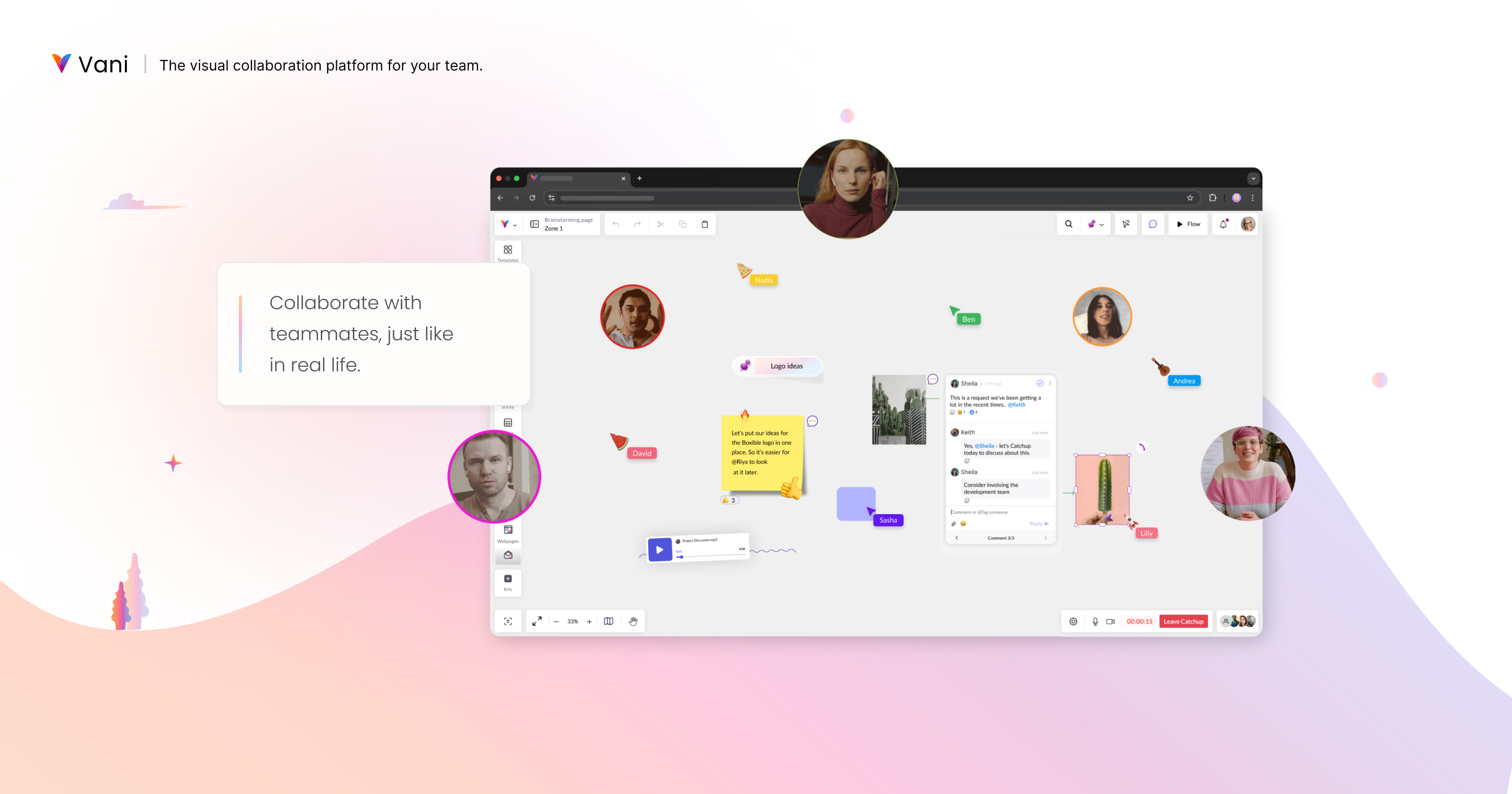 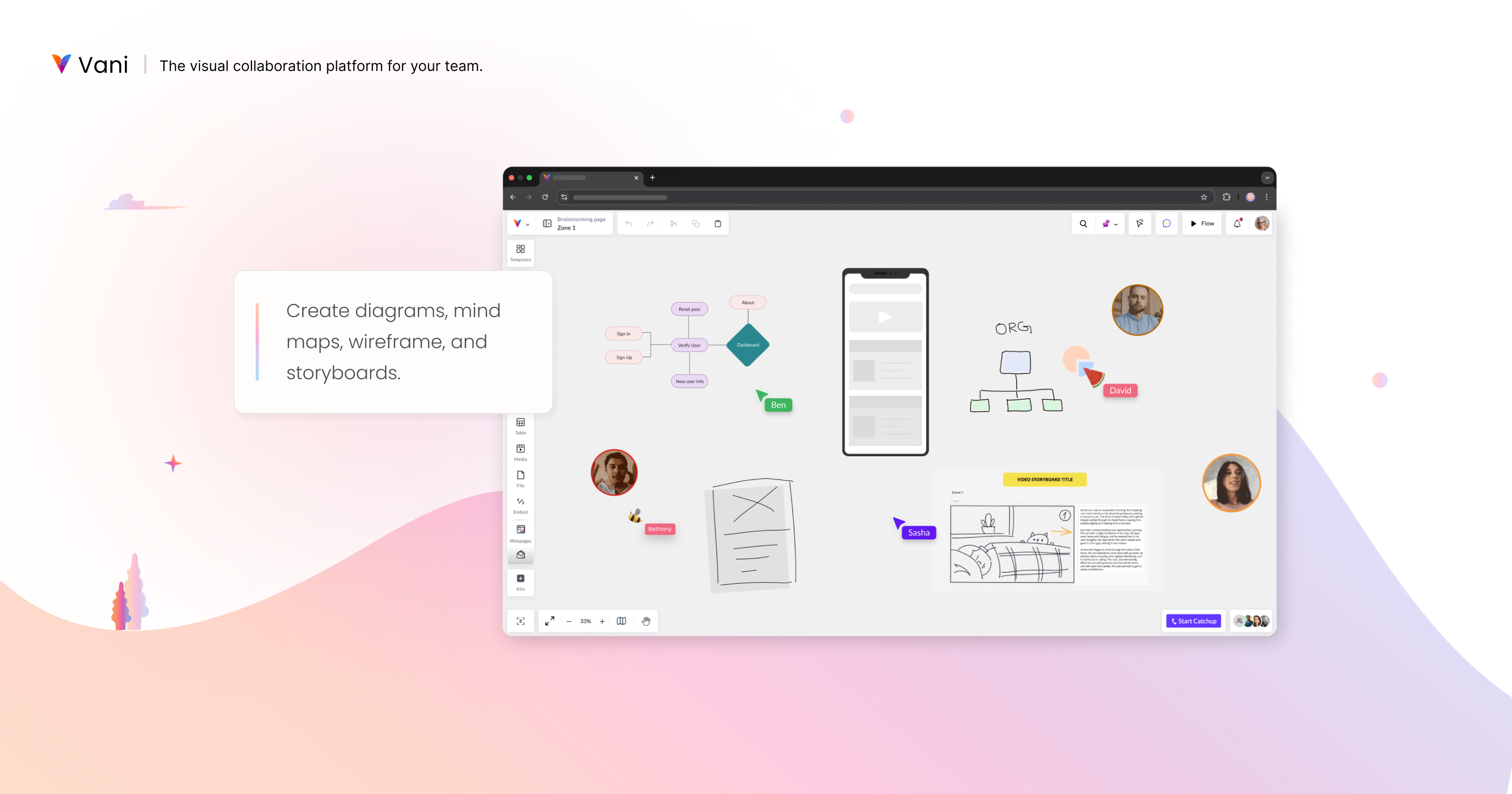 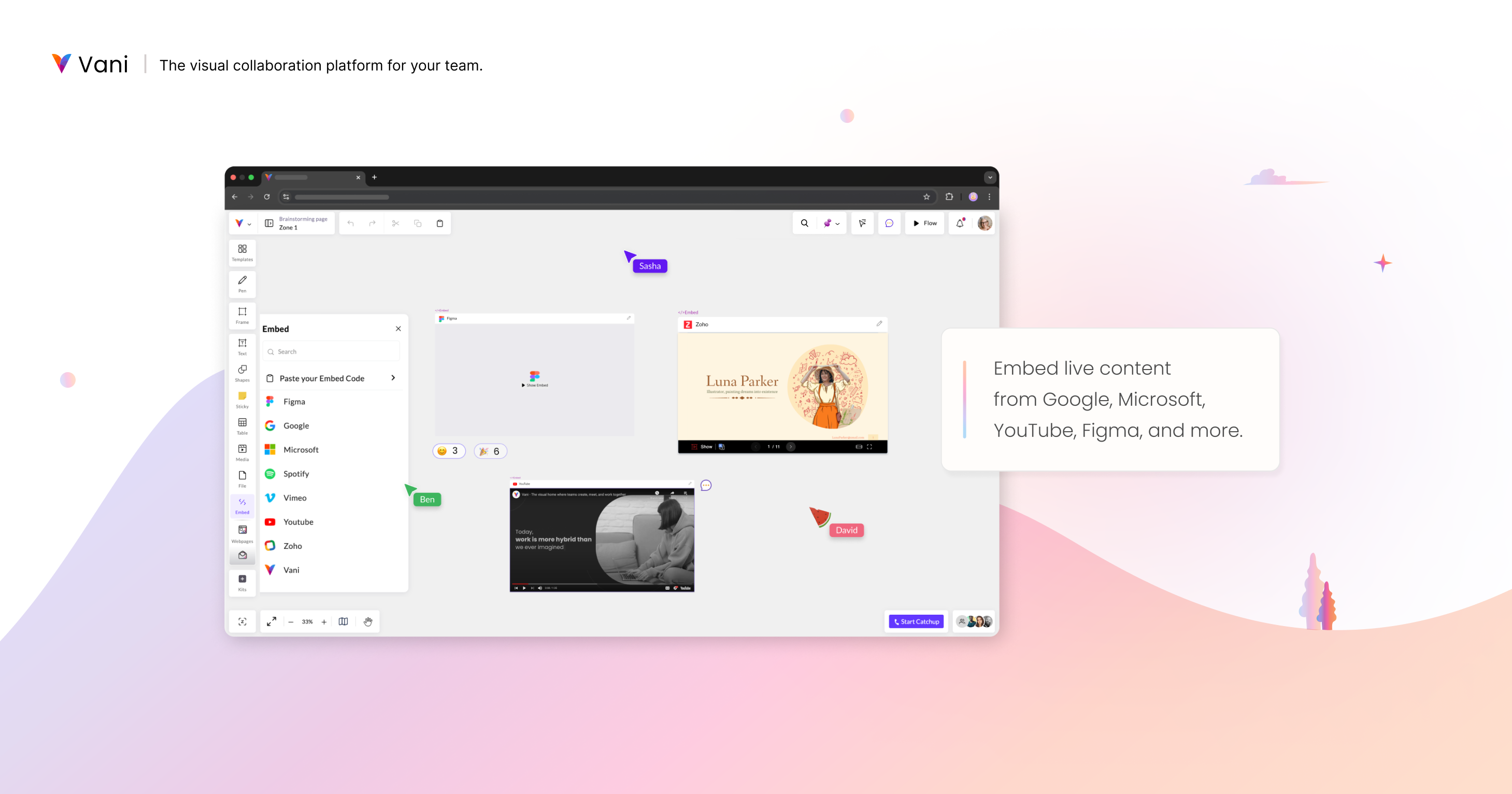  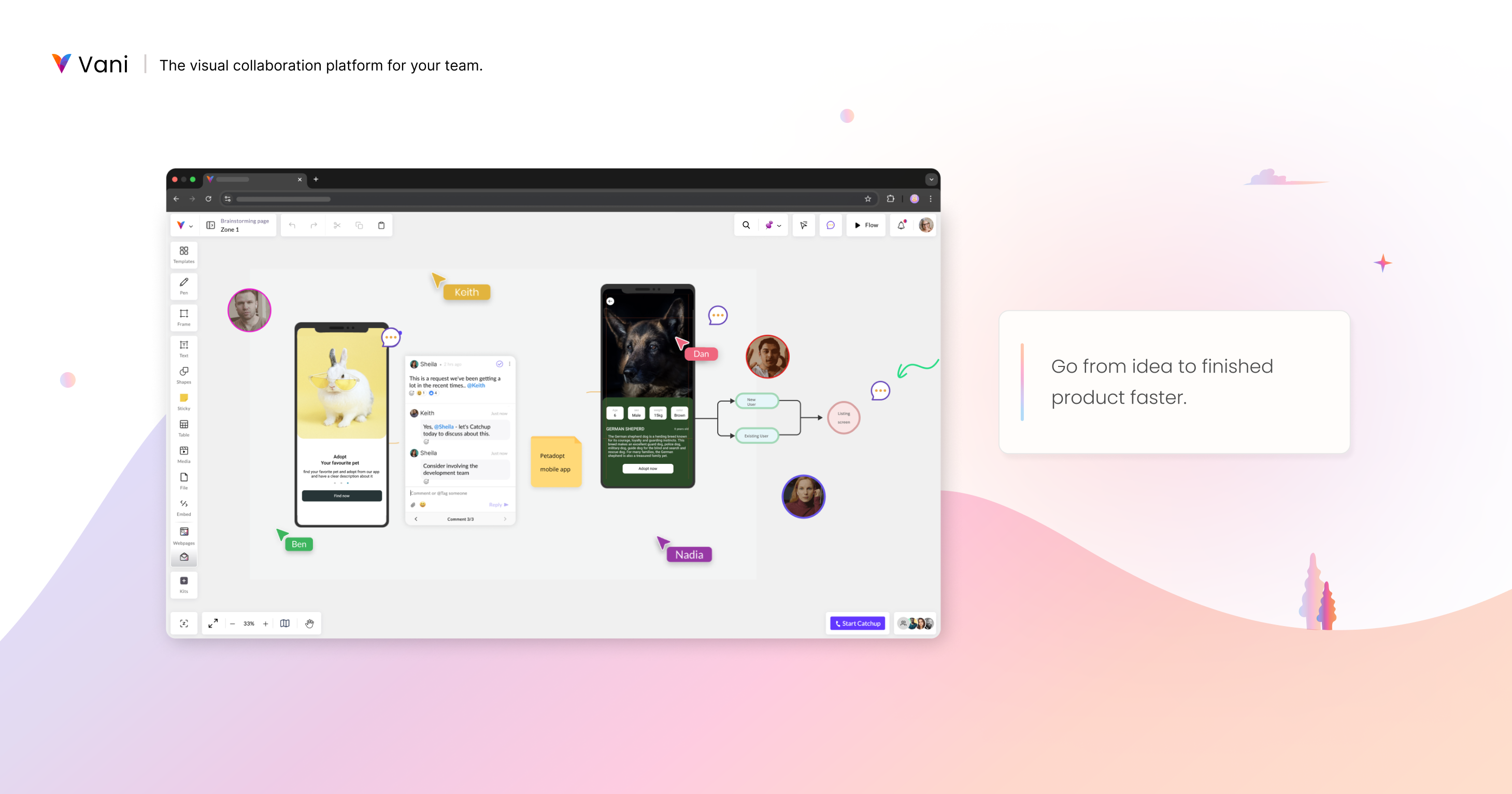 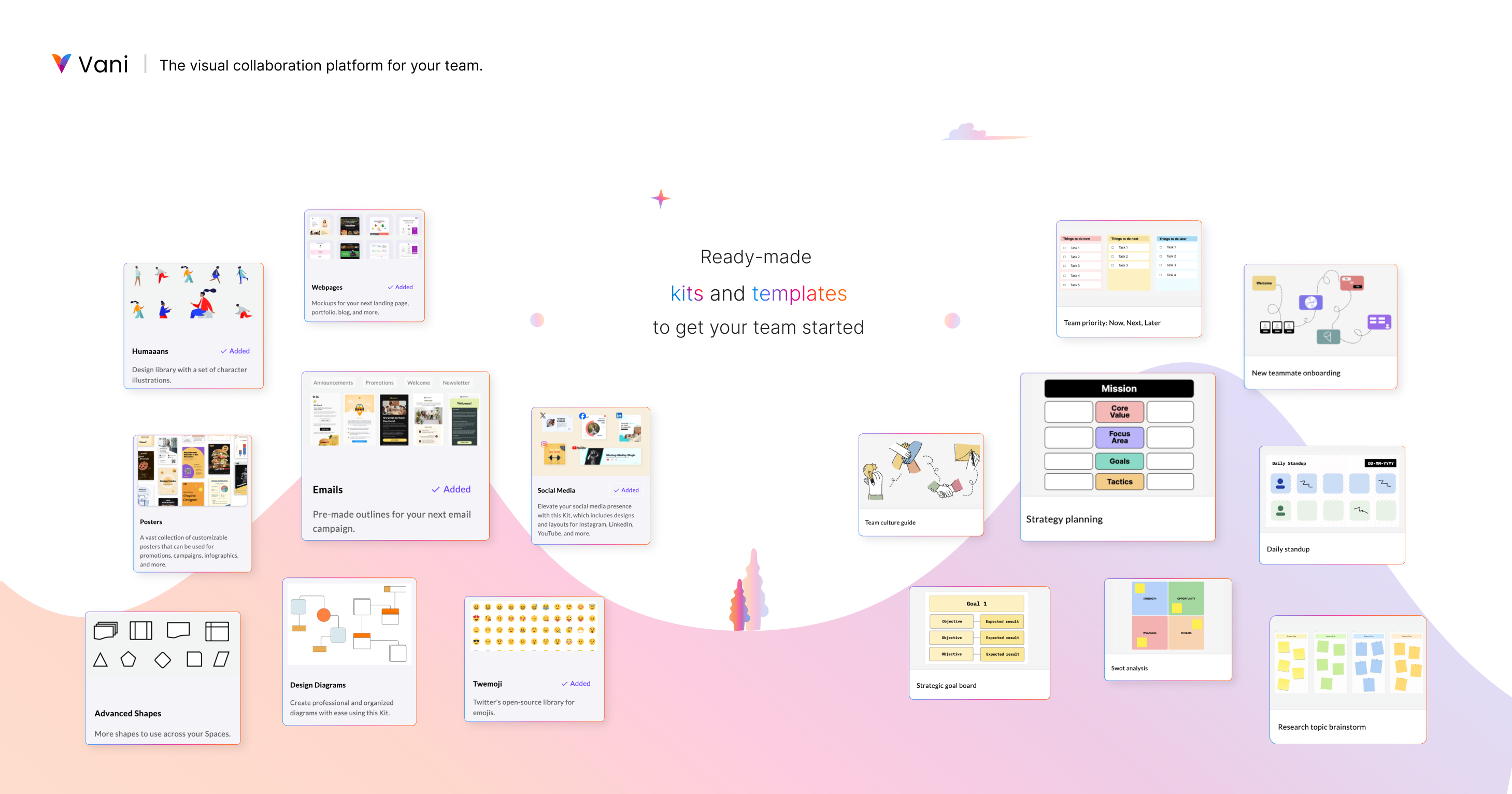 |