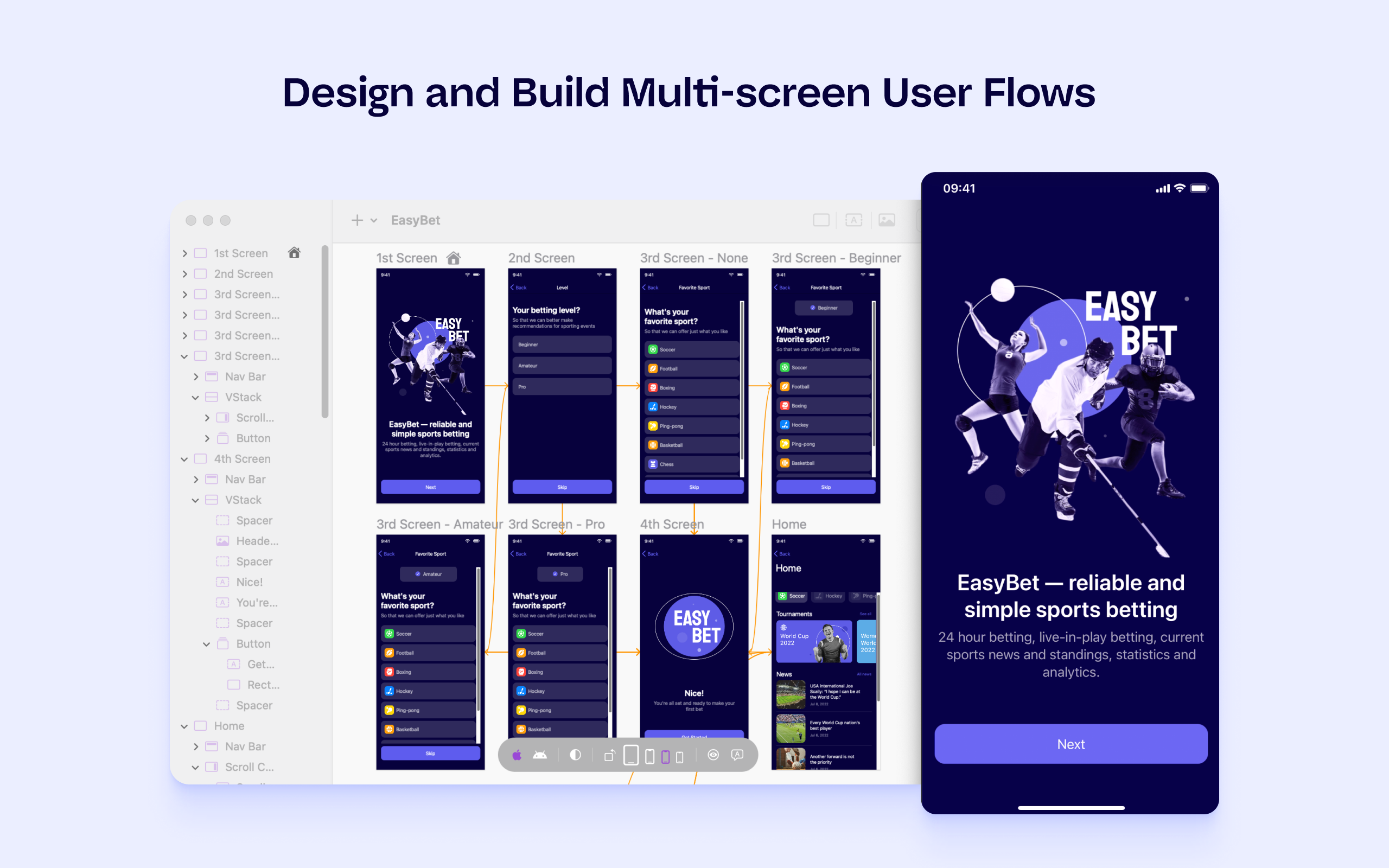
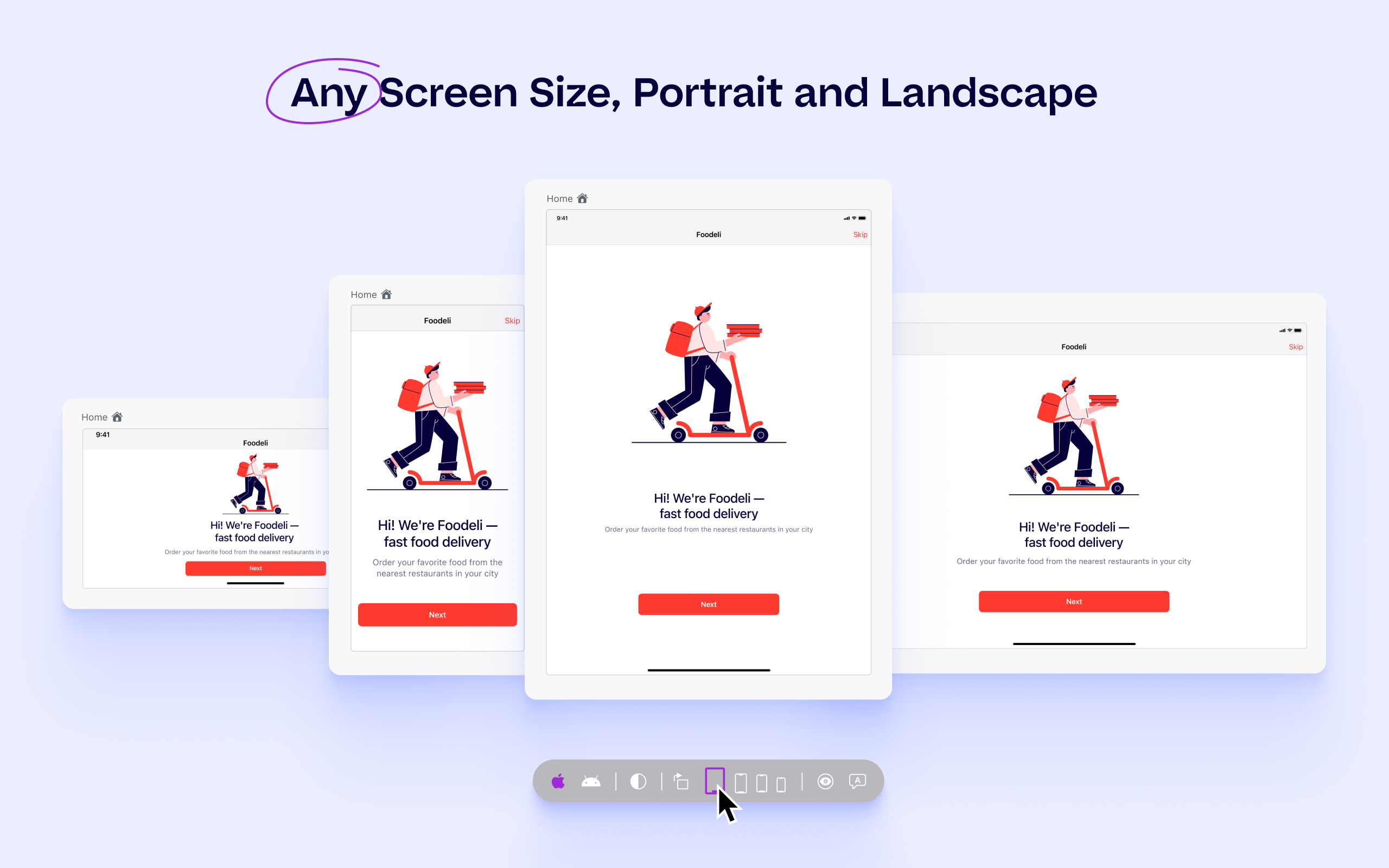
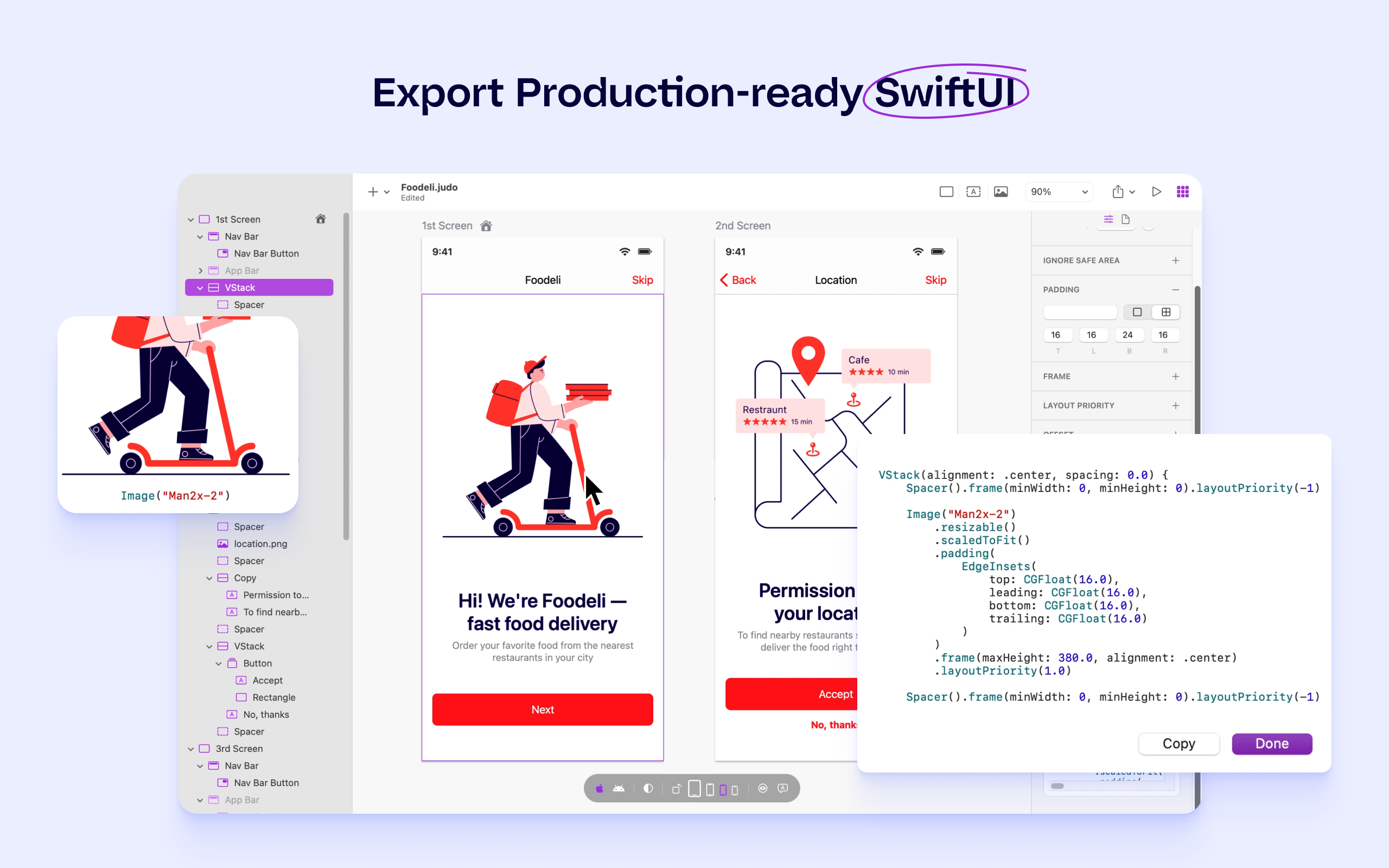
Judo is a design and build tool for SwiftUI apps that helps product teams ship faster and more efficiently. Users can build interfaces while designing in Judo's infinite canvas, avoiding unnecessary back-and-forth between design and development. Judo helps to enhance the user's workflow, reduce friction in design handoff and test fully-functioning prototypes and UI quickly, as well as make data-driven product decisions in real time and publish them instantly.
N/A
Zeplin
Score 7.6 out of 10
N/A
Zeplin, from the company of the same name, is a platform supporting collaboration in application development by engineers and designers by providing an API with popular collaboration, development and prototyping tools and creating a space where productions can be shared and reviewed.
$0
up to 1 project
Pricing
Judo
Zeplin
Editions & Modules
No answers on this topic
Free
$0
up to 1 project
Advanced
$15
per month per seat (up to 50 projects)
Basic
$15
per month per project
Enterprise
Contact sales team
Offerings
Pricing Offerings
Judo
Zeplin
Free Trial
Yes
Yes
Free/Freemium Version
No
Yes
Premium Consulting/Integration Services
No
No
Entry-level Setup Fee
No setup fee
No setup fee
Additional Details
—
—
More Pricing Information
Community Pulse
Judo
Zeplin
Considered Both Products
Judo
No answer on this topic
Zeplin
Verified User
Anonymous
Chose Zeplin
Zeplin is used for us purely as a handoff tool. It keeps it clean and clear for devs and product managers what is completed. It has some good labels and other organizing features. The different levels of access are also super helpful to give the correct people the view they …
As our project is large and there are many modules and they should be consistent. So, Zeplin's style guide can be shared globally across different projects and we can easily ensure consistency across all modules. Zeplin automatically exports assets in multiple file formats like …
Actually, we didn't select Zeplin. After a long time of internal discussions, the majority of the team decided that we want to move to Figma. We still use Zeplin as a legacy, but we don't use it for new features. In my opinion, it's less flexible than Figma, which allows …
We went without a tool like Zeplin for a long time, but as we grew we needed to get a better handle on the design process and handoff to engineering. We went straight to Zeplin off of numerous recommendations and didn't look back. We have had a great experience with Zeplin.
Zeplin is more focused on the handoff than in the creation itself. The other alternatives can do both, but Zeplin is an awesome tool for the handoff part. It depends in how big is your team and how the workflow is organized to understand whats the best tool for your team.
It was a business need from different departments. From an IT point of view, we have been a part of purchasing and setting up. However, the decision to go with Zeplin was not ours.
Out of all of the products that I have used to support design-to-development handoffs, Zeplin is my favorite. It’s pretty lightweight and easy to use (once you get the hang of it). Zeplin also has a smooth interface and is, generally, clearer to use than other tools, such as …
These other tools are really helpful products for creating and sharing wireframes / prototypes. However, Zeplin is the best tool for the actual hand off between the design and development teams once the design is actually ready to share. Zeplin fills this gap and improves the …
Zeplin is simpler. Zeplin lacks prototyping on par with Invision. Zeplin doesn't give a direct code for Android and iOS like Figma does. Zeplin doesn't have a lot of advanced features like Invision, for example, whiteboard. But Zeplin is good for at its job which is to share …
Zeplin is a really nice lightweight app, that is easier to use than Invision for sharing purposes. Invision does primarily handle prototyping, which Zeplin does not do. Abstract is my product of choice but is also a slightly different tool — almost a Github for design. It …
We chose Zeplin because it allowed our product and design teams to collaborate more effectively, while providing the rest of the organization an easily accessible location to access up-to-date assets. While InVision's interface can be more intuitive, we prefer Zeplin because it …
Marvel is a pretty expensive application for what it gives you, it is a pretty good tool but I think the handoff is not as good as Zeplin's. I think the style of Zeplin is more oriented to developers and Marvel is more oriented to the designers. I like the way Zeplin is …
Zeplin is great to inspect and share user interfaces, specifications and assets, perfect for developers. Tools like Invision and Marvel are much better to create prototypes for both developers, coworkers and even stakeholders, but they don't have this kind of feature …
For my company needs, Zeplin comes as the best tool in its category. Zeplin's competitors are great tools but they either offer way too many features or are priced above Zeplin with the same features.
Zeplin is in the right spot for both pricing and features.
I know there are other products out there but Zeplin has been so effective that I haven't even bothered to look elsewhere. The whole experience of Zeplin has been excellent. However, once Adobe XD is more built out Zeplin will finally have a formidable competitor as it will be …
Zeplin is much better when it comes to seeing the properties and CSS code of the design elements. Our developers love it when they get all that info from the Zeplin file.
Zeplin is the only solution tailored for this common use case. Previously we just shared files in dropbox but that was messy and didn't allow for specific comments, etc.
I still have some issues, especially with color integration between the style guide and also project. When we update the colors, it's not automatically sync to every project. Aside from that, zeplin solves my problem for hand-off design from design to developer. I set zeplin is source of truth design file
Zeplin's component management and style guide help us to be consistent across whole product and it so easy to use for non-technical person. It is now easy to collaboration for designes between different teams like stackholders, product owner, UI/UX, developers and testers. Now there is only one point of reference is Zeplin so it is so easy to get details without asking designer or developer again and again.
Zeplin has classic support with a chat from the website. It's working fine, and we're also getting the support needed when needed. However, Zeplin is very good at closing the incidents and moving on. It was a while ago we had a case with their support so that it might have improved since then.
Out of all of the products that I have used to support design-to-development handoffs, Zeplin is my favorite. It’s pretty lightweight and easy to use (once you get the hang of it). Zeplin also has a smooth interface and is, generally, clearer to use than other tools, such as InVision. Plus, all of the plug-ins that you can use with Zeplin have supported the design-development relationship and workflows in which I’ve been involved in more efficient, clear, and effective ways than I’ve seen with any other product.
We're using the free plan, so it fits in our needs, although we're limited to create only one project at a time
Sketch has some plugins that offers exactly what Zeplin does, for free
The integration with design apps (Sketch, Photoshop, XD) and collaboration (Slack and Trello) helps our team to better communicate and be notified on every update