Keeper vs. Securden Password Vault for Enterprises

Overview
ProductRatingMost Used ByProduct SummaryStarting Price
Keeper
Score 8.1 out of 10
N/A
Keeper's password security and management platform boasts millions of people and thousands of businesses as users, who manage, secure and enforce strong passwords across all employee logins, applications and sites. Employees can access Keeper natively on all mobile operating systems, desktops and browsers. Keeper enables businesses to auto-generate high-strength passwords, protect sensitive files in an encrypted digital vault, securely share records with teams and integrate with SSO, LDAP and…
$2
per month per user
Securden Password Vault for Enterprises
Score 0.0 out of 10
N/A
Securden Password Vault for enterprises is a credential management solution available in both cloud (SaaS) and on-premise (self-hosted) editions. It centralizes the storage of passwords, files, DevOps secrets, and other sensitive information in a secure vault, helping organizations enforce password security best practices and defend against insider and external threats. The solution enables secure storage, management, and automatic rotation of credentials, while…N/A
Pricing
KeeperSecurden Password Vault for Enterprises
Editions & Modules
Keeper Business Starter
$2.00
per month per user
Keeper Enterprise
Contact Keeper for pricing
No answers on this topic
Offerings
Pricing Offerings
KeeperSecurden Password Vault for Enterprises
Free Trial
YesYes
Free/Freemium Version
NoNo
Premium Consulting/Integration Services
YesNo
Entry-level Setup FeeNo setup feeNo setup fee
Additional Details
More Pricing Information
Community Pulse
KeeperSecurden Password Vault for Enterprises
Best Alternatives
KeeperSecurden Password Vault for Enterprises
Small Businesses
Bitwarden
Bitwarden
Score 9.2 out of 10
RoboForm
RoboForm
Score 9.2 out of 10
Medium-sized Companies
Bitwarden
Bitwarden
Score 9.2 out of 10
Dashlane Password Manager
Score 9.1 out of 10
Enterprises
Delinea Secret Server
Score 8.1 out of 10
KeePass
KeePass
Score 8.9 out of 10
All AlternativesView all alternativesView all alternatives
User Ratings
KeeperSecurden Password Vault for Enterprises
Likelihood to Recommend
9.0
(21 ratings)
-
(0 ratings)
Usability
9.0
(1 ratings)
-
(0 ratings)
Support Rating
10.0
(2 ratings)
-
(0 ratings)
User Testimonials
KeeperSecurden Password Vault for Enterprises
Likelihood to Recommend
Keeper Security
I can only think of scenarios where Keeper is well-suited, in my experience. I work in small business (i.e., sole proprietor, 1 employee) environments and Keeper is well-suited to my needs. I imagine it would also be well-suited to multi-user environments, but would require a great deal more management and organization in such environments.
Read full review
Securden, Inc.
No answers on this topic
Pros
Keeper Security
  • Ease of use. User find it simple and intuitive to use and I find they rapidly adjust to the software with minimal training.
  • Single-sign-on. Super important and really makes things simple for the users and easy to manage for us in the IT team.
  • Sharing features. We knew sharing was a key component of our password management solution. Keeper makes it easy for users and simple to administer.
Read full review
Securden, Inc.
No answers on this topic
Cons
Keeper Security
  • I find that Keeper could use some work with their desktop interface, a sleeker and friendlier user interface would definitely benefit them.
  • Keeper doesn’t have a Security Dashboard, which makes it more complicated to evaluate the strengths and weaknesses of your passwords.
  • The automatic web form filling is somewhat limited at the time, but im sure they will improve it soon.
Read full review
Securden, Inc.
No answers on this topic
Usability
Keeper Security
It's just easy to use, plain and simple. It has the complexity and user-interface that gives you confidence in its build but the ease-of-use that keep things from getting too complicated. A huge plus when you have to onboard new members of the team or summer interns when you need them to step in and make orders on your behalf.
Read full review
Securden, Inc.
No answers on this topic
Support Rating
Keeper Security
Because it is so good. It always works, has not crashed even in 3 years; I have a lot of data in it (never any problems).
Read full review
Securden, Inc.
No answers on this topic
Alternatives Considered
Keeper Security
I have used the Apple cloud, but if you forget your password into that, once again, you’re at the mercy of calling customer service. With Keeper, you can use the thumbprint option to log on, and there’s any of your needed passwords. It’s fast and simple, and you don’t have to wait online to unlock the app you’ve locked yourself out of.
Read full review
Securden, Inc.
No answers on this topic
Return on Investment
Keeper Security
  • The spreadsheets and printed papers being passed around the office with passwords on them have gone! This is a huge security hole plugged.
  • Users actively use the software which says something - it is easy to use and intuitive. When software is not intuitive, it tends to not get used.
  • It gives IT control over who does what with passwords, and while difficult to quantify it is certainly a dramatically positive impact on the organization.
Read full review
Securden, Inc.
No answers on this topic
ScreenShots

Keeper Screenshots

Screenshot of Autofill Passwords in Websites & AppsScreenshot of Business & Enterprise ProtectionScreenshot of Dark Web Monitoring & AlertsScreenshot of Enhanced Two-Factor AuthenticationScreenshot of Increase Organization with SubfoldersScreenshot of Secure File & Password Sharing

Securden Password Vault for Enterprises Screenshots
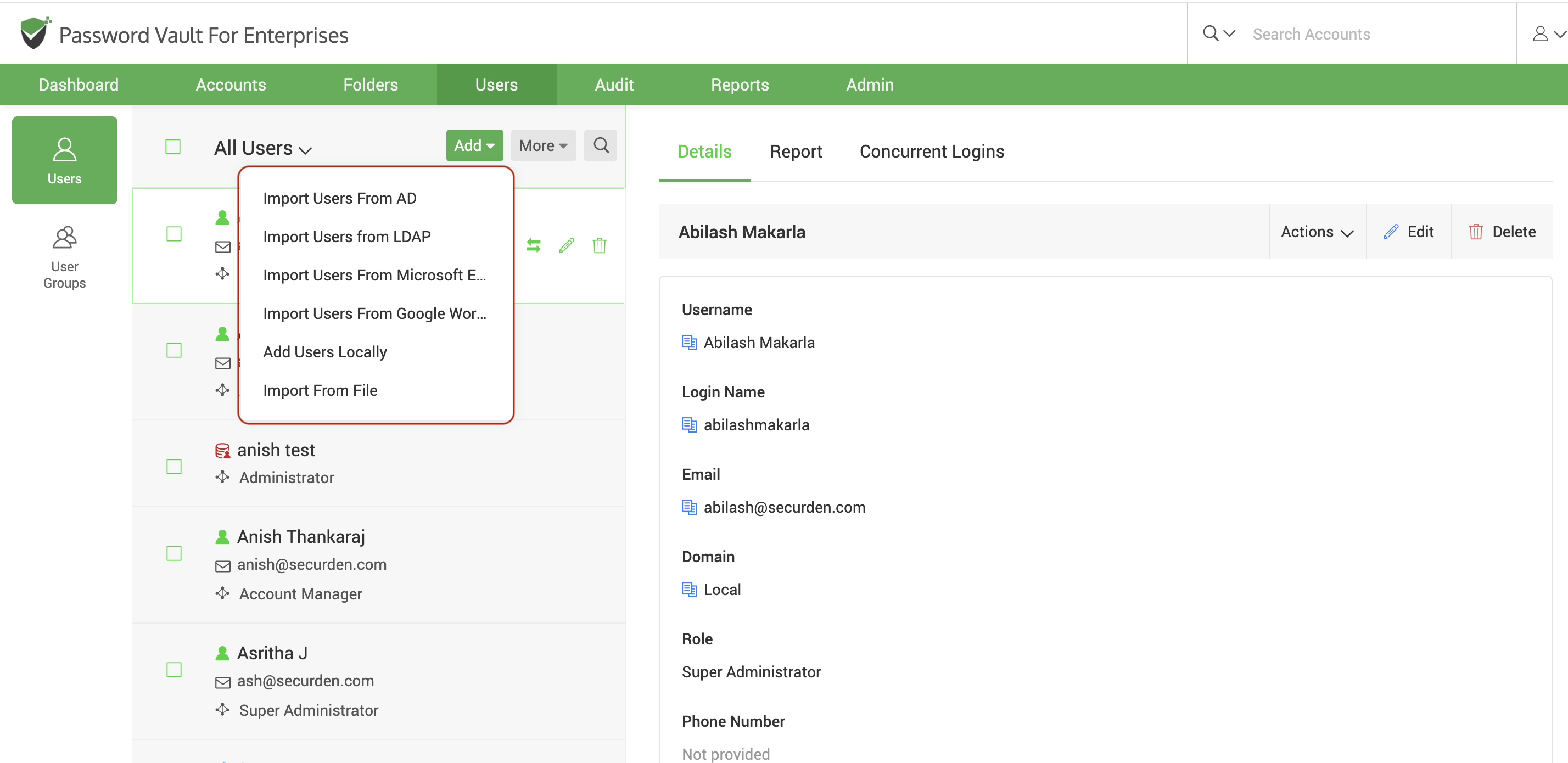
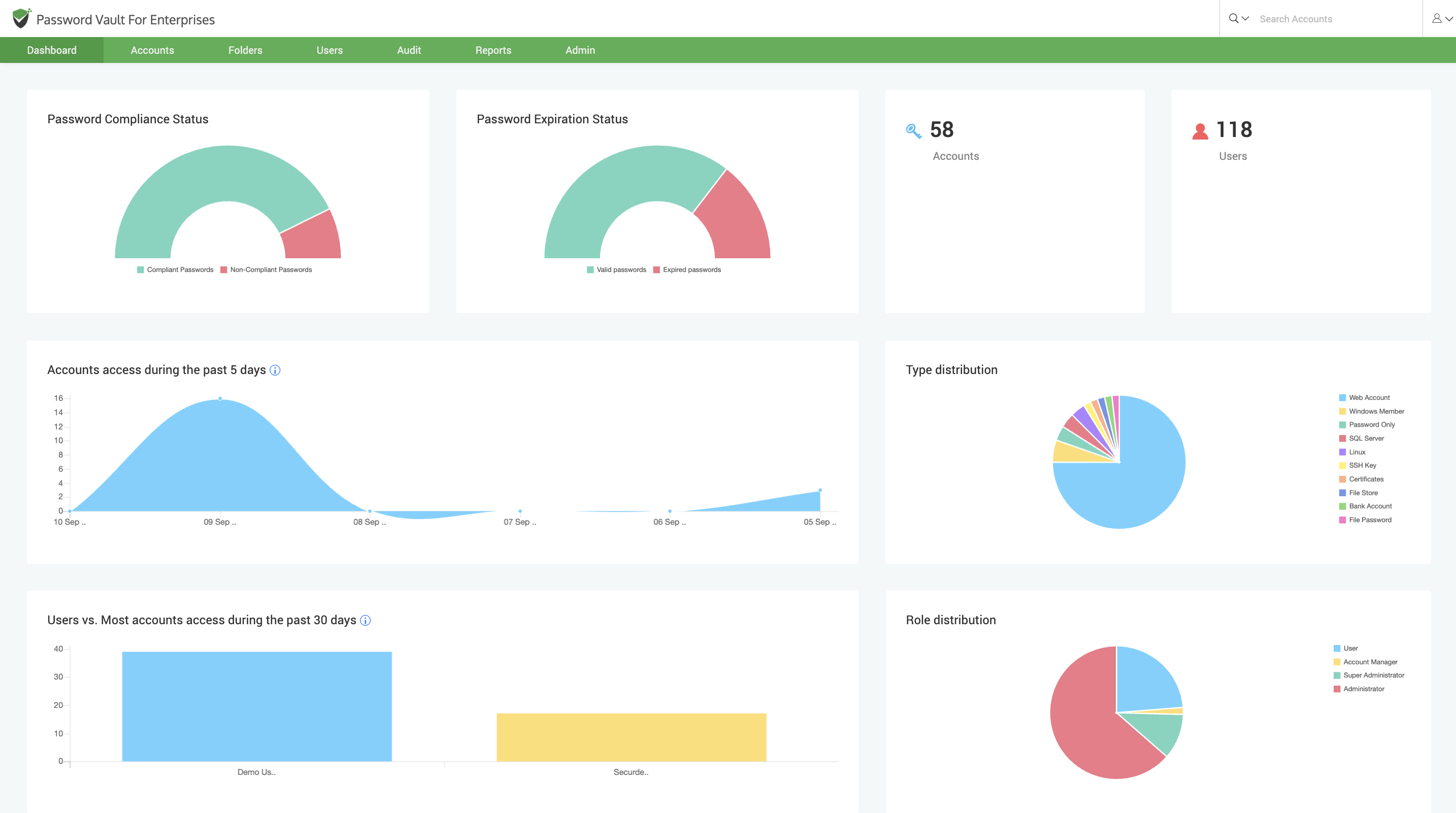
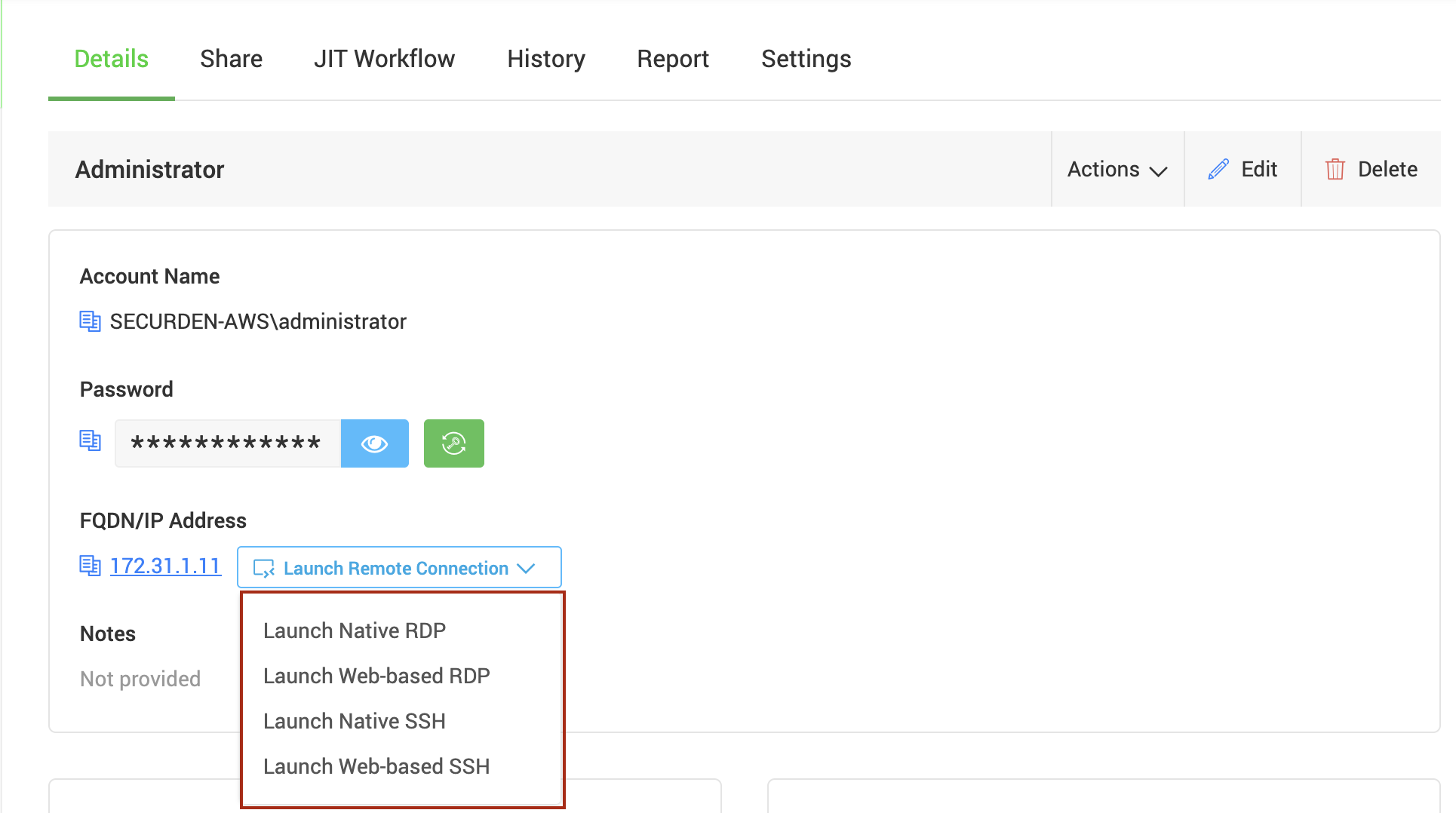
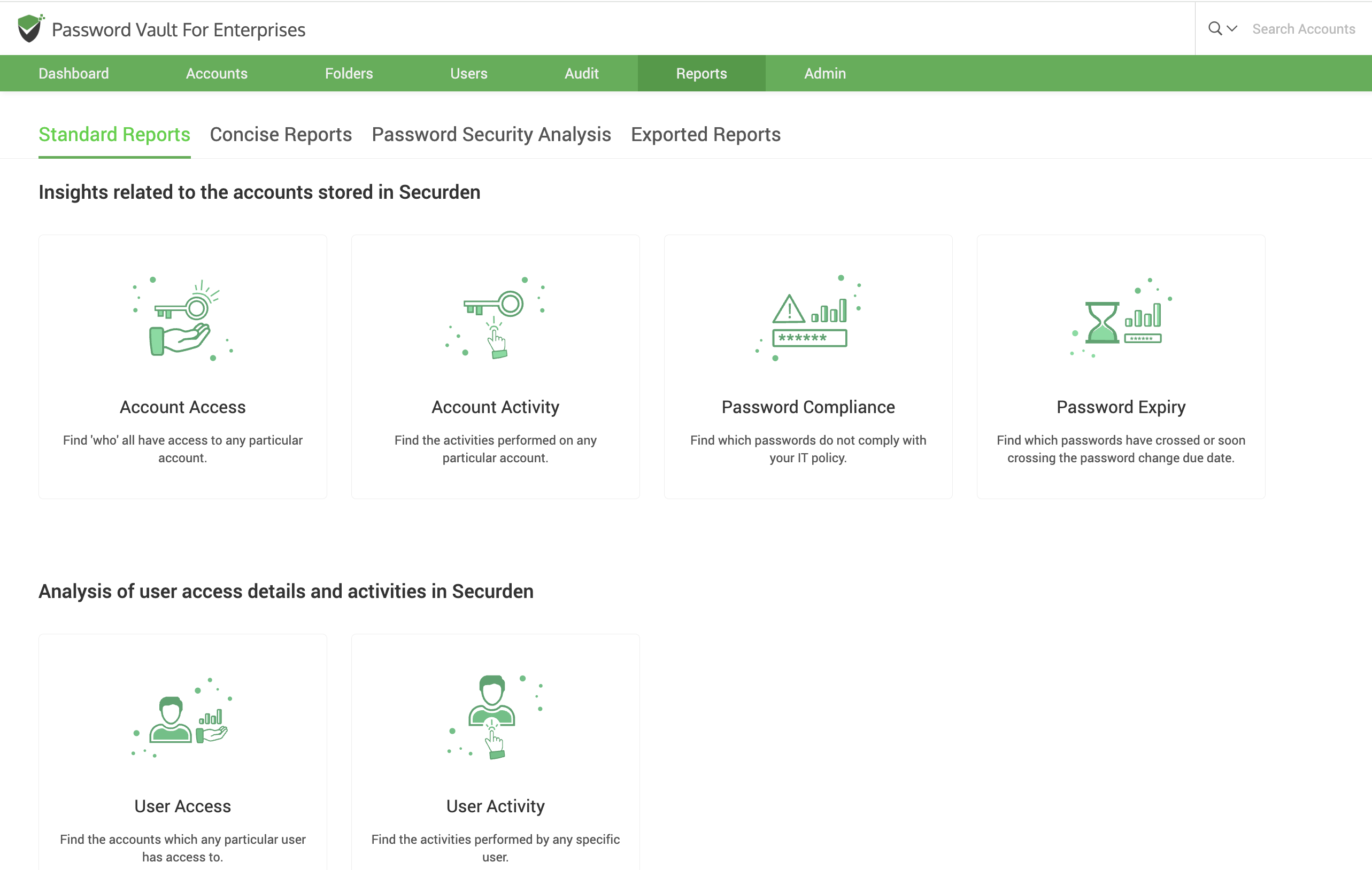
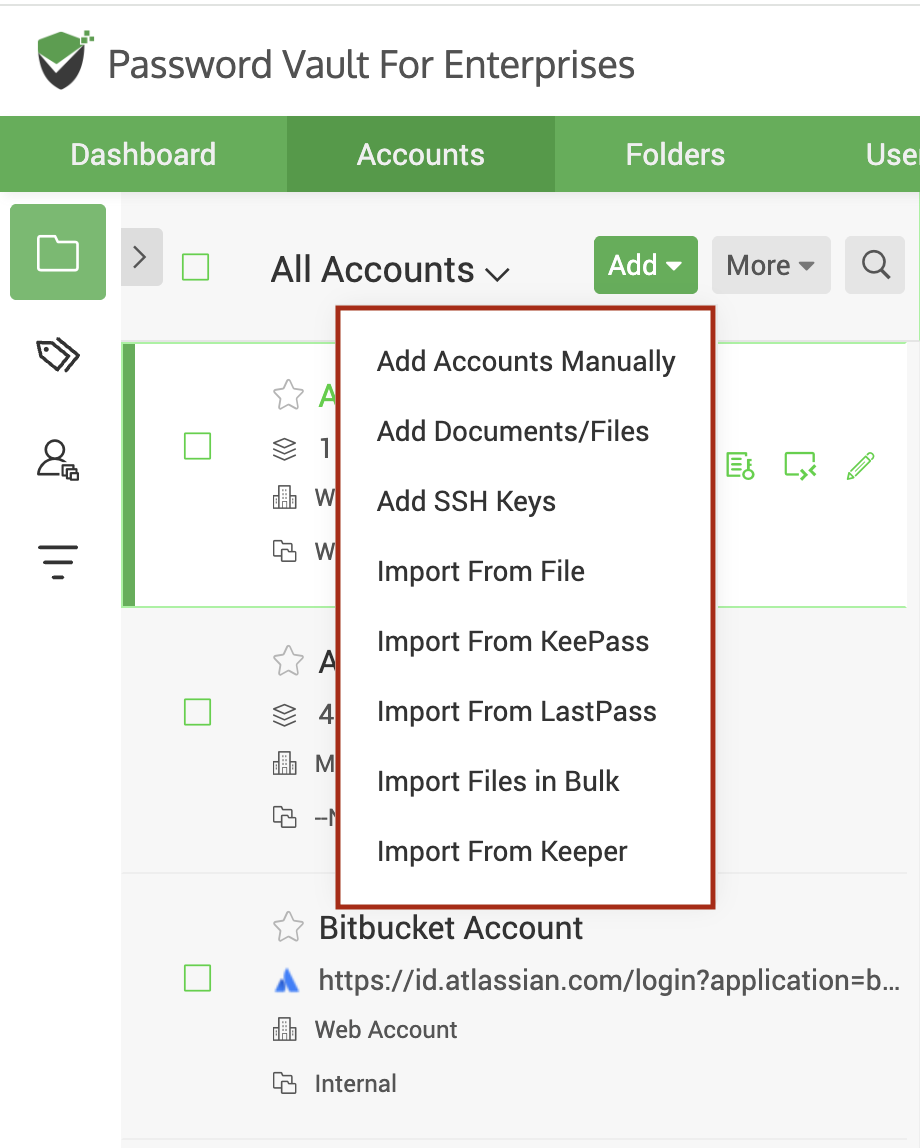
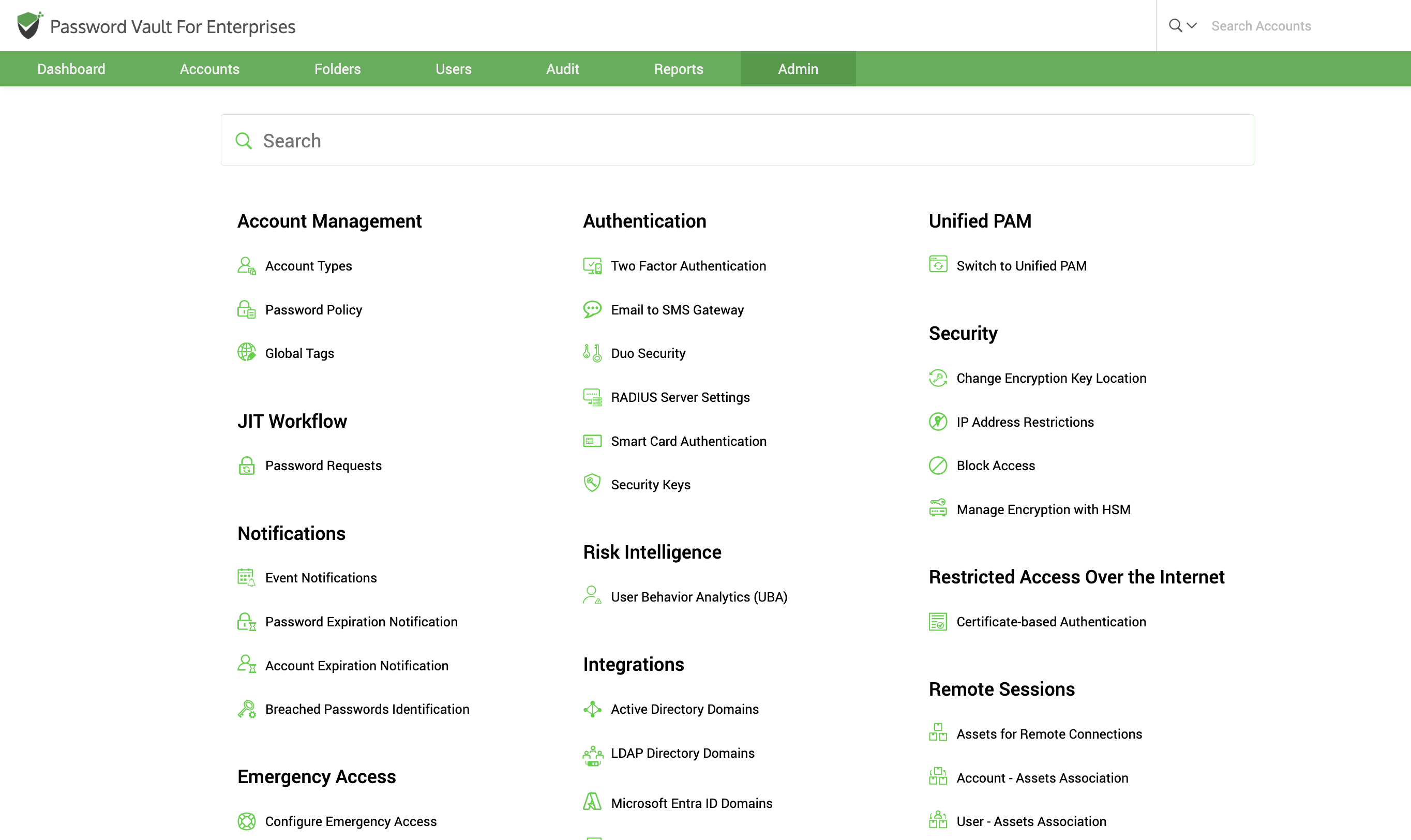
Screenshot of user onboardingScreenshot of the dashboardScreenshot of where to launch remote connections (RDP, SSH, SQL)Screenshot of pre-defined built-in reportsScreenshot of an account additionScreenshot of an admin tab with availability of all the configuration options based on categories