
LaunchBrightly vs. Wistia Record
LaunchBrightly vs. Wistia Record
| Product | Rating | Most Used By | Product Summary | Starting Price |
|---|---|---|---|---|
 LaunchBrightly | N/A | LaunchBrightly’s screenshot automation platform enables users to set up simple automation recipes to auto-generate the latest screenshots of a product and, automatically and continuously, update the screenshots in a help documentation as the product changes. | $275 per month per screenshot generated | |
 Wistia Record | N/A | Wistia Record (formerly Soapbox) is a free Chrome extension that provides screen and video capture and sharing designed to produce quick walkthrough and explanatory videos, content marketing vids or vlogs, or customer stories, with additional features on paid plans, and integration with Wistia for Marketing. | $300 per user/per year |
| LaunchBrightly | Wistia Record | |||||||||||||||
|---|---|---|---|---|---|---|---|---|---|---|---|---|---|---|---|---|
| Editions & Modules |
|
| ||||||||||||||
| Offerings |
| |||||||||||||||
| Entry-level Setup Fee | Optional | No setup fee | ||||||||||||||
| Additional Details | 20% discount for annual pricing. | — | ||||||||||||||
| More Pricing Information | ||||||||||||||||
| LaunchBrightly | Wistia Record |
|---|
| LaunchBrightly | Wistia Record | |
|---|---|---|
| Small Businesses |  Sendspark Score 10.0 out of 10 | Sendspark Score 10.0 out of 10 |
| Medium-sized Companies |  Snagit Score 9.5 out of 10 | Snagit Score 9.5 out of 10 |
| Enterprises | Snagit Score 9.5 out of 10 | Snagit Score 9.5 out of 10 |
| All Alternatives | View all alternatives | View all alternatives |
| LaunchBrightly | Wistia Record | |
|---|---|---|
| Likelihood to Recommend | - (0 ratings) | 8.5 (2 ratings) |
| Support Rating | - (0 ratings) | 8.5 (2 ratings) |
| LaunchBrightly | Wistia Record | |
|---|---|---|
| Likelihood to Recommend | LaunchBrightly No answers on this topic |  Wistia
|
| Pros | LaunchBrightly No answers on this topic | Wistia
 Veronika Vebere Inbound Marketing Manager |
| Cons | LaunchBrightly No answers on this topic | Wistia
|
| Support Rating | LaunchBrightly No answers on this topic | Wistia
Veronika Vebere Inbound Marketing Manager |
| Alternatives Considered | LaunchBrightly No answers on this topic | Wistia
|
| Return on Investment | LaunchBrightly No answers on this topic | Wistia
Veronika Vebere Inbound Marketing Manager |
| ScreenShots | LaunchBrightly Screenshots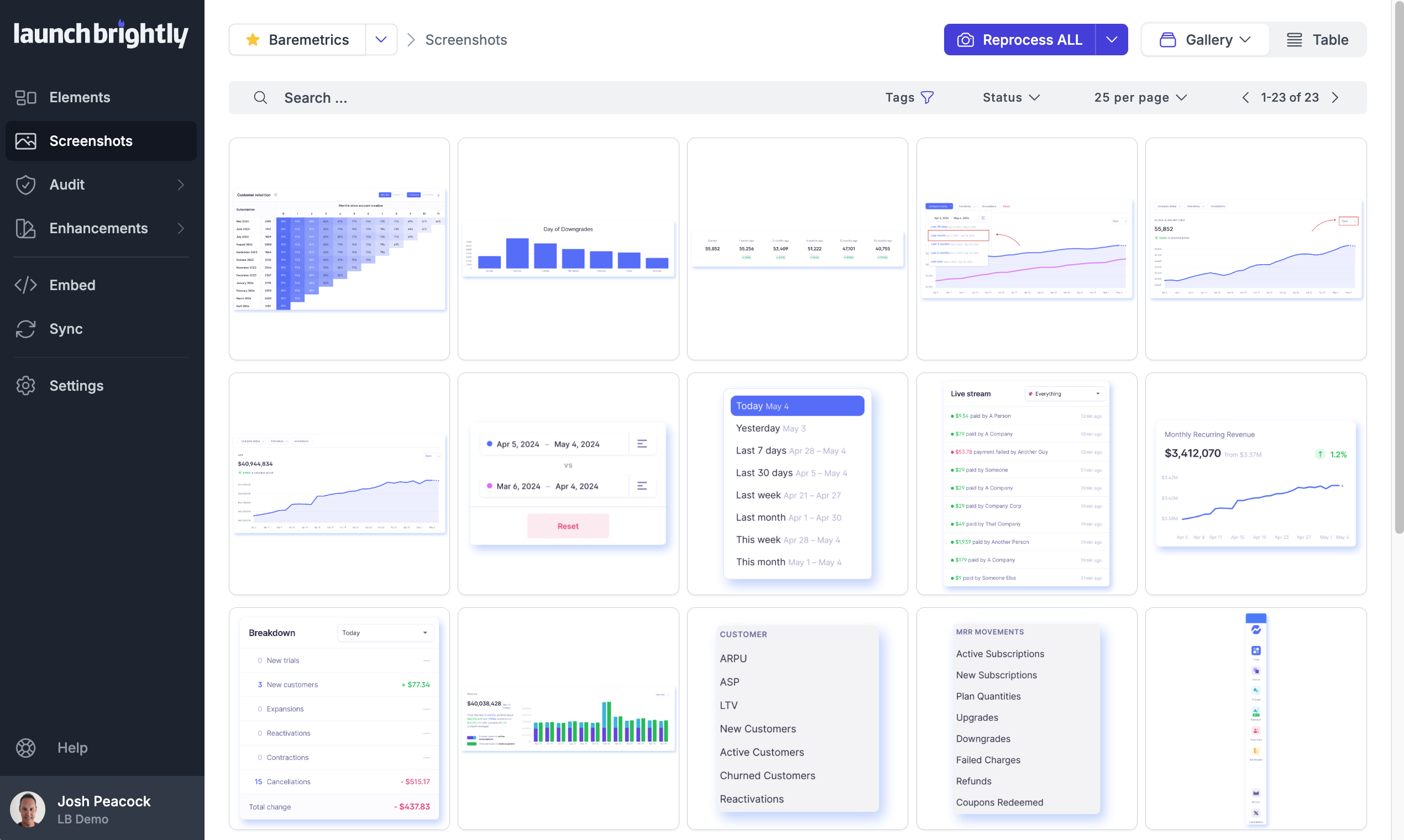 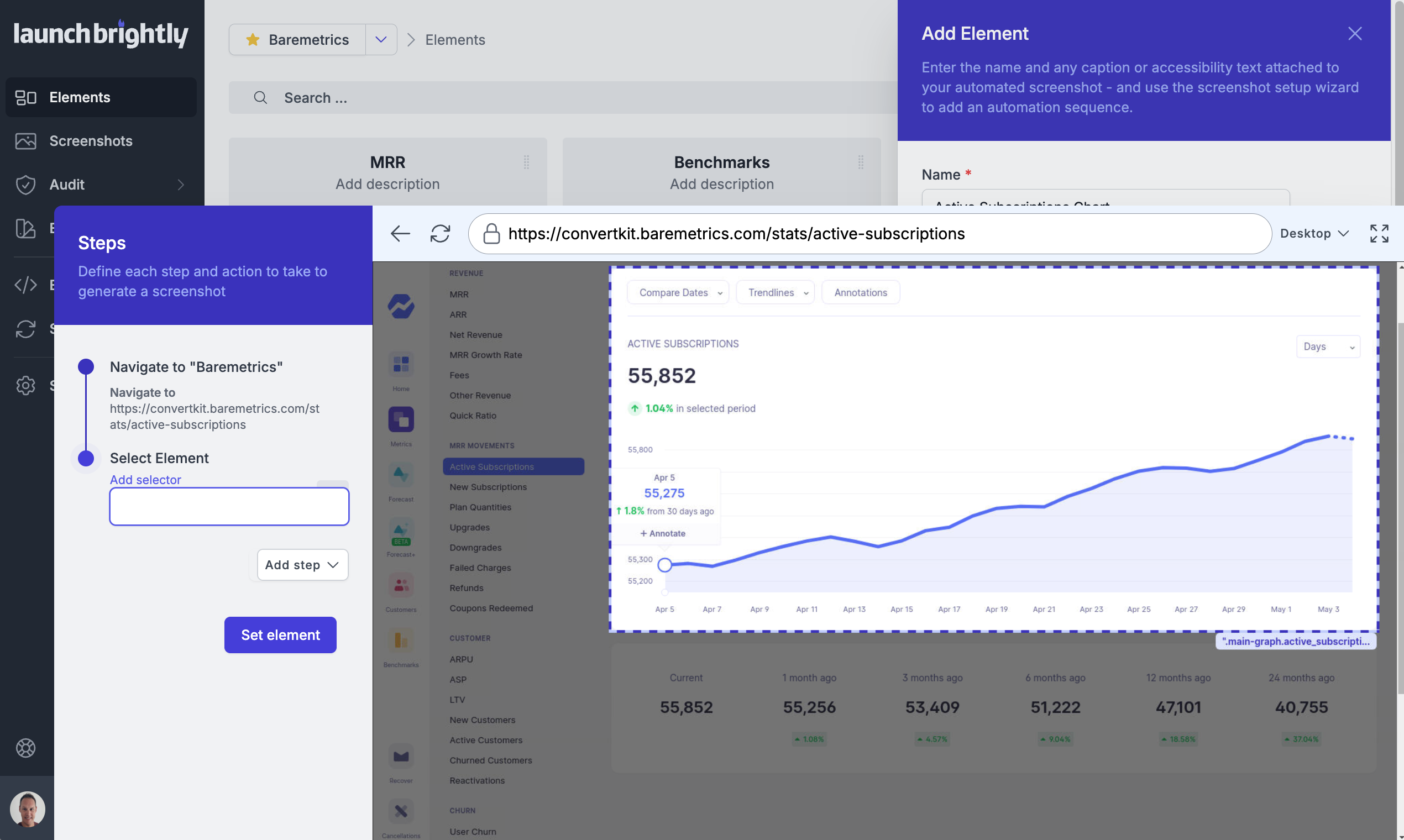 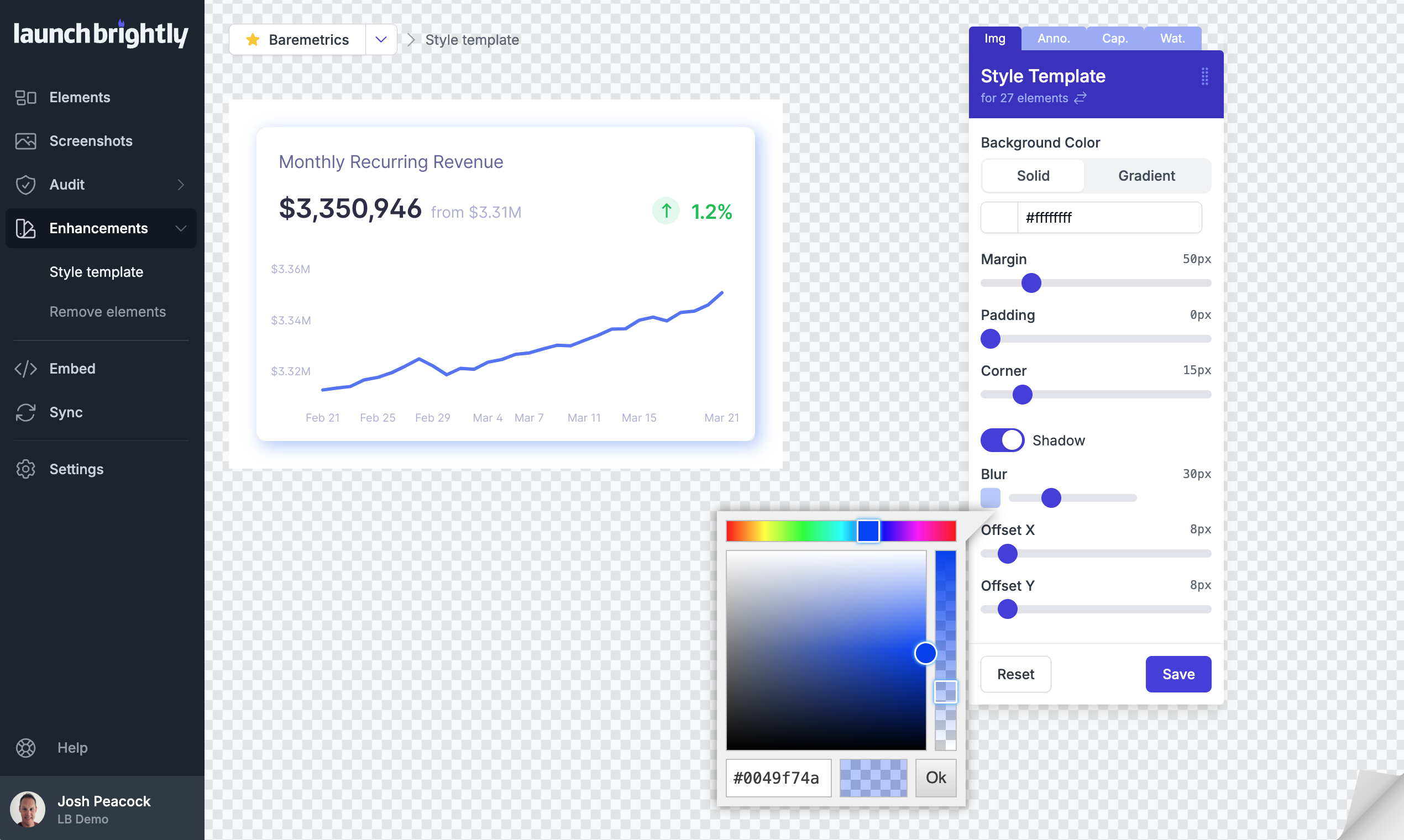 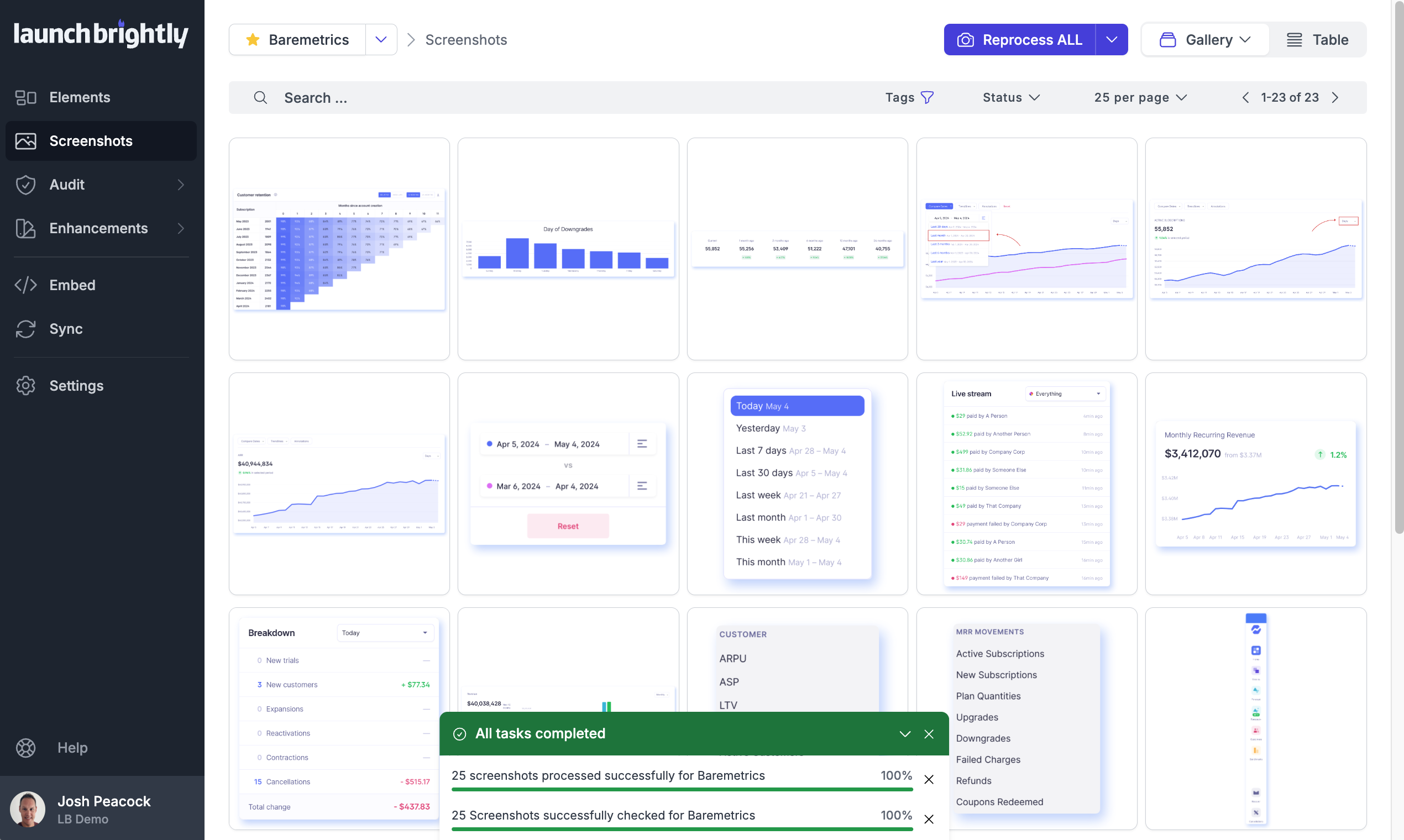 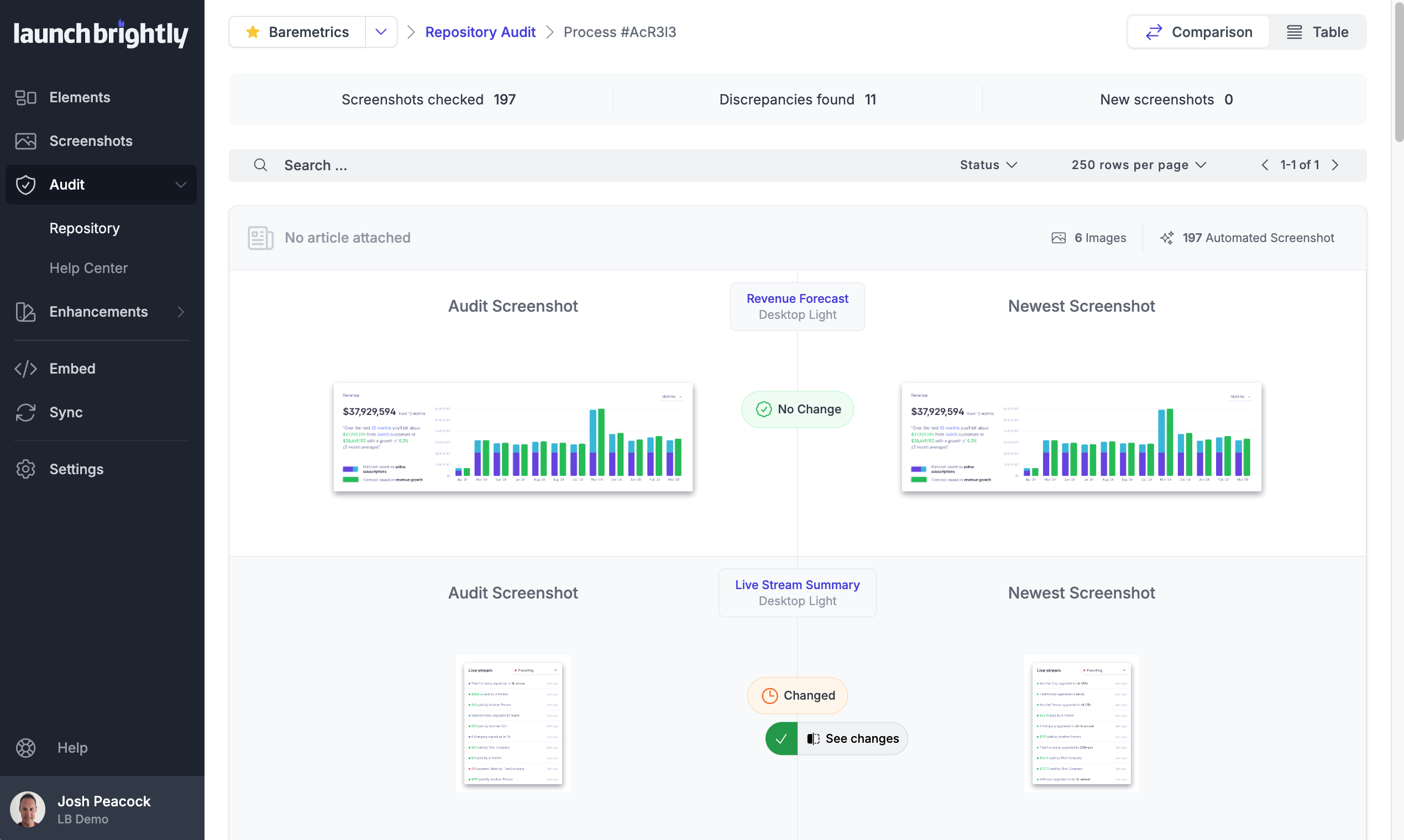  |